Zoho Campaigns Pricing Explained in 5 Numbers (2026)

Oct 22, 202616 min read
Zoho Campaigns is Zoho's email marketing product, and, much like workflow tools such as Activepieces that people wire up around it, it rewards a close look at the details.
Its pricing is three paid-or-free plans plus a trial, with the real bill set by contact tier and billing model, not the headline price.
Divide what you pay by the emails you send. That cost per send is the number to judge, and it moves with five inputs, which this article takes in order:
- Plan, which comes first because it fixes the ceilings on the other four
- Contact count
- Send volume
- Add-ons
- Switching cost
This section covers the first.
I'm giving no dollar figures here. Zoho prices by region and currency, and a number copied from the wrong view would mislead you more than a blank would.
Zoho Campaigns pricing by plan
The table below records how each column behaves on each plan, checked 22 October 2026, so you know what to read off the live page and what it'll commit you to.
| Plan | Monthly price at 500 contacts | Annual-billed price | Contact limit | Monthly email limit | Users included |
|---|---|---|---|---|---|
| Free | No charge | Nothing to bill | Fixed cap | Fixed cap | Smallest allowance |
| Standard | Moves with the contact tier | Discounted against monthly, same tier | Follows the tier you select | Follows the tier you select | Per-plan allowance |
| Professional | Moves with the contact tier | Discounted against monthly, same tier | Follows the tier you select | Follows the tier you select | Per-plan allowance |
| Trial | No charge | Nothing to bill | Capped below paid plans | Capped below paid plans | Per-plan allowance |
Because the Free and trial rows cost nothing but cap you hard, they tell you whether the product works, not what you'll pay. The paid rows only become a price once you fix a contact tier.
Set the region and currency before reading any price. Zoho shows different numbers by locale, so a figure from a forum post or a screenshot may not be the one you are billed.
If you later wire your list into other tools, Activepieces gives you unlimited flows on every plan, including free, and credits only meter AI usage.
Stage 2: Read the table, plan by plan
Start with the limits, not the price. A plan that looks cheap but caps your monthly emails below your real volume forces an upgrade, and that raises the cost per send.
Check the contact limit next, because a list that grows past a tier boundary changes your price in a step, not smoothly. Check users last: a plan that excludes a colleague you need means paying for a second seat or sharing a login.
Zoho Campaigns subscription versus pay-as-you-go credits
You can buy email marketing from Zoho two ways: a subscription priced by contact count, and pay-as-you-go email credits. The subscription suits steady, frequent sending, since the monthly fee is fixed however often you mail.

When sends are rare and large, credits suit better, since you stop paying when you stop sending. Work out your sends per month before choosing, because picking the wrong model is the easiest way to overpay.
If you are running this arithmetic for your own team, see what the same workload costs on Activepieces.
What Zoho Campaigns costs at realistic list sizes
At 10,000, 25,000 and 50,000 contacts, Standard costs $49, $86 and $138 a month, so a list five times larger costs only about 2.8 times as much.

Per contact, Standard works out to roughly 0.49 cents at 10,000, 0.34 at 25,000 and 0.28 at 50,000. Growth gets cheaper per head, though the monthly bill still climbs.
Because each step changes what the next one shows, the order matters. The steps below turn those figures into your own total.
- Pick the plan tier.
- Enter your contact count in the calculator.
- Set emails per month.
- Choose monthly or annual billing.
- Add a dedicated IP at $35/month if you need one, so your monthly bill goes up by $35 if that feature applies.
- Read the total.
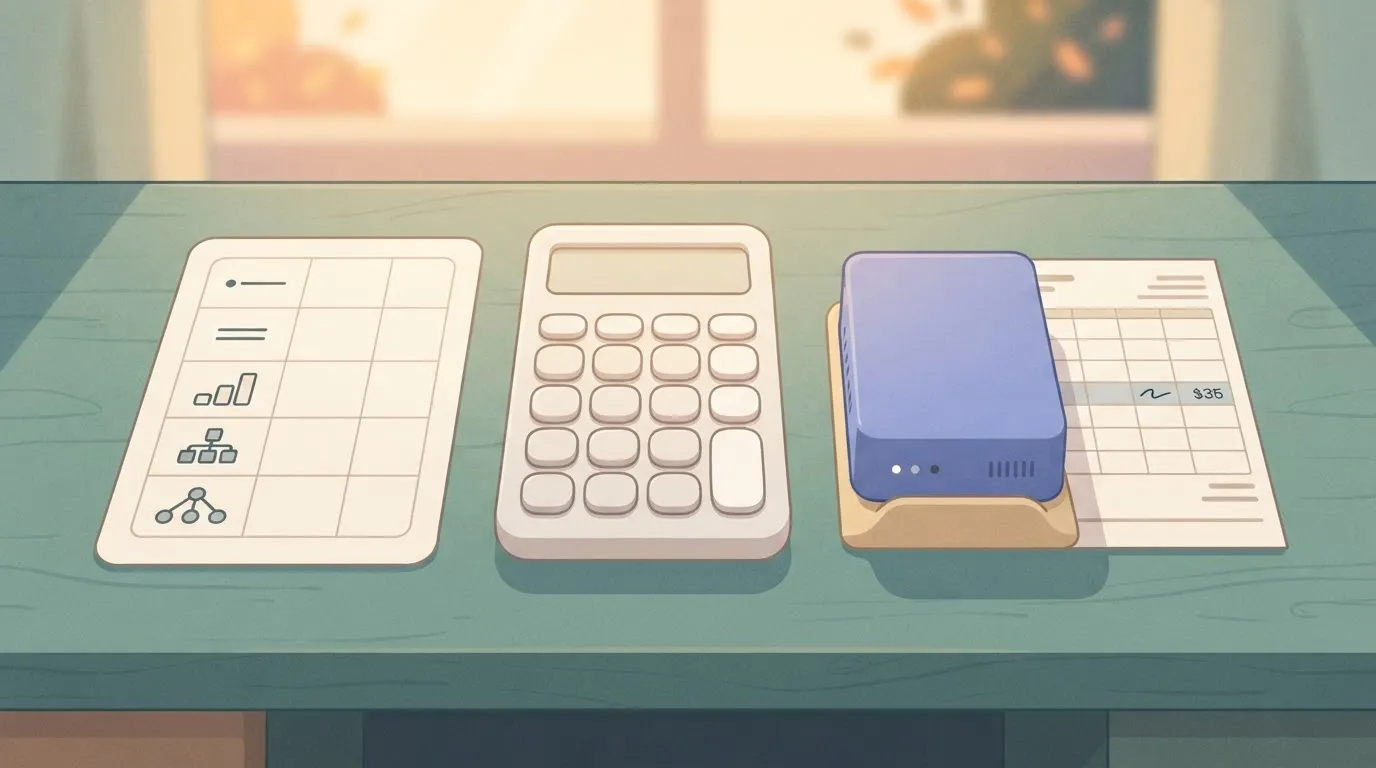
Trust the total only as far as you trust step 3. Contacts set the price bracket, but sends decide whether the bracket you chose is the right billing model at all.
Zoho Campaigns cost examples at three list sizes
At 10,000 contacts mailed monthly, you send 10,000 emails a month, and the $49 Standard price is the whole story.
At 25,000 mailed weekly, you send about 100,000 emails a month, so the $86 price now sits next to a volume worth checking against the email-based model.
Test the $138 contact-based figure hardest at 50,000: a large list mailed daily sends around 1.5 million emails a month, because daily frequency multiplies your volume thirtyfold while the contact count stays flat.
Zoho Campaigns limits and add-ons that change cost
$35 a month for the dedicated IP is about 71% on top of the $49 bill at 10,000 contacts but only about 25% on top of $138 at 50,000.
So the add-on is worth most to large senders, and it's the first line to question for a small list.
Check which features your tier gates and how Zoho counts a subscriber before you trust the calculator. A duplicate or inactive address counted as a contact raises your bracket without raising your revenue.

What happens when you exceed your plan
When a list crosses a contact boundary, you move into the next bracket, because pricing is a step chart. The cost of the last few hundred contacts can be far higher than their share.

Read the overage terms on your own account before a large campaign. A send that runs past your allowance is the one cost that never appears in the calculator.
Zoho Campaigns against Mailchimp, Brevo and MailerLite
Priced against Mailchimp, Brevo and MailerLite on the same list, Zoho Campaigns isn't automatically the cheapest. The four meter you differently, and the metering decides which bill grows faster.
To see how each vendor charges, how deep its automation goes and how well it fits a Zoho CRM team, use the table below. Read the pricing-model column first, since it tells you whether list growth or send frequency drives your cost.
| Pricing model | Automation depth | Fit for Zoho CRM teams | |
|---|---|---|---|
| Zoho Campaigns | Contacts, or email volume | Solid for lifecycle and CRM-triggered journeys | Native sync with CRM fields |
| Mailchimp | Contacts | Broad, with more advanced flows on higher tiers | Connector needed |
| Brevo | Sends | Strong, including transactional email | Connector needed |
| MailerLite | Subscribers | Lighter, simpler builder | Connector needed |
Check the live page before you commit, because each vendor publishes its own current prices. A figure copied from a comparison article is stale the day the vendor edits it.
Price at 1,000, 10,000 and 50,000 contacts
Even if you send rarely, contact-billed tools cost more as the list grows. Send-billed Brevo does the opposite: a large, quiet list costs little, but a weekly newsletter to the same list multiplies the bill.
At 1,000 contacts the gap between vendors is small. At 50,000 the pricing model matters more than the headline rate.
Not every free plan stops you in the same place. Some cap contacts, while Brevo's free plan caps daily sends.
A contact cap stops you at list size, and a send cap stops you mid-campaign. The second failure is the one you notice after the audience has already been chosen.
What it costs to leave: data that moves and data you rebuild
No pricing page shows what migration costs. According to Bento's migration guide, only 3 of 7 kinds of Zoho Campaigns data import directly.
A contact cap stops you at list size, and a send cap stops you mid-campaign. The second failure is the one you notice after the audience has already been chosen.
The other 4 are rebuilt or left behind, which means that more than half of your setup becomes labor, not a file upload.

Count that labor in hours before you treat a lower monthly rate as savings.
When staying inside the Zoho ecosystem wins
Zoho wins when your contacts already live in Zoho CRM and your campaigns branch on CRM fields. Native sync removes the connector, its failure modes and the rebuild of the 4 data types above.
If your list is large and rarely mailed, Zoho is the weaker choice, because Brevo's send billing undercuts it. It's also weaker when you need only a simple newsletter that MailerLite handles with less setup.
Those comparisons settle the platform question, but they leave open the add-ons and send overages that sit on top of the plan.
Worth checking against a plan that does not meter every step: one credit covers a whole run on Activepieces.
Keeping Zoho Campaigns lists current with Activepieces
Beside the plan sits a hidden cost: the hours someone spends moving contacts into Zoho Campaigns lists by hand. Activepieces, an MIT-licensed automation tool with 744 integrations, removes that labor without changing what the plan itself costs, so most connections are already pre-built.
Price that labor the way you would price anything else. If a person exports a CRM view, cleans a spreadsheet and uploads it to a list each week, the time is a recurring line item, and it never appears on a Zoho invoice.
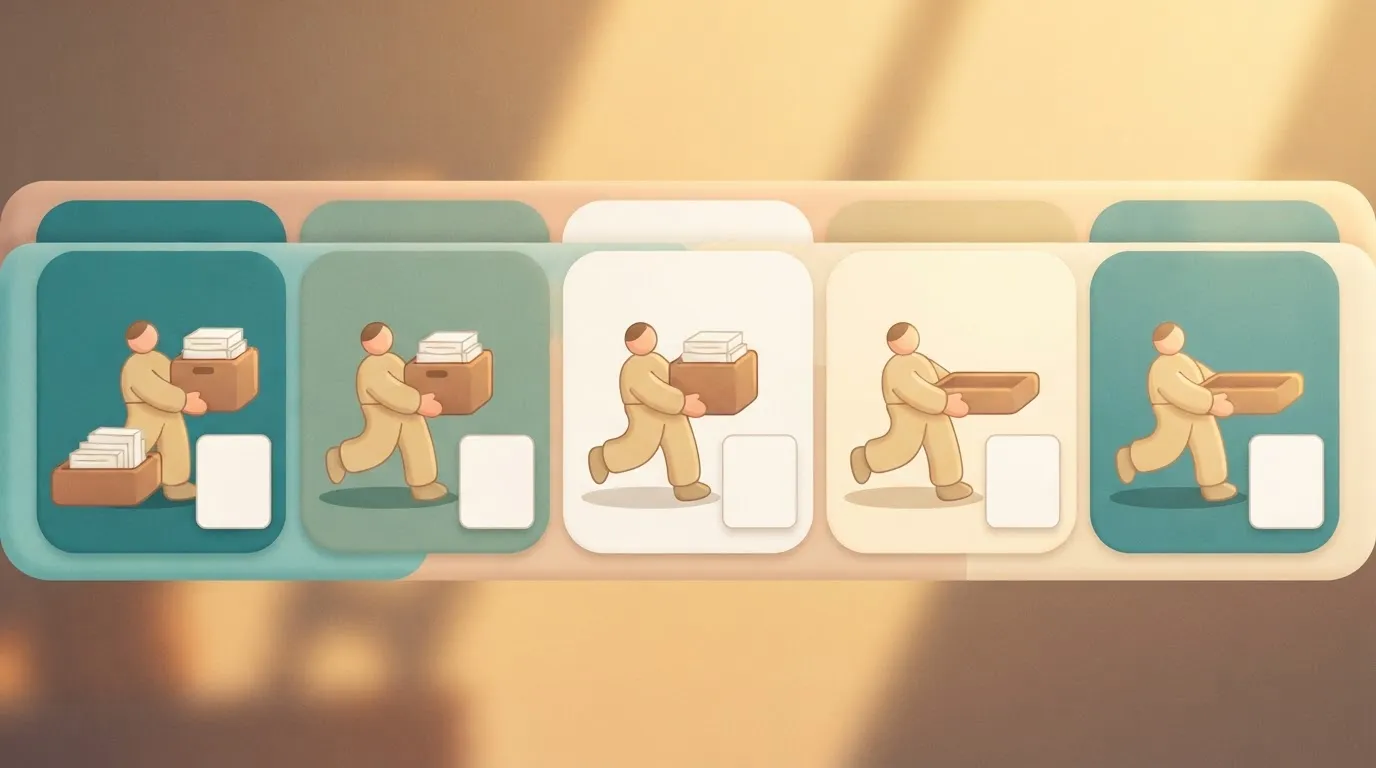
When someone builds the list by hand, a contact who signed up on Tuesday misses Wednesday's send, and that's a lost send you already paid for.
Native Zoho options first
Start with Zoho's own tooling, because it costs nothing extra to try. Campaigns offers signup forms you can embed on a site, and these write new subscribers straight into a chosen list.
It also offers file import for spreadsheets and a connection to Zoho CRM for syncing contacts.
If your sources are one web form and Zoho CRM, these may cover you entirely, so a third tool would be redundant overhead.
When the sources multiply or the rules get specific, the gaps appear. A native sync won't help if leads also arrive through a form from another vendor or a sheet a sales rep maintains.
Check what your plan includes for CRM integration before assuming it's covered, since that's a plan-level question and belongs with the first number in this article.
Merging Zoho Campaigns contacts from multiple sources
Activepieces fits when contacts come from several places and you want them landing in one list without anyone touching a file; with 744 integrations, roughly 60% of them community-contributed, the number of sources is rarely what stops it, meaning you're relying on volunteer maintenance for most integrations.
Begin the flow with a trigger, such as a new form submission, a new CRM record or a new row in a Google Sheet. It then passes the contact to a Zoho Campaigns step that adds it to a mailing list.
Three sources feed one flow, and the flow makes one write into one list; the illustration below shows the shape.
Take from it that the list has a single point of entry, so any cleanup you add, like trimming whitespace or skipping blank emails, happens once rather than three times.
Check the Zoho Campaigns connector before you design anything. All 744 Activepieces integrations are counted from an open source monorepo on GitHub, so the actions it supports are there to read, and you should build only around actions it names.
If the one you need isn't listed, you have found a manual step the tool won't remove.
With contacts flowing in automatically, the next question is what that does to the bill.
What it does not change about the bill
Do not expect automation to shrink your contact count or reduce what you send. Zoho still prices your plan on the contacts in your lists and the volume you mail.
Fill a list faster with a flow and you can reach a higher contact tier sooner. Treat it as a reason to watch the count, not a way around it.
Activepieces also carries its own pricing, which you should add to the total rather than ignore: Cloud's free plan is $0 with 1,000 credits a month and unlimited flows, which means you'll exceed the limit quickly if you automate much, and Plus is $20 a month.
Narrow but real: it pays off when manual list-building is your biggest recurring cost, and it does nothing for the other four numbers.
Monday checklist for choosing your Zoho plan
Choose a plan only after you have worked out what your real list costs to mail. Verify that estimate with an actual send before you commit any budget to it. Automation tools can't help with that arithmetic, so it falls to you.
Before you pay for Zoho Campaigns
In this category, pricing scales with the number of contacts you store, not the number who read your mail. Every stale address you carry is therefore billed at the same rate as your best customer.
Before the meter starts, the first three steps shrink the list, so the plan you pick is sized to people who read what you send.
- Count the real list. Export every source you plan to import (your CRM, your spreadsheet, your checkout tool) and merge them. Duplicates across sources are the usual reason the number in your head is higher than the number you'll be billed for.
- Remove inactive subscribers. Strip anyone who hasn't opened or clicked in a long stretch, or run one re-engagement email and drop the silent ones. A smaller list can land you in a cheaper tier, and it keeps your sender reputation from being dragged down by addresses that never respond.
- Choose monthly or annual. Annual billing usually costs less per month, but it locks in a plan sized to today's list. If your list is still growing or you're unsure the tool fits, start monthly and pay the premium for the right to leave.
Those three steps give you a contact count you can defend, so you're not exposed if questioned. What remains is proving the tool behaves the way the pricing page implies.
Though pricing pages describe limits, only a real campaign shows how those limits feel. The last two steps cover that test and the habit that keeps the bill from drifting, which means costs remain stable.
Fourth, run a real send on the free plan or trial. Use a genuine segment and a genuine email, not a test to your own inbox.
Check how your list imported, whether the send limits constrain you, and how the add-ons you assumed were included are actually priced.
Hit a surprise here and it costs you an afternoon, while the same surprise on an annual contract costs you a year.
Fifth, set a reminder to re-check pricing. Put a recurring calendar entry in place to review the pricing page and your invoice, and to prune inactive contacts again.
Vendors change tiers and your list keeps accumulating dead weight, so a plan that fit at signup will quietly stop fitting.
Once the reminder is set, you have a measured bill instead of a sticker price, and you can fairly compare it with the alternatives.
Frequently asked questions
Does Zoho Campaigns have a free plan?
Yes, there's a free plan, but it's capped on both contacts and monthly sends, and new campaigns can be held for review before they go out.
Treat it as a test bench for your list and templates, not a place to run a newsletter. The cost per send is zero until you hit a cap, and then the plan stops working or you pay.
Does Zoho Campaigns charge for unsubscribed contacts?
Check the contact count your account reports rather than assuming, since billing follows that figure. Unsubscribed addresses stay on file so Zoho can keep honoring the opt-out.
Note the count on your billing page, remove or archive the contacts you no longer need, and note it again. If the number doesn't move, you're paying to store people who will never receive a message.
Can I switch between subscriber-based and email-based pricing?
Yes, you can change models from the plan settings in your account. The catch is the arithmetic.
The two models charge on different things (list size versus send volume), so a list that sends rarely favors one and a small list that mails often favors the other.
Work out your monthly sends first, then compare the two totals before you click. Also check what happens to any prepaid email credits you haven't used.
Is there a discount for annual billing or nonprofits?
Toggle the billing period on the page and you will see that annual billing is generally priced below paying month to month. Read that page rather than assuming the discount applies to every tier.
For nonprofits, don't assume a discount exists. Ask Zoho support in writing and get the answer and any eligibility conditions in an email. A price that depends on a conversation is a price you should have on record before you commit.
What happens to my contacts if I cancel Zoho Campaigns?
Export your lists before you cancel. Once an account lapses, your access to the data is no longer guaranteed. Your contacts are your asset, and the export is the only copy you fully control.
Keep the unsubscribe and bounce records with the active contacts, because losing them means you might re-mail people who opted out. If you move to another sender, that file is also what makes your switching cost a one-time import instead of a rebuild.
Related reading
References
Running the numbers
See what the same workload costs here.
Free forever plan, and every paid plan self-hosts at no extra cost.
See pricing Talk to sales