Default Behavior
When users connect to services like Google Sheets or Slack, they see “Activepieces” as the app requesting access. This works out of the box with no setup required.Why Replace OAuth2 Apps?
- Branding: Show your company name instead of “Activepieces” in authorization screens
- Higher Limits: Some services have stricter rate limits for shared OAuth apps
- Compliance: Your organization may require using company-owned credentials
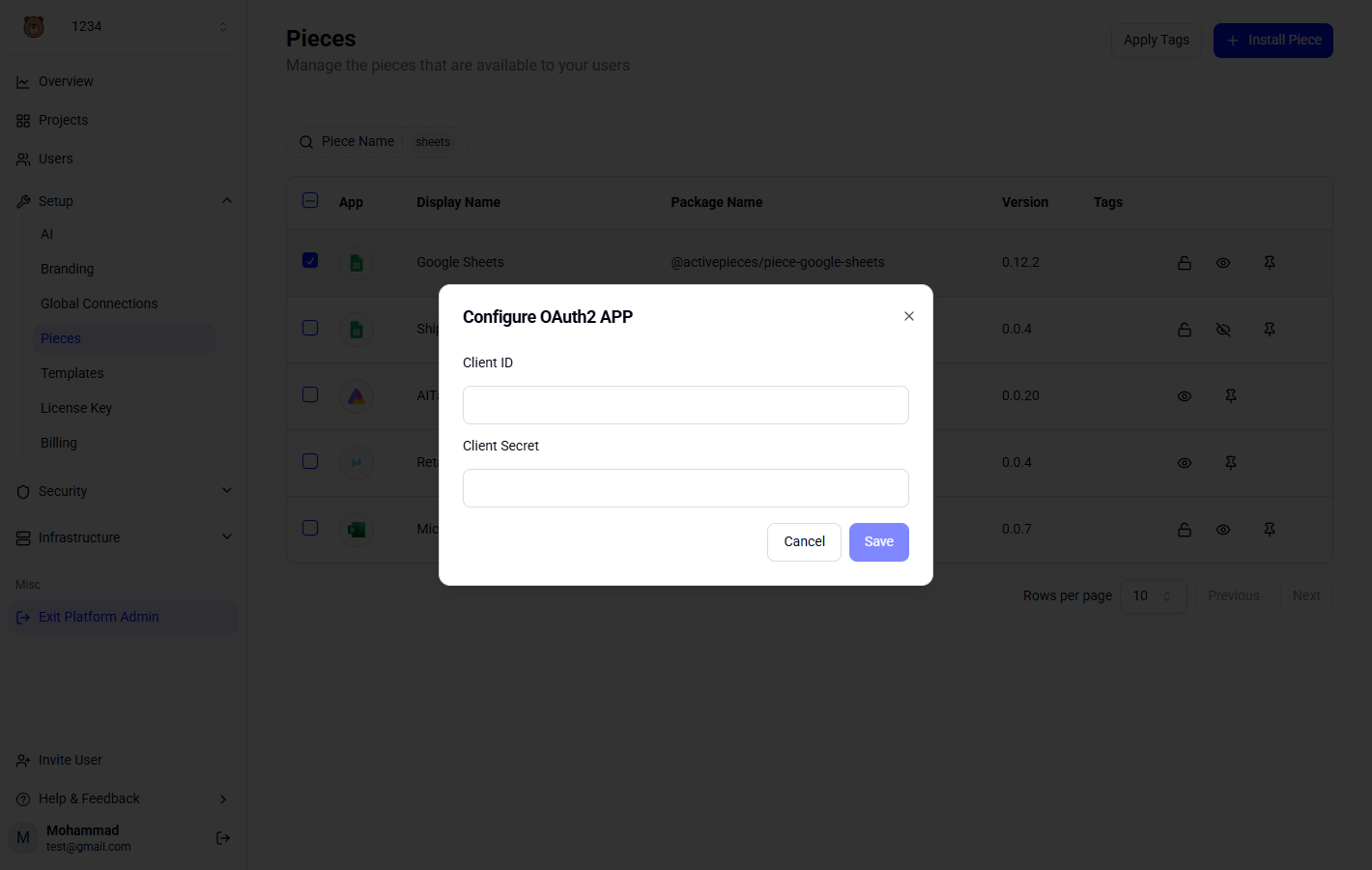
How to Configure
- Go to Platform Admin → Setup → Pieces
- Find the piece you want to configure (e.g., Google Sheets)
- Click the lock icon to open the OAuth2 settings
- Enter your own Client ID and Client Secret