- Availability: The application remains lightweight, allowing workers to be scaled independently.
- Security: Workers lack direct access to Redis and the database, minimizing impact in case of a security breach.
1
Create Worker Token
Generate a worker token with the Activepieces CLI — no repository checkout needed:When prompted, enter the same
AP_JWT_SECRET used for the app server. The generated token will be displayed in your terminal — copy it and use it in the next step.2
Configure Environment Variables
Copy this into the
.env file on the worker machine — these are the recommended settings based on the Production Setup:3
Launch Worker Machine
Launch the worker machine and supply it with the generated token.
4
Verify Worker Operation
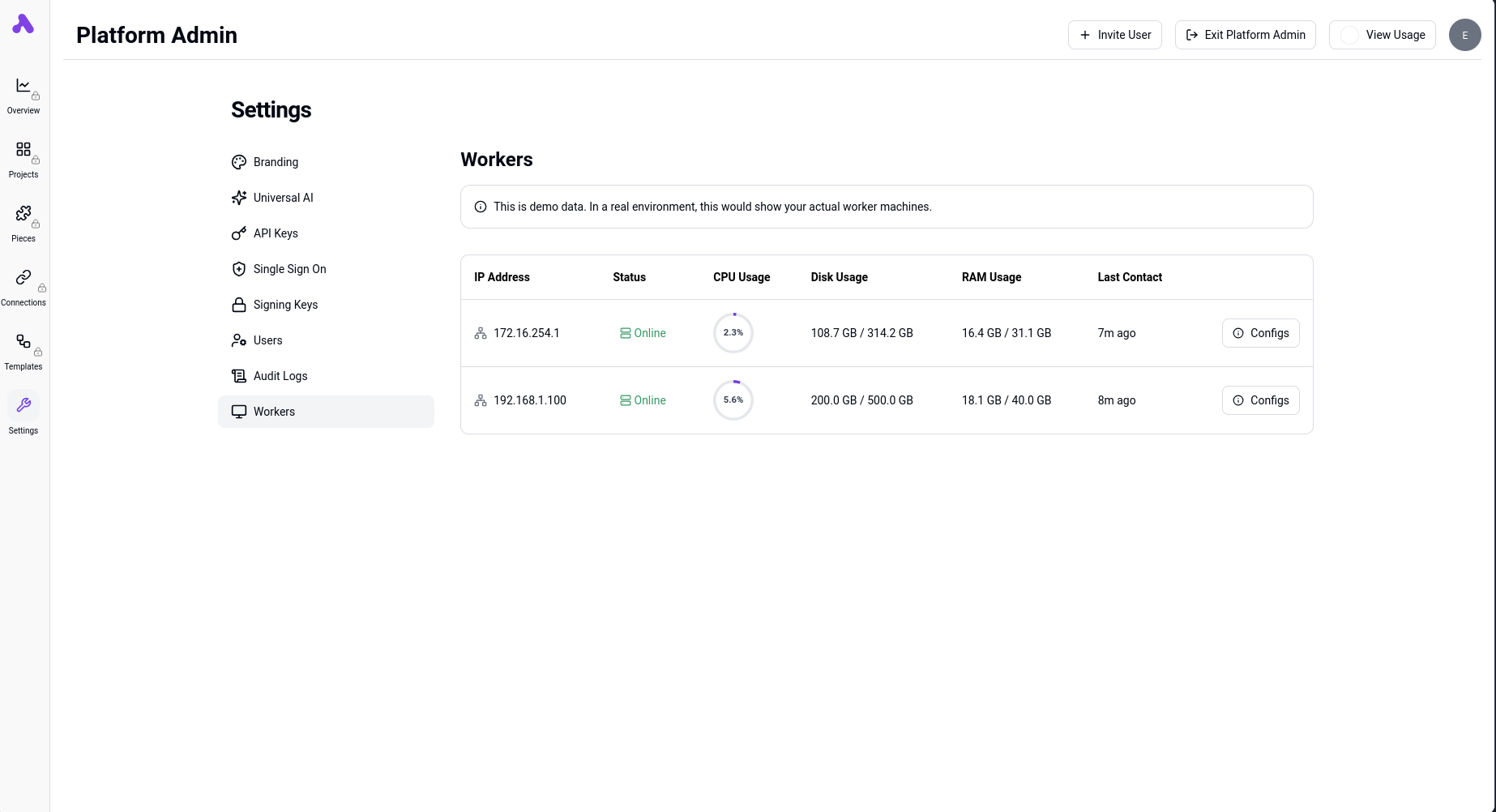
Verify that the workers are visible in the Platform Admin Console under Infra -> Workers.