Automate Microsoft Entra ID: 4 Ways to Do It (2026)

Nov 16, 202617 min read
The fastest path is a Microsoft Graph call from a least-privilege app registration: create the user, set usageLocation, assign the license, and add them to a group.
Use the other three routes only where Graph is more than the job needs, such as a no-code flow built in Activepieces when someone outside engineering will own it. Expect about 45 minutes to a working flow, so you won't be operational immediately.
Automating Microsoft Entra ID is the practice of using scripted or workflow-driven calls, most often to Microsoft Graph through a least-privilege app registration, to create, update and remove identities, group memberships and access without doing each step by hand in the admin portal.
When you connect anything to Microsoft 365, Microsoft Entra ID is what holds the users, groups and app sign-ins, for Microsoft 365 and for anything else you connect to it. It is Microsoft's cloud identity service.
This article's flow creates a user and adds them to a group. The docs and limits below were checked on 16 November 2026.
Microsoft Entra ID automation: the fastest working path
Most failed flows die on a 403 or a licence gate, and logic is rarely what kills one. That's why the table below leads with limits and licences.
Most failed flows die on a 403 or a licence gate, and logic is rarely what kills one.
Graph's the API underneath everything. Lifecycle Workflows, dynamic groups and provisioning are built-in features that cover narrower jobs. If one of them fits, it costs you less code to maintain.
Graph, Lifecycle Workflows, dynamic groups, provisioning compared
Read the last column first: a hit limit forces a redesign, while extra setup effort only costs time. The table shows what each route costs to set up, what it needs you to own, and where it stops.
| Route | Setup effort | Licence needed | Main limit |
|---|---|---|---|
| Microsoft Graph | Highest: app registration, permission grants, your own code | No paid tier for basic user and group calls | Throttling, and every permission you grant is a permission that can be abused |
| Lifecycle Workflows | Medium: configured in the portal | Entra ID Governance | 100 workflows per tenant, 10 users per on-demand run |
| Dynamic groups | Lowest: one membership rule | Entra ID P1 | Membership follows user attributes only, so it can't run arbitrary steps |
| Provisioning | Medium: connector and attribute mapping | Entra ID P1 for most setups | Runs on Microsoft's sync cycle, so changes are not instant |
If your trigger is "an attribute changed," a dynamic group needs no code at all. If it's "a person joins on Monday," Lifecycle Workflows fits, within the 10-user on-demand cap.
Anything else, including a flow that must also touch a ticketing system, goes to Graph. Activepieces, whose core is MIT-licensed, can sit on top of it, calling the same endpoints.
Microsoft Entra ID licence requirements and pricing
$7 per user per month is what Entra ID P1 costs, per APIs.io. That's the floor for dynamic groups, so 500 users is $3,500 a month before you automate anything. P2 costs $10, which only pays off if you need its extra identity-protection features.
If Lifecycle Workflows is on your shortlist, price the Entra Suite first. According to APIs.io, it costs $12 per user per month and bundles Governance, which means your bill increases with each team member.
viz type=stackrank title="What Entra paid tiers cost per user each month" unit="$ per user per month" source="APIs.io - https://apis.io/plans/microsoft-entra/microsoft-entra-plans-pricing/"0 and the Entra Suite at Check the group you're targeting against what you license before you build.
This takes minutes, not a project: automate it in Activepieces free.
Register an app and grant permissions
Register one app in the Entra admin center and give it only User.ReadWrite.All and GroupMember.ReadWrite.All as application permissions. Grant admin consent, then confirm a token comes back with the right roles in it.
Register the application
Go to Entra ID, then App registrations, then New registration. Name it for the job, not the person who built it, and keep the default single-tenant account type.
Once it's created, copy the Application (client) ID and the Directory (tenant) ID from the Overview page. Every later step needs both, and a workflow that points at the wrong tenant fails with an error that looks like a permissions problem.
Create a client secret or certificate
Under Certificates & secrets, add a client secret or upload a certificate. The secret's value is displayed once. Copy the Value column, not the Secret ID beside it, because the ID looks right and authenticates nothing.

Prefer a certificate for anything unattended. A secret expires on a date someone chose months ago, and the first symptom is a job that worked yesterday returning an authentication error.
Add Graph permissions and grant admin consent
Open API permissions, choose Add a permission, then Microsoft Graph, then Application permissions. Add User.ReadWrite.All and GroupMember.ReadWrite.All. Then select Grant admin consent. Skip that click and the permissions show as added but not granted, and every call returns 403 while the app registration looks fine.
Even so, these two permissions are broad. They apply tenant-wide, not to one group, so the app can edit any user it can reach. Treat the secret or certificate as a privileged credential, and request a narrower permission if your workflow only reads.
Test the Graph API access token
Request a token before you build anything on top of it. Send a POST to https://login.microsoftonline.com/{tenant-id}/oauth2/v2.0/token with grant_type=client_credentials, your client ID and secret, and scope=https://graph.microsoft.com/.default. The .default scope returns whatever you consented to, nothing more.
Paste the token into a JWT decoder and check the roles claim, because a token alone proves only that the credentials are valid. If the claim is missing or empty, consent didn't take, and you've found the failure before the workflow did.
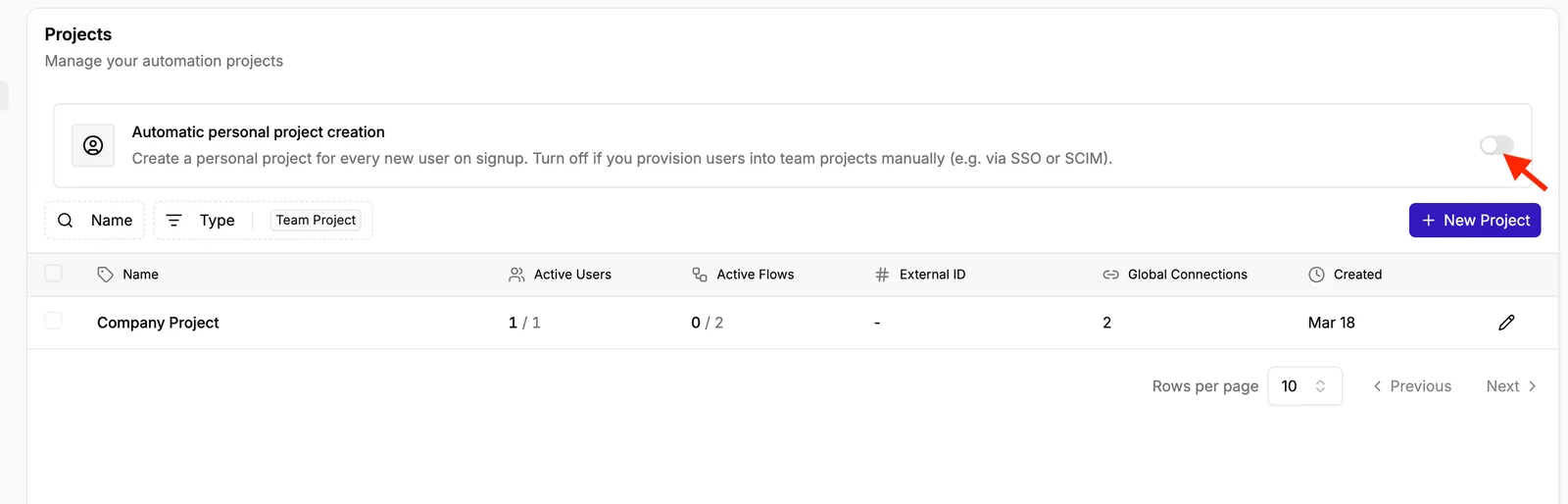
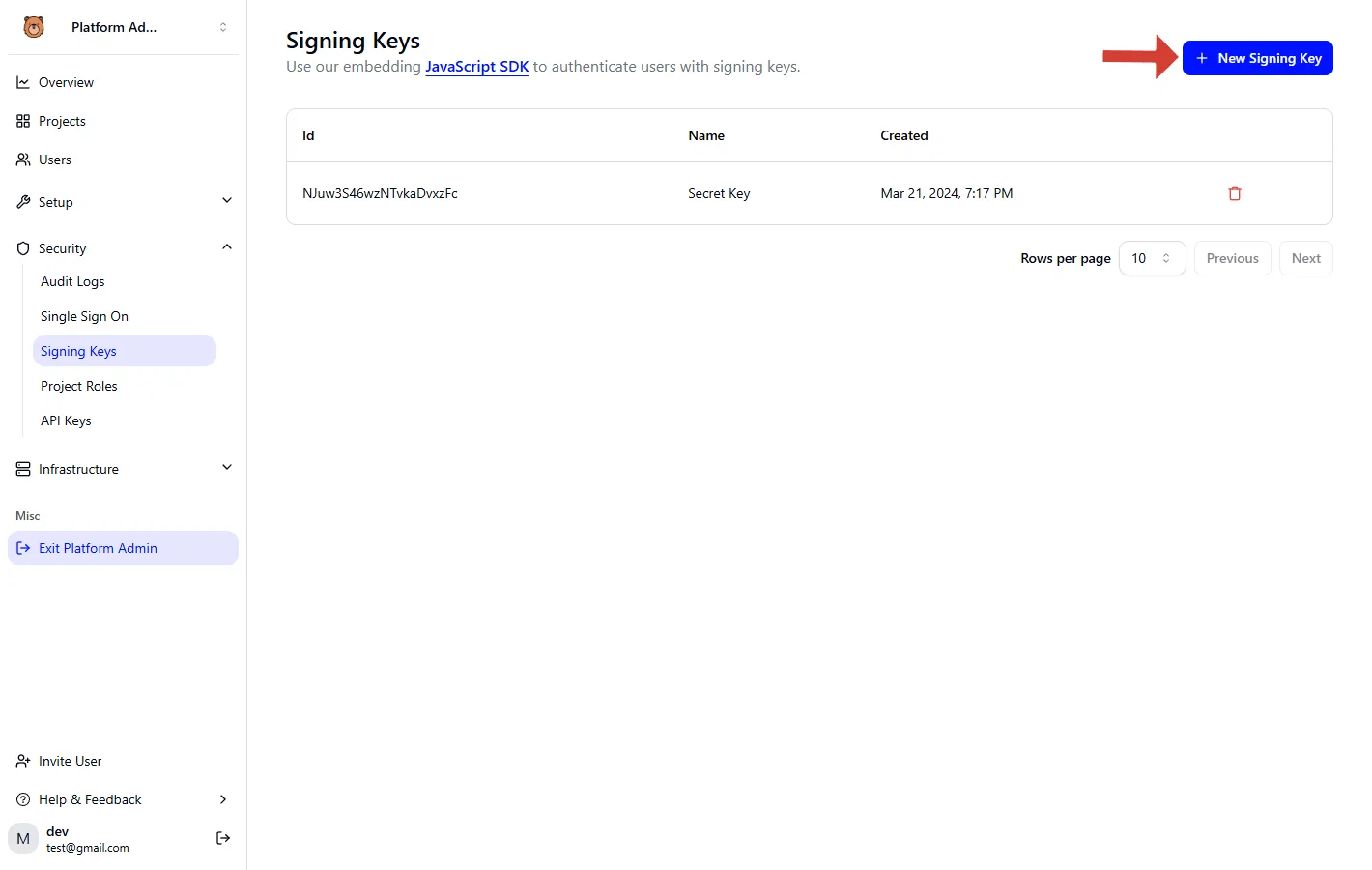
It comes from an outside workflow tool, and it lists accounts with Admin, Operator and Member roles, and a menu to edit, deactivate or delete each one.
Its roles control who can change the workflow. They don't limit what the Graph app can do once it runs.
Keep that boundary in mind, because the next stage builds the workflow on top of this registration.

Create a user and add to group
You need four Graph calls for a working joiner. Each one shows up in the admin center, so you can check every step by eye before trusting the workflow to run unattended.
Checking by eye matters because the registration from the previous stage only fails when a call reaches it, and the failure is usually a permission or a missing property, not your logic.
Run the calls out of order and the licence call fails, because the location is not set first. The sequence below shows the order the calls must run in and where each result appears.
POST /userswithaccountEnabled,displayName,mailNickname,userPrincipalNameand apasswordProfile. The account appears under Users > All users.PATCH /users/{id}to setusageLocation. It appears on the user's Properties tab, under Settings.POST /users/{id}/assignLicensewith the licence SKU inaddLicensesand an emptyremoveLicenses. It appears on the user's Licenses blade.POST /groups/{id}/members/$ref, with the user's directory object URL in@odata.id. It appears on the group's Members page.

Take the calls in turn, because each one is worth its own check, and the next sections do exactly that.
Leave out one required property and the POST returns a 400, so build the body from the list above and nothing less. The UPN domain must be one your tenant has verified. Set usageLocation in this same stage, because licensing depends on it.
If assignLicense runs before usageLocation exists, it returns an error and the user ends up created but unlicensed, which looks like a half-finished joiner in the admin center.
The $ref call needs a group-write permission on the app, and it only works on assigned groups. Aim it at a dynamic group and it's rejected.
Let dynamic groups do it with a membership rule
If membership follows an attribute, skip the group-membership call. A rule such as user.department -eq "Sales" puts the user in the group once the attribute is set, so your workflow only has to write the attribute correctly.
Check the tenant before you design around dynamic membership and group-based licensing, because both need a paid Entra ID tier. The catch is delay: evaluation isn't instant, so a new hire may log in before the group, and the licence, has landed.
Lifecycle Workflows for joiners, movers and leavers
You can get a joiner flow with no code from the template in Lifecycle Workflows, which triggers off the employee hire date. It can enable the account, add the user to groups and issue a temporary access pass.
It needs an Entra ID Governance licence, so a tenant without one can't use it however good the template looks.
Use Lifecycle Workflows when your process is date-driven and fits its built-in tasks. Reach for Graph when you need a step it doesn't offer.
You can follow the rest of this with the builder open. Start free, no card.
Fix repeat onboarding work with Activepieces
If onboarding spans Entra and other tools, Activepieces fits. It creates the user, adds the group, posts to Slack and opens the ticket without code, and it reuses your existing Stage 1 app registration. Native Entra features don't need it.
When to use an external Entra automation tool
Picture the failure first. A new hire's account exists, but nobody told the manager and no laptop ticket was raised, because the script died after step one and nothing recorded where.

Creating the user is the easy part, since Entra can do it. What it has no opinion about is Slack or your ticket queue. When the task crosses that boundary, you need something that holds the sequence and shows which step failed.
Here the tool is Activepieces, an open-source workflow builder with 750 integrations, called pieces, counted from its open source monorepo, including one for Entra ID, so it likely covers most systems organizations need to integrate.
That integration covers common user and group operations as ready-made steps.
A flow holding User.ReadWrite.All can create or edit any account in the tenant, so an edit to the create-user step should be reviewed the way a code change is, and a flow saved only in a vendor's interface never is.
Activepieces answers that with Git Sync, which writes flows to a git repository, and Release Management, which moves them from a test project to production.
The edit becomes a diff someone approves, and going live is a deliberate promotion instead of a stray click on "publish." Both are listed under the Ultimate plan and described in Activepieces' own documentation, the product is the same self-hosted as on cloud, and MoneyGram, Moneypenny, Alan and FundingSocieties run it in production.
Review the Entra workflow structure
It shows the flow left to right: HR form trigger, create Entra user, add to group, Slack message, open ticket. The Stage 1 app feeds both Entra boxes, and a fallback branch routes through an HTTP call to Graph.
- Trigger on the HR form submission, so the workflow starts from a record someone approved.
- Create the Entra user with the Entra ID integration, using a connection built from the Stage 1 app registration.
- Add the user to the group that carries their access.
- Post the Slack message to the manager's team channel.
- Open the ticket for equipment and anything else IT must do by hand.
Add the HTTP-to-Graph branch only for a step the integration doesn't expose, and authenticate it with the same app.
Because the app's permissions were granted for least privilege, a new Graph call fails with a permission error until you grant that one scope. That's the intended behavior, and it points you at the real cause.
An Entra failure here is usually a missing permission, a licensing gap or throttling, not a flaw in your workflow logic.
When a run breaks, the history shows which step failed and with what response, so you can re-run from that point rather than guess what the half-finished script did.
What to keep inside Entra instead
Don't route through an outside tool what Entra already does natively. Dynamic group membership rules, access packages in entitlement management, lifecycle workflows and conditional access all run inside the tenant, with Microsoft's own audit trail.
Rebuilding them in a second system adds something that can drift from the first, and a service credential that can write to your directory.
Use Activepieces for the glue around those features: the form, the chat message, the ticket. Flows are unlimited on every plan, including free, so each piece of glue can be its own flow. Leave the identity decisions where Entra can enforce them.
Fix Entra automation limits and errors
When an Entra flow fails, it is almost always one of nine errors or limits. Each has a known cause and fix: permissions, throttling, replication timing, or licensing, not your workflow logic.
The table below pairs each with the doc to check; figures were checked on 16 November 2026.
| Error or limit | Cause | Fix | Learn source |
|---|---|---|---|
| 403 Authorization_RequestDenied | App lacks the permission, or admin consent was never granted | Add the narrowest application permission and grant admin consent | Graph permissions reference |
| 401 | Token missing, expired, or issued for the wrong audience | Request a fresh token for Graph's .default scope |
Graph error responses |
| AADSTS7000215 | Wrong or expired client secret, often the secret ID pasted instead of the value | Create a new secret and copy the value at creation | Entra authentication error codes |
| 429 Retry-After | Tenant throttling ceiling hit | Wait the header's seconds, then retry | Graph throttling guidance |
| 400 usageLocation | Licence assigned to a user with no usage location | Set usageLocation before assignLicense |
Graph assignLicense reference |
| Duplicate UPN | UPN or proxy address already exists | Query for it first, then create | Graph user resource |
| 404 after create | Replication lag between write and read | Use the returned id, retry with short backoff |
Graph best practices |
| @odata.nextLink paging | Result truncated at one page | Follow the link until it disappears | Graph paging |
| 20-request batch limit | JSON batching caps requests per call | Split into chunks of 20 | Graph JSON batching |
Read the table by status code first, since three of those rows share a root cause that the sections below separate out.
If you see a 403, the app is authenticated but not allowed; a 401 means Graph doesn't accept the token at all. Don't fix a 403 by granting Directory.ReadWrite.All. That turns a missing permission into a tenant-wide write credential.
AADSTS7000215 is the 401 you meet at 2am: the secret ID looks like a secret, and pasting it in fails every run.
Graph API throttling and batching limits
Per tenant, identity throttling is measured in ResourceUnits per 10 seconds, meaning traffic spikes exceeding this limit will face delays.
According to the Microsoft Graph docs, a tenant under 50 users gets 3500, one with 50 to 500 users gets 5000, and one over 500 gets 8000.

Copy a bulk job from an enterprise example and it will trip 429s on a small tenant, because the smallest tenants have under half the headroom of the largest. Honour Retry-After rather than a fixed sleep.
Batching cuts round trips but not cost; a 20-request batch still spends 20 requests' worth, since billing counts each request independently, so cost optimization must come from elsewhere.
When a 404 comes straight after a create, the read usually hit a replica that hasn't caught up. Use the id from the create response and retry briefly instead of searching by name.
For duplicates, check both UPN and proxy addresses before creating; a failed create halfway through a workflow leaves partial state.
Fix expired secrets and licence errors
On a job that worked yesterday, AADSTS7000215 is the first sign of an expired secret, because secrets expire silently. Licence failures are quieter: a missing usageLocation returns 400 only when you assign.
When you go looking for what happened, retention decides whether you can. Microsoft Learn lists 7 days for Free, and 30 days for both P1 and P2.
On a Free tenant, a failure from last Tuesday is gone by next Tuesday, so export logs before you need them.
Frequently asked questions
Can I automate Entra ID with PowerShell instead of Graph?
Yes, but the PowerShell you would use is a wrapper over Graph, so the same app registration, permissions and throttling apply. The Microsoft Graph PowerShell SDK is a good fit for one-off admin work and scheduled scripts.
Either way, the failure mode is the same: a script that worked interactively under your admin account fails unattended because the app was never granted the permission. Test with the app's own identity, not yours.
Is Entra ID automation free or does it need P1 or P2?
On a Free tenant, basic calls such as reading and creating users and groups work. Licensing bites at specific features: sign-in logs and audit retention, risk-based features and some governance workflows depend on P1 or P2.

When a call returns an error or an empty result, the tenant may simply lack the license, and that looks exactly like a permissions bug. Check the license before you debug the code, and check the feature's documented requirement before you design around it.
Do client secrets expire and how do I rotate them?
Yes, every client secret has an expiry date set when it's created. When it passes, the automation fails with an authentication error, often at 2am with no earlier warning. Rotate by creating a second secret, deploying it, confirming runs succeed, then deleting the old one.
Better still, use a certificate or a managed identity where the host supports it, so there's no password to forget. Put the expiry date on a calendar or an alert on day one.
Can I automate guest user invitations in Entra ID?
Yes. Graph has an invitation API that creates the guest and can send the invite email. The app needs a permission that allows inviting users, and the tenant's external collaboration settings can still restrict who may be invited.
If the call is authorized but invitations fail, look at those tenant settings before the code. Grant the narrowest invitation permission, not a broad directory write role, since a bug in this workflow can add outsiders to your tenant.
If your scripts still depend on the old Azure AD and MSOnline modules, they will break as the retired services go away. The Microsoft Graph PowerShell SDK replaced those modules, which are deprecated.
Migrating means more than renaming cmdlets: the new calls use Graph permission scopes, so list what each old script touched and grant only that to the replacement app.
Related reading
References
Build it
Set this up in minutes.
No code required. Connect your accounts, and Activepieces runs it from there.
Start free Talk to sales