
Datadog Salesforce Integration: A 2026 Setup Guide

Nov 21, 202616 min read
The integration is a no-code workflow, built in a tool like Activepieces, where an event in one app triggers an action in the other. The fastest build wires one trigger to one action and tests it on one real event.
Salesforce is the customer-records system, and Datadog is the monitoring platform that watches your infrastructure.
Do not blame the connection itself; it is rarely the problem. Authentication, field mapping and steps nobody wrote down cause most of the breakage.
No-code Datadog and Salesforce integration
What people automate between the two apps
When a Datadog monitor alert opens or updates a Salesforce case, the account owner sees the customer impact without reading a dashboard. That is the first of two directions that cover most requests.
In the second, a Salesforce event, such as a new high-value account or a closed deal, creates a Datadog event or tag. That lets engineers line up a release or a customer change with a spike in the graphs.
Decide who owns the connection before you build either one. A workflow that runs under one person's credentials stops the day that person leaves, so name a service owner now.
Requirements for connecting Salesforce to Datadog
Gather the five items below in advance, so the build isn't interrupted by a permission request you can't grant yourself.
- Salesforce admin access, so you can authorize the connection and see the fields you'll map
- A Datadog API key, which authenticates the data your workflow sends
- A Datadog application key, which carries the permissions for reading and managing resources
- The Datadog site region, such as us1 or eu1, because another site will reject a key created on one site
- The date you checked each vendor's documentation, so you can compare a later failure against what the docs said at the time
Record that last date next to the keys. Both vendors change their authentication and field names, and a dated note tells the next owner whether a failure is a change or a mistake.
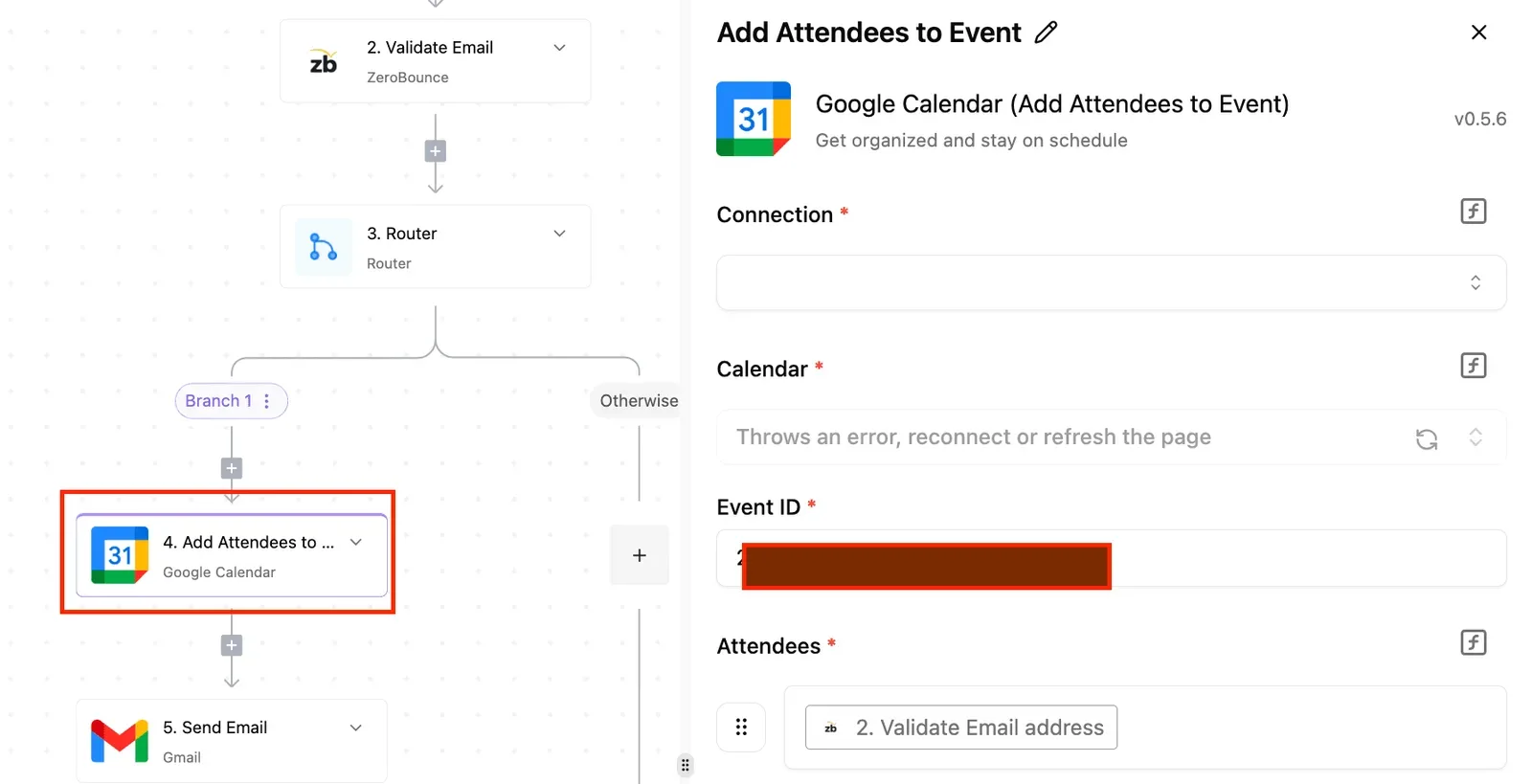
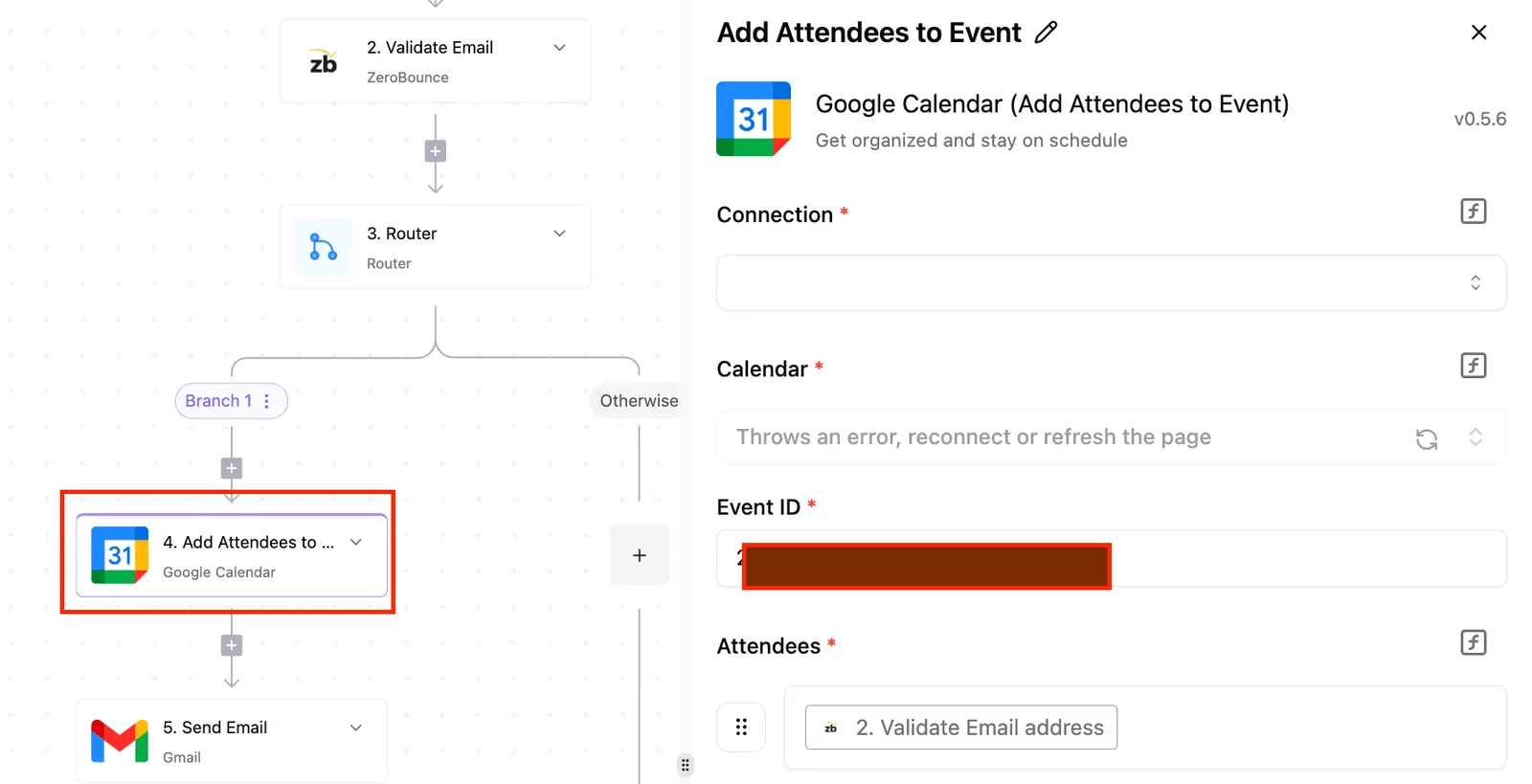
With the checklist complete, the build is a short sequence. Nobody has to be hired to assemble the Salesforce-to-Datadog flow: in Activepieces you describe the process in the built-in chat, and it publishes the same live flow a builder would have wired by hand.
Teams at companies including MoneyGram, Moneypenny, Alan and FundingSocieties run Activepieces. That flow runs under the same RBAC and audit logs as every other flow on the platform, and each run leaves a trace of what happened to that event, readable without any certification.
- Choose the trigger app and the single event that should start the workflow.
- Connect that app using the credentials from your checklist, with the Datadog region set correctly.
- Add one action in the other app.
- Map the fields one at a time, checking that each value lands in the field you expect.
- Run it once on a real event, not a sample, and confirm the result in the destination app.
Widen the workflow only after that single run succeeds. The next section covers the authentication and mapping failures that appear at the moment you widen it.
This takes minutes, not a project: automate it in Activepieces free.
Five Salesforce and Datadog workflows worth building
Four of the five workflows start from a Salesforce trigger and end in a Datadog log. One runs the other way through a webhook, because Datadog's integration lists no triggers at all.
Salesforce is the customer-records system here, and Datadog is the monitoring platform that receives the events.
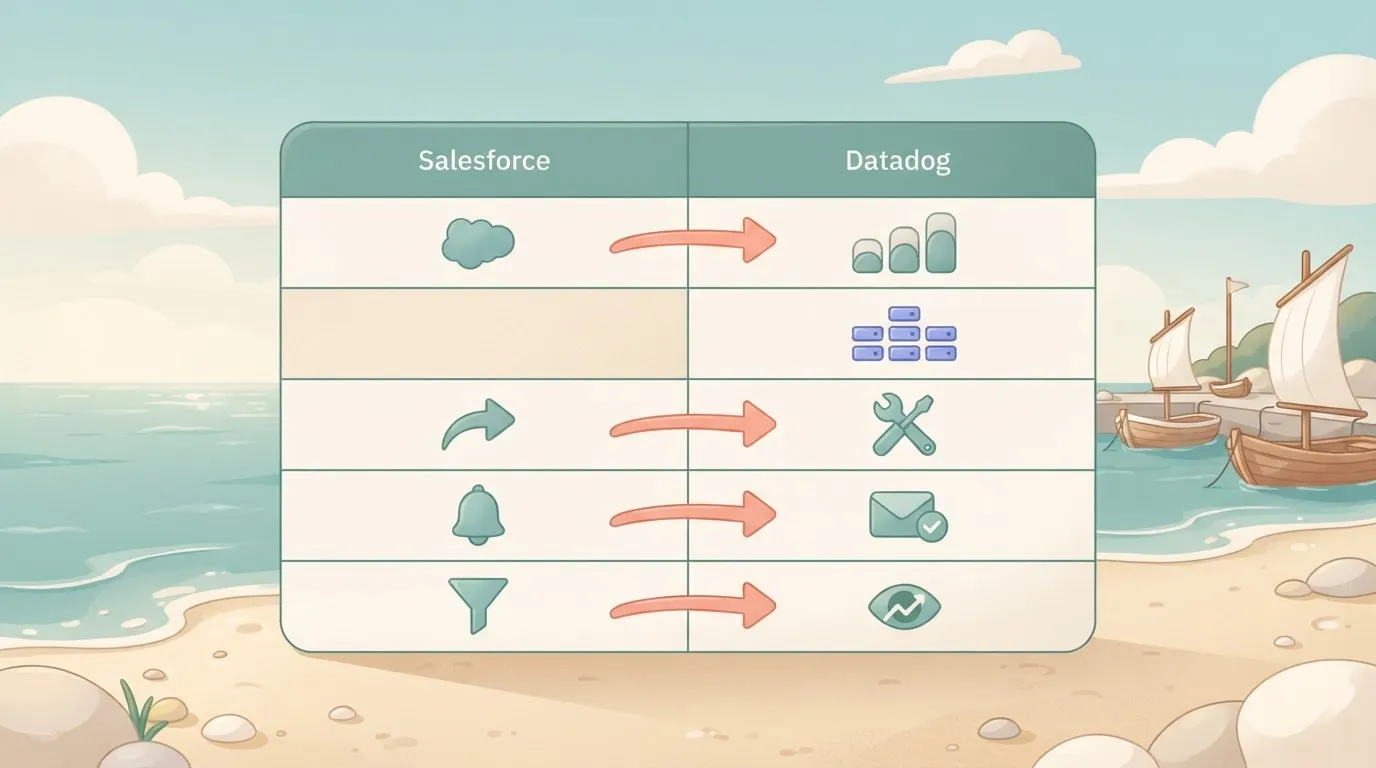
Read the table for each workflow's exact trigger and action names, which app owns each step, and whether the step is listed. Build the listed rows first. The unlisted row needs an extra connection, and someone must own it.
| Workflow | Salesforce trigger | Datadog action | Owning app | Listed or unlisted |
|---|---|---|---|---|
| 1. Lead to log | "New Lead" | "Send One log" | Salesforce, then Datadog | Listed |
| 2. Alert to record | None; a Datadog webhook starts the flow | None; the Salesforce write uses an HTTP request | Datadog, then Salesforce | Unlisted |
| 3. Filtered cases | "New Case in Queue" | "Send One log" | Salesforce, then Datadog | Listed |
| 4. Batched cases | "New Case in Queue" | "Send Multiple logs" | Salesforce, then Datadog | Listed |
| 5. Summarised leads | "New Lead" | "Send One log" | Salesforce, then Datadog | Listed |
Prices and plan limits checked against activepieces.com and activepieces.com on November 21, 2026.
Before you test, record both owners named in each row. Whoever authorised the Salesforce connection and whoever holds the Datadog key are accountable for what the flow can read and write.
Start with "New Lead", which fires when a lead record appears, while "Send One log" writes it to Datadog as a single log entry.
One real lead gives you one visible log line, so you can confirm in Datadog that the fields landed where you expected before you widen anything.
Workflow 2: a Datadog trigger that starts a Salesforce action
Look at the Datadog integration's public listing and you will find no triggers, only "Send Multiple logs", "Send One log" and "Custom API Call". So this direction is not listed.
When Datadog has to start the flow, a webhook calls it and an HTTP request step writes the Salesforce record. Neither step appears in the Salesforce integration's own list, so the webhook URL and the Salesforce credential each need a named owner.
Workflow 3 to 5: filtered, branched and AI-assisted variants
Only the priorities you choose reach Datadog through "Send One log" in workflow 3, because a filter sits after "New Case in Queue". Workflow 4 collects cases and sends them with "Send Multiple logs", which suits a busy queue.
Workflow 5 adds an AI step after "New Lead" to summarise the lead's free-text notes before "Send One log" records the summary. Check that summary field's mapping first, because an empty value is easy to miss.
Use "Custom API Call" for a Datadog endpoint the piece doesn't cover. Use a webhook when Datadog must start the flow, and an HTTP request when Salesforce needs a write the integration lacks.
Flag each of these as unlisted in your handover notes, because they carry their own credentials.
Salesforce to Datadog workflow setup
Seven steps, and the first two are credentials, so record who owns each connection before you build anything else.
Every lead starts in Salesforce, the CRM that holds the leads, and ends in Datadog, the monitoring platform, as a log entry. The sequence below shows the order to follow, and each stage after it explains the step in detail.
- Connect Salesforce.
- Connect Datadog with an API key, an application key and the site region.
- Pick the "New Lead" trigger.
- Add the "Send One log" action.
- Map named fields from the lead to the log.
- Test one real record.
- Verify the result in Datadog.
Stage 1: create the workflow and the Salesforce connection
Create an empty workflow, then add the Salesforce connection. Sign in as a named integration user, not a personal account.
If the person who authorised the connection leaves and an admin deactivates their account, the connection stops working and nothing in the workflow will say why. Write the owner's name in your handover notes.

Then add the Datadog connection. Datadog's API key identifies your organisation, and the application key carries the permissions of the user who created it. Create both under a service account where you can.
Match the site region to the one in your Datadog login URL, because Datadog rejects a key from another region and the error reads like a bad key.
Choose "New Lead" as the trigger and run the sample load. Pick a lead that has real values in the fields you plan to send, because an empty sample hides mapping mistakes until production.
Capture a screenshot of the loaded sample. It's your reference for the field names in the next stage.
Stage 3: add the Datadog action and map fields
Add "Send One log" and map each field by name: lead ID, source, status, owner and created date.
Give the log a service name and a tag that identify it as coming from this workflow, so someone searching Datadog later can tell where it came from.
Leave out personal data such as email or phone unless you have agreed it may sit in a log store, since logs are often readable by far more people than the CRM is.

Stage 4: test, publish and verify
Test with one real lead, not a fabricated one. Then open Datadog's log search, filter on your tag, and confirm that the entry exists and that every mapped field arrived populated. Capture a screenshot of that entry for the handover file.
Publish only after that check passes. Widening the trigger to other record types comes afterwards, and it's covered next.
You can follow the rest of this with the builder open. Start free, no card.
Limits and errors connecting Salesforce and Datadog
Expect the failures in authentication, field mapping and steps nobody listed, not in the connection itself. Before widening the trigger, ask who owns the credentials, because most of the errors below trace back to that answer.
Salesforce and Datadog authentication and permission errors
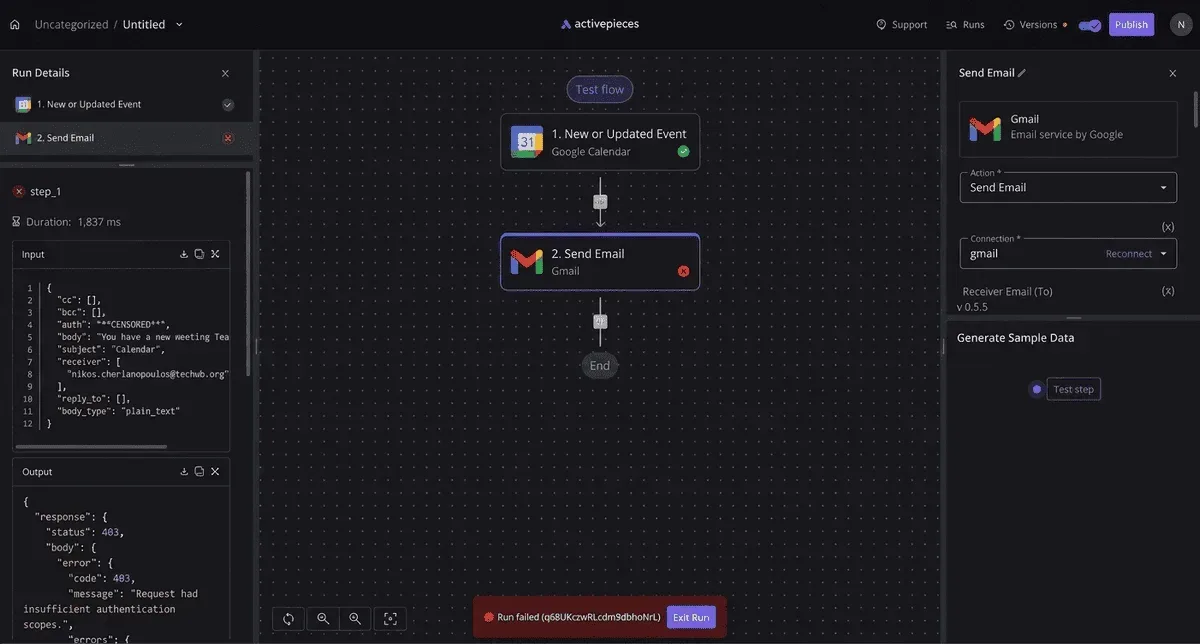
When every run fails, the Salesforce user who authorised the connection has usually been deactivated or had their password reset, and the failures continue until someone with that login reauthorises. Use a named integration user, not a person's account.
Send an EU key to the US endpoint and you get an authorisation failure that looks like a bad key. Check the site before regenerating anything. Field permissions fail more quietly: if the integration user's profile can't read a field, the value arrives empty.
Rate limits and API availability
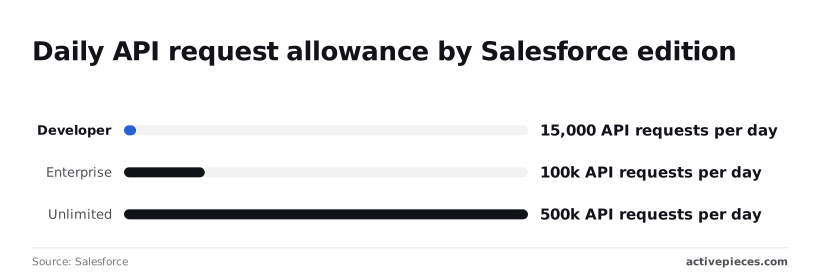
A busy trigger reaches the daily cap quickly, because Salesforce, the CRM supplying the trigger events, caps API requests per day by edition. Salesforce lists a base allowance of 15,000 for Developer, which a busy trigger can exhaust in a single test day.
Per Cio, Enterprise gets 100,000 and Unlimited 500,000, so a workflow that polls often is sized by edition before anything else.
Purchased licences add to these figures, so your org's real allowance may be higher.
Datadog, the monitoring platform receiving the events, applies its own per-endpoint limits. I couldn't verify those figures, so read the rate-limit headers in a failed response rather than trusting a number from memory.
Salesforce to Datadog field mapping and duplicate runs
When a mapped field comes through empty, that is a mapping error, not a connection error: the step ran, but pointed at a field the record didn't populate.
Duplicate runs appear when a record is edited several times and each save fires the trigger.
The table shows each symptom beside its cause and fix. Start with the row that matches your run history.
| Problem | Symptom | Cause | Fix | Source and date |
|---|---|---|---|---|
| Invalid credentials | Every run fails at the first step | Authorising user deactivated or password reset | Reauthorise with a named integration user | Run history, checked 2026-11-21 |
| Wrong Datadog site | Authorisation error despite a valid key | Key and endpoint belong to different sites | Match the site to the key's account | Run history, checked 2026-11-21 |
| API rate limit | Runs fail late in the day | Daily request allowance used up | Reduce polling or move up an edition | Salesforce help article, checked 2026-11-21 |
| Salesforce edition API access | API calls refused | Edition doesn't include API access | Confirm the edition before building | Salesforce help article, checked 2026-11-21 |
| Field permissions | Values arrive blank | Integration profile can't read the field | Grant field-level read access | Run history, checked 2026-11-21 |
| Empty mapped fields | Step succeeds with no data | Record never populated the field | Add a fallback or filter | Run history, checked 2026-11-21 |
| Duplicate runs | Same event sent twice | Each save re-fires the trigger | Filter to one status change | Run history, checked 2026-11-21 |
Clear these in table order against your single test event, then widen.
When Activepieces fits and when another tool does
If you need open-source code, a self-hosted install, or a run that costs 1 credit however many steps the flow has, Activepieces fits: the core is MIT-licensed. Zapier and n8n can also connect Salesforce and Datadog, and suit other situations.
Where other connection tools are a good choice
Nothing about the Salesforce-to-Datadog link is exclusive to one product. Each tool below can run the trigger-and-action pattern, so the choice rests on who will own the connection afterwards and what they'll pay for.
Read the table as a filter for which tool can be inspected and run on your own infrastructure, and what each costs to start. If your security review forbids a vendor-hosted automation account, the "self-hostable" column settles the question before price does.
| Tool | Open source | Self-hostable | Entry price | Step limits |
|---|---|---|---|---|
| Activepieces | Yes | Yes | Free $0; Plus $20; Team $200 | Unlimited flows on every plan; a run is 1 credit however many steps it has |
| Zapier | No | No | Team $69 on yearly billing | Not verified for this article |
| n8n | Not verified for this article | Not verified for this article | Not verified for this article | Not verified for this article |
Superdupr reports that Zapier's $69 is the entry point of its Team plan, so a shared connection owned by a team costs more than a personal one.
Activepieces' $0 tier means you can test one real event without a purchase order. I haven't verified n8n's terms, so check them yourself before ruling it in or out.
Zapier is a sound choice if nobody on your side wants to run software and the vendor-hosted model passes your review.
n8n belongs on your shortlist once you've confirmed its terms; Activepieces' are already in the table above, with an MIT-licensed core and a free plan at $0, meaning you can try it without spending anything.
When to self-host your Salesforce Datadog workflow
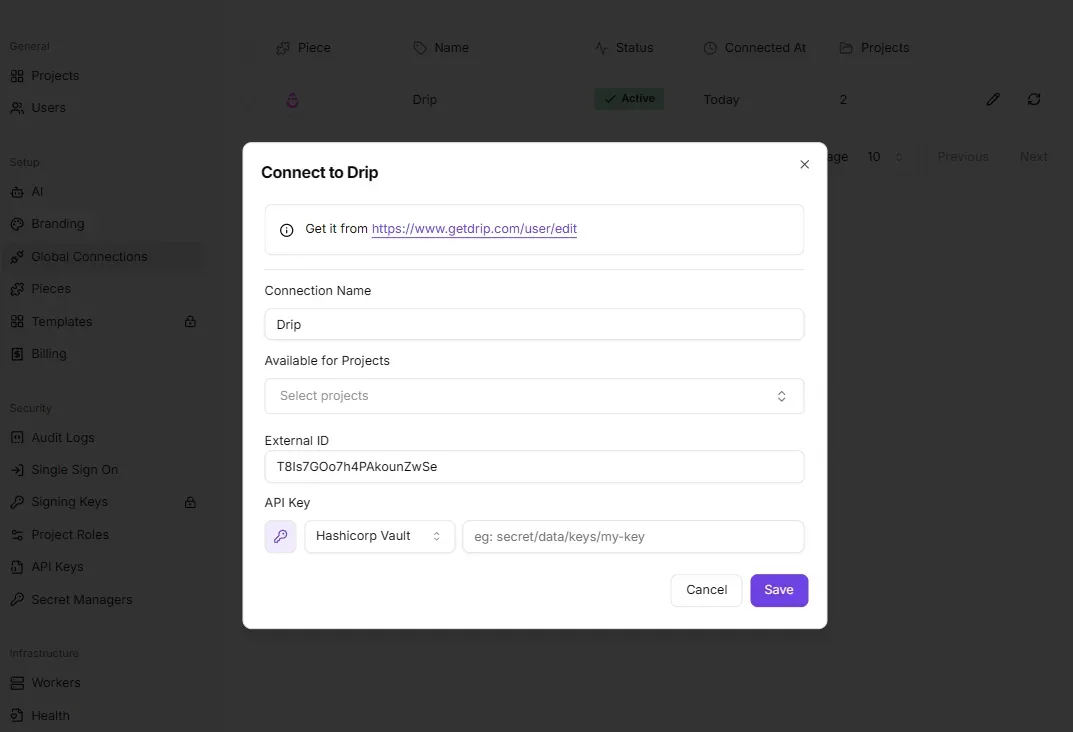
Choose it when one of three conditions holds. First, you need to read the source of the automation layer that holds your Salesforce OAuth connection and your Datadog API key and application key. Second, those credentials must stay on servers you control.
Third, your flow has many steps, and a step cap would force you to split it into integrations.
That third point matters for the failure this article keeps returning to: unlisted steps. A flow split to fit a limit creates hand-offs nobody documents, and each hand-off is a place where field mapping can drift.
With no step cap, the whole path stays in one flow that one named person can audit.
Whichever tool you pick, write down who owns the connection before you build. A connection tied to a departed employee's login is the quietest way for this integration to stop.
- Create a new flow and record the owner of both connections in its description.
- Set the Salesforce event as the trigger and authorise it with the narrowest scope that reads that event.
- Add the Datadog action and map each field by hand.
- Test with one real event, check it arrived in Datadog, then widen.
A connection tied to a departed employee's login is the quietest way for this integration to stop.
Frequently asked questions
After a handover like that one, most of the questions that follow come down to ownership, cost and scope, and each has a short answer.
Does Datadog have a native Salesforce integration?
Build it with a webhook trigger, which is the reliable route, since the Datadog piece offers no triggers of its own, and a Salesforce action creates or updates a record. Datadog's integrations catalog changes over time, so check it for a current Salesforce tile before building anything.
Even if one exists, confirm which direction it moves data. A native tile may only pull Salesforce metrics into Datadog, while you need alerts pushed into Salesforce.
Can I connect Salesforce and Datadog for free?
Possibly, but the cost sits in three places, and you should check each. Whether API access is included depends on your Salesforce edition, since some editions restrict it.
Your Datadog plan decides which alerting and webhook features you can use. Your workflow tool decides how many runs you get before a paid tier starts.
Test on one real event first: a single run shows whether you'll stay inside the free limits before you widen the workflow.
Can I send Datadog alerts to Salesforce as cases?
Yes. A Datadog monitor alert fires the trigger, and a Salesforce action creates a record on the Case object.
Three things decide whether this works well. Map the alert's title, severity and link to specific Case fields, and confirm that every required Case field has a value.
Add a step that checks for an existing open case from the same alert, or a flapping monitor will open a new case on every state change.
Name the person or team who owns the cases it creates, because unowned cases are the ones nobody closes.
Is it safe to give Datadog access to Salesforce data?
It's safe when the access is narrow and has a named owner. Create a dedicated integration user in Salesforce rather than borrowing a person's login, and grant a permission set limited to the objects and fields the workflow touches.
If the workflow only creates cases, it needs no read access to accounts or contacts.
Record who owns that user and who renews its credentials.
In the other direction, Datadog should receive only the fields it needs, so keep customer personal data out of alert payloads. If the integration user is tied to one person, it's the departed-employee failure from above all over again.
Related reading
References
Build it
Set this up in minutes.
No code required. Connect your accounts, and Activepieces runs it from there.
Start free Talk to sales