Opus Clip Integration: How to Set It Up (2026 Guide)

Nov 11, 202616 min read
If you want the fastest working route, use the one Opus Clip's own docs support today: the native Zapier app if your plan unlocks it, the official API if it doesn't, whether you end up wiring it through Zapier or a tool like Activepieces on the automation side.
Zapier setup is the easy part. Access, limits and callbacks are what stall people.
Opus Clip Integration Options and the Fastest Path
What an Opus Clip integration does
Once it is running, an Opus Clip integration sends a long video to Opus Clip and gets finished short clips back, with no one clicking through the dashboard.
The trigger is usually a new upload or a new row in a sheet. The result lands in a folder, a Slack channel or a review queue.
If the callback that reports a finished job never arrives, the clips exist but nothing downstream knows it.
Routes the official docs support today
As of 11 Nov 2026, the official docs support three routes. The table shows what each costs you in plan, access and effort, so you can rule routes out before building anything.
If the callback that reports a finished job never arrives, the clips exist but nothing downstream knows it.
Read it left to right: if the plan column rules you out, stop there.
| Route | Plan required | Access needed | Setup effort | Source | Checked |
|---|---|---|---|---|---|
| Native Zapier app | Pro or Enterprise for native actions | Opus Clip account connected in Zapier | Low | https://help.opus.pro/docs/article/plans-and-credits | 11 Nov 2026 |
| Official Opus Clip API | Not confirmed for this route | API key issued by Opus Clip | High | https://help.opus.pro/docs/article/plans-and-credits | 11 Nov 2026 |
| Webhooks by Zapier | Not confirmed for this route | Endpoint details from the API route | Medium | https://help.opus.pro/docs/article/plans-and-credits | 11 Nov 2026 |
You cannot use Webhooks by Zapier to get around the access question, because it depends on the API route. The same three routes apply if you build in Activepieces, which MoneyGram and Moneypenny run in production, or in another automation tool instead of Zapier.
What you need before starting: plan, API key, access
Start with the plan, because it decides the route. Opus Clip's plans and credits page lists Free ($0) at 60 minutes of processing per month. That's roughly one long webinar, so a test run can use up the month.


For $15, Starter gives 150 minutes, enough for a trial pipeline but not for steady volume. Pro ($29) gives 300 minutes, and it's the entry tier for native Zapier actions, so it's the A plan where the low-effort route is open.
Treat those minutes as your real rate limit, because a looping automation that resubmits a failed job spends them twice. Before you build, confirm three things:
- Your plan covers the route you chose.
- You hold the API key, if you're not using the native app.
- Your callback endpoint is public and can accept a repeat delivery.
If any of the three is missing, fix that first.
This takes minutes, not a project: automate it in Activepieces free.
Stage-by-stage Zapier Setup for Opus Clip
Work the stages in order, because each one leaves something that runs, and a failure at any stage points to that stage alone: access, trigger, submission, collection, then test.
Stage 1: Get Opus Clip API access
Check your account's API access before you open Zapier. If the key option is missing from your Opus Clip settings, or an application or plan gates access, the rest of the build has nothing to call.

Generate the key, store it in a password manager, and never paste it into a shared Zap description. You're done when you hold a key and know which account owns it.
If the docs don't say who can issue keys, ask Opus Clip support, and treat the answer as the real rule.
Stage 2: Build a trigger that fires
Pick a trigger that produces a public, reachable video URL. Examples are a new file in a watched cloud folder or a new row in a spreadsheet where someone pastes a link.
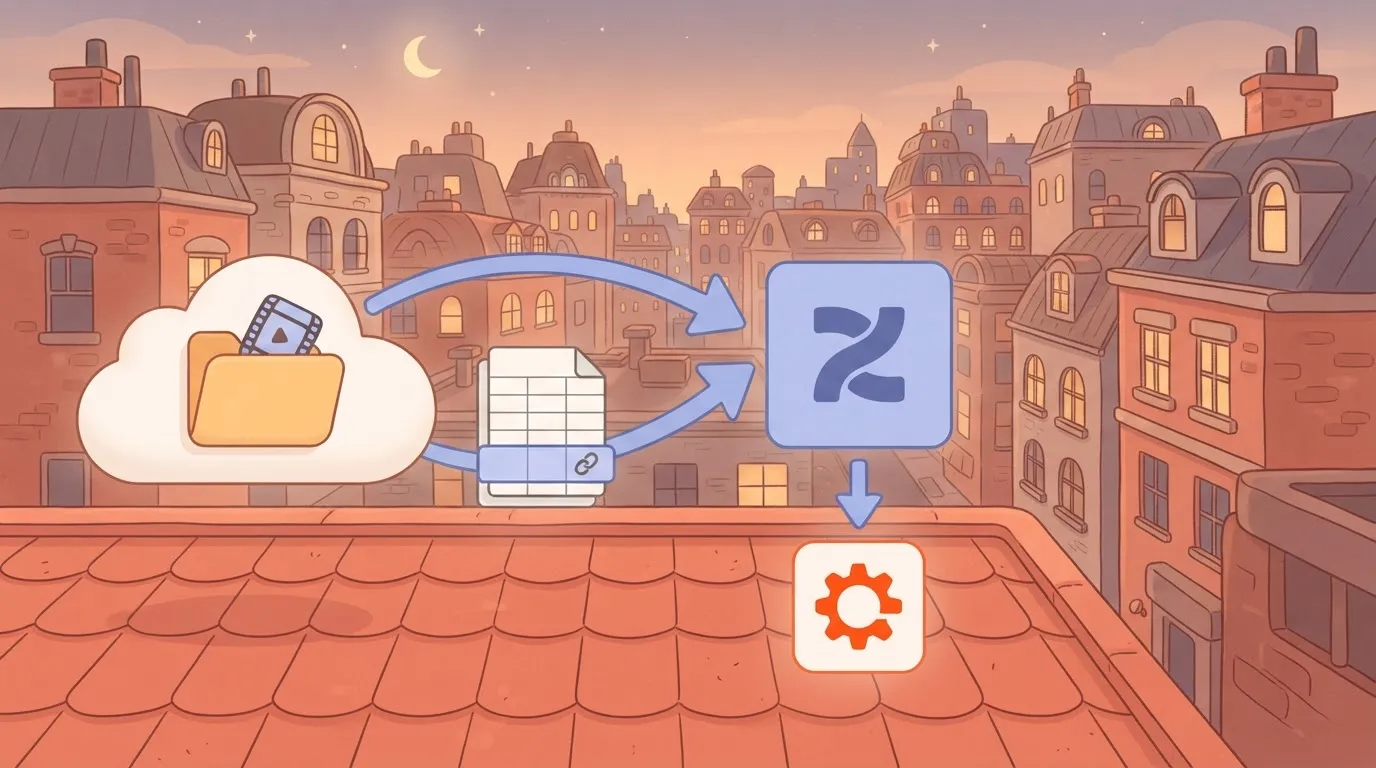
Run Zapier's test and confirm the URL field has a value. A trigger that fires with an empty or private link just moves the failure into Stage 3, where it looks like an Opus Clip error.
Stage 3: Send the video to Opus Clip
Add a Webhooks by Zapier custom request step set to POST. Take the endpoint, the authorization header format and the required body fields from Opus Clip's current API reference, not from a forum post or a template.
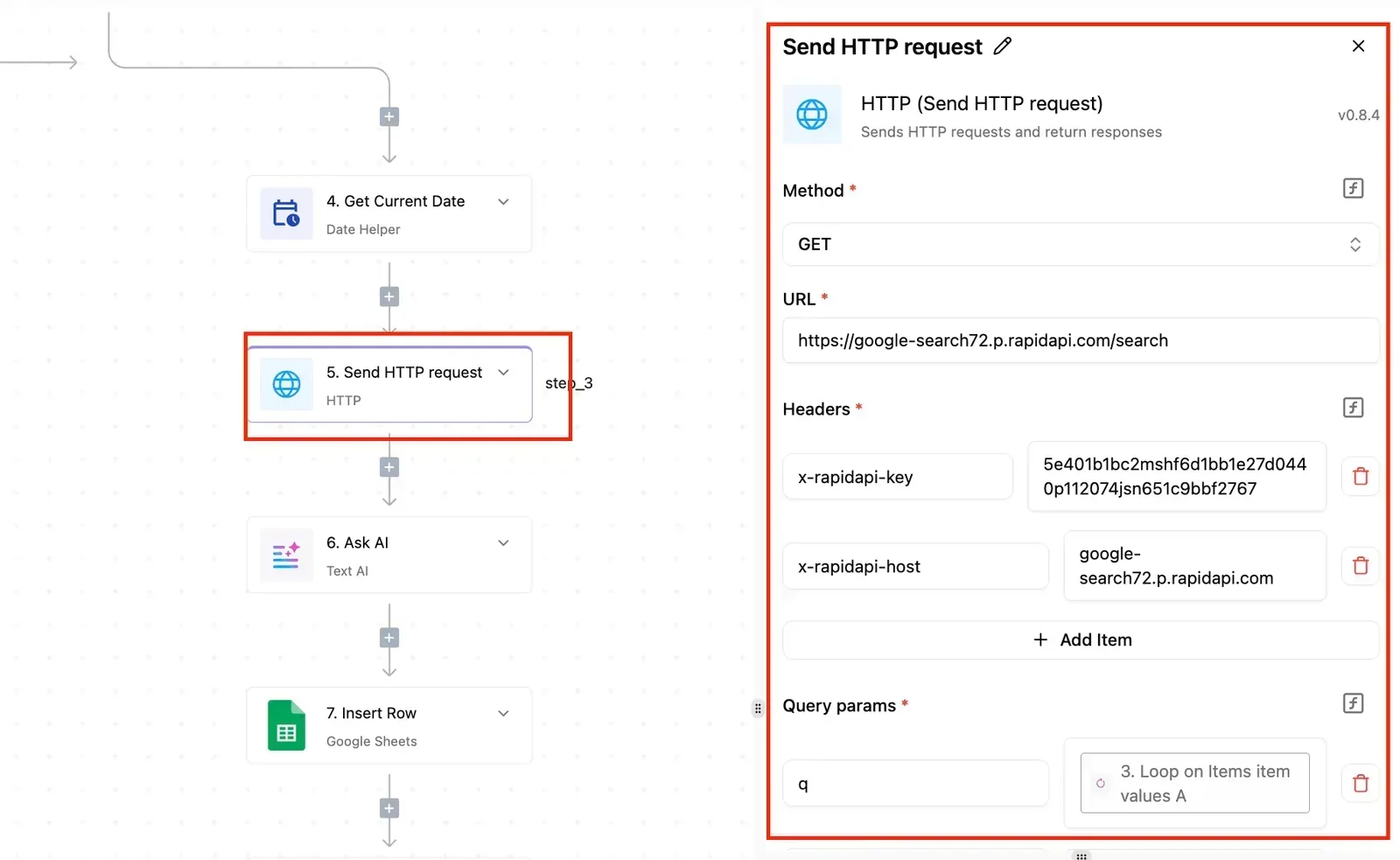
Map the trigger's video URL into the body field the docs name for the source video. The mapping view below shows which Zapier values feed which request fields; check that you typed none of them in by hand.
Leave out any body option the docs don't describe rather than guess.
Stage 4: Collect the finished clips
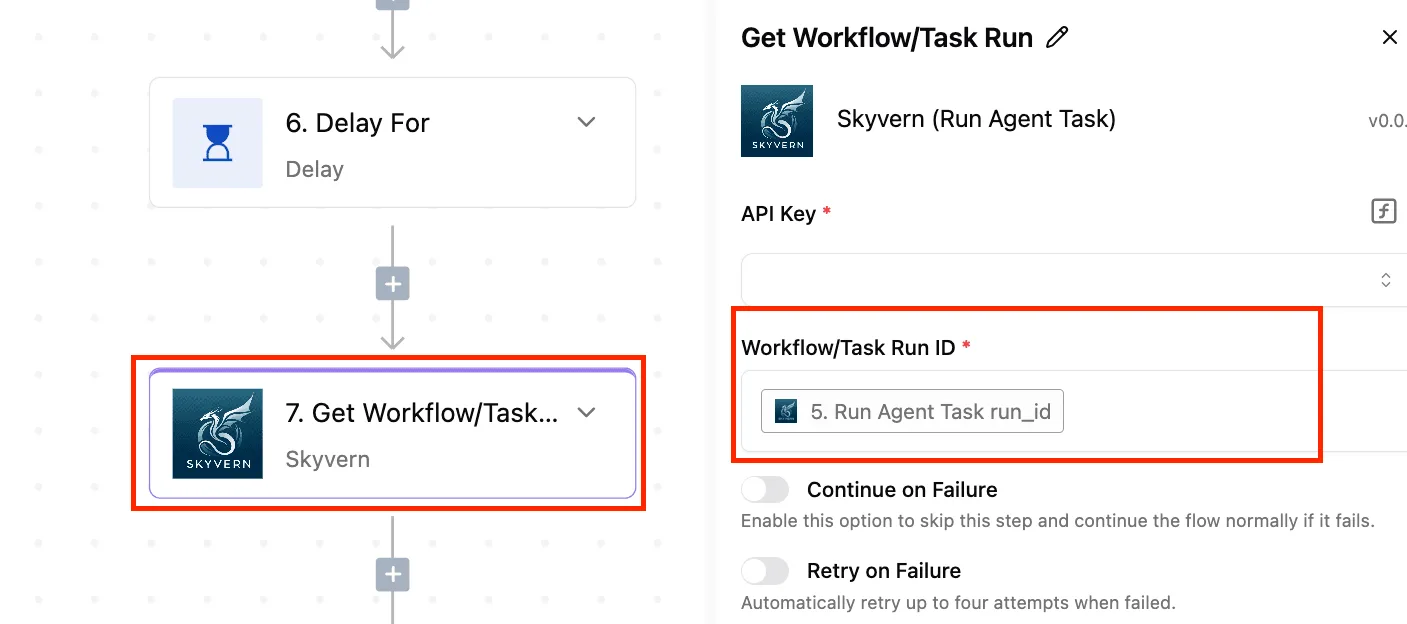
Don't expect the submission response to contain finished clips, because clip generation takes time. Read the docs for how results are returned.
If they describe a callback, point it at a Zapier catch hook and make sure failed deliveries are visible somewhere you'll look. If they describe polling, use a delay and a lookup step.
If they describe neither, that's an undocumented step. Ask support before building around an assumption.
In Stage 5, run one short video end to end and open the task history to confirm each step succeeded.
Then publish, and send a second video through the live Zap, because a test that passes only in the editor proves less than it appears to.
Next comes what breaks once real volume arrives.
Opus Clip and Zapier Limits, Errors and Fixes
When real volume arrives, the build breaks at the documented limits, not at the Zap itself, and every one of those limits should be read from the vendor's current page rather than remembered.
Limits table: Opus Clip versus Zapier
Read each value yourself before you size a build around it. The table below lists each limit that can stop a run, where to read it, and when.
| Limit | Value | Source | Date |
|---|---|---|---|
| Opus Clip maximum video length | Not confirmed here | Opus Clip's current help and plan pages | Note the date you read it |
| Opus Clip file size, including the Pro allowance | Local uploads up to 10GB per video; Pro gets 300 processing minutes per month | Opus Clip's current help and plan pages | Note the date you read it |
| Opus Clip API rate limit | Not documented here | Opus Clip's API documentation | Note the date you read it |
| Credits per plan: Free, Starter, Pro | Pro: 300 processing minutes per month | Opus Clip's pricing page | Note the date you read it |
| Zapier Free task allowance | Not confirmed here | Zapier's pricing page | Note the date you read it |
| Zapier polling interval | Not confirmed here | Zapier's plan documentation | Note the date you read it |
| Webhook timeout | Not documented here | Zapier's webhook documentation | Note the date you read it |
Where a cell says "not documented," treat the limit as unknown and test it with a throwaway run. Log what you saw, because an unlogged guess becomes a rule nobody can trace.
Opus Clip Zapier authentication and API key errors
Expect your first failure to be an access failure. The usual causes are an API key your plan doesn't include, a key pasted with a trailing space, or a Zap connected under a different account than the one that owns the projects.
Fix the causes in that order: confirm API access on your plan, re-paste the key, then check which account the Zap authenticates as. If the docs don't say which plans include the API, ask support in writing and keep the reply.
When the video source or the processing is what fails, the error comes in one of three kinds.
- A private or expiring URL. Opus Clip can't fetch a link that needs a login, so use a link that stays public long enough for the fetch to finish.
- A file over the size or length limit. Check the table before the upload step, not after the error.
- A callback that arrives before processing is done. Make the Zap wait for a completion signal, and never treat "project created" as "clips ready."
Expect rate limits here too. Queue submissions and space them out instead of firing a whole backlog at once.
Zap runs, task usage and duplicates
When credits are exhausted, nothing fails loudly, so add a filter step that stops the Zap and alerts you when a submission is rejected.
When a polling trigger re-sees the same item or a callback is retried, you get duplicates. Store each video's ID in a lookup step and halt if it already exists.
Every extra step also counts against your Zapier task allowance, so cut steps that only log.
You can follow the rest of this with the builder open. Start free, no card.
Building the Same Opus Clip Workflow in Activepieces
You can rebuild the same trigger, Opus Clip call and notification in Activepieces, whose core is MIT-licensed. It works only through its generic webhook and HTTP request steps, and Opus Clip's API access still decides whether any of it runs.
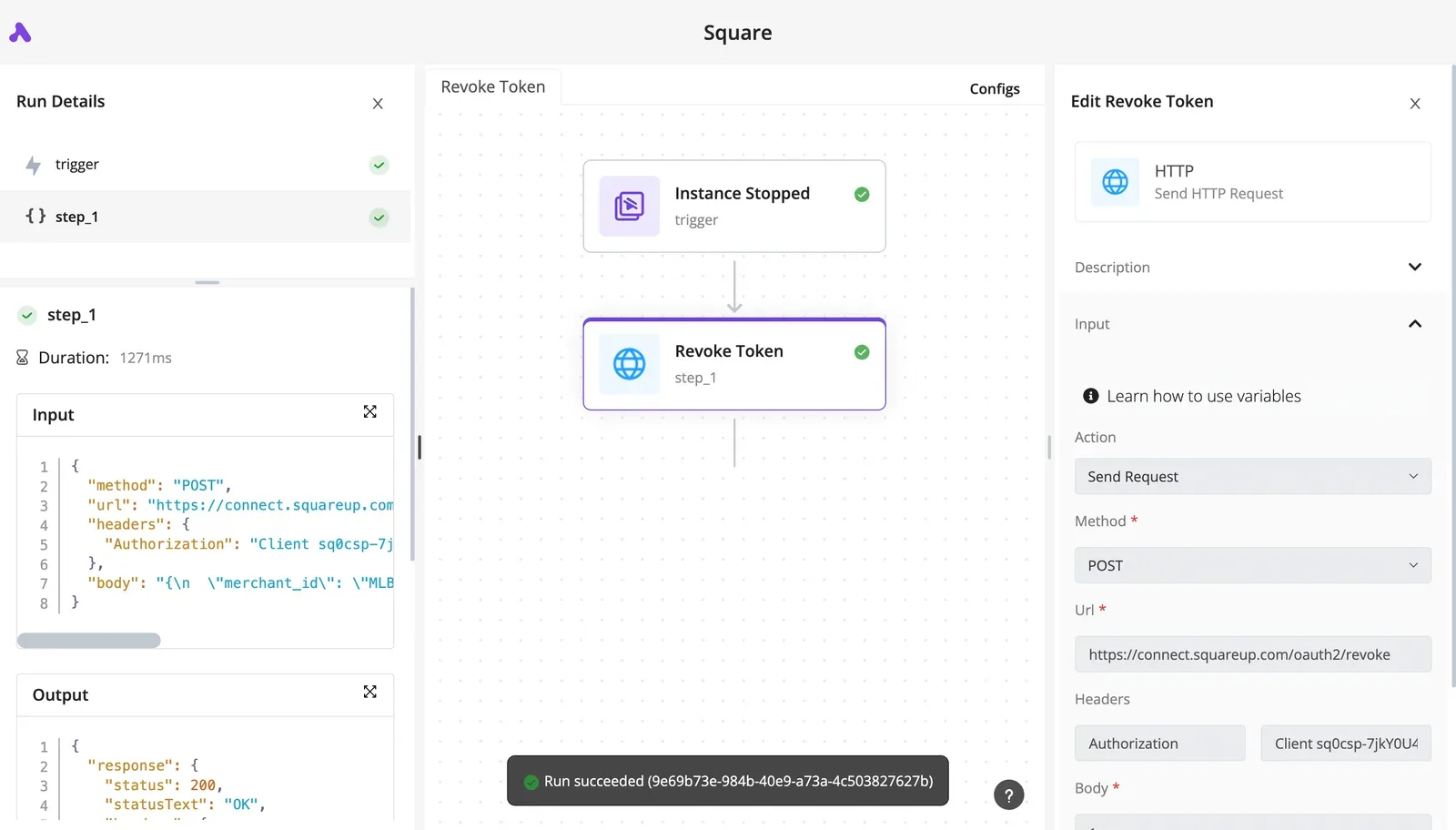
I couldn't point to a dedicated Opus Clip connector in Activepieces on the check date, so plan on the HTTP route and confirm in the community directory of its repository, where 747 integrations are counted and roughly 60% were contributed by the community, before you build.
That matters because a missing connector means you write the request yourself, and nothing in either tool grants you API access that Opus Clip hasn't given your account.
Activepieces has an open-source core you can host yourself, and it meters the run, not the steps inside it: a run costs 1 credit whether the flow has two steps or ten, so you can add as many steps as needed without increasing costs.
That suits this build, where the reliable design adds steps: a submit step, an ID store, a status check, a failure branch. Here the ten-step version costs the same as the two-step shortcut, whereas Zapier's pricing page counts each step as a task.
When a connector lags the API, a Zapier-style route commonly breaks quietly, so controlling the raw request is the real benefit.
Design the long wait stage first
Design the long wait first, because it is where the two tools differ most.
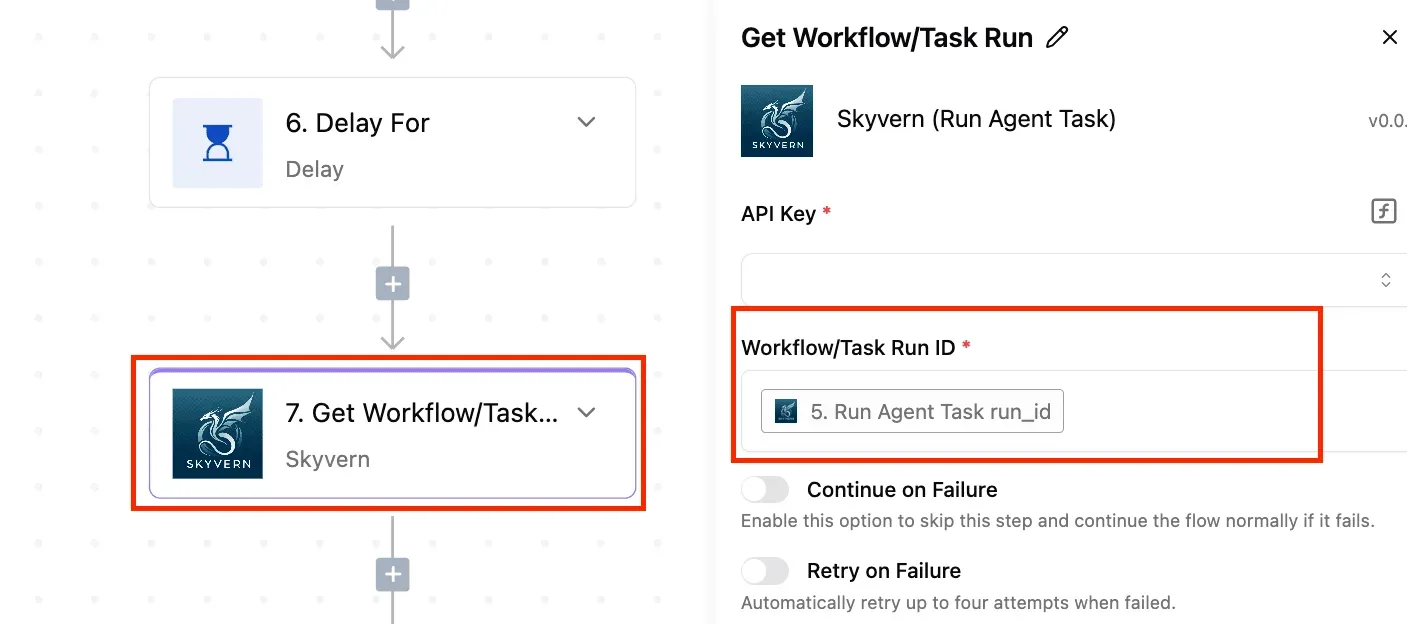
Activepieces allows unlimited flows on every plan, including free, so splitting the wait into its own flow costs nothing extra, and the free plan's 1,000 credits a month cover 1,000 runs however many steps each has.
The table below lines up each stage of the Zapier build with its Activepieces counterpart and how each handles a job that takes minutes rather than seconds.
| Zapier stage | Activepieces equivalent (webhook trigger, HTTP request step) | Long-running job handling |
|---|---|---|
| Trigger | Webhook trigger, or a new-file trigger from your storage app | Returns at once, so the trigger never waits on clipping |
| Opus Clip call | HTTP request step with your API key in a header | Submit the job and store the returned ID; do not hold the step open |
| Wait for result | A second flow started by a webhook trigger, if Opus Clip supports callbacks on your plan; otherwise a delay step followed by a status request | A callback avoids polling, but a failed one leaves the job unseen, so keep the ID for a manual check |
| Notification | Email or chat step after the result arrives | Fires only on success, so add a branch for failure |
| Pricing | Free plan: 1,000 credits a month | Zapier counts steps as tasks; Activepieces counts the run, so polling steps add nothing |
Because neither flow sits idle waiting, splitting submit and receive into two flows is the habit that survives rate limits and dropped callbacks.
Stay in Zapier if Opus Clip offers an official Zapier integration you can already connect, since an app you click through beats a request you maintain.
Move to Activepieces when you need control over the request or want to self-host: the core is MIT-licensed, so you can run it on your own servers, and a run stays at 1 credit however many polling steps it contains.
Either way, the first thing to verify is your API access.
A First-Week Plan for the Working Integration
Confirm your API access first, then push one real video through the whole route before you build anything around it. Monday is for proving the path, and the rest of the week is for finding where it breaks.
Run one real video end to end
Use a real file, not a test clip. Pick one of your actual long videos, the kind with the file size and length your team really publishes.
Trigger the Zap or API call the way production will, and follow the job until a finished clip lands where your team collects it.
A tiny sample passes limits that a real recording will hit, so a clean run on a toy file tells you almost nothing about file caps.
Check the next day how many Opus Clip credits and Zapier tasks that one video used. Multiply by your weekly volume and you know whether the plan you're on can carry it.
Set alerts and a manual fallback
Add an error alert to the Zap before you add anything else. Route failed runs and failed callbacks to an email address or chat channel a person actually reads.
Without it, a rejected request or a callback that never arrives looks exactly like a video that's still processing, and you find out when someone asks where the clips went.
Keep a manual-upload path alive alongside the automation. If the integration stalls, an editor uploads the file in the Opus Clip app and the publishing schedule holds.
Write the steps down once and name who owns them, so the fallback doesn't depend on whoever built the Zap being online.
Checking Opus Clip and Zapier docs for changes
When support for your route changes, it shows up in one of three places: Opus Clip's documentation, its changelog and its Zapier listing. Put a monthly reminder on the calendar to read all three.
If a trigger is renamed, an endpoint is retired or access rules change, you want to learn it from a calendar reminder and not from a silent failure.
The monthly read-through also tells you whether the route you chose is still the one the docs support.
Keep this order, since each step protects the one after it. The list below puts the week in order.
- Run one real video through the full route.
- Check credit and task use after a day.
- Add an error alert for failed runs and callbacks.
- Keep a manual-upload fallback documented and owned.
- Re-check the docs, changelog and Zapier listing every month.
Frequently asked questions
Once the monitor and the fallback are in place, five questions come up. Each answer below should be re-checked against Opus Clip's own pages the day you build, because plans and API terms change. Each one names the official place to confirm it.
Opus Clip has a native Zapier app, available on Pro and Enterprise plans. Search Zapier's app directory and Opus Clip's integrations page; if the app is listed in both, use it.
If not, Webhooks by Zapier calling Opus Clip's documented API is the supported route. Source: Opus Clip's integrations and API documentation.
On whether the Opus Clip API is available on every plan, don't assume so. API access is the most common blocker, and it may depend on your plan or require a request to Opus Clip.
Confirm in your account settings and the API documentation before building, because a Zap without a working key fails at the first step. Source: Opus Clip's pricing page and API documentation.
Can Zapier post the finished clips to YouTube Shorts?
Yes, in the sense that Zapier's YouTube app can upload a video file. It has no separate "Shorts" switch, though.
YouTube classifies an upload as a Short by its format and length, so a vertical clip within the Shorts limits is what matters.
Check that the clip file is actually reachable before the upload step runs. Source: Zapier's YouTube app page and YouTube's Shorts help pages.
Why does my Zap succeed but no clips appear in Opus Clip?
When the Zap run shows green, that only means Opus Clip accepted your request.
Clip generation happens afterward, so a rejected source video, an oversized file, a rate limit, or a callback that never arrived can all leave you with a "successful" run and an empty project.
Read the response body in the Zap's task history, not just its status, and check whether the project exists in Opus Clip. Source: Opus Clip's API documentation for request and callback behavior.
Can I connect Opus Clip to Make or n8n instead of Zapier?
If you have API access, yes. Both Make and n8n can send HTTP requests and receive webhooks, which is all the Zapier route relies on.
On any of them the limits are the same: API access, rate and file caps, and whether your callback URL is reachable. Source: Opus Clip's API documentation, plus the HTTP module docs for Make and n8n.
Related reading
References
Build it
Set this up in minutes.
No code required. Connect your accounts, and Activepieces runs it from there.
Start free Talk to sales