Picovoice Automation in 2026: Set Up Voice Workflows Step

Nov 17, 202614 min read
You can have Picovoice automation working in under an hour. It is one of Picovoice's on-device voice engines and a short script that forwards what it hears to a webhook, which can be a catch hook in a tool like Activepieces.
Picovoice automation is the practice of pairing Picovoice's on-device voice SDKs (Porcupine, Rhino, Cobra, Leopard and Cheetah) with an AccessKey and a small piece of glue code that sends their results to other tools, since Picovoice has no built-in workflow engine.
Audio is processed locally, and only the result, such as a detected phrase or a transcript, leaves the machine. Details were checked on 17 November 2026.
Pick from five engines: Porcupine (wake word), Rhino (speech-to-intent), Cobra (voice activity detection), Leopard (batch speech-to-text) and Cheetah (streaming speech-to-text). By the end you'll have one of them triggering a POST to a URL you control.

Get started with Picovoice automation
Which Picovoice engine matches which automation
Pick by the job. Porcupine fits "hey, log this" triggers, Rhino fits fixed commands with parameters, Cobra gates recording on speech, Leopard fits finished recordings, and Cheetah fits live captions.
On small hardware, size matters. According to Picovoice, Cobra's model is 0.45 MB and Porcupine's is 1 MB, so both fit on a microcontroller-class budget.
Cheetah is 34 MB and Leopard is 37 MB, roughly 35 times Porcupine's footprint, so plan storage and memory before you plan a speech-to-text flow on a small board.

You need three things:
- A Picovoice Console account, which issues your AccessKey.
- The SDK for your language and platform.
- A webhook URL that accepts a POST, plus a microphone.
What Picovoice doesn't do by itself
Nothing here retries for you. There is no workflow engine in the box, no retry queue and no delivery logging. If your webhook is down when a wake word fires, the event is simply gone unless your glue script retries or stores it.

Everything below works on Activepieces' free plan. Start without code or a credit card.
Get a Picovoice AccessKey and SDK
Sign up at Picovoice Console, copy your AccessKey, then install one SDK that matches your language and platform and run its quickstart until it prints a result.
**If your webhook is down when a wake word fires, the event is simply gone unless your glue script retries or stores it.
Create a Picovoice account and AccessKey
Skip the AccessKey and initialization is the first thing that breaks, because every Picovoice engine (Porcupine, Rhino, Cobra, Leopard, Cheetah) refuses to initialize without one. Create an account in the Console and copy the key from the dashboard.
Treat the key like a password. It identifies your account and ties your usage to the licensing terms on it, so a key pasted into a public repo is a licensing problem as well as a security one.
Put it in an environment variable, such as PICOVOICE_ACCESS_KEY, and have your code read it from there.
Install the Picovoice SDK and run quickstart
Pick the SDK by where the code will run, not by what you prefer to write. Each engine's docs list the languages and platforms it supports, and the lists aren't identical.
Then work through it in order:
- Choose one engine for your first run. Porcupine (wake word) is the usual starting point because it's the shortest path to visible output.
- Open that engine's quickstart in the official docs for your language and install the package with the command shown there.
- Export your AccessKey as an environment variable and pass it into the engine's constructor.
- Run the demo or quickstart and trigger it deliberately. Say the wake word, or feed it a sample file for the transcription engines.
- Confirm you see a real detection or transcript in your terminal, not just a clean start.
If initialization fails here, it almost always means a bad or missing AccessKey, or a platform the engine doesn't support. Fix that now.
Create a wake word or voice trigger
When you train a model in Picovoice Console and download it, a wake word or voice command becomes an action. Then you pass its path and your AccessKey to the SDK, which calls your function on a match.
The sequence below covers Porcupine, the wake-word engine; the platform you pick in step four decides which file you get.
- Open Porcupine in Picovoice Console, signed in with the account that owns your AccessKey.
- Enter the phrase you want to detect. Pick something distinctive; a phrase people say in normal conversation will fire in meetings you didn't plan for.
- Pick the language. The language has to match the model file the SDK loads, so a mismatch here shows up later as a detector that never triggers.
- Pick the platform: the operating system or chip the code will run on. A file trained for one platform won't load on another, so if the same trigger must run on a Linux server and a Raspberry Pi, you train and download once per target.
- Train and download the
.ppnfile. Put it somewhere your deployment can read, not in a temp folder. - Pass the AccessKey, the model path and a sensitivity to the constructor. Sensitivity runs from 0 to 1. Higher catches more real utterances but also more false alarms; lower does the reverse. Start in the middle and move it only after you've heard it fail in the room where it will live.
- Act on detection. Each time the engine processes an audio frame it returns a result, and a match's your cue to call your function: post a webhook, write a row, start a script.
Keep the glue in step seven small. Keep the detection loop free of anything slow, or you'll drop audio while it waits on a network call.
If you want intents rather than a wake word, Rhino, the speech-to-intent engine, follows the same pattern with a different file. You define a context in Console with intents and slots, such as an intent to set a light and a slot for its colour.
You then download the context file and pass it in with the AccessKey. On a match you get back the intent and the slot values, not a transcript, so your function receives structured data it can route directly.
Send Picovoice results to your tools
Send it to whichever receiver your team can still maintain six months from now. For most setups that means an HTTP POST of a small JSON body to a URL you control.
Picovoice itself never makes that call; the glue you write decides where the result lands.
Post Picovoice detections as JSON
Keep the payload boring: an event name, a timestamp, the device it came from, and for Rhino the intent and its slots.
Build it in the same callback where the detection fires, and send it with a short timeout so a slow receiver never stalls the audio loop.
Put the call on a separate thread or a queue, because blocking the microphone loop to wait on a network reply is it's how you lose the next wake word.
Add a retry with a cap and write failed payloads to a local file.
A no-code workflow tool:
- It gives you a URL that accepts your POST and runs steps after it, such as creating a ticket, sending a message, or appending a row
- Anyone on the team can open the flow and change a step without touching the device code
- The cost is that it's now a service you depend on
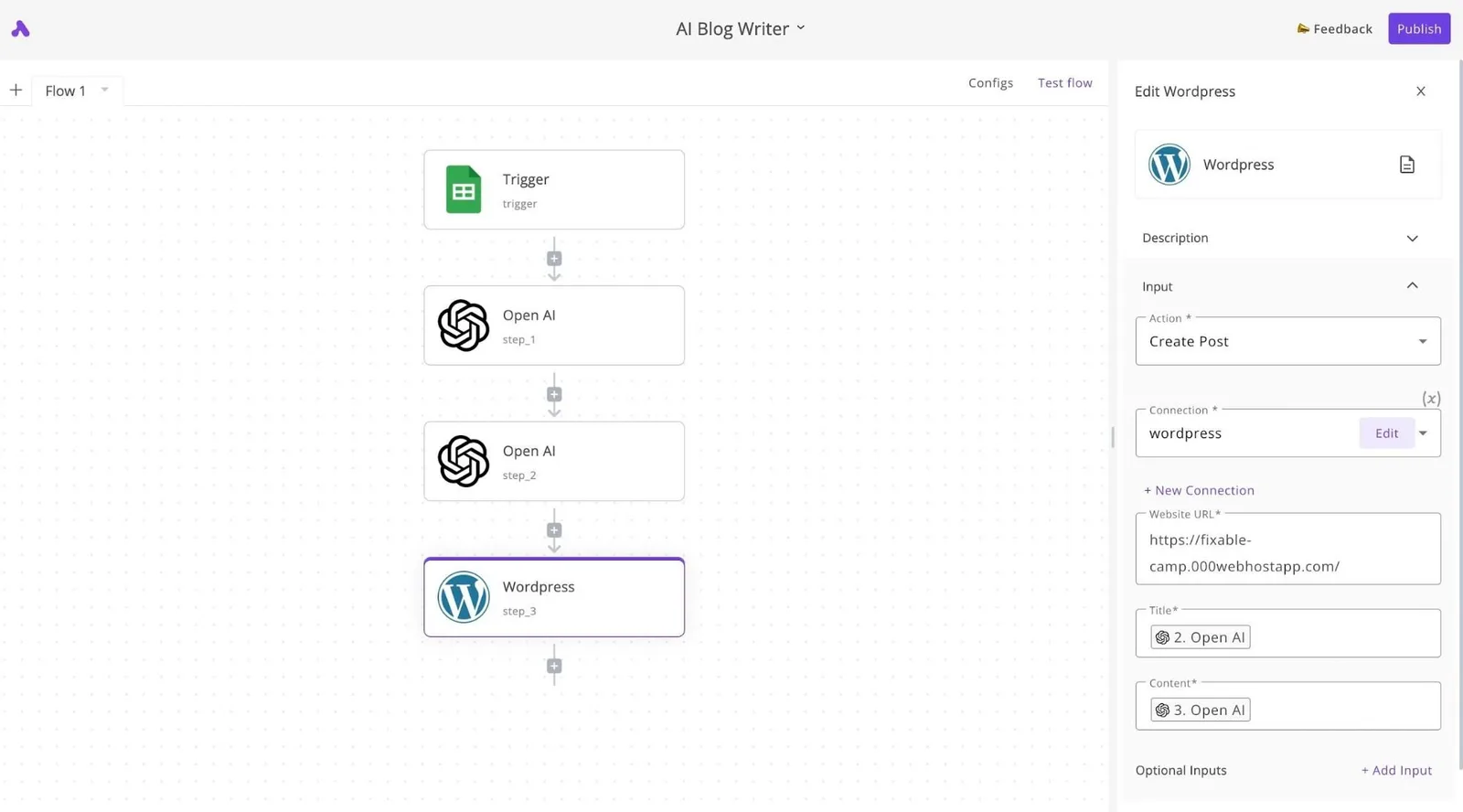
The table compares the three options on the points that decide the choice.
| Receiver | Setup effort | Who can edit later | When the receiver is down |
|---|---|---|---|
| Short script calling an API | Low: one function and credentials | Whoever reads your code | Fails unless you add retries and a local queue |
| Webhook trigger in a workflow tool | Low to moderate: build the flow, copy the URL | Non-developers can change steps | Depends on the tool; your sender must still retry |
| Code-only handler | Highest: you write and host it | Developers only | Entirely yours to design, including durable queues |
Activepieces sits in the middle row: its webhook trigger takes the JSON your glue script posts and runs the steps after it.
A voice command rarely stays a single step, and the agents, 750 integrations, shared tables and MCP tools it grows into sit in that same product, under one set of access and audit controls: custom RBAC, SSO, SCIM, audit logs, event streaming, environments and git sync.
Wiring those integrations from separate tools leaves you several vendors and as many places to work out who changed a step when a wake word fired.
The core is MIT-licensed, so the receiver can run on your own servers and the payload never has to leave your network.
Choose a code-only handler when the logic branches heavily or when the payload must never leave your network.
Finish with an end-to-end test in this order:
- Start the receiver and confirm it accepts a hand-written sample POST.
- Speak the wake word and confirm the payload arrives with the right fields.
- Stop the receiver, trigger again, and confirm the payload lands in your local file.
- Restart the receiver, replay the file, and confirm nothing is duplicated or lost.
Easier to see it running than to read about it: set it up free, no card.
Handle Picovoice errors and limits
When the engine refuses to start, the cause is usually the AccessKey and not a code bug: the exception name tells you which of three activation errors, or which licence or platform limit, you hit.
Match an exception from your end-to-end test to a single action with the table below, which pairs each error with its cause and fix. It lists only what Picovoice documents, so it has no quotas.
| Error or limit | Cause | Fix |
|---|---|---|
| ACTIVATION_ERROR (8) | The AccessKey's invalid, mistyped or not accepted | Copy the key again from Picovoice Console and strip stray whitespace or quotes |
| ACTIVATION_LIMIT_REACHED (9) | The AccessKey's used up the activations its plan allows | Free up activations in Console, or move to a plan that allows more |
| ACTIVATION_THROTTLED (10) | Too many activation attempts in a short time | Back off and retry later; initialise the engine once, not on every request |
| Free plan | Intended for non-commercial use | Get a commercial licence before shipping to customers |
| Platform | A model or keyword file built for a different platform | Use the file generated for the platform you run on |
Picovoice AccessKey and licence errors
In the SDKs these surface as named exceptions, for example PorcupineActivationLimitError in Python. Catch them separately in your glue code, because the fixes differ. A throttled key will recover on its own, while a limit-reached key won't.
Create a new engine instance inside the webhook handler and every request triggers an activation, so you hit throttling during a burst. Create the engine at startup and reuse it.
Picovoice model and platform mismatches
A file made for one platform won't load on another, because wake word and intent models are trained per platform. The error looks like a bad argument rather than an activation fault. Check the platform before you check the key.
Rhino has the same constraint with its context files, and both the engine and the model must match the SDK version you installed. If you upgrade the SDK, regenerate the models.
Picovoice audio and detection problems
If initialisation succeeds but nothing triggers, the fault's almost always the input. The engines expect the exact frame length and sample rate the SDK reports, and a recorder set to anything else feeds them garbage without raising an error.

Confirm the frame length, the sample rate and the microphone selection before you adjust sensitivity.
What Activepieces does about this
Picovoice gives you the detection and nothing after it, so the missing integration is a receiver that survives your glue script's bad days. Activepieces provides one.
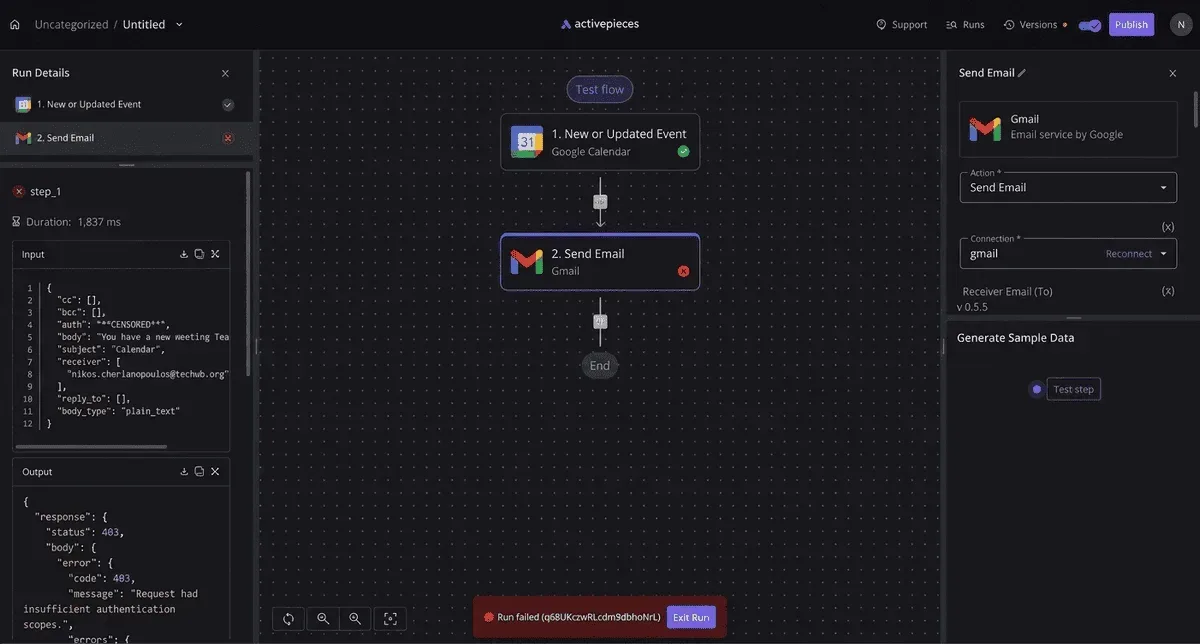
A webhook trigger takes the JSON your callback posts, such as the event name, device and Rhino slots, and starts a flow from it.
The part that matters here is the licence. The core is MIT-licensed, so you can self-host the receiver next to the devices. Audio stays on the microphone's machine, and the payload stays on your network.
Activepieces does not remove the retry duty described earlier. Your sender still needs its capped retry and local file.
What it adds is somewhere to send the result: from the same flow you can reach any of its 750 integrations, such as a ticket, a chat message or a table row, so you're unlikely to need custom code for your destination.
Frequently asked questions
What's left mostly concerns where the engines stop and your glue code starts, and the answers below stay on that line.
Does Picovoice work offline?
Yes for audio processing: the engines run on the device, so audio is never streamed to a server. The AccessKey's the one dependency to check. It's validated against Picovoice's licensing, so confirm what your plan requires for a device that's offline for long stretches.
Whatever your glue code sends onward, such as a webhook call, needs a network of its own.
Is Picovoice free to use for a personal automation project?
For personal and non-commercial use, Picovoice has a free tier, and it requires an AccessKey from the Picovoice Console.
If the project turns into something a business depends on, or ships to customers, the licence changes and you should read the current terms first. Limits here come from the plan, not from the code you write.
Can voice events trigger automation workflows?
Indirectly, and that's the intended design. Picovoice has no workflow engine, so your script listens with Porcupine or Rhino, then sends an HTTP request to a webhook URL that the automation platform exposes.
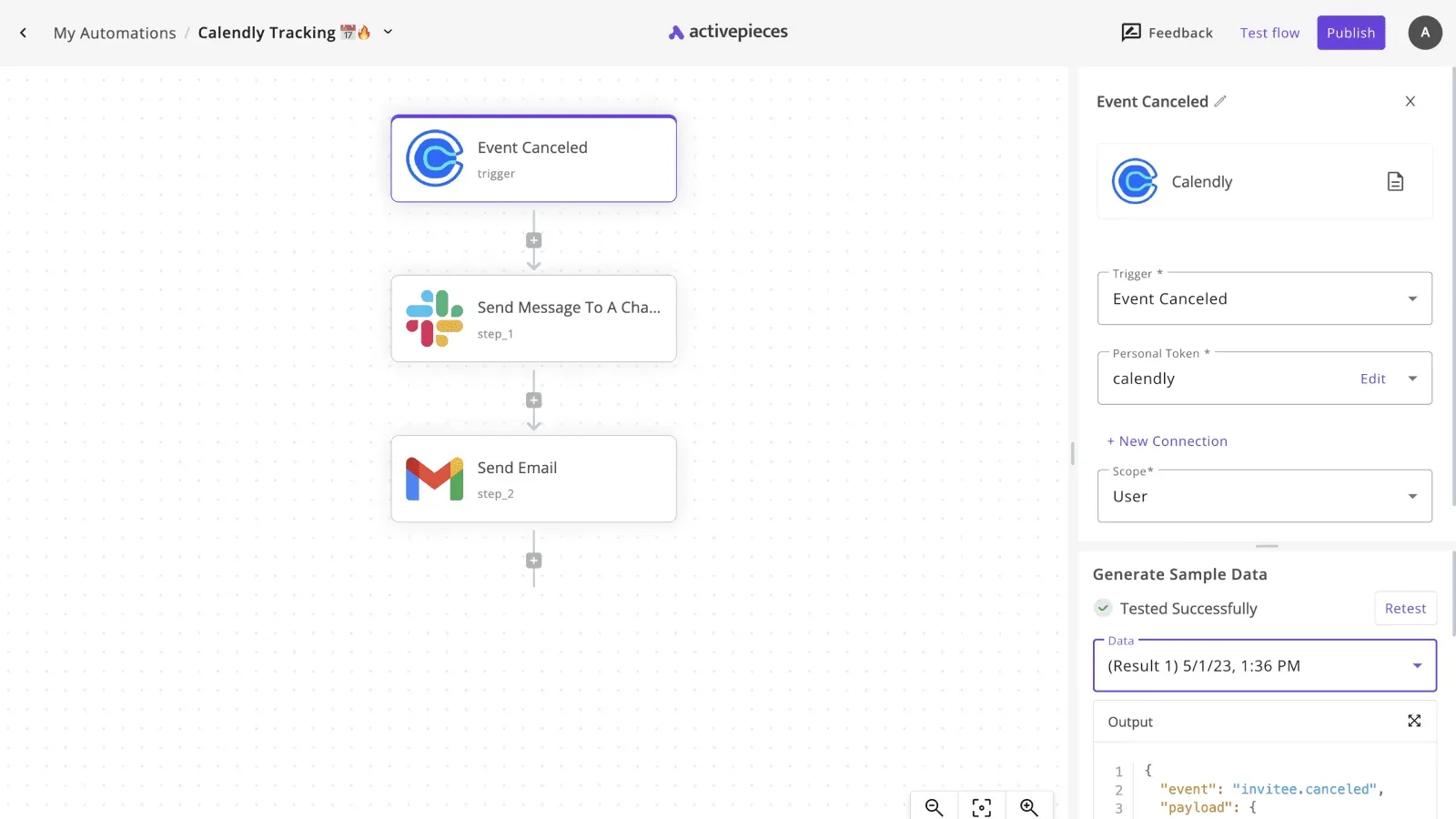
Zapier and Make both accept incoming webhooks. Log the response status, as the previous section set up, so a rejected call shows up as an event and not as a voice command that did nothing.
Can I run Picovoice on a Raspberry Pi or a microcontroller?
On a Raspberry Pi, yes: it's a supported target, and it's the easiest place to start for an always-on voice trigger.
Microcontrollers are supported for some engines and boards, not all of them. Check the platform list for each engine you want, because a board that runs wake word detection may not run speech-to-text.
Model files are also built per platform, so a file trained for one target won't load on another.
Why does my custom wake word fire too often or not at all?
Start with sensitivity, the setting that trades false alarms against missed detections. Raise it if the word is ignored and lower it if it fires on background speech.
Next, look at the phrase itself. Short phrases, or ones that sound like common words, trigger falsely, while longer and more distinctive phrases behave better.
Last, confirm the model file was trained for the platform you're running on. A mismatch there looks like erratic detection but it's a configuration error.