
Playground AI Pricing: Free Plan and Costs (2026)

Nov 17, 202613 min read
Playground AI pricing today: free plan or paid
The short answer
Start on Playground's free plan and stay there until you hit its limits repeatedly. It's enough to judge the product and to cover light personal use. Upgrade only when the limits get in your way, and compare per-image cost against rivals first.
What Playground is
You generate images from text prompts and then edit them in Playground, the AI image editor, which matters for how you judge cost, since a single image rarely ends at the first render and you might hand the results along through a workflow built in Activepieces.
If you rework one picture many times, you use far more of your allowance than if you generate once and move on. Count your edits as well as your finished images before deciding the free plan is too small.

Checking Playground AI pricing before you pay
Before you spend anything, read every plan detail against playground.com's own pricing page, not against this article or a third-party summary.
Vendors change allowances and plan names without notice, so confirm the current figures there.
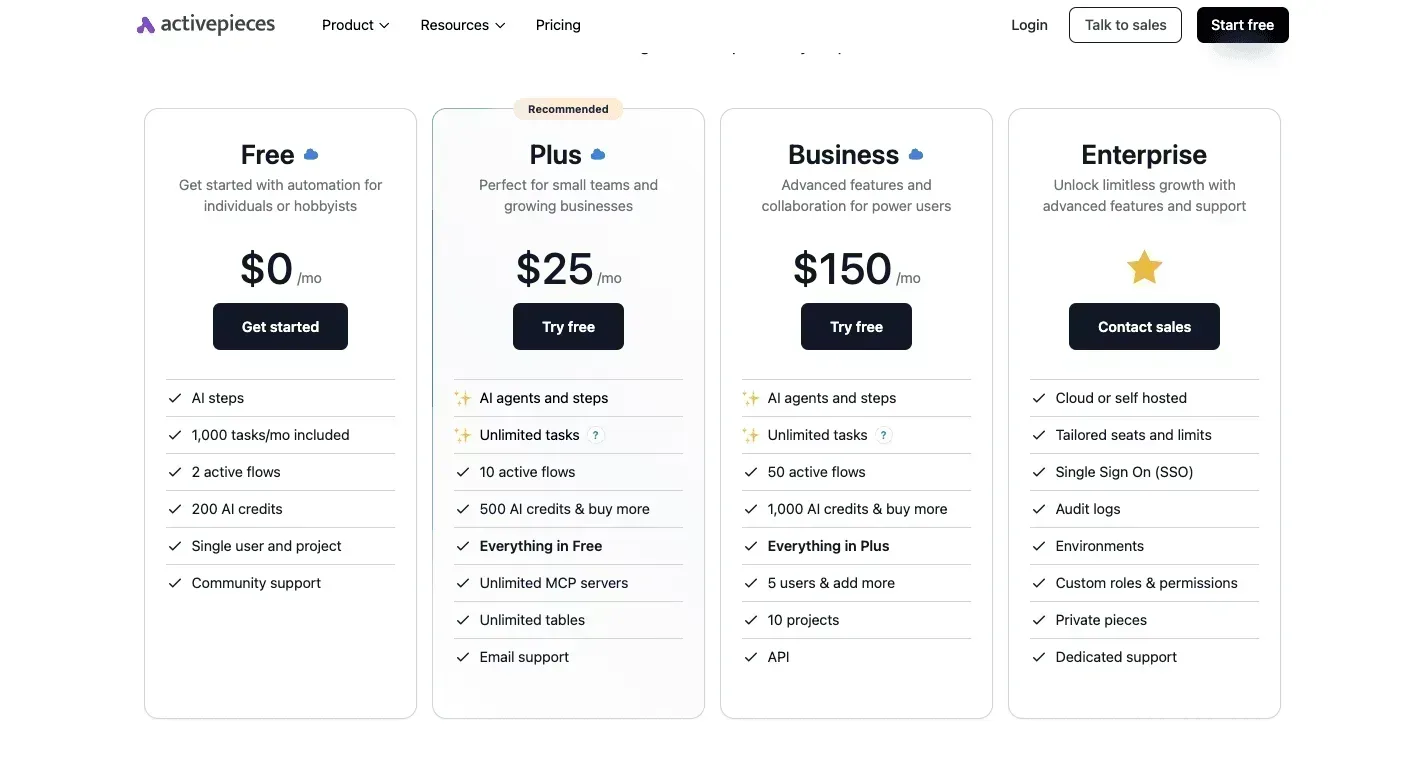
The row that matters is the one naming what the meter counts. Activepieces, a workflow-automation tool in a different category, charges 1 credit per flow run however many steps the flow has, where Zapier bills per task and Make per module.
A ten-step flow costs the same as the two-step workaround it replaced, so nobody is taxed for splitting work into smaller, more reliable integrations. Read the limit rows under any headline price that way: ask what is being counted.

Apply the same reading to Playground's page: find the limit you're most likely to hit, then see which plan raises it.
If you are running this arithmetic for your own team, see what the same workload costs on Activepieces.
Playground plans, pricing and limits
40 images a day is the one limit Playground's help page pins down, and it applies to the free plan as of November 2026. That's the ceiling to test before paying for anything.

//help.playgroundai.com/en/articles/11434147-what-are-the-limits-on-the-free-plan).
| Plan | Monthly price | Annual price | Annual total | Credits | Caps | Commercial rights | Export and seat limits | Feature gates |
|---|---|---|---|---|---|---|---|---|
| Free | $0 | $0 | $0 | Not stated | 40 images a day | Not stated | Not stated | Not stated |
| Pro Plus | Not stated | Not stated | Not stated | Not stated | Not stated | Not stated | Not stated | Not stated |
Read the live pricing page before you compare Playground against rivals.
What the limits actually count
Unused images don't roll over, because the free cap counts images per day, not credits per month. A heavy Tuesday can't borrow from a quiet Wednesday. For judging the product or occasional personal edits, 40 a day is workable.
How Playground free plan limits have changed
Only downward: the free cap was 1,000 images a day in February 2023, 500 in October 2023, 100 in March 2024, and 40 in November 2026, according to Factchecktool.
That's a 96% cut in under four years, so a workflow built on today's allowance can break without warning.
Re-check the help page before each billing decision, and avoid annual prepayment until the paid limits have stayed stable for a few months.
What each plan costs at realistic monthly usage
Pay monthly rather than annually, so a change in the paid limits costs you one month instead of a year. Playground's help page is the reference for what each tier allows.
Playground pricing for a solo creator
If you post once a week, you rarely exhaust the free allowance. Paying here buys comfort, not capacity. The free plan is enough.
If you've run into the free cap in several separate weeks, that's the signal to look at Pro monthly. One hit isn't it.
Playground pricing for a small shop
When a shop generates variants of each product photo, free limits start to bite, and per-image cost matters.
$0.032 per image is what Pro annual works out to, according to Playground Help Center's figures. Pro monthly works out to $0.04. Annual saves under a cent per image, which isn't worth locking in a year while limits may still change.
Put Midjourney next to them and Basic at $0.05 costs more than either Playground option. Midjourney Standard at $0.0333 lands almost level with Pro annual, per Playground Help Center, so Playground's edge over Standard is slim.
With three people generating, the chance of hitting the cap multiplies, so a paid plan pays off sooner. Test with one paid seat first and see whether the others still need it.
If per-image cost on Standard drops below Pro, or if free limits prove roomier than your usage suggests, the case for upgrading weakens.
The strongest case for paying for Playground early
Why the free cap costs you time
If you need many images in one sitting, the free cap costs you more in waiting than a paid plan costs in cash. That deadline is the strongest case for paying.
It then fell to 100 in March 2024, and now stands at 5 v3 images every 3 hours.
At 5 images per 3-hour window, the free plan tops out at 40 images in a full 24 hours, so a daily user looking for even two design sessions hits the ceiling within a week.

Over a working day of three or four windows, expect 15 to 20.
How few free users actually pay
That shrinking cap is the real argument for upgrading. It's also the only one the usage data supports. Canva, the design app, converts about 9% of free users to paid, meaning roughly one free user in eleven eventually subscribes.
Dropbox and ChatGPT each convert about 3%, and Miro, the online whiteboard, about 1%, making free users primarily an engagement layer rather than a revenue source.

Never paying is what most free users do, and many are fine.
When paying for Playground makes sense
In two situations the case holds. You hit the cap on most working days, so waiting is a recurring cost. Or you sell or publish the images for clients, so commercial-use terms matter more than the monthly fee.
If neither applies, here's the bootstrap version. Write your prompts in advance, run them in the first window of the day, and refine only the two or three best results in later windows.
Worth checking against a plan that does not meter every step: one credit covers a whole run on Activepieces.
Hidden costs and limits people hit on Playground
Check what the ceiling is made of if your log shows you brushing it. Playground counts usage in credits, and several terms that decide whether a paid plan pays off aren't published where I could verify them.
How Playground credits are counted and reset
Pick a different mode and the cost changes, because credits are spent per generation. Auto mode, for example, is charged at its own credit rate, so the same prompt can drain your balance faster or slower depending on the mode.
The practical consequence is that a prompt count tells you little. Log credits spent, not images made.
Settle these before paying. Each is marked with what I could confirm.
- Credit cost per mode: counted in credits, with Auto priced separately; check the per-mode rate on Playground's pricing page.
- Rollover of unused credits: not published.
- Export and resolution caps by plan: not published.
- Queue speed on the free plan versus paid: not published.
- Annual lock-in and refund terms: not published.
You can't price any of these in, so a paid plan is a gamble on the unknowns until you've asked.
If you sell what you generate, note first that free-tier commercial terms aren't published in the material I worked from. Read Playground's terms of service yourself and screenshot the clause with the date.
Playground billing, renewal and cancellation
Pay annually and you usually pay for a year up front, and a refund policy that isn't published is a refund policy you can't rely on.
Buy one month, run your real workload, and compare cost per image before committing to a year; that's the bootstrap version.
Playground pricing versus AI rivals
On cost per image, Playground Pro on annual billing comes out close to Midjourney's Standard plan, but Pro monthly is costlier, so editing features and licence terms should decide a close call.

Since free allowances differ in kind, not just size, measure each against your own month of usage.
Entry paid plans compared
The table sets Playground, Canva, Adobe Firefly and Leonardo AI side by side on free allowance, entry monthly and annual price, entry-tier limit, commercial terms and editing features.
Cost per image against Midjourney
On annual billing, Playground Pro works out to $0.032 per image. Midjourney, a standalone image generator, charges $0.0333 per image on its Standard plan, so the gap is about 4%. Across 1,000 images that's roughly $1.30, which is a tie in practice.
Switch to monthly billing and the picture changes. Pro at $0.04 per image undercuts Midjourney's Basic plan at $0.05 by 20%, which is $10 saved per 1,000 images, so the advantage scales with volume.
Which Playground plan to pick
If you generate occasionally and edit existing pictures, stay on the free tier. For a heavy month, such as a launch, buy Playground Pro monthly and cancel afterward.
Commit to annual billing only once you've hit the limits month after month. Choose Midjourney Standard only if its style matters more to you than the roughly $1.30 per 1,000 images it costs extra.
What to measure before paying for Playground
Stay on Playground's free plan for two weeks and count your images before paying, because your own usage, not the plan list, shows whether an upgrade earns its price.
The same logic that applies to Midjourney's style premium applies here: pay for a measured need, not an imagined one.
Run the six steps below in order; each one gives you a decision rather than a guess:
- Stay on the free plan for two weeks. That spans a quiet stretch and a busy one, so you see your real pattern instead of your best day.
- Count the images you generate each day. A notes file or a spreadsheet is enough, and costs nothing.
- Compare the count to the free cap. Check the limit on Playground's own pricing page, since limits change and any figure I quoted could be stale.
- Upgrade only if you hit the cap repeatedly. One bad day is a fluke. Hitting the wall several times means free is costing you work.
- Pick monthly over annual. Annual discounts reward a commitment you haven't yet earned, and monthly lets you leave if your usage drops.
- Set a renewal reminder. Put it a few days before the charge, so you decide to keep paying rather than drift into it.
If the count says you never hit the cap, the bootstrap version is simply to stay free and spend nothing.
If it says you do, you now have a daily number to divide into the paid price and set against rival tools' per-image costs before you click upgrade.
What Activepieces does about this
The advice in this article comes down to keeping a log: cap hits, credits spent, and a reminder before the renewal charge. Activepieces can run that log for you. I haven't confirmed a public Playground API, so nothing here reads your account.
The flow starts from something you trigger yourself, such as a form or a webhook call, and appends a dated row to a Google Sheet or Airtable base. It would record the day, the mode, the credits spent and whether you hit the cap.
A second flow can run on a schedule and message you a few days before your plan renews. That is step six of the checklist above, done without having to remember it.
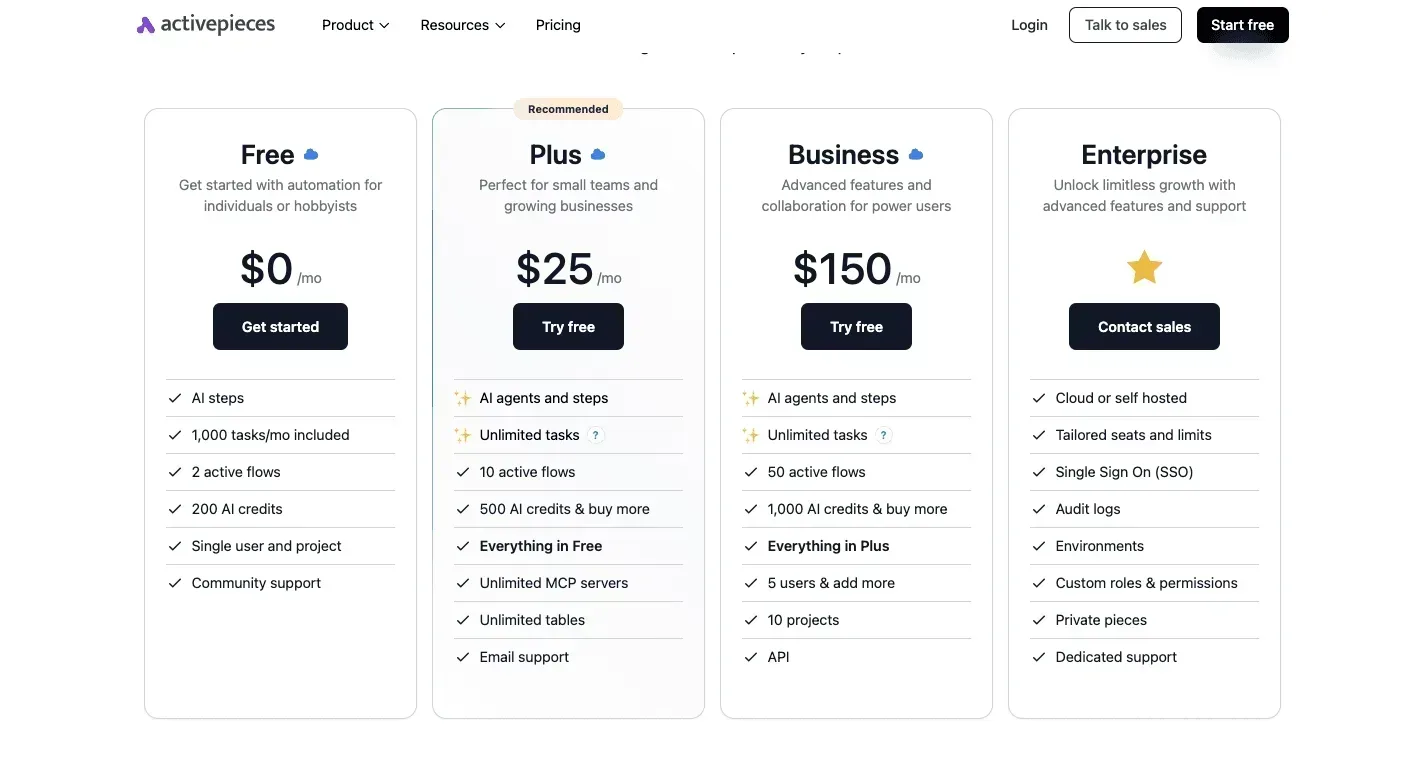
Cost matters here, because a tracking habit shouldn't need a paid tool of its own. Activepieces charges 1 credit per flow run however many steps it has, so adding a column or a notification step doesn't raise the bill.
The core is open source under the MIT licence and can be self-hosted, so a two-week experiment doesn't need a subscription either.
This doesn't change the argument. Playground's free plan is still where you start, and the log only tells you whether you hit the limits repeatedly. If it does, you'll have a daily number to divide into the paid price.
Frequently asked questions
Yes, Playground has a free plan, and it's enough to judge the product and for light personal use.
Paid plans only make sense once you hit the free limits repeatedly. Until then, the free tier costs you nothing and tells you whether the editor suits your work.
Can I use Playground images commercially on the free plan?
Check Playground's own terms of use before you rely on it. I haven't confirmed that the free plan grants commercial rights, and a client invoice is a bad place to find out.
If you plan to sell or publish the images, read the licence on playground.com first, and keep a screenshot of the terms as they stand the day you generate. If the terms restrict free-plan output, that restriction alone could justify a paid plan.
Does Playground offer a refund if I cancel?
Cancelling stops future renewals, but I haven't confirmed that it returns money for a period you've already paid. Refund rules are set in Playground's billing terms, so read them before committing.
Pay month to month while you test, and move to an annual plan only after several months of hitting the free limits; that's the bootstrap version.
Annual billing costs less per month, but it locks your money in, and a refund is the thing you can't count on.
I couldn't confirm a public API for Playground, so don't build a workflow around one until you've seen it in the official documentation.
If you need programmatic image generation, rivals document theirs openly. OpenAI's GPT-Image-2.5 Flare and Google's Nano Banana 2 are both aimed at fast, high-volume generation. Compare their per-image costs against Playground's paid price before you decide.
Related reading
Running the numbers
See what the same workload costs here.
Free forever plan, and every paid plan self-hosts at no extra cost.
See pricing Talk to sales