
Slack AI Agents: Slackbot Skills by Plan (2026 Guide)

Oct 16, 202612 min read
Slackbot skills launched as Slackbot's shareable agent feature
Wait, keep the original heading exactly.
This takes minutes, not a project: automate it in Activepieces free.
Slackbot skills launched as Slack's shareable agent feature
Ask Slack about "Slack AI agents" and the answer is Slackbot skills: a saved, repeatable AI workflow you describe to Slackbot once and then run anytime, inside Slack.
What Slack released and when
Slack built skills by describing the job and how it should be done, so there's no builder canvas and no trigger-and-action mapping to configure.
That keeps the agent inside Slack, and it's also why it doesn't reach your other apps on its own. For that, a workflow platform that reaches your other apps through 741 integrations, each connected deliberately, is the missing layer.
Here's what the two Slack pages state, so you can see which gaps remain before you plan around it. The release date is not stated on the blog post or the help article.
On who can use it, the only statement is a plan-by-plan AI feature count in the Slack Help Center.
No separate price for skills is stated on either page. The blog post is the source for what skills are, and the help article is the source for plans.
You can't cite a launch date to your team from these pages, so don't promise one.
Slack plans that include AI features
Read down the help article's chart, which counts AI features by plan, and Free includes none of the four, Pro two, Business+ three, and Enterprise+ all four.

The practical consequence: a Free workspace gets no AI features from that chart, and each paid step up unlocks more.
Because neither page gives skills their own price, treat the cost as your plan's cost. Check your plan against the chart before you build anything others will rely on.
Why slackbot skills matter to teams automating work
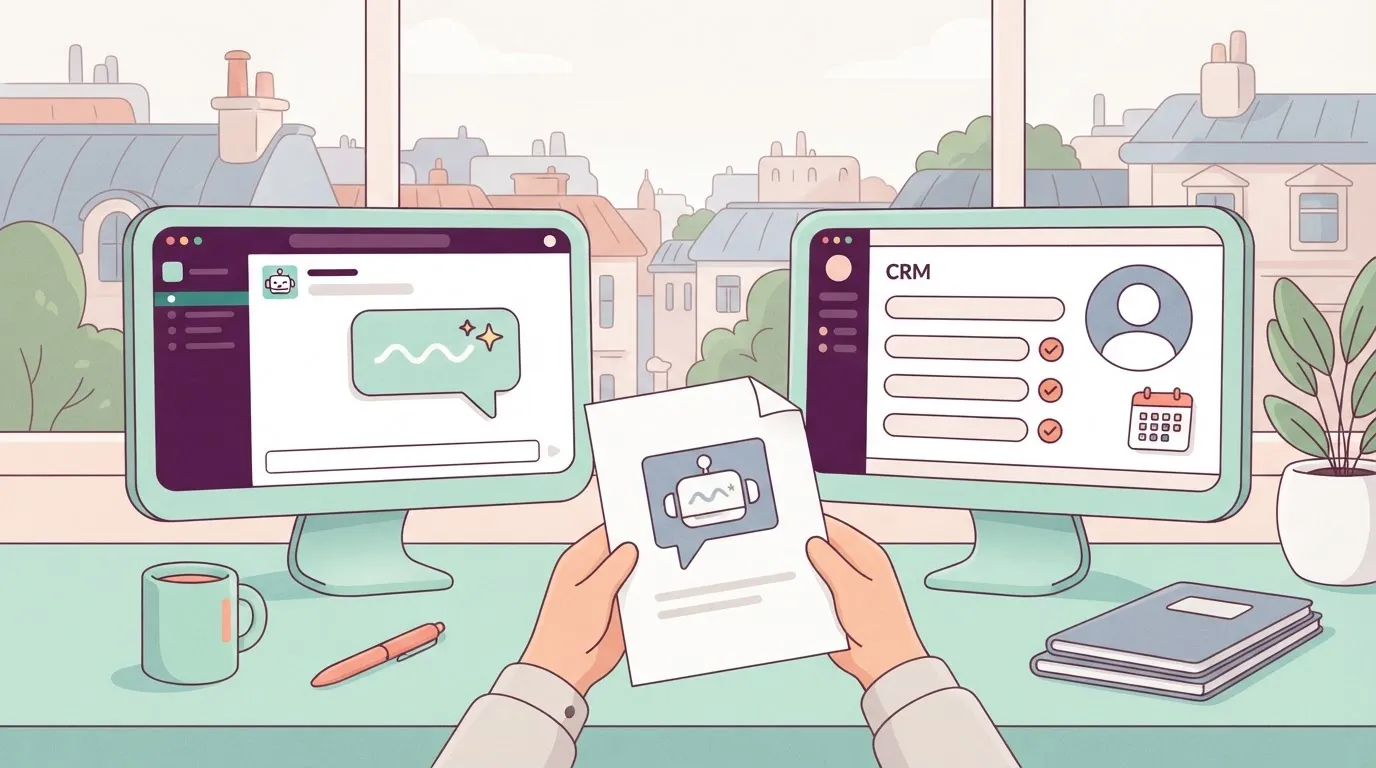
Browse, share and create agent behaviour inside Slack: that is what slackbot skills let a team do. But they stop at Slack's edge: nothing here moves a record between your CRM, your ticketing tool and your spreadsheet.
The picture below shows the gap, with the skill shelf on the Slack side and the outside apps separated from it by a dashed space with no connection running across.
Slack made Slackbot's behaviour packageable.
Because a skill is a saved way of doing a task that a colleague can find, reuse or copy, the best prompt in the channel no longer lives in one person's head.
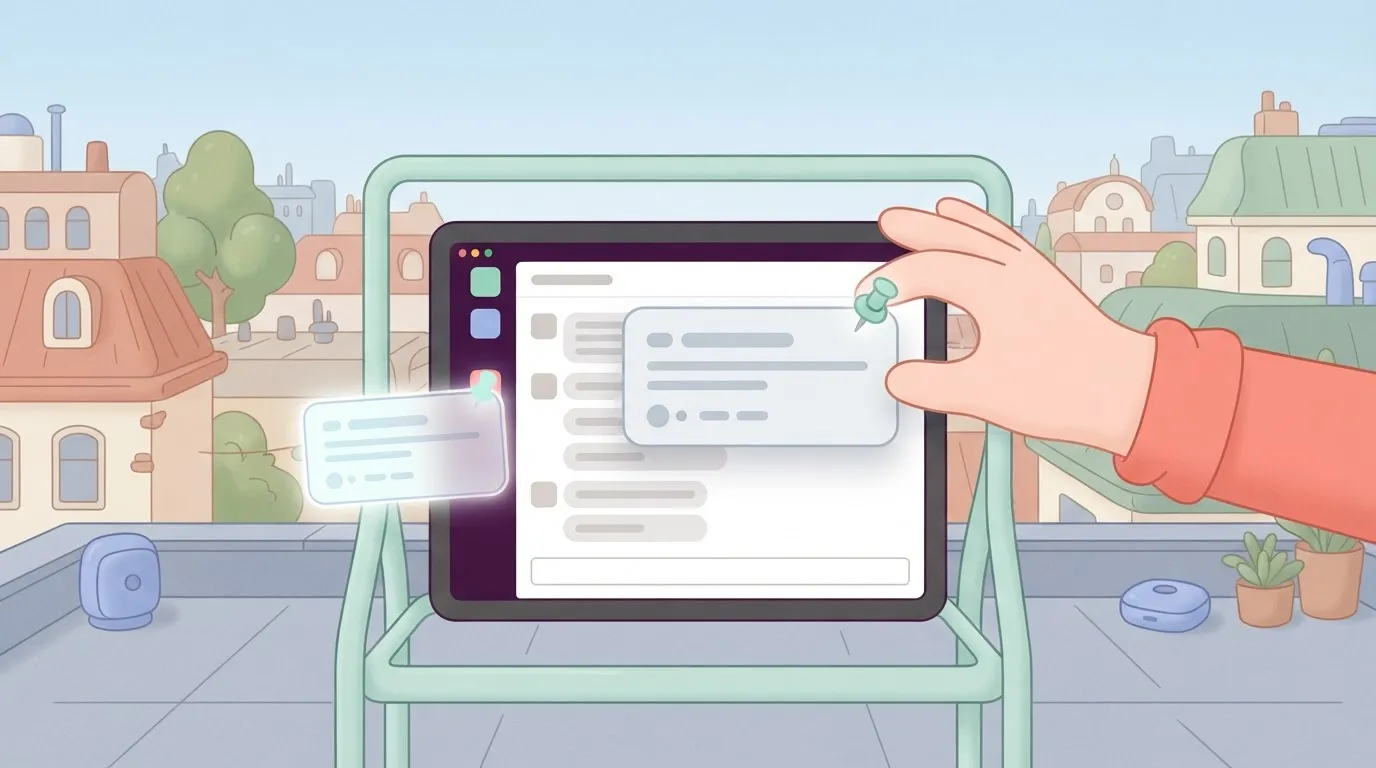
It stays a Slack-side feature, not a cross-app orchestrator, so a skill can't trigger an action in another system unless something else connects it.
Access follows your Slack plan, which is why the chart in the previous section comes first.
Salesforce, Slack's parent company, reports on its own pilot that four in five employees kept using Slackbot(https://www.techrepublic.com/article/news-salesforce-ai-assistant-release/). That figure is vendor-reported and tiny, so read it as a sign the habit can stick, not as proof it'll in your workspace.

What slackbot skills cost
I have no separate price for skills to quote, so budget against your plan's price, and confirm with Slack before you promise colleagues anything.
Count the manual work left over as the real cost: someone still copies output from Slackbot into the CRM or ticket. Removing that step needs a workflow layer you connect deliberately, and that's what comes next.
What's new in slackbot skills
According to Slack's help article, the one new thing is reusable instructions that tell Slackbot how to handle a specific task, and a way to browse, share and create them.
Browse, share and create
The article says skills give Slackbot step-by-step instructions for specific tasks "so you get the right output consistently." Its title names three actions: browsing, sharing and creating.
The table below sets out what each page says on each row, so you can see where the claims stop.
| Help article | Blog post | |
|---|---|---|
| Browsing | Covered by its title; the text I drew on gives no detail | Not stated in the text drawn on here |
| Sharing | Covered by its title; no detail in the text drawn on | Not stated in the text drawn on here |
| Creating skills | Skills are step-by-step instructions for a task | Not stated in the text drawn on here |
| Limits | A skill set can contain up to 25 skills | — |
| Pricing detail | Not stated | Not stated |
Prices and plan limits checked against slack.com and slack.com and docs.claude.com and claude.com and openai.com and gemini.google on October 16, 2026.
Everything the table confirms happens inside Slack, so a skill is a repeatable way of asking Slackbot for something. Nothing in it says a skill triggers on an event in another app.
What Slack's pages do not state
The help article caps a skill set at 25 skills and says skills can reference specific apps or MCP servers. I won't fill those gaps with guesses.
Before you build on skills, check each of those three points against your own workspace and plan, because a skill that can't reach your other tools leaves the cross-app work undone.
Other ways to automate in Slack
Slackbot skills aren't the only automation Slack offers. Workflow Builder is Slack's own no-code tool, where you set a trigger and chain steps, and it can include connectors to some other apps.
How far those connectors go depends on which ones Slack lists for your plan, so read its Workflow Builder pages for the apps and actions you need rather than assuming either way.
The second route is installing a third-party app or agent into your workspace. Those apps can post, listen and act in channels, and some reach their own service on the other side.
What each can touch is set by the app and the permissions you grant it, so check the listing and its requested scopes before you rely on it.
Neither route is a statement about what skills can do. I haven't confirmed from Slack's pages that a skill reaches outward, so check Slack's help article and blog for that instead of taking my word either way.
If the job crosses several apps and none of these routes covers the trigger you need, a workflow layer you connect deliberately is still the fallback.
You can follow the rest of this with the builder open. Start free, no card.
Activepieces has shipped nothing specific to slackbot skills
We checked the Activepieces repository and connector catalog on 2026-10-16 and found nothing built for slackbot skills, and we haven't run a skill against it ourselves.
So the connection is one you assemble from general building blocks, and three apply, simplest first. The first is an HTTP request step, where you configure a URL, method, headers and body.
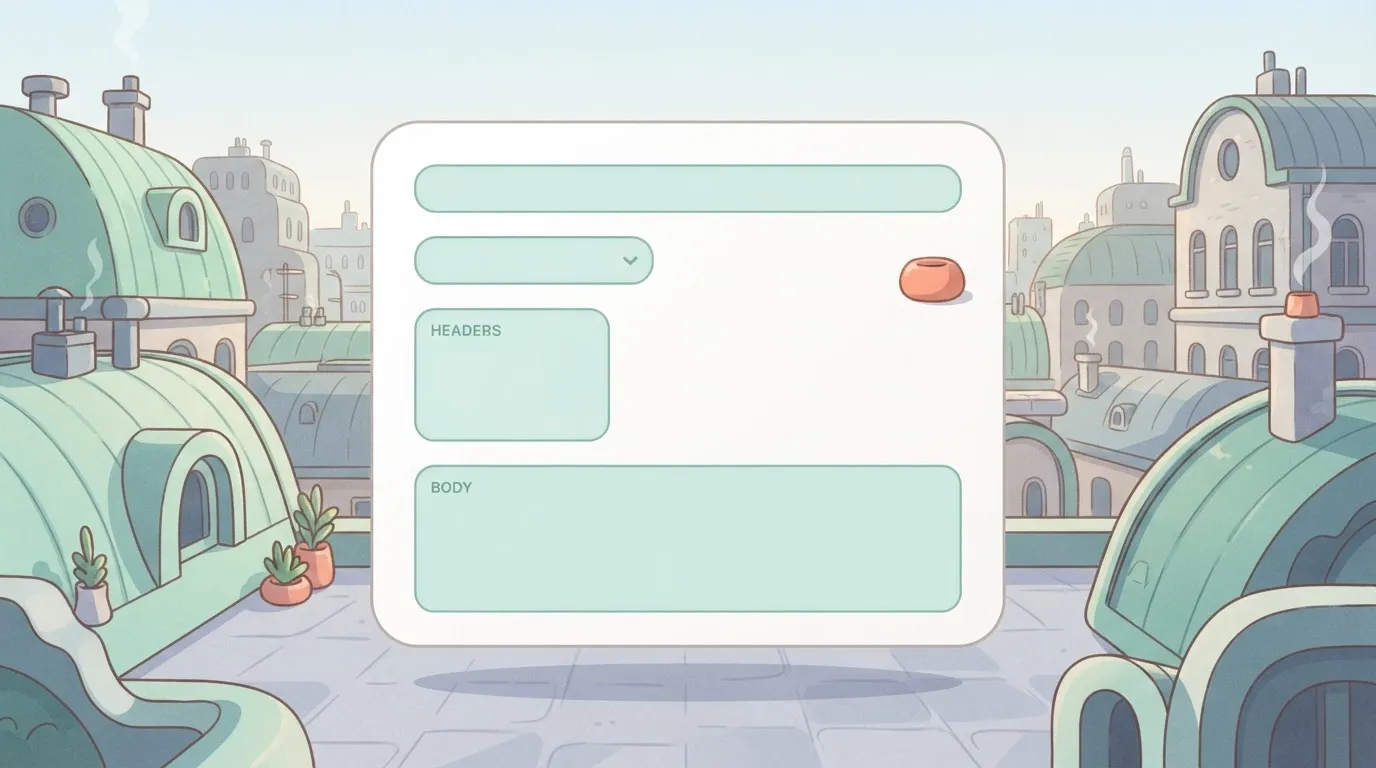
The second is an AI step with a custom provider, where you configure a base URL, API key and model name. The third is an MCP server, where you configure which flows or tools are exposed, and the client that connects to them.
MCP, the Model Context Protocol, is an open standard that lets an AI client call outside tools and data through a server.
You set the HTTP request yourself, so the field mapping is on you: which Slack value goes into which body field, and what the other app returns. It's the least magical route, and the easiest to debug.
The AI step and the MCP server
When a flow needs a model inside it, not just a request, use option 2, the AI step with a custom provider. Point the step at an OpenAI-compatible endpoint and the flow can draft, classify or summarise mid-run.
That gives the flow a model, but it doesn't give it a skill. Slackbot's skills stay inside Slack.
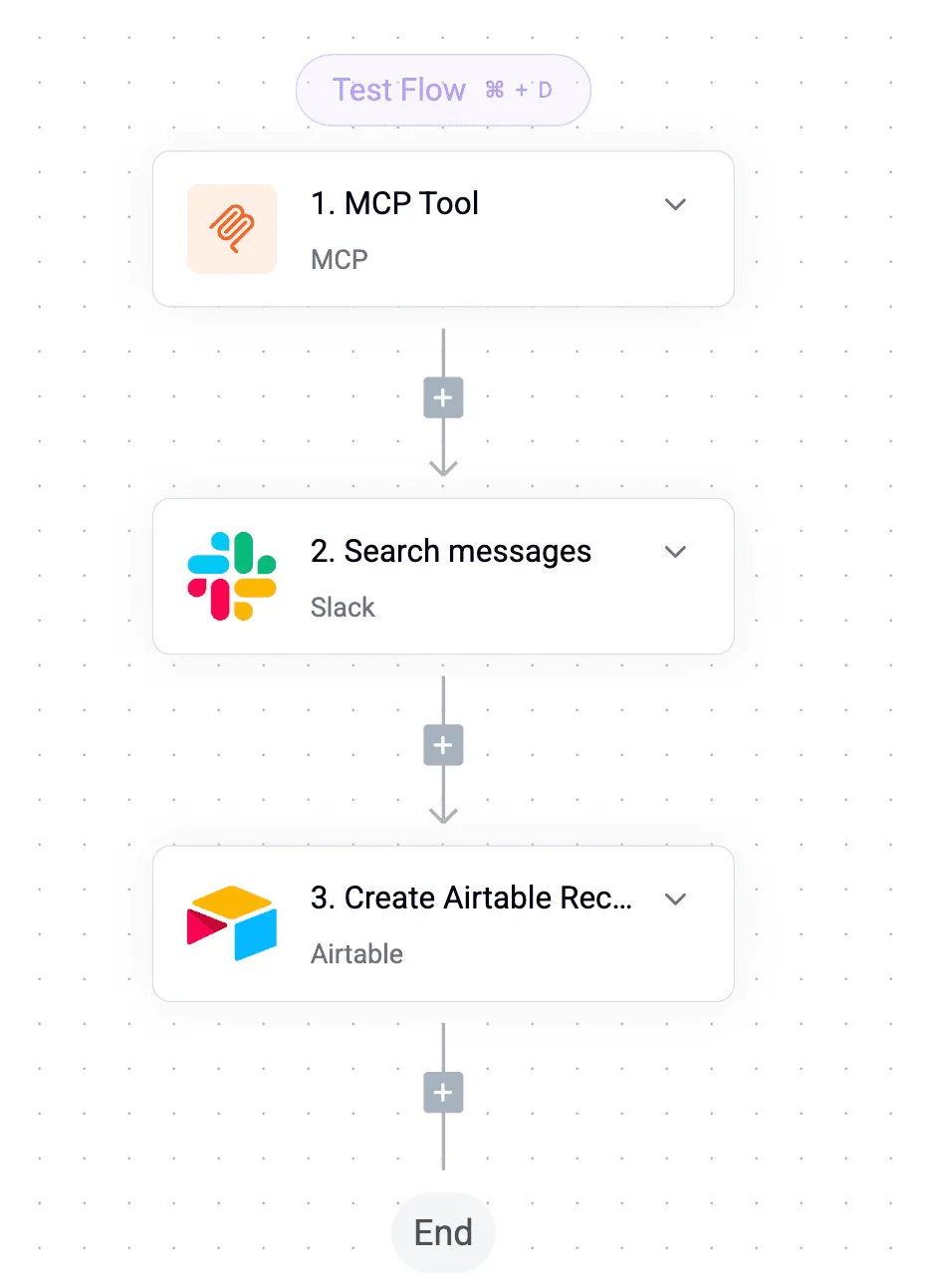
If you want an agent to call your flows as tools, option 3 is an MCP server. It takes the most setup and depends on the client supporting MCP. Confirm that on the Slack side before you build anything on it.
Each of its 741 integrations is a integration, and a integration you've connected for a flow is also a tool on the per-project MCP server, callable from Claude, ChatGPT, Cursor or an agent you wrote, so your flows can reach hundreds of services.
The code sits in packages/pieces of the open source repo, where the action definition behind a flow step is the same one the MCP server exposes as a tool, and the Integrations Framework and MCP Server documentation describe that mechanism.
MoneyGram, Moneypenny, Alan and FundingSocieties run Activepieces in production.
Cost and speed differences
We have no measured speed for any of these routes. Cost depends on plans you must check yourself, so the practical differences are setup effort and which apps each route can reach.
The table shows those differences; take from it that only the first row stays inside Slack.
| Route | Cost | Setup effort | Reaches other apps | Measured speed |
|---|---|---|---|---|
| Slackbot skills in Slack | Set by your Slack plan | Low: write the skill in Slack | No, Slack only | Untested |
| Cross-app workflow with HTTP or AI step | Set by the workflow tool's plan plus any model usage | Medium: map triggers, actions and fields | Yes, wherever a connector or HTTP call reaches | Untested |
| MCP route | Set by the client and server you choose | Higher: run and secure a server | Yes, where a server exists | Untested |

Check each cost cell against the vendor's current pricing page before you commit.
Skills can be added from the skill catalog or built by describing the task to Slackbot; they only need apps or MCP servers connected if you want the skill to reference them. It also stops at Slack's edge, so a skill that needs a CRM record or a ticket still can't fetch one.
Across apps with a workflow
Each extra app adds steps, and steps compound. At an assumed 95% success per step, the illustrative figures from TinyFish show 77% of runs completing at 5 steps, which is roughly one failure in four.
At 10 steps it's 60%, so two runs in five break. At 20 steps it's 36%, so most runs fail somewhere.
Keep chains short, add error handling at each hop, and test the field mappings before trusting any of them.
At 20 steps it's 36%, so most runs fail somewhere.
What to watch next with Slack AI agents
Watch Slack's help article and blog for what skills can do.
Watch the connector catalog of your workflow platform, which for an open source one can list 741 integrations counted from its monorepo, for what connects outward, making these 741 your current reference point, and treat everything else as unconfirmed until those pages say it.
Inside Slack is where Slack's own pages place skills: you browse, share and create them there. That's the scope to hold them to: reuse of Slackbot's behavior among your teammates.
Watch the help article for changes to who can create a skill, who can share it, and what Slackbot is allowed to reach when a skill runs. Those permission lines decide whether a skill stays a convenience or becomes something a team depends on.
Nothing I could confirm from Slack's pages says a skill triggers on events in your other apps, or writes records into them on its own. Until the help article or blog says so, assume it doesn't.
On the workflow side, the catalog's listing for an app matters less than whether it offers the specific trigger and action your task needs, so read the entry, not the tally.
To turn that into one decision you can make this week, work through the steps below.
- Pick one repeatable task you did more than once last week.
- List every app it touches, including the one where it starts and the one where it ends.
- Decide: if every step happens in Slack, a skill may be enough. If a step lands in another app, it needs a cross-app workflow.
- Check the Slack pages and your workflow tool's pages for changes before you build.
Whatever you choose, write down which trigger starts it, so you can test that first.
Frequently asked questions
To show which answers to check against Slack's own pages before you build on them, each is labeled as maker fact or general guidance.
Are Slack AI agents the same as slackbot skills? General guidance: no. A skill is a reusable, shareable instruction set for Slackbot, Slack's own agent. "Agent" is the broader label.
Check Slack's documentation for how it uses each term, because the wording shifts between announcements and help pages.
Do slackbot skills work with apps outside Slack?
General guidance: a skill shares and repeats what Slackbot does inside Slack. It doesn't, on its own, run a sequence across your other tools.
Any reach beyond Slack depends on what connections Slack itself offers, and I have no maker-page confirmation of those. If a job must update a CRM or file a ticket, put a deliberately connected workflow layer in charge and test the trigger first.
Does Activepieces support slackbot skills natively? Maker fact: no. We checked the repository and connector catalog on 2026-10-16 and found nothing built for slackbot skills, so don't assume it.
What you can verify is the Slack connection in any open source workflow tool you consider, for example one that keeps it under packages/integrations/community of an MIT-licensed repo: which triggers and actions it exposes.
Read that list against your use case before you promise anyone a result.
Where do I check current slackbot skills pricing? Maker fact, once you read it: Slack's own pricing and plan pages are the only authoritative source. Check which plan includes skills and whether Slackbot usage is billed separately.
Third-party summaries go stale quickly, so don't quote them in a budget.
Related reading
References
Build it
Set this up in minutes.
No code required. Connect your accounts, and Activepieces runs it from there.
Start free Talk to sales