
Updating Automation Templates When a Connected App Changes

Oct 18, 202613 min read
09:00 AM: the moment the legacy automation template failed
The lead sync workflow outage explained
When a production automation failed at 09:00 AM, it was because the pre-defined template couldn't reconcile a renamed data field. This resulted in null values flowing silently between the marketing frontend and the CRM.
When a template relies on a hard-coded map of "First_Name" and the source API changes that key to "given_name," the workflow may not throw a visible error when the endpoint silently accepts the changed payload.

Whether the logic is running in a custom script or Activepieces is managing the data flow, it simply passes null values into the database.
Nobody notices for three hours. By then, the sales team was looking at empty records, effectively blinding them to new business opportunities. The immediate fallout of a template failure manifests as:
- A spike in customer support tickets as users report missing data or broken interfaces.
- Widening data synchronization gaps that leave the CRM inconsistent with the billing system.
- Broken lead routing that sends high-value prospects into a processing void instead of to an account executive.
- Manual data entry backlogs that force highly paid engineers to perform clerical work to recover the lost morning.
These symptoms prove that templates aren't "set and forget" assets. They're rigid liabilities that break the moment the external environment shifts.
Why the API 'minor update' was a breaking change
The failure originated from a "minor" version update to the HubSpot CRM API. This update deprecated a specific contact property without triggering a global system alert.
While the API provider categorized this as a non-breaking change, the static template used by the middleware was hard-wired to the old schema. The automation was trying to pull data from a source that no longer existed.
Every other platform searches its templates, but Activepieces writes yours.
Instead of waiting for a vendor to update a catalog, you can describe a specific fix (like "when a Stripe payment fails twice, create a HubSpot task and message the account owner on Slack") to the built-in AI chat, which builds and publishes that flow regardless of whether a template exists.
How AI-generated workflows stay up to date
When the AI chat generates a flow, it does not create a static, orphaned script. It constructs the workflow using the latest definitions from the Managed Dependencies system. This ensures the AI-generated logic is just as resilient as a manually coded one.
If the underlying API changes later, you do not need to re-prompt the AI to fix the flow. Because the AI builds using global integrations, a single update to the central connector automatically repairs every AI-generated workflow.
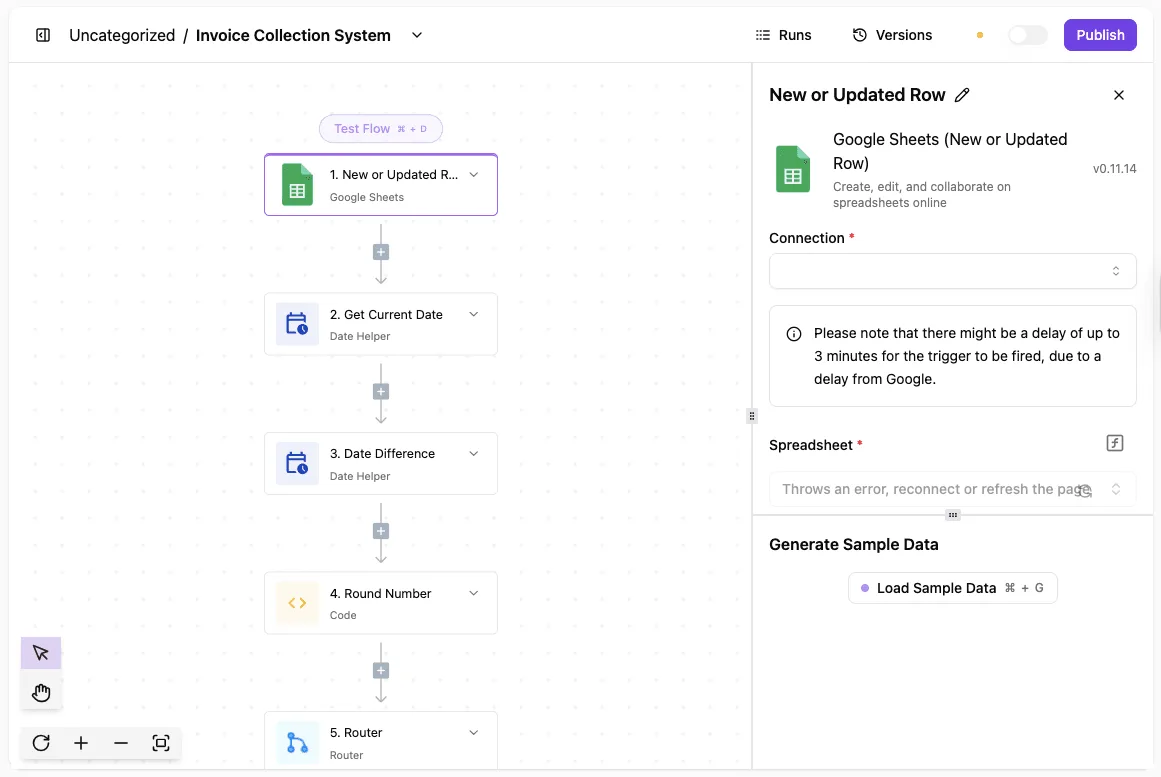
Legacy template-based systems often obscure the logic behind a "black box" UI. Because of this lack of transparency, the team was forced to manually reconstruct the logic, turning a five-minute API update into a three-hour forensic investigation.
The cost of recovering a broken workflow template
Roughly 30 minutes of active engineering time per workflow is consumed just recovering from a single template break, and across many workflows this adds up. According to a Manual breakdown of a single workflow update, the recovery process follows a strict, time-intensive sequence:
- Locate flow: 5 minutes to find the specific broken instance among hundreds of active processes.
- Test connection: 10 minutes to re-authenticate and verify that the API credentials haven't also rotated.
- In a typical manual environment, an audit of 50 workflows requires 5 minutes to locate each instance, 10 minutes to verify the logic against the new documentation, and 15 minutes to update credentials and schemas.
With 400 records stuck in the buffer, the team had to choose between fixing the code and manually re-entering the lost leads, forcing a trade-off between long-term stability and immediate data recovery.
Friction demonstrates that as long as workflows are built on static templates, every API improvement at the source becomes a mandatory tax on the engineering team’s productivity.
Everything below works on Activepieces' free plan. Start without code or a credit card.
09:45 AM: The manual audit of fifty disconnected workflows
Repetitive, low-value verification tasks can cost an entire morning. This is why manual audits fail when engineers try to verify fifty distinct integration points.
Friction demonstrates that as long as workflows are built on static templates, every API improvement at the source becomes a mandatory tax on the engineering team’s productivity.
How API changes impact multiple departments
In a recent study by ChurnTools, researchers found that 1 out of every 4 API updates results in a breaking change. A team managing 100 integrations therefore faces 25 distinct points of failure every time a vendor releases a major version.

- Marketing automations using the HubSpot CRM connector for lead scoring.
- Sales workflows pulling data from the LinkedIn Sales Navigator API to enrich contacts.
- Finance scripts pushing invoice data into the NetSuite ERP system.
The hidden cost of copy paste workflow maintenance
25 total hours of engineering time are spent on a single audit.
This is the result of needing 5 minutes to locate each instance, 10 minutes to verify the logic against the new documentation, and 15 minutes to update credentials and schemas, meaning that every single integration update requires a half-hour commitment of technical resources.
This effectively sidelines a senior developer for three full working days just to maintain the status quo. These figures represent the baseline "maintenance tax" that prevents teams from shipping new features.
Why hard-coded field mappings are a liability
Hard-coded mappings create a brittle link. A single renamed attribute in a JSON payload, such as changing user_id to account_uuid, invalidates the entire workflow.
When the API provider deprecates a field in the production environment, the static template continues to send the old key,. Unprocessed data begins to backlog while the workflow keeps running without raising an alert.

10:15 AM: The structural flaw in static automation templates
Static templates versus managed dependencies explained
Rather than a live link to a source of truth, static templates function as a one-time copy-paste operation. When a user selects a pre-built workflow for Salesforce, the system generates a disconnected instance of that logic.
Any subsequent patch to the underlying API requires the user to manually re-map fields in every workflow they have spawned. A managed dependency, by contrast, treats the integration logic as a shared library that inherits updates automatically.

The following table compares how these two architectures handle the evolution of software interfaces.
| Maintenance Dimension | Static Templates | Managed Dependencies |
|---|---|---|
| Update Speed | Manual per instance | Instant across all instances |
| Risk of Human Error | High due to repetitive manual re-mapping | Low due to centralized logic propagation |
| Schema Inheritance | None; workflows are frozen at creation | Full; workflows reflect the current API state |
Centralized logic through custom connector development
Implementing a managed dependency requires moving away from generic, vendor-supplied templates toward custom-coded connectors. A Global Integration is a TypeScript-based library that defines the actions and triggers for a specific service in a single repository.
When a developer publishes a new version of this custom integration to the private registry, the platform detects the version increment. Every workflow that references this specific integration is then linked to the updated logic.

This mechanism ensures that a single code change in the integration repository fixes the logic for every department simultaneously.
Technical debt in visual automation builders
Behind a clean interface, visual automation tools hide structural rot, masking the fact that every static template is a unique snowflake that must be groomed individually.
While most platforms force you to search through a fixed library of templates, an AI-driven approach generates the specific logic you need on demand.
Instead of hitting a dead end in a search index, you can describe a specific workflow (like "when a Stripe payment fails twice, create a HubSpot task and message the account owner on Slack") to the built-in AI chat, which constructs and publishes a runnable flow regardless of whether that template ever existed.
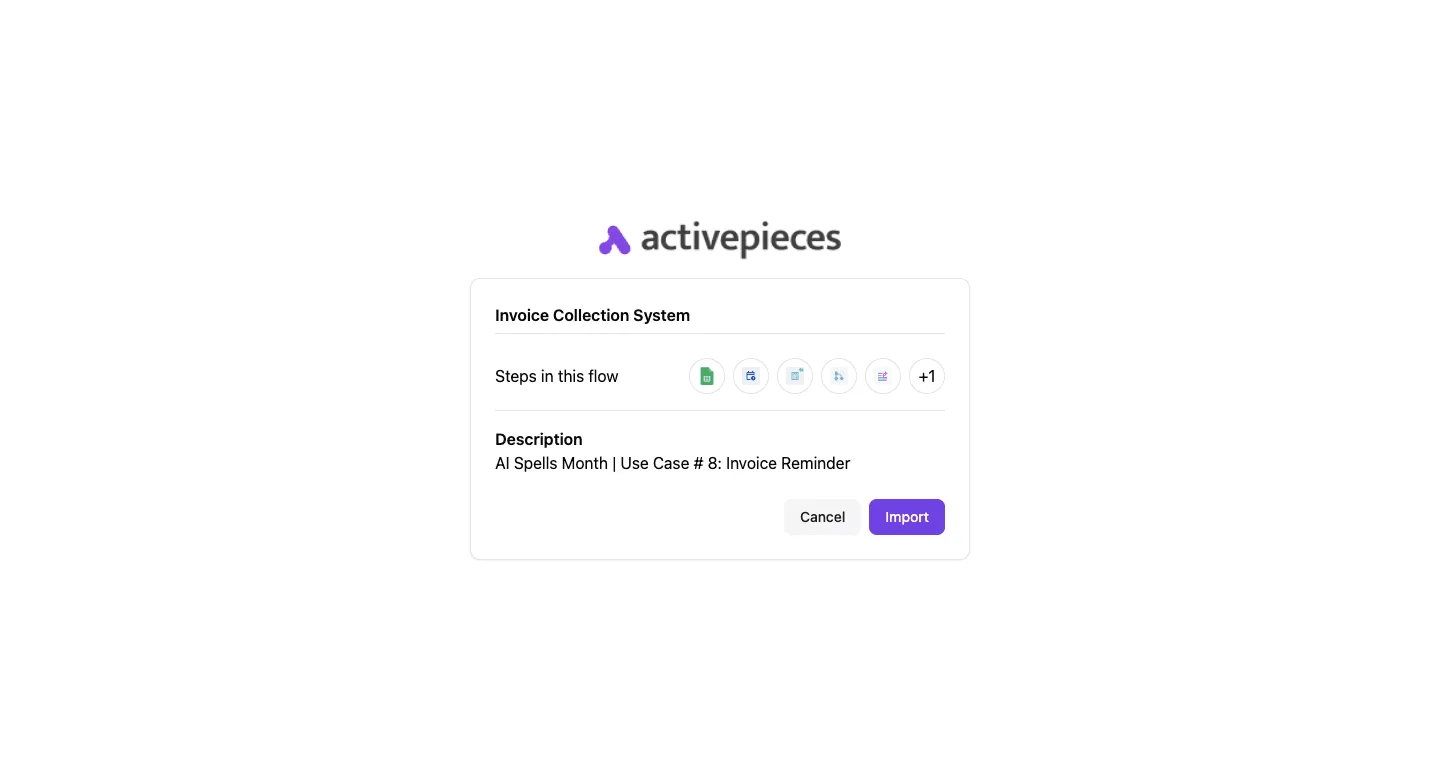
The catalog stops being the ceiling on what you can automate.
The breaking point of the 1-to-1 update model
The 1-to-1 update model fails because it assumes a human operator can outpace the release cycles of a modern SaaS ecosystem.
When the rate of API changes exceeds the team's capacity to open, edit, and re-test individual canvases, the automation suite enters a state of permanent degradation.
Easier to see it running than to read about it: set it up free, no card.
11:00 AM: how Activepieces automates the update across every workflow
A flow that lives only in a vendor's UI was never actually reviewed, which is why Activepieces syncs flows to git and promotes them through Release Management.
Organizations like MoneyGram and FundingSocieties run this in production to move automations from test environments to production as a deliberate, versioned step rather than an accident of clicking "publish."
Decoupling the app connector from the business logic
The platform treats integrations as modular "integrations" that exist independently of the flows they inhabit. In a standard template-based system, the API call is hardcoded into the workflow.
Activepieces instead routes all interactions through a centralized integration. In one place, a developer can update the code for the "Create Ticket" action to immediately resolve compatibility issues for all dependent workflows.
Using global integrations to push updates to 100+ workflows at once
Global Integrations act as a single source of truth for every instance of a specific app connector across an entire organization.
When a service like the Slack messaging platform deprecates a specific API endpoint, a team lead can update the Global Integration to the latest version.
This propagates that change to every active flow using that connector. Version drift is prevented by this centralized versioning, ensuring different departments aren't running integrations against different versions of the same service.

Validating schema changes in the sandbox before production deployment
Teams can test updated integrations in a non-production sandbox using the Activepieces environment system to ensure that new API requirements don't break existing business logic.
Within the sandbox environment, the developer updates the integration version to mirror the upcoming API changes. The system runs a test execution using live sample data to identify any required field mismatches.
Once the test passes, the developer promotes the integration version to the production environment, which updates all live flows simultaneously without requiring a manual rebuild.
Monday Morning: Building a resilient automation update strategy
A resilient update strategy replaces manual patch cycles with a structured verification loop that identifies breaking API changes before they reach production.
Audit your high-frequency API dependencies
Mapping every active connection reveals the specific points of failure that could halt business operations.
An audit must account for the authentication methods, rate limits, and versioning headers of every external service. The following strategy provides a roadmap for securing these connections. First, inventory all third-party API versions. Second, map workflows to managed integrations. Third, set up automated failure alerts.
Finally, schedule quarterly version reviews.
Transition from static templates to managed collections
Static templates become technical debt the moment a service provider like Salesforce or Slack updates their API schema.
Managed collections centralize these definitions, allowing a team to update a single "source of truth" that propagates the new API requirements to all linked workflows.
Setting a 24 hour update verification protocol
A strict response window for API deprecation notices prevents minor version shifts from escalating into multi-day outages.
- Trigger a version-specific test suite to identify which specific fields or endpoints no longer return a 200 OK status.
- Deploy the updated managed collection to a sandbox environment to verify that the logic still holds under the new schema.
- Promote the verified collection to production only after the staging logs confirm that all data transformations are executing as expected.
Frequently asked questions about automation maintenance?
How do I know if an API change will break my template?
By comparing the hash of your current integration schema against the provider’s latest documentation, you can identify a breaking change. Any mismatch in required fields or data types will cause your workflow to fail.
When a service provider like the payment processor Stripe deprecates a version, they often remove specific parameters from their JSON payload.
If your template relies on those keys, the execution engine will return a 400-level error because it's sending data the endpoint no longer recognizes.
This means your "set and forget" automation is actually a liability that requires a manual audit every time a vendor updates their changelog.
Can I automate the testing of my automation templates?
Automated testing for templates is possible through a CI/CD pipeline that triggers mock API calls whenever a schema definition changes. This ensures that your logic still holds up against the new requirements.
By using a tool like Postman to simulate the API environment, you can run a suite of integration tests that flag failures before they reach production.
This prevents a scenario where a broken Slack notification template silences your critical system alerts for days without anyone noticing. If the test suite fails, it indicates that the static template has become technical debt that must be refactored to match the new API state.
What is the difference between a template and a global integration?
A template is a static, point-in-time copy of a workflow that must be manually updated in every instance where it is used. A global piece is a shared logic module that propagates changes to all linked automations simultaneously.
Like a "Save As" file, templates lose their connection to the original source once you deploy a copy to a new project.
Global integrations act as a single source of truth. When you fix a bug in the central authentication logic, every workflow using that integration is patched instantly. This eliminates the need to hunt down and fix the same error in fifty different places.
How much time should a team budget for automation maintenance?
At least one full audit cycle per month for every third-party integration they maintain should be budgeted by the team.
The cumulative weight of API updates will eventually outpace your ability to perform ad-hoc fixes. Maintenance overhead scales linearly with the number of static templates you deploy.
The more "pre-built" workflows you have, the more hours your engineers will spend reading documentation rather than building new features. Without a strategy to generate workflows on demand, your automation initiatives will eventually consume more time in upkeep than they save in execution.