
Box API: Authentication and Rate Limits (2026 Guide)

Nov 1, 202615 min read
If you need to work with files, folders, users, metadata and search over HTTPS, the Box API is the tool: Box's REST API.
You get access by creating an app in Box's Developer Console, which requires a Box account, and once you have a token you can call it directly or from a workflow tool such as Activepieces.
Here's the scenario the rest of this article uses. It's illustrative, not a real client. A finance team in a mid-sized distributor scans supplier invoices all month, then a script pushes them into Box for approval.

Everything works in testing. It breaks on the Monday morning of month-end close, when the whole backlog goes up at once and the script is rejected partway through. Nobody changed the request. The failure's in choices made on day one.
Box API overview and access
What the Box API lets you do
For the intake scenario, five areas cover almost everything. The list below shows what each one does and the call the invoice workflow would make.
Read it as a checklist of what your app will touch, because each area is where an authentication or rate-limit choice later bites.
- Files: upload a scanned invoice into the intake folder.
- Folders: create a subfolder per supplier and list what's already inside it.
- Users: look up the approver's account so you can assign a collaborator.
- Metadata: stamp each invoice with its invoice number and amount.
- Search: find every invoice from one supplier before paying.

Those are the surfaces to check against Box's published limits before the bulk upload, and the next two subsections cover how you reach them.
If you'd rather wire these calls together without writing code, Activepieces has a Box integration and allows unlimited flows on every plan, including free, so you can build the intake flow before paying for anything, but the account and plan questions below apply either way.
I won't guess which tier lists API access, because Box's pricing page is the authority here. Open the plan comparison, find the API line, and confirm it against the plan your company actually pays for, not the one you trialled.
A mismatch found at month-end costs far more than a five-minute check now.
Sign in to the Developer Console, create a new app, and choose its authentication type. That choice decides whose files the app can see, so make it deliberately before writing any upload code.
This takes minutes, not a project: automate it in Activepieces free.
Authentication choices and the first working request
For an unattended intake service, pick JWT or Client Credentials Grant, because both let the app act as itself with no person present. OAuth 2.0 suits apps acting for individual users, and a developer token suits only a quick test.

Choosing wrong means a 2am outage when someone's login lapses.
OAuth 2.0, JWT and Client Credentials compared
Look at the refresh token column: only OAuth 2.0 issues one, and that isn't an advantage for intake. Refresh tokens tie your service to one person's grant, so the service breaks when that person leaves.
Take JWT or Client Credentials Grant unless users must authorize their own files.
Refresh tokens tie your service to one person's grant, so the service breaks when that person leaves.
| Method | Access token lifetime | Refresh token issued | Suited to unattended intake |
|---|---|---|---|
| OAuth 2.0 | Short, must be renewed | Yes | Only if a named user authorizes once and stays |
| JWT | Short, request a new one | No | Yes |
| Client Credentials Grant | Short, request a new one | No | Yes |
| Developer token | Very short, not renewable | No | No |
Prices and plan limits checked against box.com on November 1, 2026.
With no refresh token, the service simply asks for a fresh access token whenever the old one lapses, so build that call in from day one. Box's developer docs describe each flow in full.
Box API developer tokens and why they expire
Generated by hand in the developer console, a developer token expires fast on purpose so a forgotten copy in a shared script can't become a permanent key. It also acts as you, not as your app.
A demo that works with it proves nothing about your real service account, so treat it as a way to check an endpoint and nothing more.
Get a token first, then read the identity it belongs to. For Client Credentials Grant:
curl -X POST https://api.box.com/oauth2/token \
 -d grant_type=client_credentials \
 -d client_id=YOUR_CLIENT_ID \
 -d client_secret=YOUR_CLIENT_SECRET \
 -d box_subject_type=enterprise \
 -d box_subject_id=YOUR_ENTERPRISE_ID
Then call the current-user endpoint with the returned token:
curl -i https://api.box.com/2.0/users/me \
 -H "Authorization: Bearer YOUR_ACCESS_TOKEN"
If this returns the service account's details, your credentials work. If it fails, fix authentication before writing any upload code.
Box API pricing and rate limits by plan
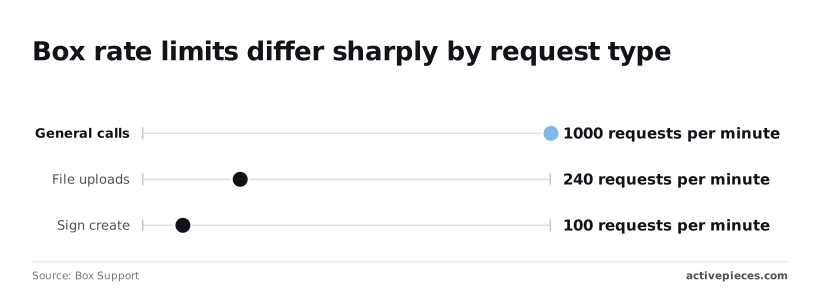
Don't expect the plan to tell you your ceiling, because Box's published limits are set by request type, not by plan. Box Support lists 1,000 general calls per minute and 240 file uploads per minute, and I found no per-plan figures.
What each plan includes
When you scan the table below, most cells read as unpublished. It shows what could be confirmed for each plan as of November 2026.
Read them as a prompt to ask Box before you commit to a plan, not as a gap you can assume away.
| Plan | API access | Calls per window | Max upload size | Behaviour when exceeded |
|---|---|---|---|---|
| Free | Not published here | Not published per plan | Not published here | Not published per plan |
| Personal Pro | Not published here | Not published per plan | Not published here | Not published per plan |
| Starter | Not published here | Not published per plan | Not published here | Not published per plan |
| Business | Not published here | Not published per plan | Not published here | Not published per plan |
| Business Plus | Not published here | Not published per plan | Not published here | Not published per plan |
| Enterprise | Not published here | Not published per plan | Not published here | Not published per plan |
Figures checked in November 2026. Ask Box sales or support for the per-plan numbers in writing, because an upload cap you discover mid-migration is an expensive way to learn it.
Documented rate limits and upload caps
What Box does state is one set of numbers, by request type. General calls are limited to 1,000 requests per minute, which is plenty for browsing folders or reading metadata.
File uploads are limited to 240 requests per minute, so uploads hit their ceiling about four times sooner than ordinary calls.
Sign create is limited to 100 requests per minute, which matters if each uploaded file also triggers a signature request, because then signatures constrain your throughput.
Where the scenario's bulk upload crossed them
Take a folder of 10,000 files, one upload request each. At 240 per minute, the best case is roughly 42 minutes, and that assumes nothing else on the account is uploading, so any other process will extend this.
A script that fires uploads in a tight loop gets throttled long before that.
Add one Sign request per file and the 100-per-minute cap stretches that second step to 100 minutes, which means signing becomes the performance bottleneck. Pace your uploads below 240 a minute from the first run, and check what your plan allows before you start.
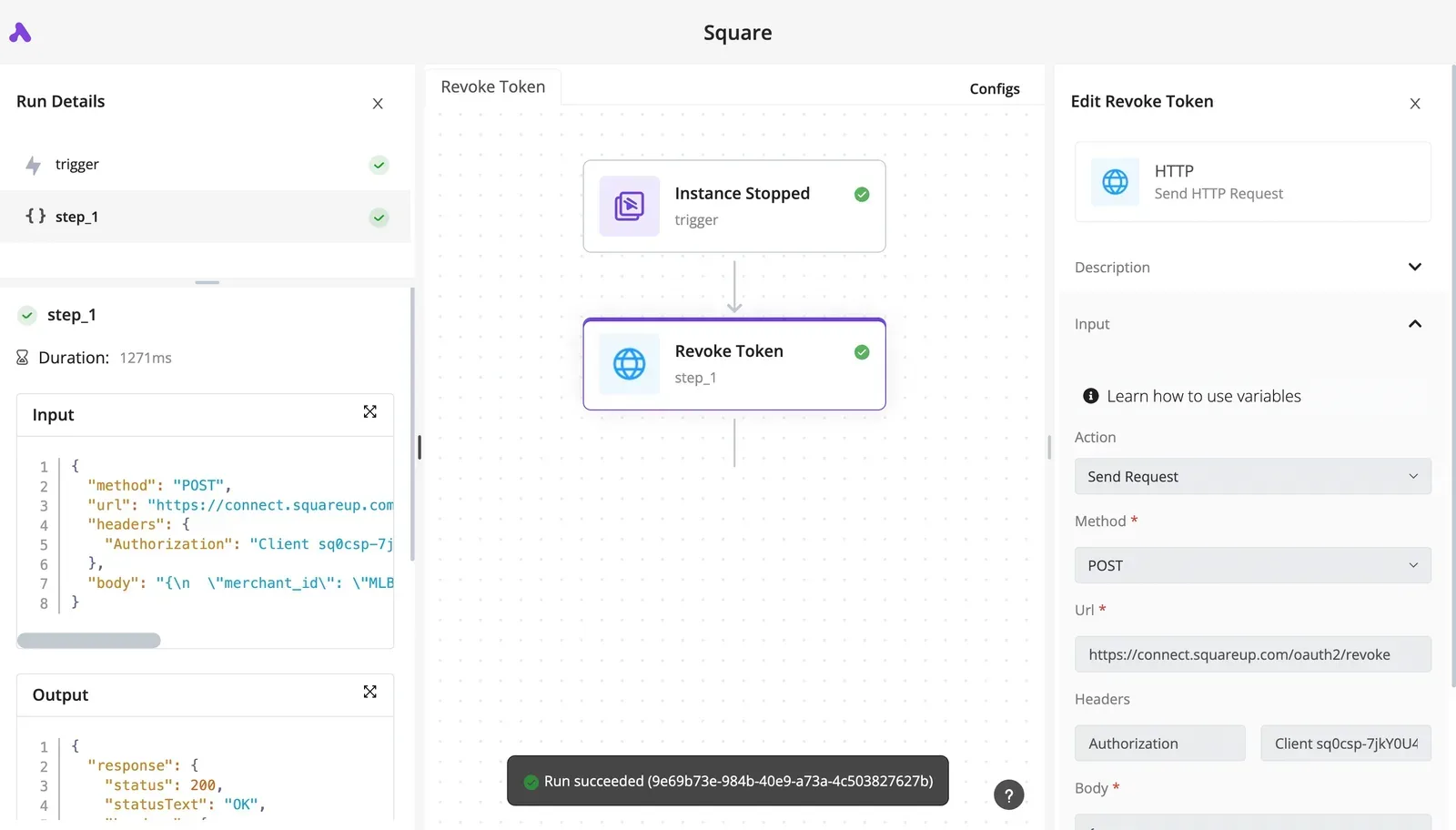
You can follow the rest of this with the builder open. Start free, no card.
Common Box API errors in production and fixes
If your pacing slips, the first error is a 429. After it come a handful of predictable ones, each with a cause and a fix that Box's docs already spell out.
Picture the night a bulk upload hits the rate limit and the script keeps hammering anyway. Everything below is what you would find in the morning.
| Error | Cause | Fix | Box docs |
|---|---|---|---|
| 401 | Expired or invalid access token | Refresh or re-request the token | https://developer.box.com/guides/api-calls/permissions-and-errors/common-errors/ |
| 403 | Authenticated, but the app or user lacks permission or scope | Adjust app scopes or collaboration | https://developer.box.com/guides/api-calls/permissions-and-errors/common-errors/ |
| 404 | Item doesn't exist, or the acting user can't see it | Check the ID and who is calling | https://developer.box.com/guides/api-calls/permissions-and-errors/common-errors/ |
| 409 | Conflict, such as a name already used in the folder | Rename, or upload a new version | https://developer.box.com/guides/api-calls/permissions-and-errors/common-errors/ |
| 429 with Retry-After | Rate limit exceeded | Wait as the header says, then retry | https://developer.box.com/guides/api-calls/permissions-and-errors/rate-limits/ |
| Chunked upload failure | A part failed or the session broke | Retry the part, then commit | https://developer.box.com/guides/uploads/chunked/ |
Because most rows point to one page, you can read the whole error list in a single sitting before launch.
When a call goes over the limit, Box answers with a 429 and a Retry-After header telling you how long to wait. Obey it.
A script that retries immediately keeps itself throttled, and hypothetically a batch that stalls at that hour leaves a block of records unfiled and a few hours of reconciling for someone.
When you see a 401, the token is expired or invalid, so refresh it. A 403 means Box knows who you are and still says no: check the app's scopes and whether the acting account has access to that folder.
Retrying a 403 never fixes it.
If a 409 comes back, it usually means a file with that name already exists in the folder. Decide up front whether you rename or upload a new version.
A 404 can mean the item is missing or invisible to the calling user, so check which account made the call before you suspect the ID.
For large files, the upload goes through a session in parts. When one fails, retry that part and commit once all parts are in, rather than restarting the file.
Calling Box endpoints without code in Activepieces
Without code, Activepieces covers the same ground. A Box connector handles common file, folder and upload actions, and an HTTP step reaches endpoints the connector doesn't, so a failed part gets retried inside the workflow instead of in your script.
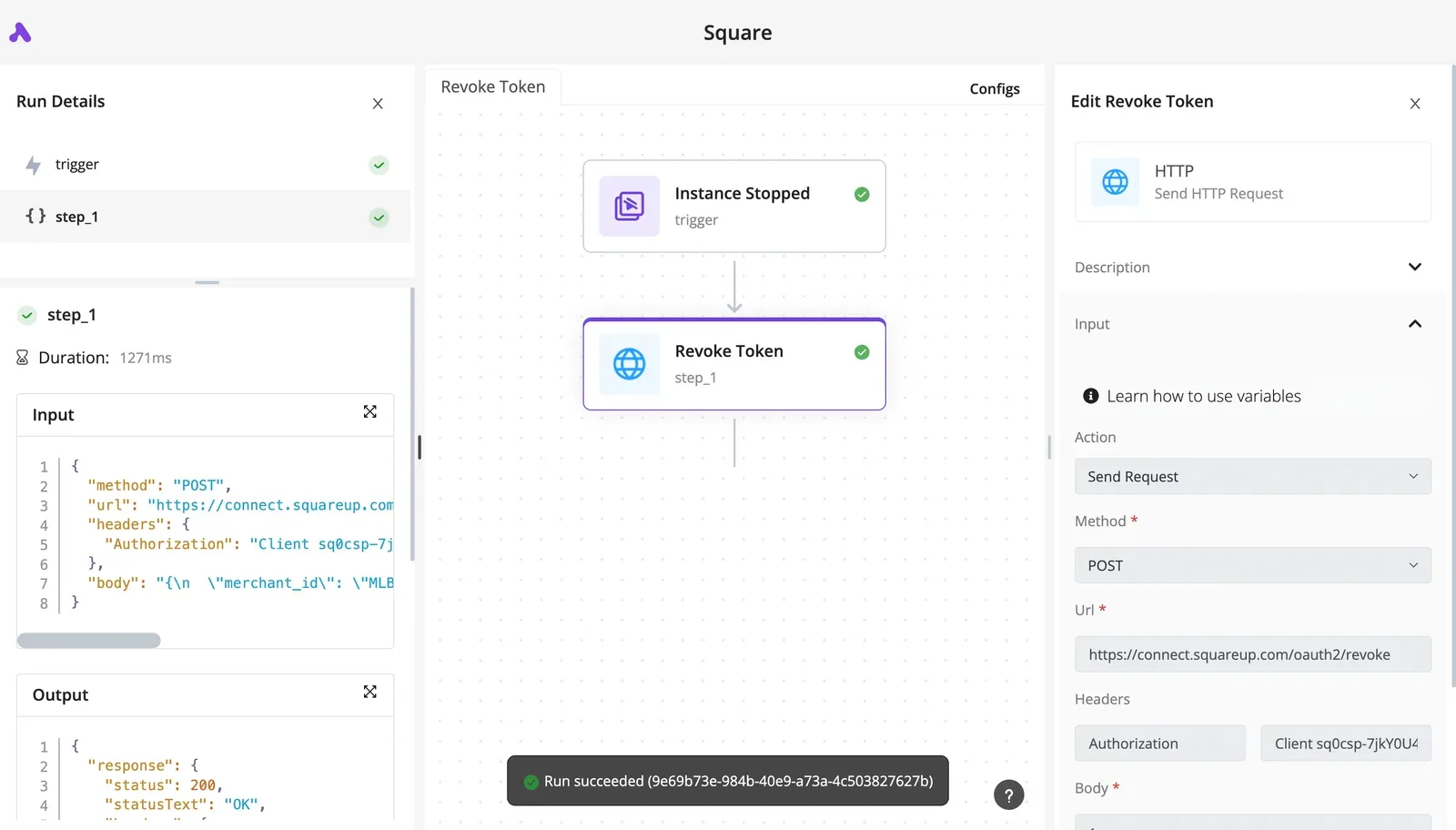
Describe the invoice intake in the built-in chat, with the supplier subfolders and the upload step, and it builds and publishes the flow for you, which then runs under the same run traces as any flow you assembled by hand, so each Box call and each 429 is readable afterwards.
The Box connector is one of the 746 integrations counted in the packages/pieces/community folder of the open source monorepo, under the MIT-licensed core, so the code behind each Box action is on GitHub to read before you point it at a bulk upload.
Activepieces counts a run as 1 credit however many steps it has, but Box's limits stay exactly where they were: 240 uploads and 1,000 general calls per minute still decide what a bulk upload can do, whatever plan or authentication type you chose earlier.
Connecting a Box account
You authorize a Box account once, and every step in the flow reuses that connection. Whoever authorizes it decides whose files the flow can see, so connect with the account type you picked on day one, not whichever login is open in your browser.
A flow built on a personal login breaks the week that person leaves.
You set retries on the step, not in code. For the chunked upload described above, put each part in its own step, let a failed step retry on its own, and add the commit step after all parts succeed.
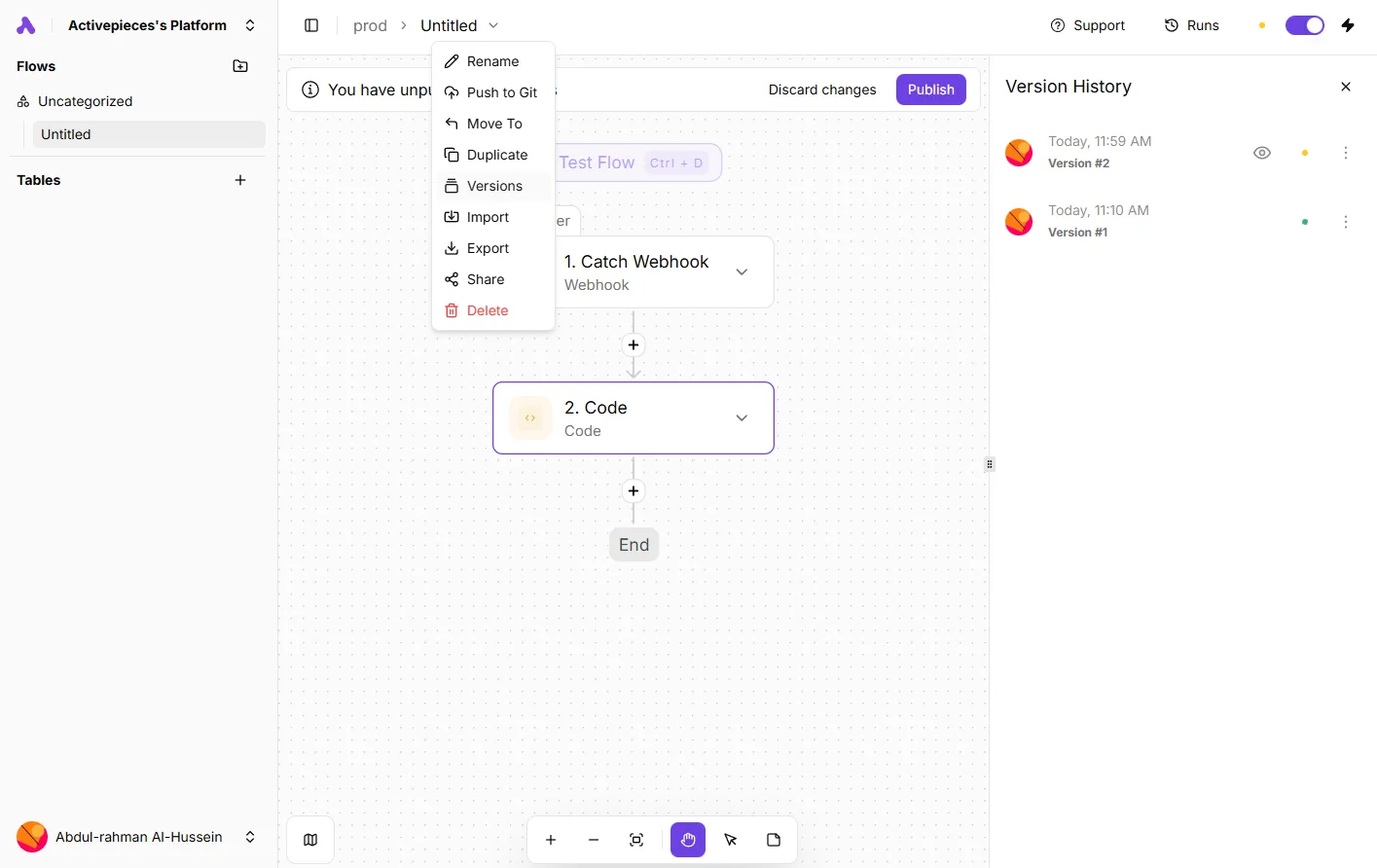
That gives you the retry-then-commit order without a hand-written backoff loop. Retrying faster doesn't beat a rate limit, so check Box's published limits for your plan before you rely on it.
Using the HTTP step for uncovered endpoints
Of the 150+ endpoints Box advertises, a connector built for common actions won't wrap all of them. That means anything unusual, such as a niche metadata or admin call, goes through the HTTP step.

There you set the method, URL, headers and body yourself and take on reading Box's docs for that endpoint.
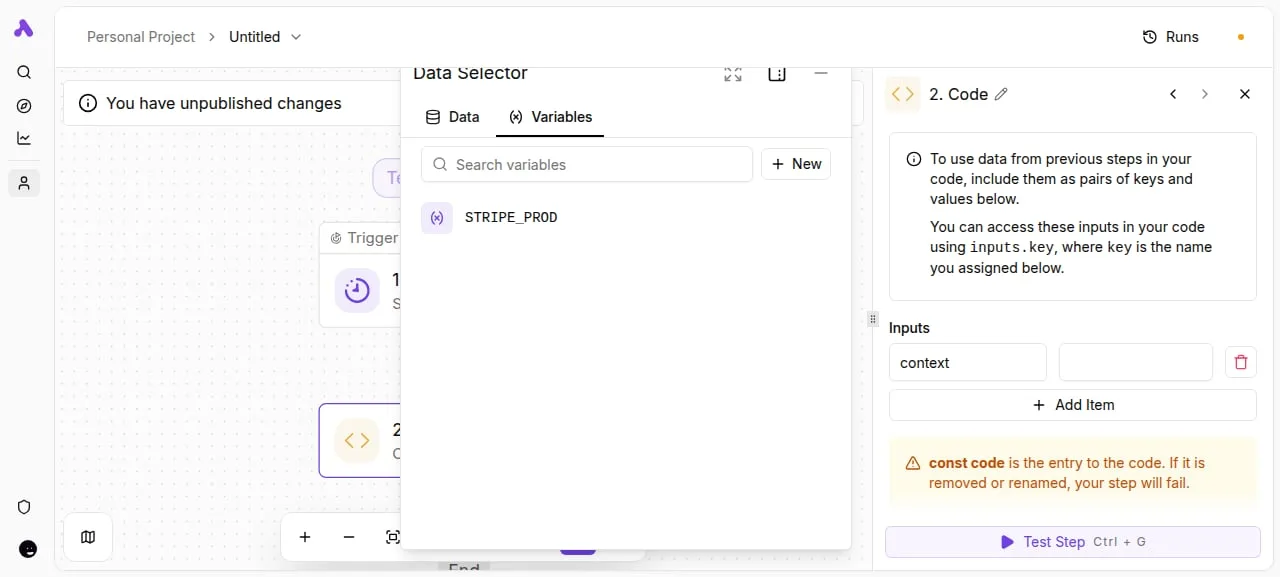
Keep the credential out of the step. The Data Selector below, opened on the Variables tab, lists a single stored value, STRIPE_PROD, next to a Code step's input panel.
A Box token belongs in the same place, referenced by name, so rotating it's one edit rather than a hunt through every step.
Once the credential lives there, the HTTP step and the connector can share it, and the same flow can mix both without anyone pasting a secret into a field.
The Monday checklist for a Box API integration
Sharing a credential is only safe if it was the right one to begin with. Run six checks before the first bulk upload and not after the first failed one. That is the Monday checklist.
At 2am the one person who understands the integration is asleep, and the alerts go to a shared inbox nobody reads. That is when most of these failures show up.
A small team on a modest plan, uploading over a connection that drops now and then, can't afford to find out about a limit by hitting it.
What the failed upload taught us is in the list below, in the order to run it on a Monday morning. The plan and app type come first because every other check depends on them.
- Confirm your plan and your app type against Box's own developer documentation. Check that the plan includes the API access you need, and that the authentication type you chose (a user-based OAuth app or a server-side app) can reach the folders you plan to write to.
- Throttle uploads below the documented rate limit, with room to spare. Read the current figure on Box's rate-limit page and set your ceiling under it, so a retry storm can't push you over.
- Honour the Retry-After header. When Box tells you how long to wait, wait that long. A fixed delay you guessed is a worse answer than the one the server sent.
- Refresh tokens before they expire, and store the new one every time. If a refresh fails, treat it as an incident, not a retry.
- Alert on repeated 4xx responses. One's a typo. A run of them means a permission, a plan or a credential has changed, and no amount of retrying will fix that.
- Put a date in the calendar to review the Box changelog. Pick the same day each month, so a deprecation reaches you as a calendar entry and not as an outage.
Reading is all items one and three need. Items three to six are settings you build into the flow, and each one turns a failure you would otherwise discover from a user into one you find yourself.
Frequently asked questions
Once the first call succeeds, a few questions are left over that the settings above do not settle.
Is the Box API free to use?
You can build and test without paying, because Box doesn't sell the API as a separate product: access comes with a Box account, including a free developer account. What changes with your plan is the rate limits and the enterprise features available to you.
A prototype that works on a free account can therefore behave differently once it runs against a busy enterprise account, so read the limits for the plan you will actually deploy on.
Does Box have webhooks for new files?
Yes. Box webhooks attach to a file or folder and fire on events such as a file being uploaded to that folder. Create one on the folder you care about and subscribe to the upload trigger.
Verify the signature on every delivery using the keys Box gives your application, and respond quickly, so a slow handler doesn't turn into missed or repeated notifications. If you need account-wide activity rather than one folder, Box's events endpoints are the alternative to look at.
Can I use the Box API with a free account?
Yes, for building and learning. A free developer account lets you create an app and call the API with user-based OAuth 2.0, which is the route that suits a personal account.
Server-side authentication types usually require an enterprise administrator to authorize the app. If you're a contractor without admin rights, you may be stuck waiting on someone else, so find out early who in the client's organization can approve it.
How do I find out when Box changes an API version?
Watch Box's developer changelog and release notes, which announce changes and deprecations, and have whoever owns the integration subscribe to them rather than relying on memory.
Where the docs describe a version header for an endpoint, set it explicitly so a change on Box's side doesn't alter your responses without warning. Also check the SDK you use, since it can lag behind the API.
Related reading
References
Build it
Set this up in minutes.
No code required. Connect your accounts, and Activepieces runs it from there.
Start free Talk to sales