
Boomi vs Zapier: Which Platform Is Best for Automation?
Looking for a Boomi vs Zapier comparison guide? Read this article to see what each tool brings to the table and why Activepieces might be a better fit.

March 27, 202610 min read @ashrafsam
You’re probably here thinking: “Why do these feel so different if they do the same thing?”
Initially, Boomi and Zapier both promise automation, but once you start comparing them, the differences become harder to ignore. What should be an easy decision can start to feel unclear and a bit overwhelming.
The truth is, they are built for very different levels of complexity.
In this comprehensive overview of Boomi vs Zapier, you will learn what makes each platform unique and which is the better fit for your needs.
TL;DR
If you’re comparing Boomi vs Zapier, here’s a quick breakdown of the key differences:
- Data integration: Boomi handles complex system connections, Zapier focuses on simple app linking, and Activepieces supports both with flexible workflows.
- AI and automation: Boomi uses advanced agents, Zapier adds AI to simple flows, and Activepieces builds AI agents that run full workflows.
- Pricing: Boomi uses custom pricing, Zapier charges per task, and Activepieces offers a more predictable usage-based model.
- Security: Boomi targets enterprise control, Zapier covers basic needs, and Activepieces adds strong control with flexible deployment options.
The fastest way to settle a shortlist is to try one. Activepieces is free to try, no credit card.
What Is Boomi?
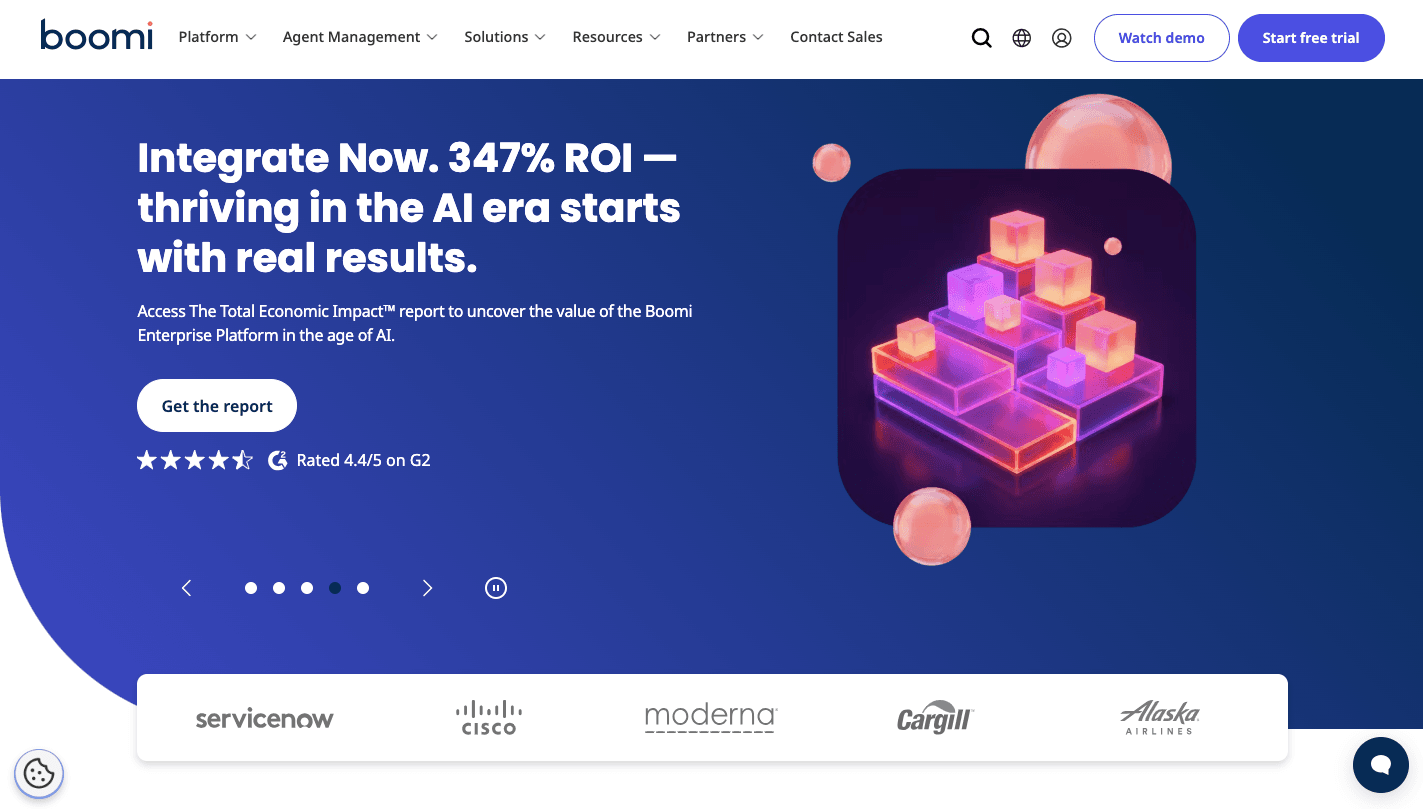
Boomi is a cloud-based integration platform that focuses on linking tools, databases, and services that don’t naturally communicate.
In contrast to simpler automation software, Boomi supports deployment across cloud, hybrid environments, and on-premises systems. The unified dashboard provides centralized control over your entire data flow, so you can track errors and adjust workflows quickly.
For example, it enables organizations to move beyond just connecting apps to activating data, using the new automation capabilities Boomi offers for data activation. It further integrates with multiple data sources seamlessly.
Data Integration Capabilities
Boomi moves data through a defined sequence, so each stage prepares it before the next step begins. For complex integrations involving multi-layered data transformations, it first collects raw inputs, then reshapes them, and finally routes them to the right destination.
After the updates, Boomi manages large data volumes in the ingestion and orchestration stages by processing batches in order.
To connect enterprise tools, the platform provides high-fidelity connectivity for integrating systems like SAP, Snowflake, and Salesforce, which helps connect disparate systems. During extraction, change data capture (CDC) technology is used to ensure instant data synchronization.
For transformation, Boomi Suggest uses AI to recommend mappings based on billions of successful integration process examples. It also supports API management alongside data preparation and AI-powered automation.
AI Capabilities and Modern Automation
Boomi’s AgentStudio allows your IT teams to create complex workflows using specialized intelligent software entities that follow instructions and react to conditions.
Before deployment, AgentStudio provides a space for testing these complex processes, so you can check outcomes before running them live. Once active, agents can handle complex business processes such as routing data or triggering actions based on logic.
To improve accuracy, new reasoning toggles provide advanced capabilities like Chain of Thought (CoT) logs for AI agents, which show how decisions happen step by step. Teams with technical expertise can review those logs and adjust logic when needed.
Through advanced features like the Agent Control Tower for universal AI governance, controls stay centralized.
Pricing
Boomi uses a usage-based model.
A 30-day free trial gives you access to integration setup, data mapping, and basic API management. Then the Pay-as-you-go plan costs $99 per month plus usage, so costs increase based on how much data moves and how many workflows run.
For larger setups, Boomi provides custom pricing tiers based on the scale of enterprise-grade capabilities required, such as Professional, Professional Plus, Enterprise, Enterprise Plus, and Standard features.
Data Security and Governance
Boomi lets you adjust settings and policies from a unified platform, which reduces the need to manage multiple systems.
When workflows run, the system records every action, including AI decisions. For example, the platform provides centralized visibility and audit logs for all enterprise-scale integration projects, so it is easier to track changes.
Encryption protects data during transfer and storage, while access controls limit who can make changes. These features support stable systems and improve overall operational efficiency.
What Is Zapier?
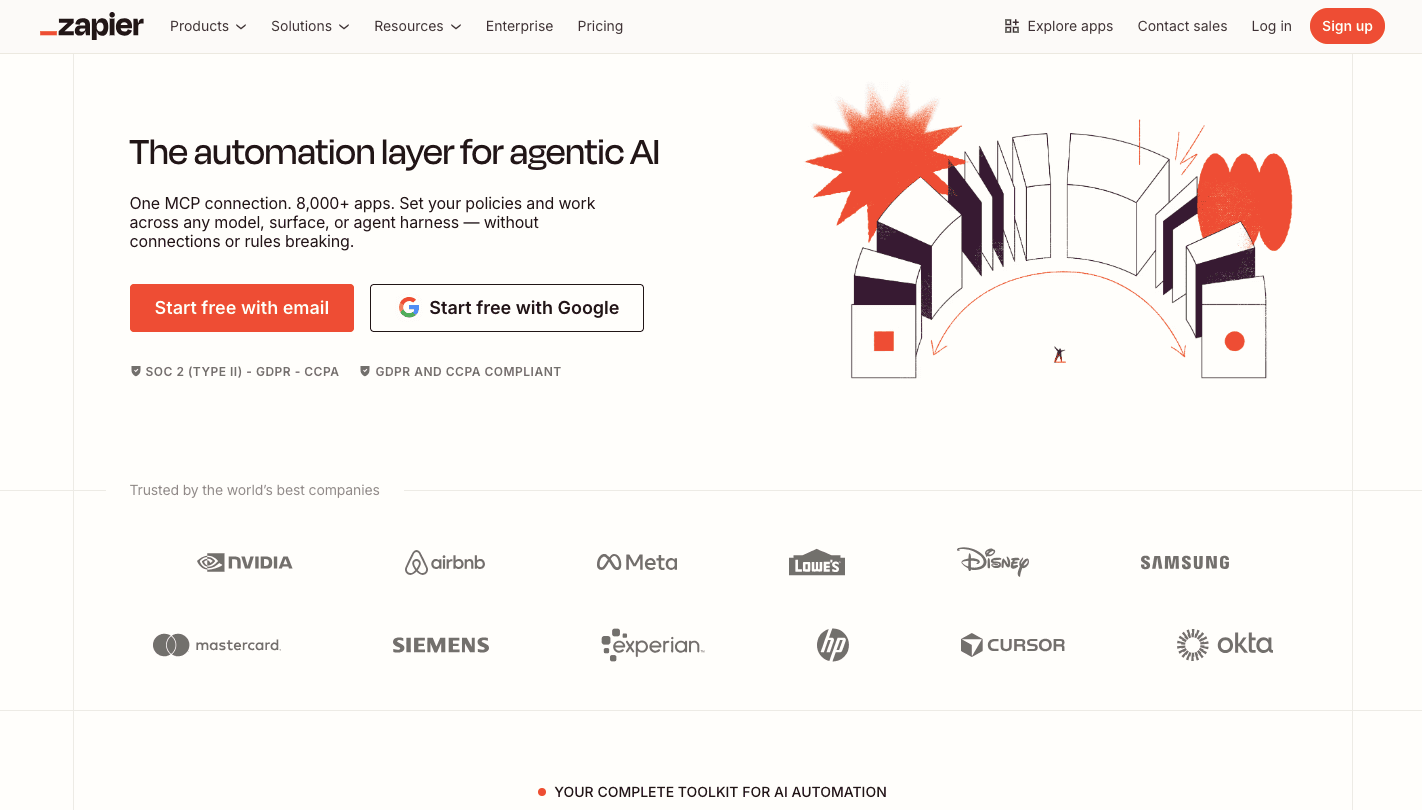
Zapier is a user-friendly automation tool that enables business and non-technical users to connect apps without writing code.
At the start, you define a trigger and an action. After that, the action completes the task, like saving data to a spreadsheet or sending a message.
Besides that, Zapier connects thousands of cloud-based web apps like Slack, Gmail, and Trello, so you can integrate tools you already use. Each connection forms a workflow that runs automatically once the trigger happens.
As workflows grow, the platform lets you add filters and conditional logic to control how data moves. These steps allow you to automate repetitive tasks like lead qualification or data entry without manual input.
Data Integration Capabilities
Zapier offers an extensive library of connectors, integrating over 9,000 apps.
Once apps are connected, you can build flows that sync data on multiple apps in a single run. A form submission can send data to a CRM, notify a team, and store records at the same time.
Typically, teams connect marketing platforms and CRM systems to automatically track leads. Instead of writing logic from scratch, users rely on pre-built integrations for simple “if this, then that” tasks, which help with implementing basic automation.
AI Capabilities and Modern Automation
Zapier Canvas provides a drag-and-drop interface for creating automated workflows with AI assistance, where you describe a process and see it mapped out.
If your workflows need more control, you can apply conditional logic to route data through different paths based on specific criteria. A lead can move to one team or another based on form answers or company size.
Canvas also helps you automate processes by marking where human intervention is needed, so you know when approval steps are required.
For business users, the system removes barriers by letting them build logic without any coding knowledge. You can collaborate using Zapier’s intuitive interface on Canvas, too.
Pricing
Zapier’s pricing is task-based, so you pay based on how many actions run each month. Costs increase as your workflows grow, and you execute more tasks.
- Free plan includes up to 100 tasks per month, Zapier Copilot, and basic two-step workflows.
- Professional plan starts at $29.99 per month for 750 tasks, includes multi-step Zaps and unlimited premium apps.
- Team plan starts at $103.50 per month for 2,000 tasks, includes shared app connections and 25 users.
- Enterprise plan offers custom pricing with advanced controls, observability, and a technical account manager.
Since Zapier’s plans depend on monthly task limits and the number of active Zaps, heavy usage can increase cost.
Data Security and Governance
Zapier provides tools to control access, monitor workflows, and track activity. Logs record each action, which helps you understand what happened when something fails or behaves differently than expected.
When workflows involve sensitive data, you can set rules to control which apps connect and who can edit workflows.
If issues come up, you can rely on guides and community support for troubleshooting security and setup issues. Organizations that need more support can work with partners through a robust partner network for specialized security and integration consulting.
Reading a table only gets you so far. Build the same workflow in Activepieces and compare it yourself.
Why Teams Use Activepieces Instead

Activepieces takes a different path compared to tools like Boomi and Zapier.
You don’t need to rely on IT just to get started. A workspace gets created instantly, and each user receives their own area to test workflows while still working in shared projects.
Aside from that, you can apply your own logo and colors, which helps your employees treat the platform as part of their internal tools.
Adoption often fails when people don’t know where to start. Activepieces avoids that problem by offering ready-made templates for marketing, finance, and operations.
Progress tracking, in addition, helps your teams stay engaged, since leaderboards and badges highlight users who actively build workflows.
Data Integration Capabilities
Activepieces supports both simple and complex integration needs.
A growing set of pre-built connectors lets you link apps quickly, while custom integrations remain available when standard options don’t fit. Currently, there are 659 pieces available that enable seamless integration.
For example, your support team can connect ticketing tools, internal dashboards, and messaging apps into a single workflow that automatically updates records and alerts your teams.
Even without requiring coding expertise, you can build workflows through the user-friendly interface. From basic automation needs to complex enterprise needs, Activepieces supports everything.
AI Capabilities and Modern Automation
Activepieces treats AI as part of the workflow rather than a separate add-on. You describe a task, then the system builds a flow that connects tools, applies logic, and automates complex business processes.
Once you need more control, the visual builder allows you to add conditions, loops, and custom logic. Each step shows input and output data, so you can trace how decisions happen during execution.
An AI agent can review incoming data, decide what action to take, and trigger the next step without manual input. If something fails, the system logs every step so users can identify the exact point where the issue occurred.
Pricing
Activepieces uses a usage-based structure that focuses on active workflows.
- Standard plan includes 10 free active flows, then starts at $5 per active flow per month with unlimited runs and AI agents.
- Unlimited plan uses custom pricing and includes advanced controls such as RBAC, audit logs, SSO, and enterprise deployment support.
- Embed plan starts at $30,000 per year and allows companies to integrate automation and AI agents into their own product.
- Community edition is free and self-hosted, which gives complete control over infrastructure.
Data Security and Governance
Activepieces centralizes access, integrations, and activity tracking so you don’t manage settings in multiple places. Access control begins with single sign-on and SCIM provisioning to sync users and roles automatically.
Permissions define who can build, edit, or run workflows. You can also control which integrations appear for each group, so users only see tools relevant to their work.
Every workflow run gets recorded with detailed logs that show inputs, outputs, and actions. When something fails, you can filter logs by project, user, or action type to find the exact step that caused the issue.
Switch to Activepieces to Enjoy Better Automation Capabilities
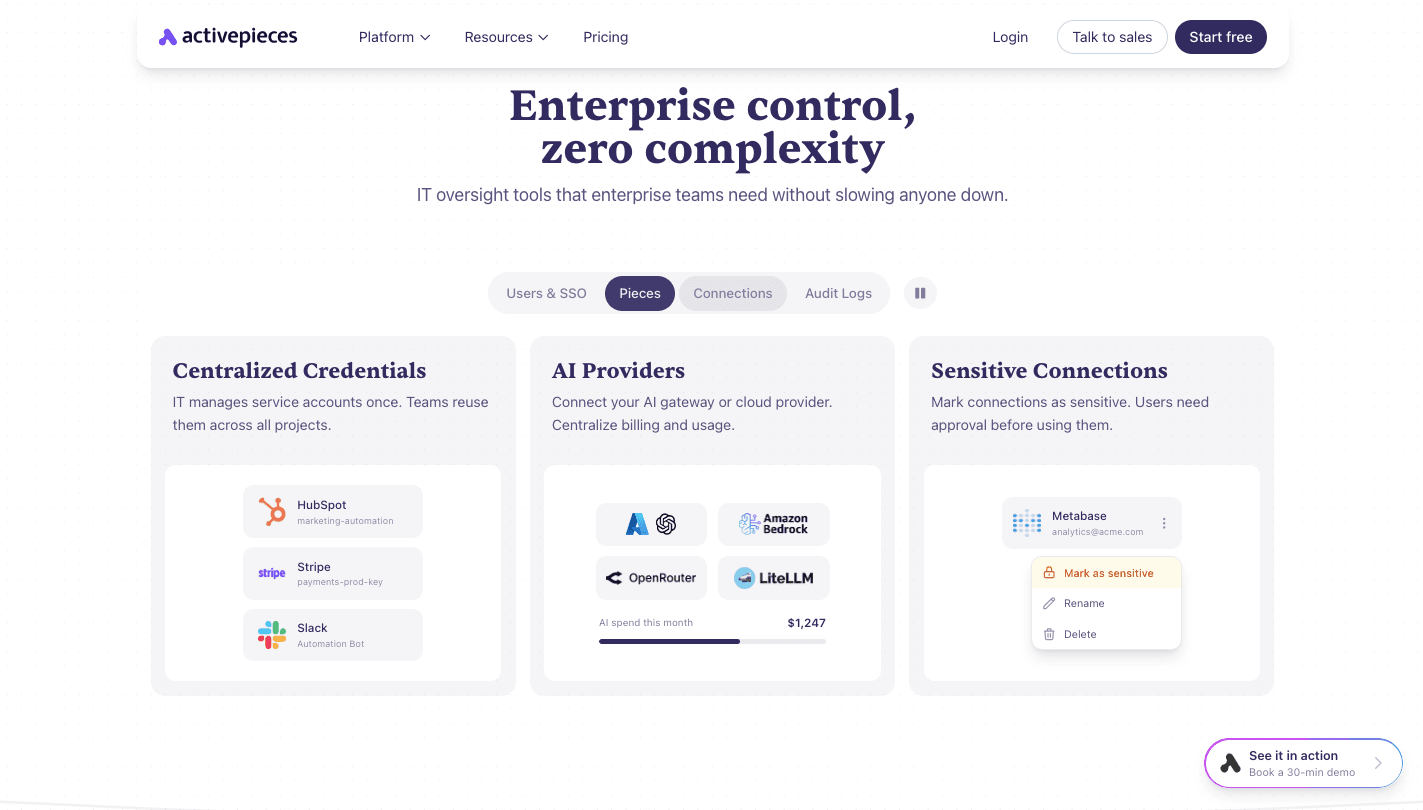
Boomi handles deep systems, and Zapier focuses on simple tasks, but many teams often need both control and ease in one app.
Activepieces does that by combining robust features, such as AI agents, integrations, and no-code workflow automation into a single platform.
You can invite users in a single step, then use templates to build workflows for sales, support, or operations without starting from scratch. A lead can move from a form to a CRM, trigger a message, and update records in one flow.
Finally, as it has a flexible pricing model that avoids task limits, it helps growing teams and medium-sized businesses scale without surprises.
FAQs About Boomi vs Zapier
What is the main difference between Boomi and Zapier?
Boomi manages complex integrations between systems, while Zapier focuses on simple app connections and quick automation.
Is Zapier easier to use than Boomi?
Zapier is easier to use since it requires little setup and no coding knowledge, while Boomi often needs technical expertise for more advanced workflows.
What is the best alternative to Boomi vs Zapier?
Activepieces is the best alternative because it combines AI agents, integrations, and automation in one platform without the limits of either tool.
Which is better for event-driven automation, Boomi or Zapier?
Zapier works better for event-driven automation since it reacts quickly to triggers, while Boomi fits workflows that need deeper control and multiple steps.
Still comparing
The fastest way to settle it is to build something.
Open source under MIT, so you can self-host the same thing later.
Start free Talk to sales