
Top 7 Gumloop Alternatives in 2026
Top 7 Gumloop Alternatives in 2026: 1. Activepieces 2. n8n 3. Zapier 4. Make 5. Relay.app 6. Lindy AI 7. Vellum. Learn why Activepieces stands out.

Feb 18, 202612 min read
So you’re thinking about Gumloop alternatives?
Maybe you hit a limit with what you can build, or it just isn’t clicking with your workflow. Perhaps pricing feels too high for what you’re getting, or you want something easier to learn.
Whatever the reason, there are other platforms that might fit you better.
In this guide, you’ll get the top seven Gumloop alternatives and a quick look at what they do.
Hit a wall with Gumloop? Move to a platform built to scale. Try Activepieces today!
TL;DR
These are the seven leading Gumloop alternatives:
- Activepieces
- n8n
- Zapier
- Make
- Relay.app
- Lindy AI
- Vellum
The fastest way to settle a shortlist is to try one. Activepieces is free to try, no credit card.
Why Look for Gumloop Alternatives
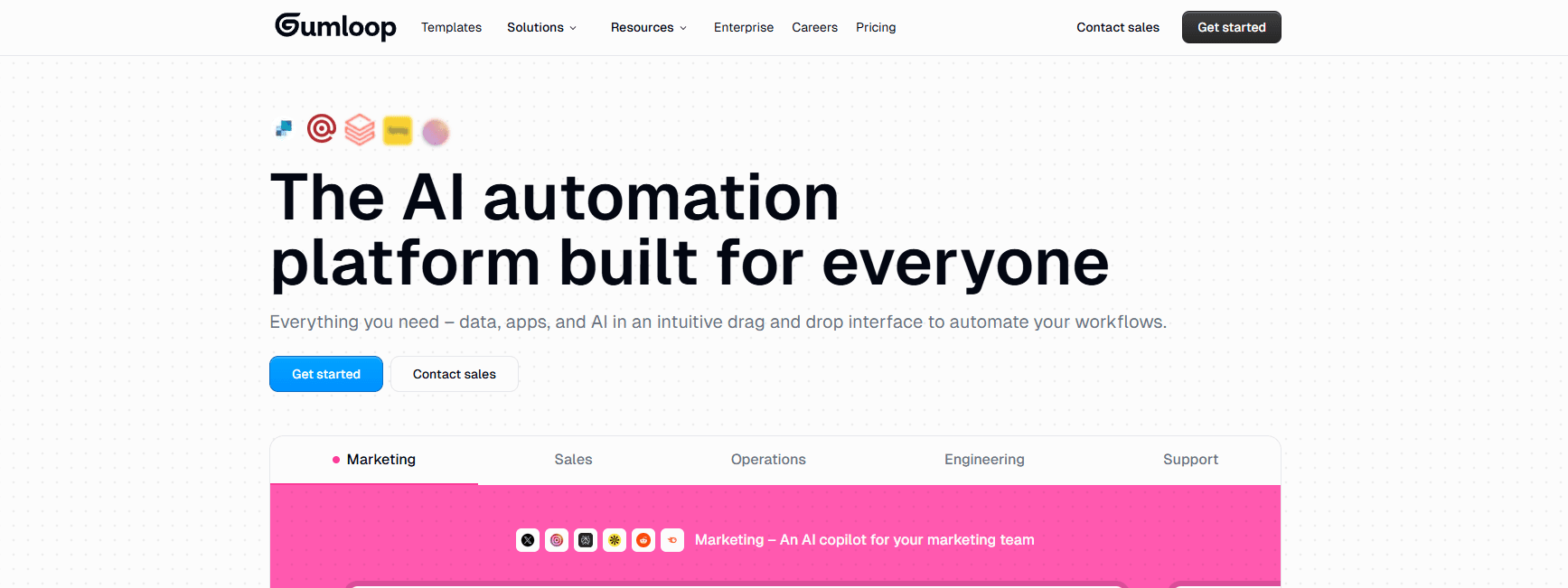
Gumloop is an AI automation platform with a visual workflow builder. You use a drag-and-drop interface to connect blocks that fetch data, process text with AI models, scrape websites, and send outputs to Slack or email.
It focuses heavily on AI workflows. You can chain multiple steps together, test prompts, and run automated workflows without writing code.
Since you have access to any premium large language model (LLM), you don’t need to pay extra for application programming interface (API) keys.
Still, based on some third-party review sites, many teams often search for Gumloop alternatives for a few reasons:
- Large, multi**-**step workflows can be difficult to manage within the visual builder.
- Agent capabilities tend to be single-task focused. You can’t create agents that make decisions based on past inputs or dynamically switch behavior.
- Heavy AI automations make costs harder to predict.
- Teams handling sensitive data often want self-hosting and full control.
- Some users expect tools that help you get ideas of what to automate, and it can also build out those automations through natural language.
7 Best AI Automation Tools That Do More Than Gumloop
Here are the seven best Gumloop alternatives:
1. Activepieces

Activepieces is an open-source automation platform that allows you to build flows inside a drag-and-drop interface, where each integration is called a piece.
The platform offers 635+ prebuilt integrations that cover AI services, customer relationship management (CRM) systems, finance apps, analytics tools, and collaboration platforms.
It’s a no-code tool for non-technical users, but developers can extend it with TypeScript-based pieces. You can run it in the cloud or self-host it on your own servers.
You also get built-in AI agents and an AI Copilot. You describe what you want to automate, and it generates a draft flow. From there, you refine it inside the builder.
With community support, the ecosystem becomes active and expands.
Key Features
- Open-source edition - Download and run the platform locally with self-hosting and no task limits.
- Data integrations - Connect AI providers, CRM tools, finance software, analytics systems, and more.
- AI Copilot - Generate flow drafts from plain instructions inside the builder.
- AI agents and MCP servers - Build agents that access tools, tables, and data within one system.
- Human approval steps - Pause workflows until you review and confirm the output.
- Enterprise governance - RBAC, SSO, audit logs, global connections, Git sync, and release management.
- Embedded option - Offer the automation builder and agents on your own SaaS product.
Turn ideas into live AI workflows in minutes. Build with Activepieces today!
2. n8n
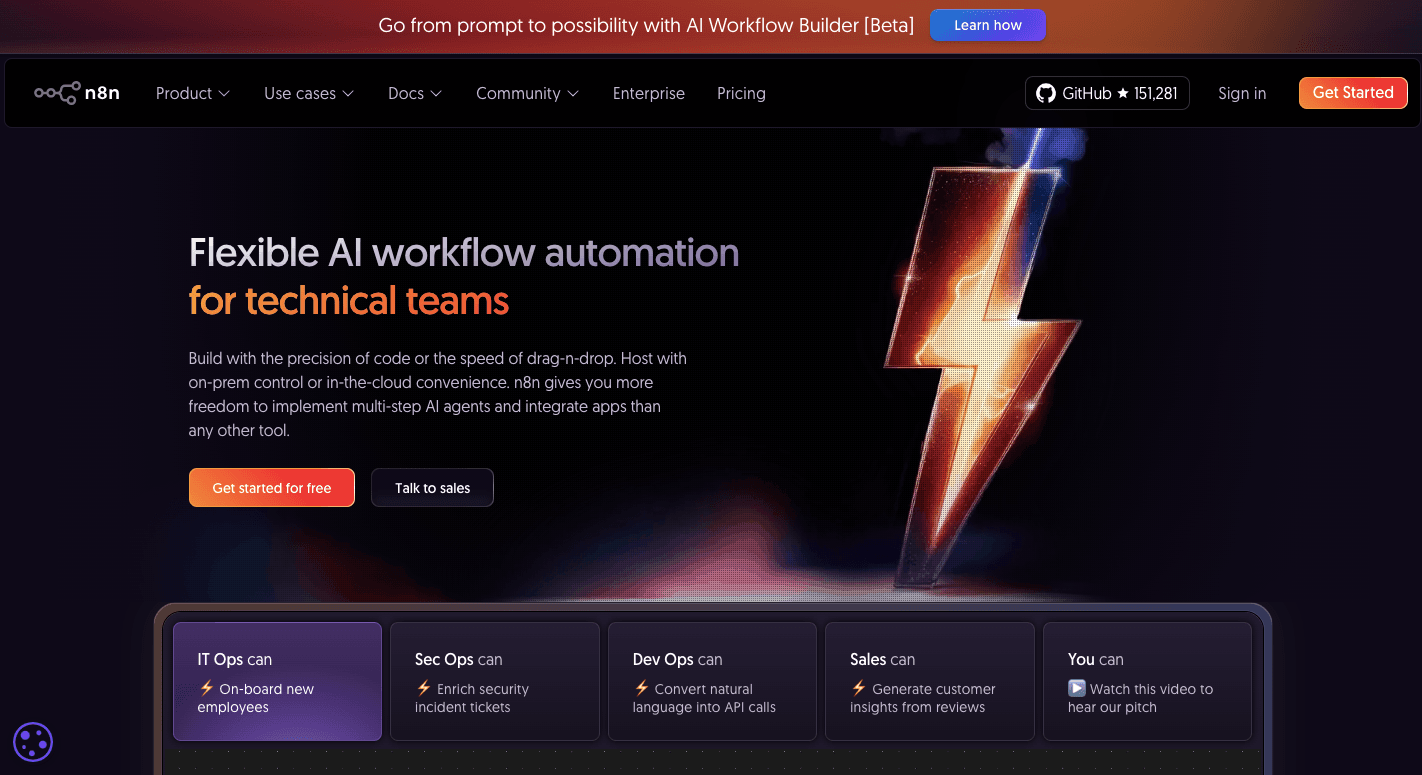
n8n is an open-source automation platform for those who want deep control over how their systems run.
You work in a visual builder and connect nodes to create multi-step workflows. Each node represents a specific action like “Send an Email,” “Call an AI Model,” or “Query a Database.”
Data moves as structured JSON, which gives technical teams precise control over every field.
When a prebuilt node doesn’t exist, you can drop in a Code Node to write your own JavaScript or Python. It supports custom code and custom integrations, which are important for developers managing complex tasks or agents.
Many companies choose it when they need self-hosting and don’t mind a steeper learning curve in exchange for full control.
Key Features
- Self-hosting option - Deploy on your own infrastructure and manage updates, data, and security directly.
- Code Node support - Add JavaScript or Python to your workflows for advanced logic.
- HTTP Request node - Connect to any API and bring your own AI models.
- Advanced branching and loops - Build complex workflows with conditional paths and detailed error handling.
- Workflows as code - Export workflows as JSON, use Git for version control, and separate development and production environments.
- Execution transparency - Inspect each step to track how data flows and where issues appear.
Limitations Compared to Gumloop
Large workflows can show unpredictable behavior, including silent failures or swallowed errors, so teams often build their own monitoring systems.
For AI support, Gumloop includes built-in guardrails and structured outputs for LLM reliability. In n8n, you manually manage prompts and data parsing.
3. Zapier
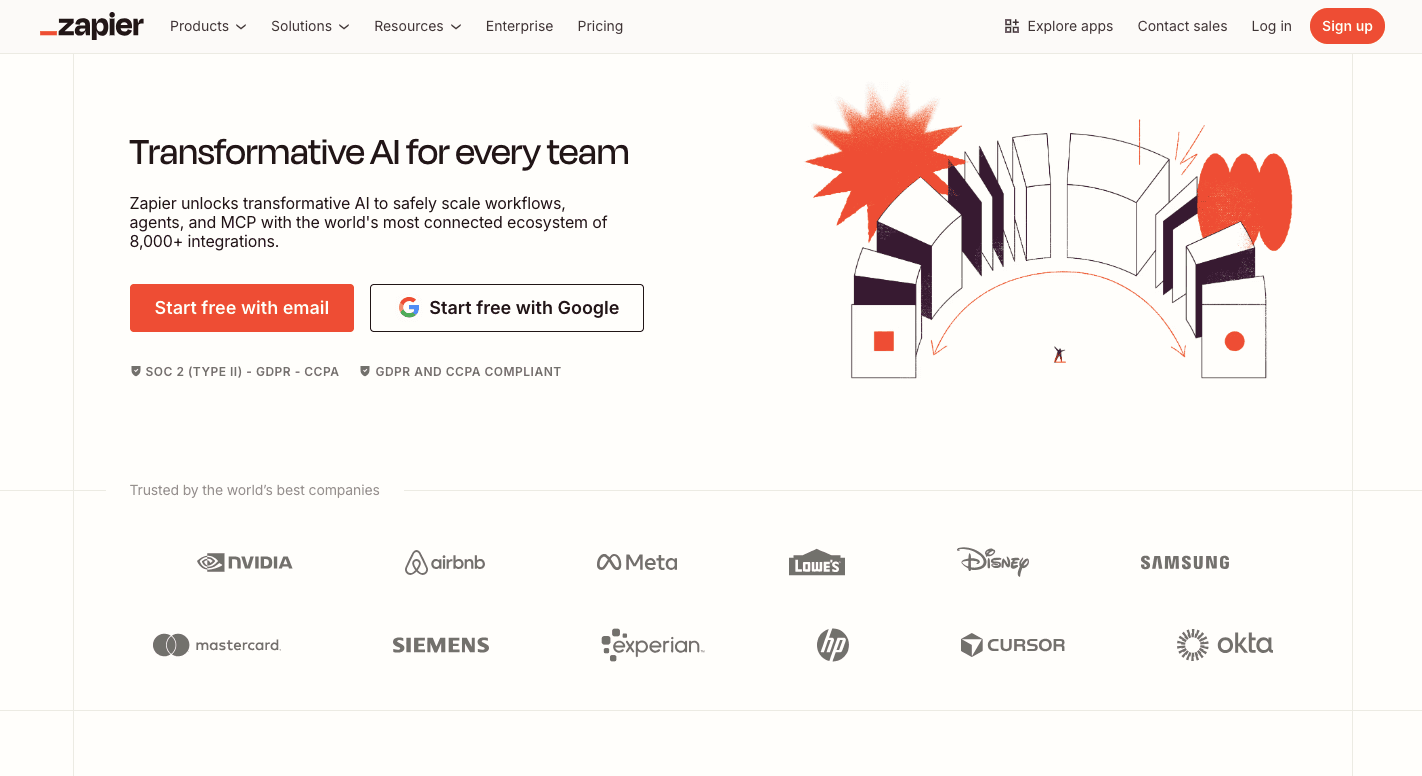
Zapier uses a “Trigger → Action” model, which they call a Zap. You select a trigger, such as “New lead in Typeform,” and then define an action, such as “Send a Slack message” or “Create a contact in Salesforce.”
The flow progresses step by step in a straight line. Most teams get started with minimal setup, especially when they just need simple automated workflows between common tools.
It offers the widest range of app integrations in the market. Whether you use an obscure estate CRM, a niche accounting tool, or a legacy email provider, Zapier likely has a pre-built connector for it. That makes it popular with data teams that require fast connections.
There are also added AI features and agents. While Gumloop makes you build logic blocks to “think,” Zapier lets you create permanent AI employees.
You can teach an agent your business rules in English, and it will monitor your apps and take actions automatically. These agents can work across apps autonomously, but they’re not built for heavy multi-agent workflows.
Key Features
- App integrations - Connect to almost any software with 9,000 available integrations.
- Zapier Central agents - Build AI helpers using English instructions.
- Paths - Use visual “If-then” branches to guide logic in a clear format.
- Tables and interfaces - Store data and build internal portals without external databases.
- Formatter tool - Clean and reshape data before passing it to the next step.
Limitations Compared to Gumloop
Zapier pricing charges per “Task.” Let’s say you have a workflow with ten steps. Every single time it runs, it consumes ten tasks.
It also has a strict ten-second timeout for most steps and up to 30–60 seconds on higher-paid plans. Long-running AI processes often fail under those limits.
While Zapier has “Paths,” it doesn’t handle loops or iterations well. When you want to say, “For every image in this folder, do X, then Y, then Z,” Zapier makes that hard and costly.
Gumloop has native spreadsheet and file nodes specifically built to handle thousands of rows of data simultaneously, which helps with larger workloads.
4. Make
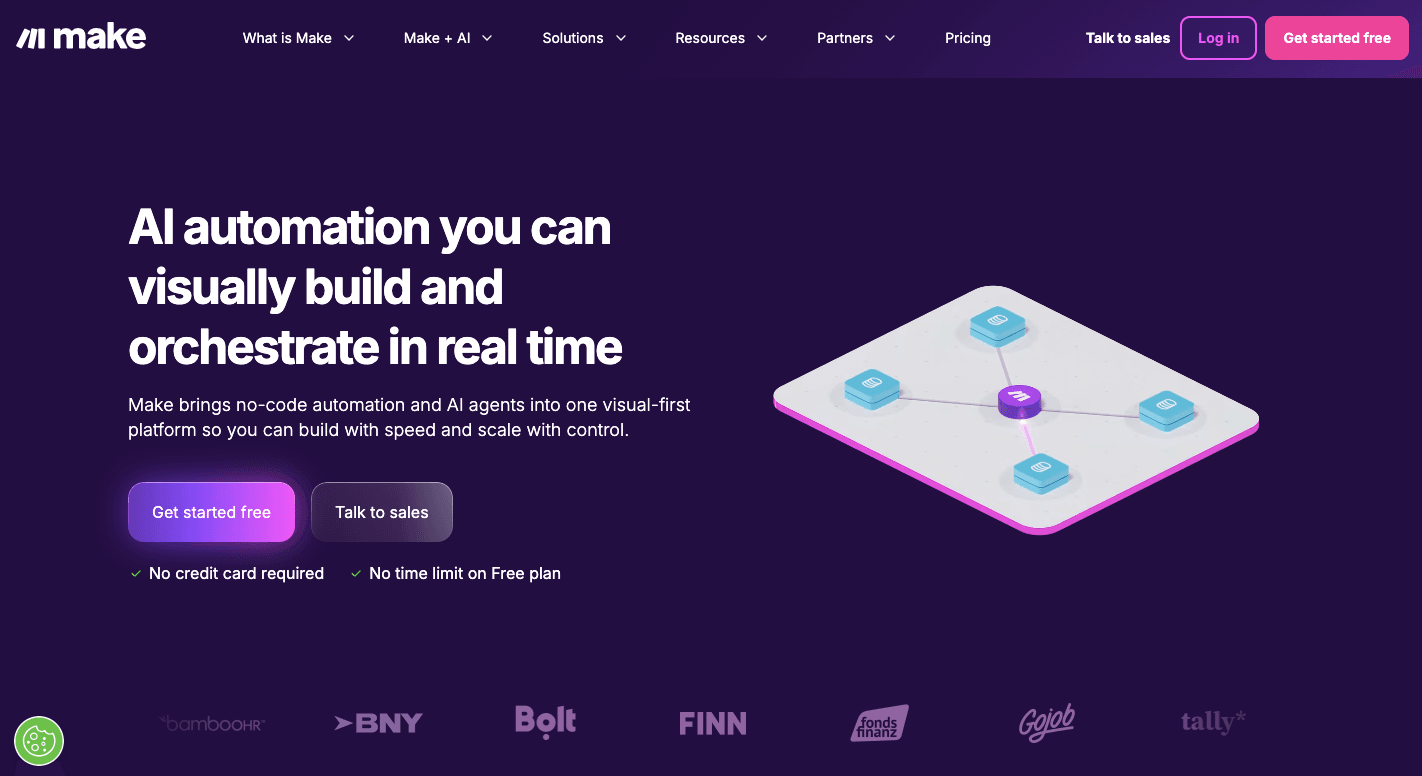
Make is an automation platform that lets you map your entire process on a canvas.
Instead of a straight line flow, you see bubbles connected in different paths. Each bubble represents one app or action. You connect them to build custom workflows that move data, trigger AI calls, and update systems in real time.
You start with a trigger such as “New order in Shopify” or “New email in Gmail.” From there, you add steps that process the data, send it to another app, or apply filters.
To handle multi-step workflows, Make uses conditional logic through routers and filters. For example, you can send high-value leads to sales and low-value leads to a CRM list automatically.
It also helps teams reduce reliance on multiple tools by storing, transforming, and routing data within a single system.
Key Features
- Router and filters - Build multi-step workflows with conditional logic and branching paths.
- Iterators and aggregators - Process large lists of data and combine results back into one output.
- Advanced error handling - Add fallback routes, retries, or alternative actions when a step fails.
- Built-in data store - Save and reuse information without external databases.
- Visual execution logs - See each step run through the visual interface.
Limitations Compared to Gumloop
Make demands for more technical understanding once workflows grow. Managing complex logic can feel heavy for beginners. While you can create branching workflows without writing code, the interface still requires attention to detail.
For those who manage sensitive data, both tools require careful setup, but Make doesn’t offer built-in multi-agent orchestration for advanced AI-driven systems.
5. Relay.app
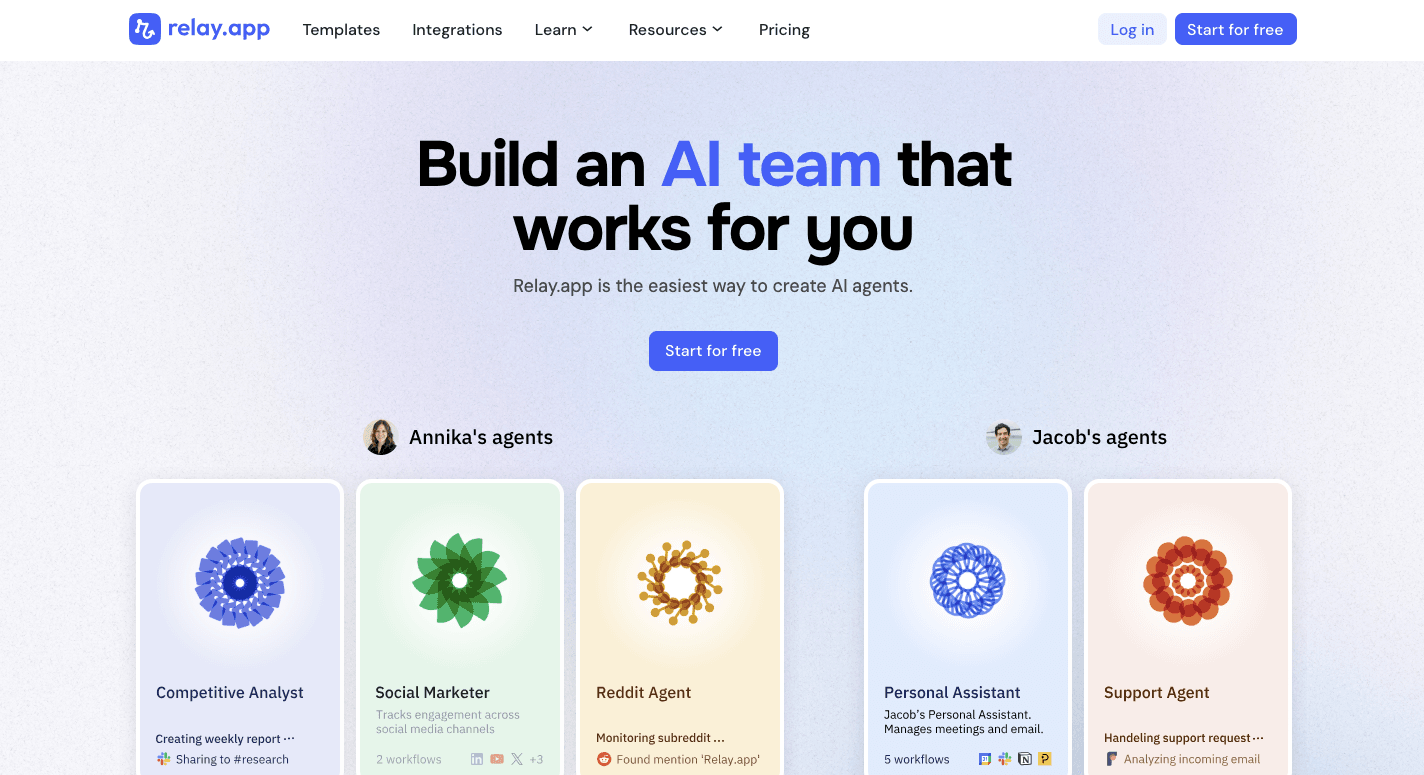
Relay.app is an AI automation platform designed with collaboration in mind. It assumes some tasks still need human review, so it pauses when needed and waits for input.
Your workflow starts with a trigger, including “New deal closed in HubSpot.” Then you add steps like “Summarize the contract” or “Draft a reply.”
Before the message goes out, you can insert an approval step. Once approved, it continues.
The interface looks more like a checklist than a flowchart, which is better for simple automations and internal processes.
Key Features
- Human approval steps - Pause workflows and request input before sending results.
- Shared workspace - Build collaborative workflows where your teammates can comment and review steps.
- AI autofill - Map data between apps using examples.
- Batch processing - Group tasks and send one combined report.
- Role assignments - Route approvals based on job roles rather than fixed users.
- Narrative layout - View processes in a checklist format.
Limitations Compared to Gumloop
Relay is not the best for handling complex workflows that require deep branching or heavy data loops. Managing large datasets or complex agent logic becomes difficult.
When your use case involves advanced AI-driven systems or managing complex workflows with high-volume inputs, other tools may offer more flexibility.
6. Lindy
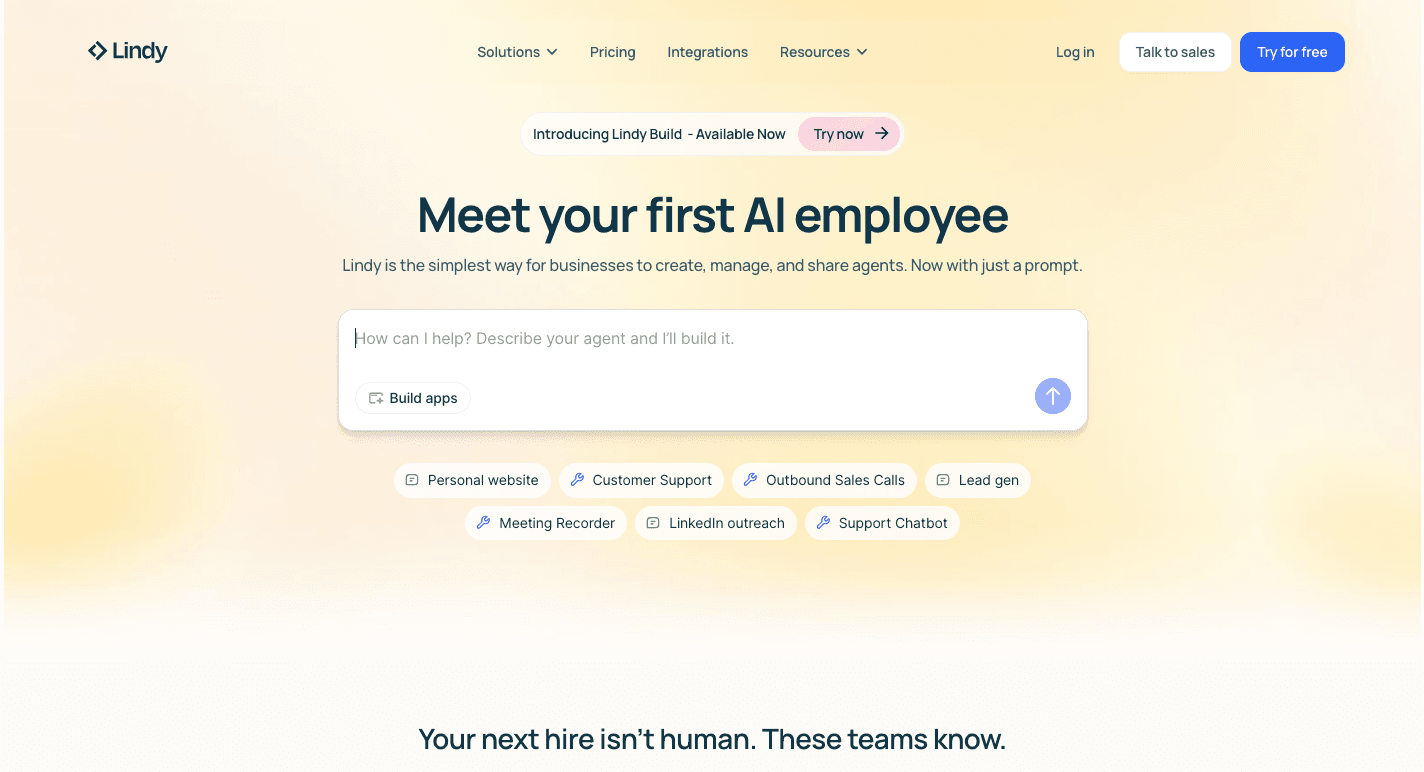
Lindy is an AI builder where you define a role, such as “Executive Assistant” or “Sales Prospecting Assistant.” From there, the system monitors your apps and carries out tasks from start to finish.
You connect Lindy to Gmail, Slack, your CRM, and calendar. Once connected, the agent watches for triggers.
When an email arrives, it can read the message, check your calendar, draft a reply, and send it. You can respond with feedback like “Make that less formal,” and it adjusts future outputs.
It also includes integrations with most apps used by sales teams and customer support teams.
Key Features
- Natural language setup - Define agent behavior by describing tasks.
- Multi-channel presence - Interact with agents directly in Slack, email, or messaging apps.
- Browser agent - Navigate websites, fill forms, and perform actions like a human user.
- Feedback memory - Improve responses over time based on corrections.
- Pre-built personas - Start with ready-made templates for recruiting, sales, or support.
Limitations Compared to Gumloop
Lindy hides most internal logic. You can’t see the exact steps the agent takes.
Debugging errors can be harder than in node-based systems. It also struggles with bulk processing and large data sets.
Tasks that require strict structure or exact formatting may need more manual review.
7. Vellum
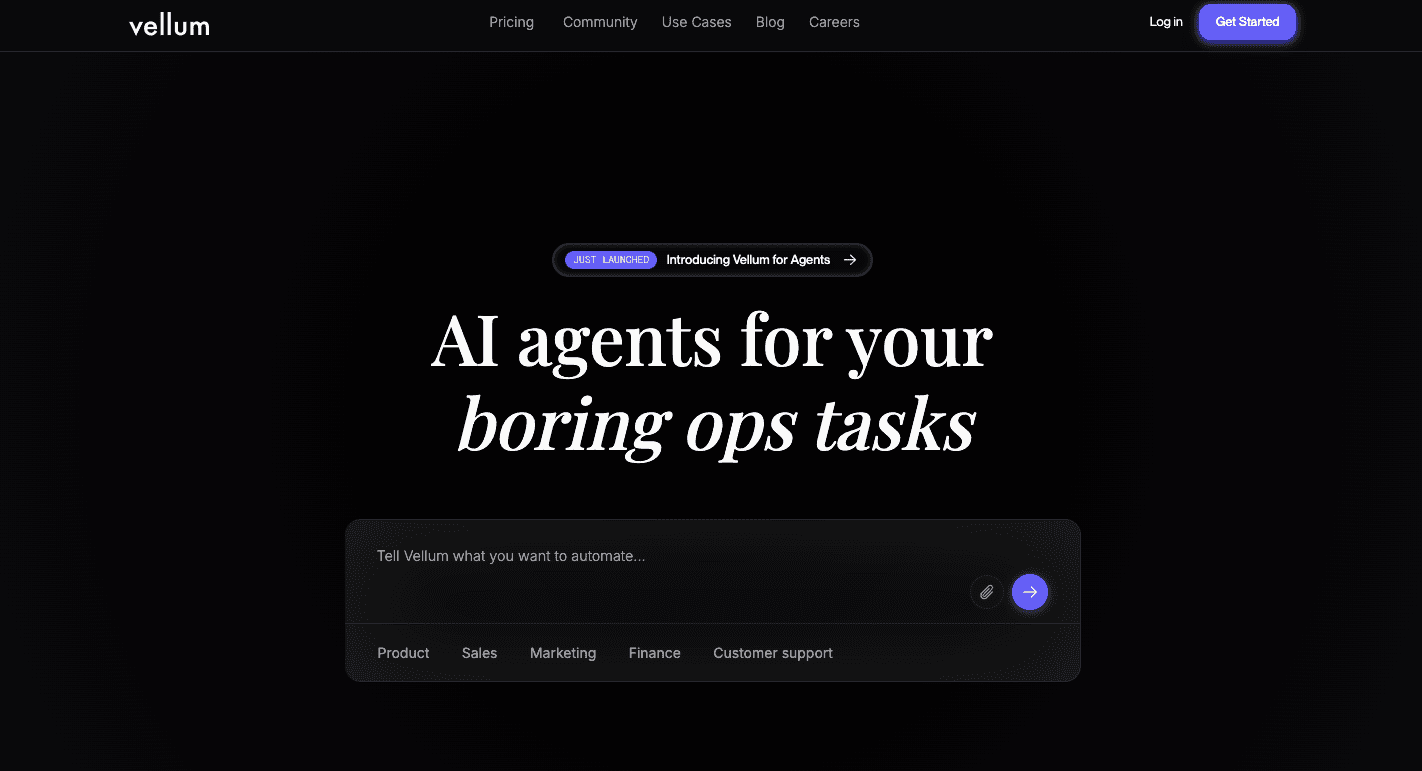
Vellum is less about simple workflow automation and more about managing prompts, testing outputs, and deploying AI logic into apps.
You start in the Playground, where you test prompts against different models side by side. You can compare speed, cost, and output quality before moving forward.
Once ready, you connect prompts into structured flows. Then you backtest them against past data to see how they perform, which is needed when repetitive tasks rely on consistent output quality.
When the flow is stable, Vellum gives you a single API endpoint. Developers plug that endpoint into a web app or mobile product. From that point, you update logic inside Vellum without changing the product code.
Non-technical teams rarely use it directly. Data engineers and AI teams handle most setup.
Key Features
- Side-by-side model testing - Compare different models with the same input before deployment.
- Backtesting tools - Run prompts against large data sets to measure output quality.
- Prompt version control - Track changes and roll back to older versions if results drop.
- Built-in evaluation tools - Score outputs based on rules you define.
- API-first deployment - Deploy AI logic as a managed endpoint for apps.
Limitations Compared to Gumloop
Vellum requires technical knowledge. It even lacks native connectors for many SaaS tools, so workflow automation between everyday apps requires extra code.
For small teams looking to automate internal tasks quickly, it can feel heavy.
Standardize Your AI Workflows on Activepieces

Many teams stitch together separate tools for email, CRM updates, reporting, and support. Over time, prompts live in different dashboards and logic breaks when someone edits a step.
Activepieces brings everything into an AI-powered automation tool so you can manage flows in a single place. Using the drag-and-drop builder, you can launch automations with no technical skills, while developers can extend the system with custom pieces.
Activepieces supports 635+ integrations, including AI providers, CRM systems, finance tools, and collaboration apps. AI agents can access those tools directly, and human-approval steps come built in.
From simple flows to enterprise control, run everything in Activepieces. Contact sales now!
FAQs About Gumloop Alternatives
Which Gumloop alternative is best for building AI agents?
It depends on the use case. Activepieces and Lindy AI focus heavily on agent-style automation, while others concentrate more on structured workflows.
Which platform has the most integrations?
Zapier has the largest integration library, with over 9,000 native connectors.
Why should you look for Gumloop alternatives?
Teams often want broader integrations, stronger governance, different pricing models, or tools better suited for enterprise or highly structured environments.
Still comparing
The fastest way to settle it is to build something.
Open source under MIT, so you can self-host the same thing later.
Start free Talk to sales