
Top 6 Pabbly Alternatives to Consider in 2026
Top 6 Pabbly Alternatives to Consider in 2026: 1. Activepieces 2. Zapier 3. Make 4. n8n 5. ActiveCampaign 6. Lindy. Learn why Activepieces stands out.

March 25, 202613 min read @ashrafsam
You may tell yourself, “It is fine, I can work with this,” but deep down, you know it could be better.
That is the spot a lot of Pabbly users end up in. Not bad enough to quit immediately, but not good enough to feel confident either, and that middle ground is frustrating.
In this article, you will discover the top six Pabbly alternatives and learn which one actually makes things easier.
TL;DR
Below are the six best Pabbly alternatives in 2026:
- Activepieces - Best for AI automation, integrations, and enterprise control
- Zapier - Best for simple automation and quick setup
- Make - Best for no-code workflow automation
- n8n - Best for developers and custom automation
- ActiveCampaign - Best for email marketing automation and customer journeys
- Lindy - Best for AI agents and intelligent task automation
The fastest way to settle a shortlist is to try one. Activepieces is free to try, no credit card.
Why People Are Looking for Pabbly Alternatives
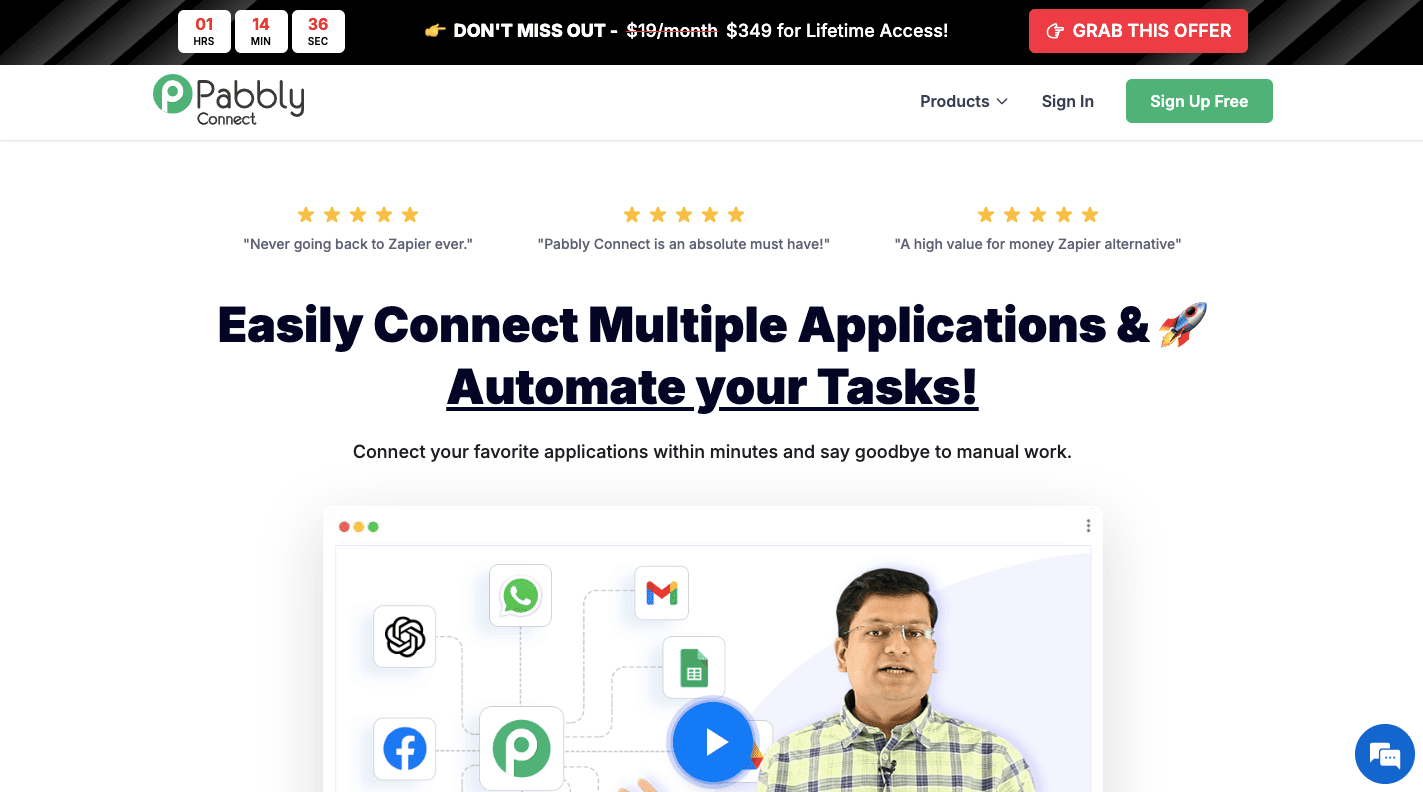
Pabbly connects multiple apps so you can automate workflows without writing code. You choose a trigger, like a new lead from a web form, then set actions such as sending data to Google Sheets or starting email campaigns.
However, the platform falls short for many users, most commonly due to the following:
- Many users initially chose the Pabbly Connect lifetime deal, but are now seeking more advanced logic as their business grows.
- It is restricted to simple “if this, then that” logic, which struggles with the complex workflows.
- Occasional bugs in the interface and a learning curve that feels steeper than other AI-powered tools.
- While Pabbly offers a budget-friendly entry point and unlimited workflows, it lacks the deep integrations required for high-level business operations.
- Limited trigger and action options in app integrations force workarounds that increase workflow steps.
- Delays in data syncing can affect time-sensitive processes like lead routing and follow-ups.
6 Best Pabbly Alternatives in 2026
These are the six best Pabbly alternatives:
1. Activepieces: Best for AI Automation, Integrations, and Enterprise Control

Activepieces gives you a different way to build automation. Every workflow can read input, understand context, and then decide what action should happen next.
A no-code builder made of pre-built integrations, called pieces, keeps things flexible. These pieces can be an app connection, a logic step, or an AI function. You can place them in any order, connect them, and then shape how data moves from one step to the next.
Open-source access changes how fast you can move. Missing integrations do not block your progress since developers can build custom pieces in TypeScript and add them right away.
You can start for free with ten active flows, then pay $5 per additional active flow per month. One flow can run endlessly without extra cost. Larger teams can move to custom pricing-based plans, and a dedicated support team assists you during setup.
Key Features
- AI-driven decision steps - A workflow can analyze input, understand intent, and then choose the next action.
- Template library - Pre-built flows for HR, sales, marketing, and operations help you start fast, then adjust steps based on your needs.
- Personal onboarding system - Suggestions appear based on your role and past activity, which helps you know what to build next.
- Instant team access - Inviting users takes one step, and each person gets a personal workspace plus shared projects for collaboration.
- Leaderboard and badge tracking - Activity shows who builds and runs the most workflows to push adoption and reward progress.
- Role-based access control - Permissions define who can edit, run, or view workflows, which keeps projects organized as teams grow.
- Centralized credentials system - Admins connect accounts once, then everyone can reuse them without sharing sensitive details.
- Detailed activity logs - Every action and workflow run gets recorded with context.
2. Zapier: Best for Simple Automation and Quick Setup
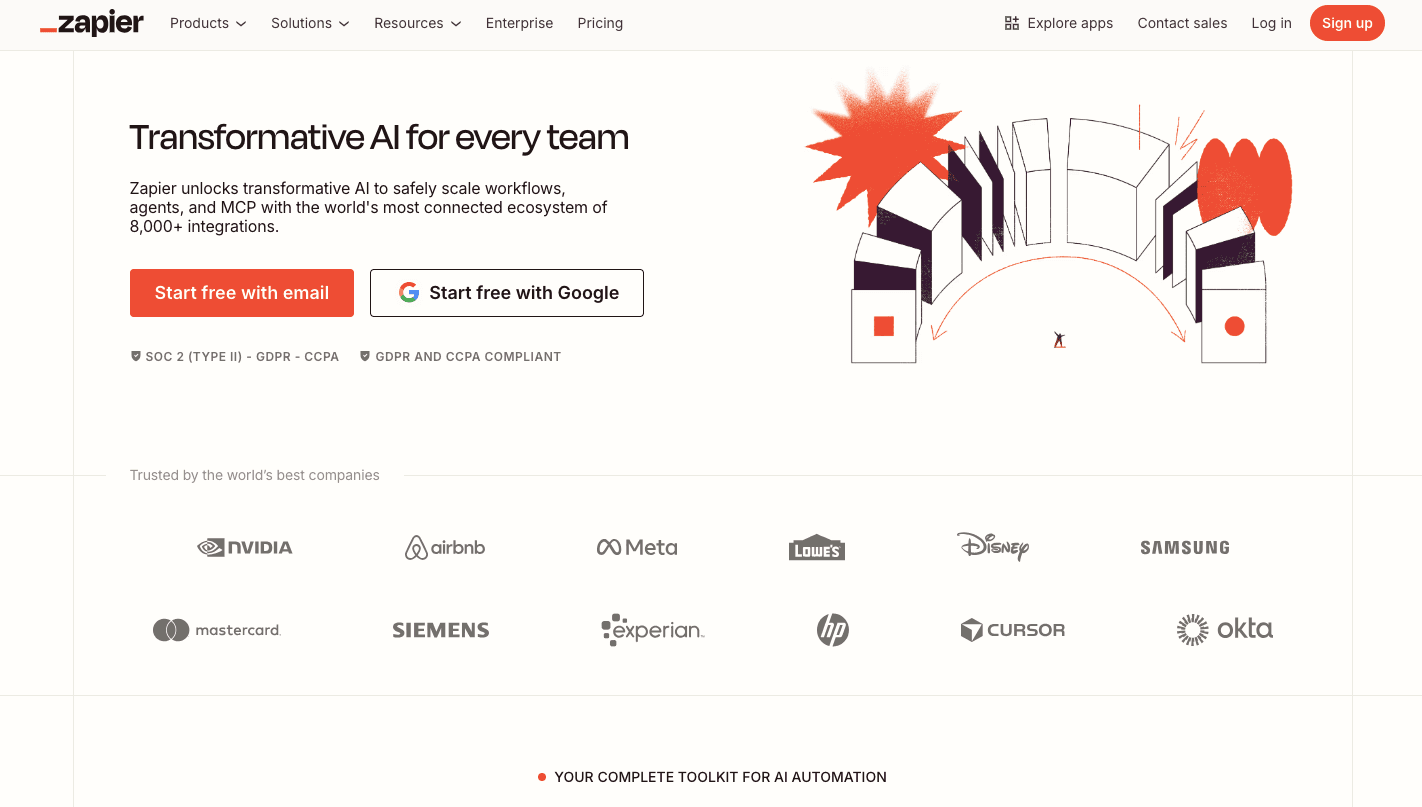
Zapier is specifically designed to help you automate tasks and set up integrations in just a few clicks. You can type what you want in English, such as “When I get a new Shopify order, send a personalized email via Gmail,” and the system builds the automation for you.
Many small businesses that need to run automations choose Zapier for its user-friendly layout.
Unlike Pabbly, which supports around 2,000 integrations, Zapier works seamlessly with over 9,000 app integrations. Even for tools like Slack, Zapier offers 13 triggers compared to Pabbly’s four.
For basic automations like sending email templates or handling lead capture to Google Sheets, the setup is quick.
Zapier offers a free tier, though paid plans are required to access native integrations for premium apps and higher limits per month.
Key Features
- AI-assisted setup - You can describe a workflow in English, and Zapier builds it step by step.
- Large app library - Over 9,000 app integrations connect tools like customer relationship management (CRM) systems, e-commerce tools, and email platforms.
- Trigger options - Many apps include more triggers than Pabbly, which helps control how workflows begin based on specific events.
- Multi-step workflows - One trigger can start several actions, such as updating customer data, sending follow-ups, and logging activity.
- Conditional logic - Rules can split workflows into different paths depending on conditions like lead type or order value.
Limitations as a Pabbly Alternative
Each step counts as a task, so workflows with many actions can use a large number of tasks per month. As a result, you may need to upgrade to a higher Zapier paid plan to keep everything running.
Access to advanced features also depends on your plan, so some tools remain locked unless you upgrade. Lower plans further check for new data less often, which can slow down time-sensitive workflows.
3. Make: Best for No-Code Workflow Automation
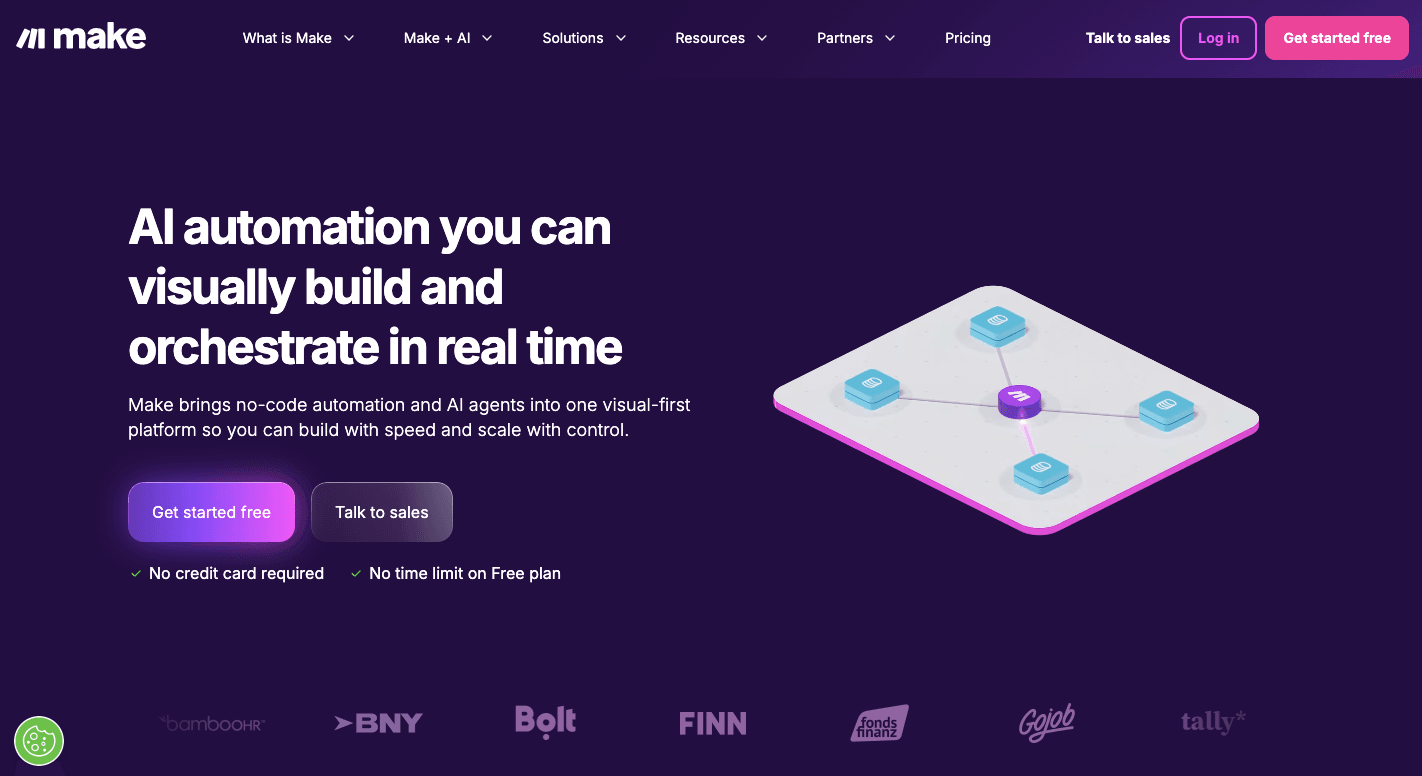
Make is a visual workflow builder that lets you build business process automation and actually see everything happening. It uses a visual canvas where you drag and drop “modules” (apps) and connect them with “routes” to create automated “scenarios.”
Each circle on your canvas represents an app like Gmail, Slack, or Shopify. You can set each one to watch for new data or perform an action, so you control every step.
Compared to Pabbly’s vertical list, Make lets you build complex automations using a drag-and-drop builder and still be able to understand how each step connects.
It even includes Iterators and Aggregators for data transformation, data migration, and data formatting. Based on filters, conditional logic can route data through custom workflows.
Many teams use Make to connect e-commerce tools, manage digital products, or run online courses through seamless integrations.
Key Features
- Visual scenario builder - You see your entire workflow as a connected map, which helps track how data moves from one module to the next.
- Drag-and-drop builder - You build workflows by placing modules and linking them.
- Advanced data tools - Iterators break large data sets into smaller parts, while Aggregators combine results into one output for easier processing.
- Conditional logic routing - Filters and routers guide data into different paths based on rules you define.
- Execution monitoring - You can watch each run and spot where a workflow fails or slows down.
- Error handling setup - Set rules for failures, like retrying after a delay or sending data to a backup system.
Limitations as a Pabbly Alternative
A workflow with many steps can consume more operations per month than expected, quickly raising costs. Learning how modules connect and pass data takes time, too, especially if you are new to automation tools.
4. n8n: Best for Developers and Custom Automation
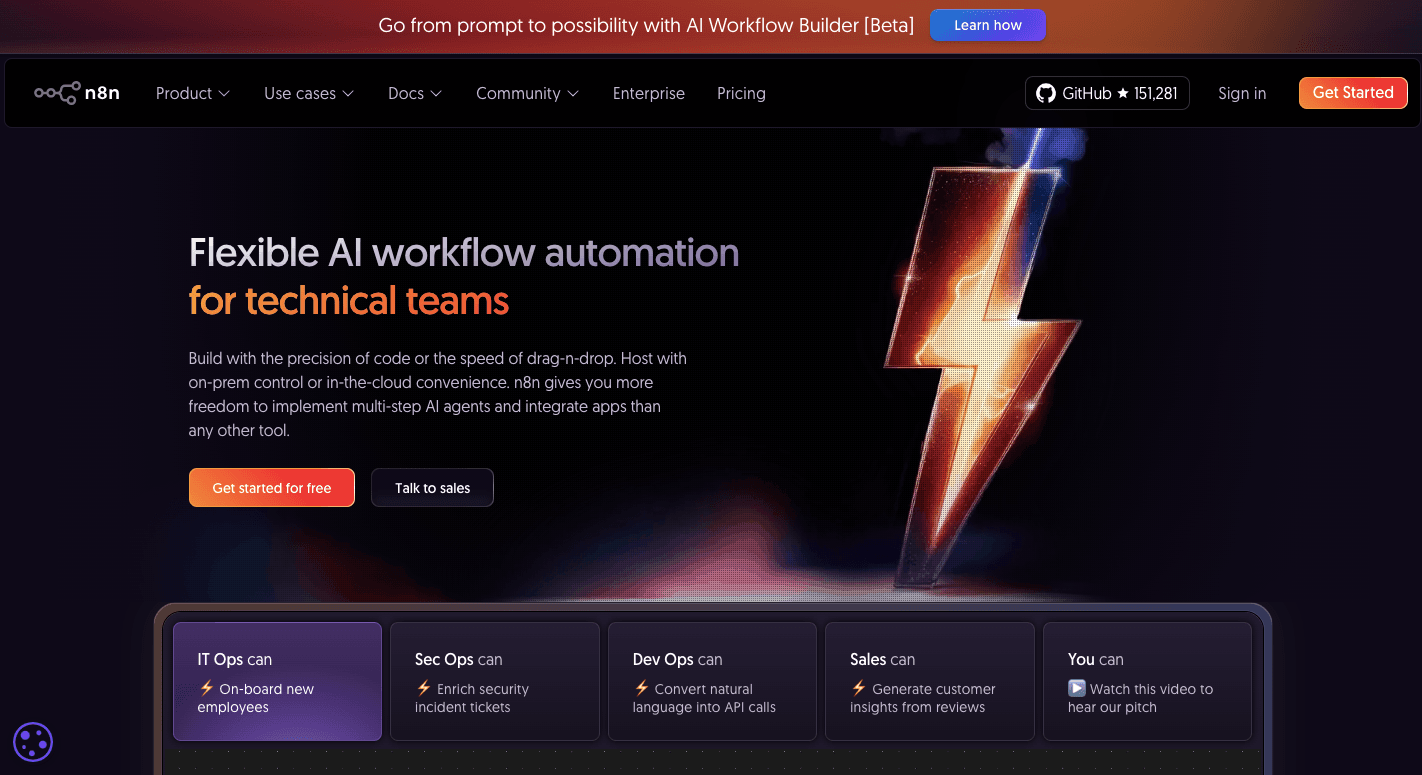
n8n uses a visual canvas where you connect “nodes.” These nodes can be an app, a function, or a piece of logic that you connect together to build a flow that can split, merge, or loop depending on what you need.
For advanced users who need more control over their automation tools, n8n lets you go beyond simple setups with custom JavaScript or Python. You can write code directly in a workflow when something needs a custom solution.
n8n offers full control and data sovereignty by allowing you to self-host, so your data stays on your own server. Since you control the environment, you can run more tasks.
Key Features
- Execution-based model - An entire workflow run counts as a single execution, even if it contains many steps, which helps reduce cost compared to task-based tools.
- Code-level control - You can write JavaScript or Python in your workflows for precise data handling.
- Visual node system - Each node shows input and output data, so you can track exactly how information moves and where issues start.
- AI agent support - You can add AI nodes that analyze input, make decisions, and trigger actions based on context.
- Self-hosting option - You can run n8n on your own server to keep sensitive data private and under your control.
- Version control support - Workflows can connect to Git systems, which helps you manage changes and roll back when needed.
Limitations as a Pabbly Alternative
Many users need to understand data structures, such as JSON, before building stable workflows. That learning curve can slow down simple use cases.
Self-hosting adds responsibility since you manage uptime, updates, and security yourself. Cloud plans exist, but pricing can still increase per month when workflows run often.
Integration coverage is smaller compared to other tools, so some connections require manual setup through API requests.
5. ActiveCampaign: Best for Email Marketing Automation and Customer Journeys
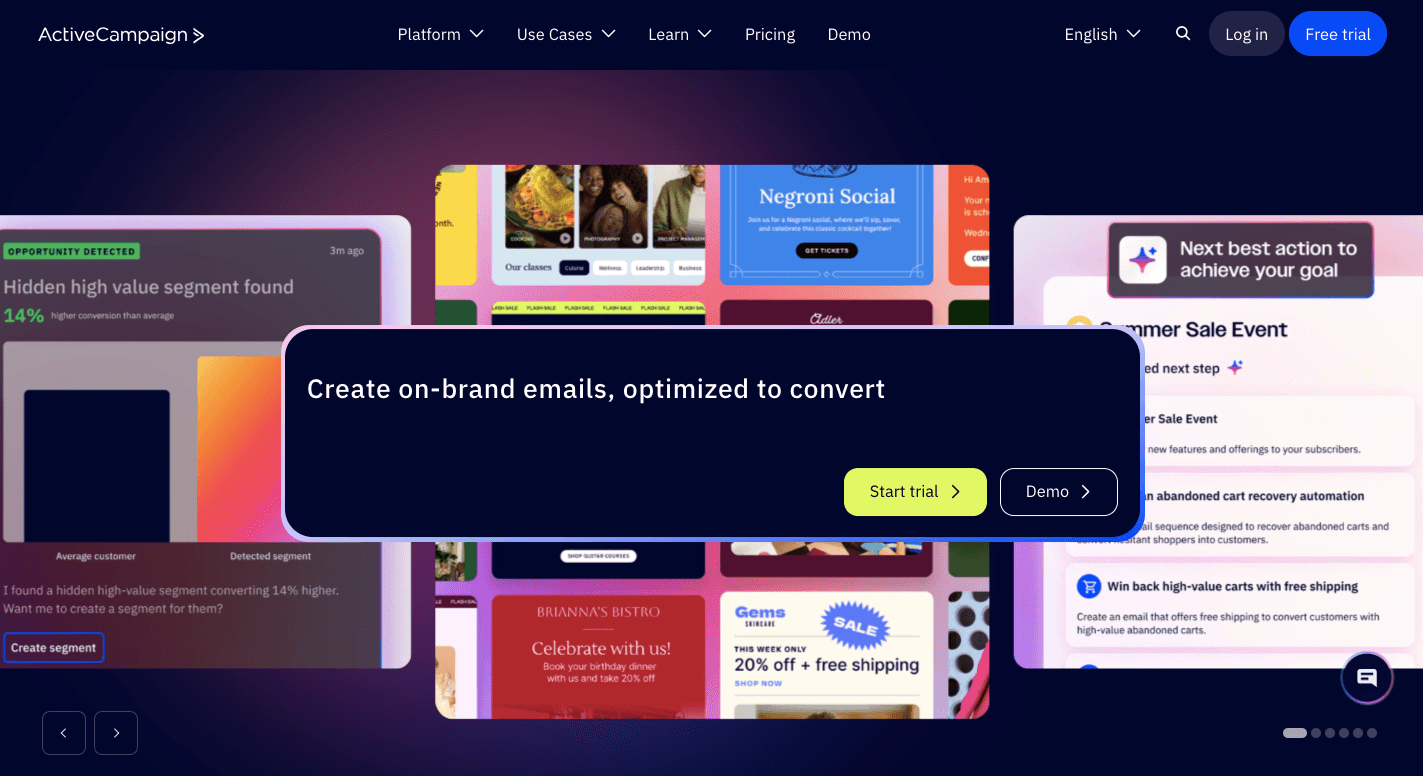
ActiveCampaign, which is usually considered an all-in-one CRM, focuses on how people behave and is not based on app-event triggers, unlike Pabbly. For example, “User clicked a specific link in an email” or “User visited your pricing page three times” can start a workflow.
You drag and drop “Wait” steps, “If or Else” conditions, and “Actions” to create a path that reacts to each user. As people move through the flow, the system updates their status. It automatically moves deals through a pipeline, so your sales teams know when to act.
In ActiveCampaign, you can run multi-channel campaigns using email, SMS, and landing pages to attract new customers. You can also manage subscription billing without relying on other tools.
Key Features
- Behavior-based triggers - Workflows start from actions like email clicks, page visits, or missed responses.
- Visual automation builder - You drag steps like conditions, delays, and actions into a path that adjusts based on user behavior.
- Built-in CRM system - Deals move through stages automatically as users take actions, which keeps your sales teams aligned.
- Predictive sending and content - ActiveCampaign uses AI to analyze when each user is most likely to open an email and sends it at that time.
- Multi-channel campaigns - Email, SMS, and site messages run from one workflow.
- Campaign tracking - Reports show which messages lead to clicks, replies, and conversions so you can adjust campaigns.
Limitations as a Pabbly Alternative
ActiveCampaign focuses on marketing workflows, so it does not replace general automation tools for internal processes. Some features, like predictive tools and deeper reporting, require higher-priced plans.
Additionally, learning how tags, conditions, and scoring work together can take time, especially for users who only need simple automation.
6. Lindy: Best for AI Agents and Intelligent Task Automation

Lindy lets you describe an objective and let the system figure out how to complete it. For example, you can type, “When a new lead comes in, research their profile, write a follow-up, and send it if they match our target,” and the agent handles the process.
Each agent reads input, decides what to do next, and then takes action on your tools. Lindy can automate workflows by “thinking” through your goals expressed in English.
You can create agents that handle repetitive tasks through autonomous reasoning, which reduces the need for manual checks. When the workload increases, the system can deploy multiple agents at once.
Using AI Swarms helps businesses save time because tasks run in parallel rather than one by one.
Key Features
- Natural language setup - You describe what you want, and the system builds the workflow.
- Autonomous reasoning - Agents analyze input and decide what to do next.
- End-to-end execution - A single agent can handle a full process like lead qualification, outreach, and updates.
- AI Swarms - Multiple agents can run tasks at the same time, which helps handle large volumes quickly.
- Voice and phone support - Agents can make calls, respond to users, and manage tasks beyond text-based workflows.
- Web interaction - Agents can navigate websites, collect data, and complete actions even when no API exists.
Limitations as a Pabbly Alternative
Agents require access to platforms like email and CRM systems, which may raise concerns for some teams. Setting up for advanced workflows further takes time since you need to guide how the agent should behave in different situations.
Upgrade From Pabbly to Smarter Automation With Activepieces
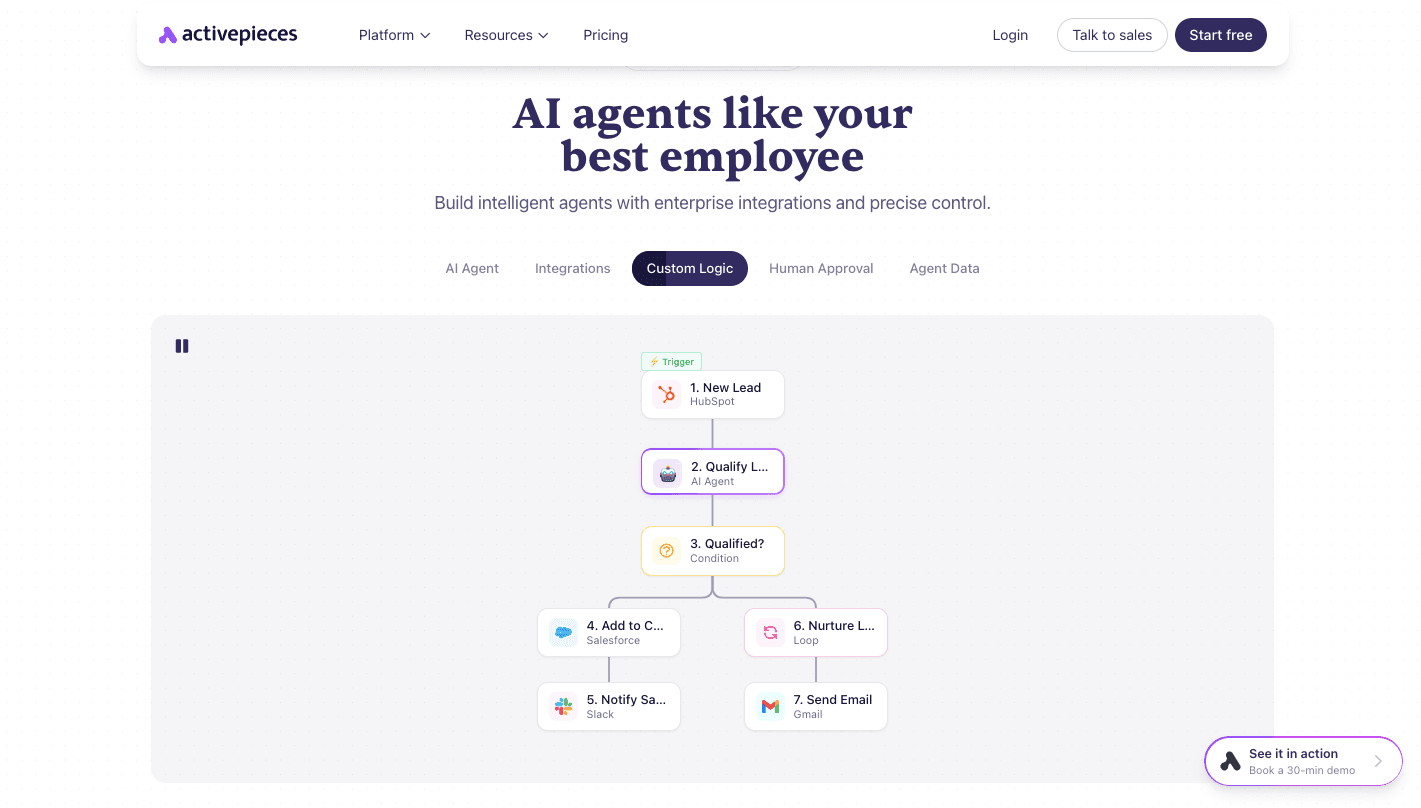
You reach a point where simple automation stops working the way you need it to. Pabbly handles basic connections, but once workflows grow, you start dealing with limits in logic, control, and flexibility.
Activepieces steps in at that stage by adding a layer where workflows can read input, understand what it means, and then decide what should happen next.
From there, setup becomes easier to manage. You can start with a ready template for sales, marketing, or operations, and adjust it to match your process.
A no-code builder keeps things simple for non-technical users, while developers can build their own custom integrations.
Each user also gets a workspace, shared projects keep teams aligned, and access rules control who can edit or run workflows. Since credentials remain in the same software, there is no need to pass around sensitive login details.
FAQs About Pabbly Alternatives
What is the best Pabbly alternative?
Activepieces stands out if you want more than basic automation. It handles complex workflows, supports AI agents, and does not limit you with task-based pricing.
Which Pabbly alternative gives AI tools?
Activepieces and Lindy both offer AI capabilities.
Does Pabbly still offer a lifetime deal?
Pabbly still promotes its lifetime deal, but many users find limits in tasks and features once usage grows, which often leads them to look for other options.
Is Activepieces better than Pabbly?
Activepieces offers more flexibility, especially when workflows become complex. You get AI-driven logic, better control over integrations, and predictable pricing, which makes it a better option.
Still comparing
The fastest way to settle it is to build something.
Open source under MIT, so you can self-host the same thing later.
Start free Talk to sales