
Top 10 BPM Software Tools for Enterprises
Explore the top ten BPM software tools in 2026. Discover what makes Activepieces stand out as the best solution for business process management.

Sep 17, 202415 min read
There are not many enterprises that are not currently using one tool or another to automate some of their business operations.
The question is: Are you using real business process management tools? Not just quick fixes like ChatGPT for basic automation.
In this article, you’ll learn the top ten business process management (BPM) software tools that let you create automated processes.
TL;DR
These are the top ten BPM software tools in 2026:
- Activepieces
- Activiti
- Pega
- Kissflow
- Appian
- ProcessMaker
- Microsoft Power Automate
- Nintex
- AgilePoint
- Camunda
Everything below works on Activepieces' free plan. Start without code or a credit card.
How BPM Software Works
Business process management tools enable companies to orchestrate and optimize business processes. They are also known as business process management suite (BPMS) solutions.
They are the central nervous system for your operations. One platform coordinates requests, approvals, and data updates so you no longer rely on different tools.
A BPM platform can integrate with your existing systems and improve your operational efficiency, too. Finance, HR, and support teams move data between applications without copying information manually.
The core engine controls workflow logic. It tracks each request and applies rules through a business rules engine.
BPM tools are long-term investments, so it’s important to learn about different types of BPM tools and measure them against your business needs. Some organizations also define process governance to guide their BPM initiatives.
BPM software helps reduce operational costs by eliminating manual tasks while keeping workflows aligned with your business objectives.
Top 10 BPM Platforms for Enterprises in 2026
To find the right BPM tools for your existing processes and needs, here’s a review of the top ten platforms enterprises use in 2026:
1. Activepieces

Activepieces is a versatile, open-source business process management tool designed to automate workflows and connect to the tools your team already uses. Many enterprises choose Activepieces because developers and everyday users who want to automate work can easily use it.
It includes several features that help you automate and manage processes more easily:
- Lets you create complex workflows without writing code through a visual drag-and-drop interface, which makes automation accessible for your non-technical team members while still supporting advanced customization.
- Supports 644+ integrations so your workflows can move data between applications, send alerts, or trigger updates automatically. The number of data integrations keeps increasing due to community contributions.
- Runs as open-source software under the MIT license, which allows organizations to customize the platform and adapt workflows to internal requirements.
- Uses webhooks and polling triggers to manage job queues so workflows run reliably even during spikes in activity.
- Lets you track workflow history, manage multiple projects, and customize pieces that automate complex tasks through intelligent automation logic.
- Allows on-prem hosting for organizations that want better control over infrastructure and data security.
- Includes governance and compliance capabilities that help organizations maintain structured and controlled automation processes.
2. Activiti
Activiti is for developers who are familiar with Java and want to integrate BPM capabilities into their applications.
Development teams often choose Activiti when they want to embed workflow logic directly into applications they already maintain. Java developers can configure workflows, connect databases, and control how processes run within their own software environment.
It further lets process owners review how requests move through each step and confirm that workflows follow the intended structure.
Organizations that run large numbers of workflow cases often rely on that scalability to process requests, approvals, or system events without performance issues.
Licensed under the Apache License 2.0, Activiti encourages widespread usage and adoption. The open-source nature fosters a strong community of users and developers who contribute to its continuous improvement.
3. Pega
Pega integrates seamlessly with other business platforms, so you can connect various systems and data sources as you manage processes automatically.
Enterprises often rely on Pega when they need a platform that connects customer service tools, databases, and internal systems. It brings information from different applications into a unified workflow so you can streamline operations and coordinate work between departments.
Service teams, finance staff, and operations groups can all interact with the same case records while the system manages routing and decision rules behind the scenes.
Many organizations deploy Pega to handle processes that involve thousands or even millions of requests, such as loan approvals, insurance claims, or customer service tickets.
By automating and optimizing processes, Pega helps improve your customer service delivery.
4. Kissflow
Kissflow targets teams that want to automate workflows without heavy technical setup. You’ll usually see departments adopt it when managers want to build and control processes themselves rather than wait for developers.
The platform is cloud-based, and you can access and manage workflows from anywhere, at any time.
Teams usually use it to organize approvals, requests, and internal task management in a single place, so work moves through a path. When you receive a request, you can approve it directly from your phone, which prevents approvals from sitting idle for hours.
Kissflow offers integration with a wide range of third-party applications. Those connections allow your workflows to exchange data with collaboration tools, document platforms, and other applications your team already uses.
With real-time analytics and reporting capabilities, you can monitor process performance and make data-driven decisions. Dashboards show how each request moves through the workflow so you can quickly identify delays and adjust the process when needed.
5. Appian
Organizations choose Appian when processes involve many approvals, strict compliance checks, and data that moves between several systems. Banks, insurance companies, and government agencies often run those operations through the platform.
Appian provides a low-code platform that lets you build applications quickly and efficiently. Through visual builders, you define steps in a workflow, assign people responsible for each stage, and set rules that guide how requests move from one step to the next.
Integration with various external systems and services allows you to connect different platforms and data sources, creating a unified approach to managing business processes.
Analytics and reporting tools provide real-time insights into process performance, which helps you review delays, workloads, and approvals. With mobile access, you can manage workflows and approve tasks while away from your desk.
6. ProcessMaker
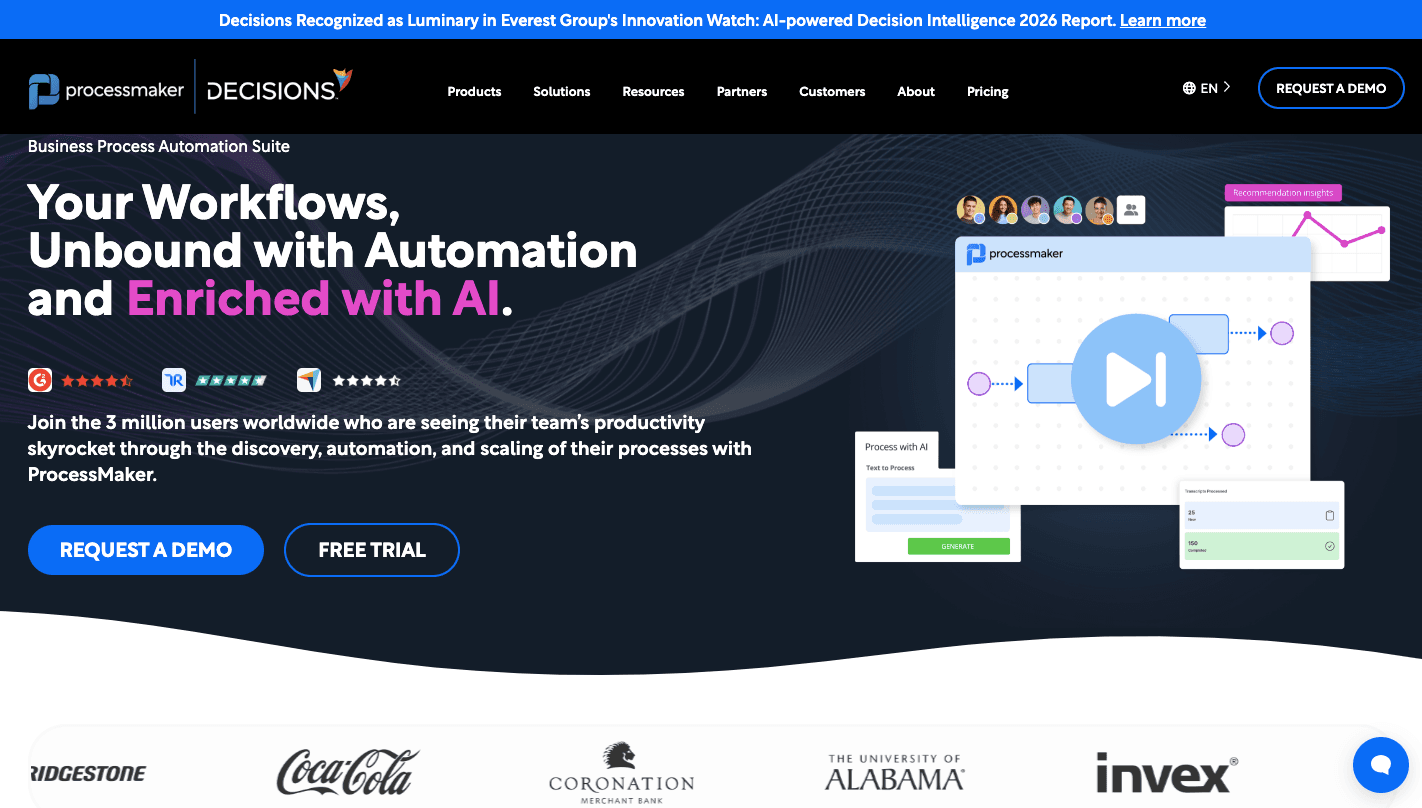
ProcessMaker empowers business users to build applications quickly and conveniently. It integrates AI and natural language processing (NLP) to automate workflows.
Through its visual designer, you can define each step of a workflow by placing tasks, decisions, and events into a process map. The system then converts that structure into a running process, which means the workflow you design becomes the one employees actually use.
Automation also works through forms and task screens that appear during workflow steps. In many cases, you can launch internal workflows even without technical support, since the interface guides you through configuration.
Connectivity also helps coordinate data between departments. ProcessMaker can integrate with various core systems, which breaks down data and application silos.
Large companies often adopt it because the architecture can support growing workloads.
7. Microsoft Power Automate
Microsoft Power Automate combines robotic process automation (RPA) with digital process automation (DPA) to automate repetitive tasks on desktop apps, websites, and systems.
Many companies use it to replace manual workflows that involve copying data between systems or sending repeated notifications.
Automation usually begins with a trigger. Once an event occurs, the system runs a sequence of steps that move data, send alerts, or update records automatically.
Building those workflows doesn’t require deep programming knowledge. Power Automate offers a low-code environment, so you can create automated workflows with minimal coding.
Companies also rely on these automations during process optimization efforts, especially when they want to reduce delays in approvals or data entry.
As a cloud service, Power Automate makes sure that workflows can be accessed and managed from anywhere.
8. Nintex
Nintex is a system that first explains how work happens before automating it. Teams often begin by mapping existing workflows so everyone understands the current process before introducing automation.
After you document the process, you can convert it into a running workflow through visual builders. Those workflows route approvals, update records, and trigger notifications when specific conditions appear.
Clear process documentation also helps keep track of procedures that employees should follow. You can review steps, update instructions, and notify staff when a process changes.
Nintex integrates RPA to automate repetitive tasks that require human intervention, further enhancing efficiency and reducing errors. It provides tools for automated document generation and management, so all necessary documentation is created and maintained efficiently.
That capability lets you generate contracts, reports, or internal records directly from the workflow.
9. AgilePoint
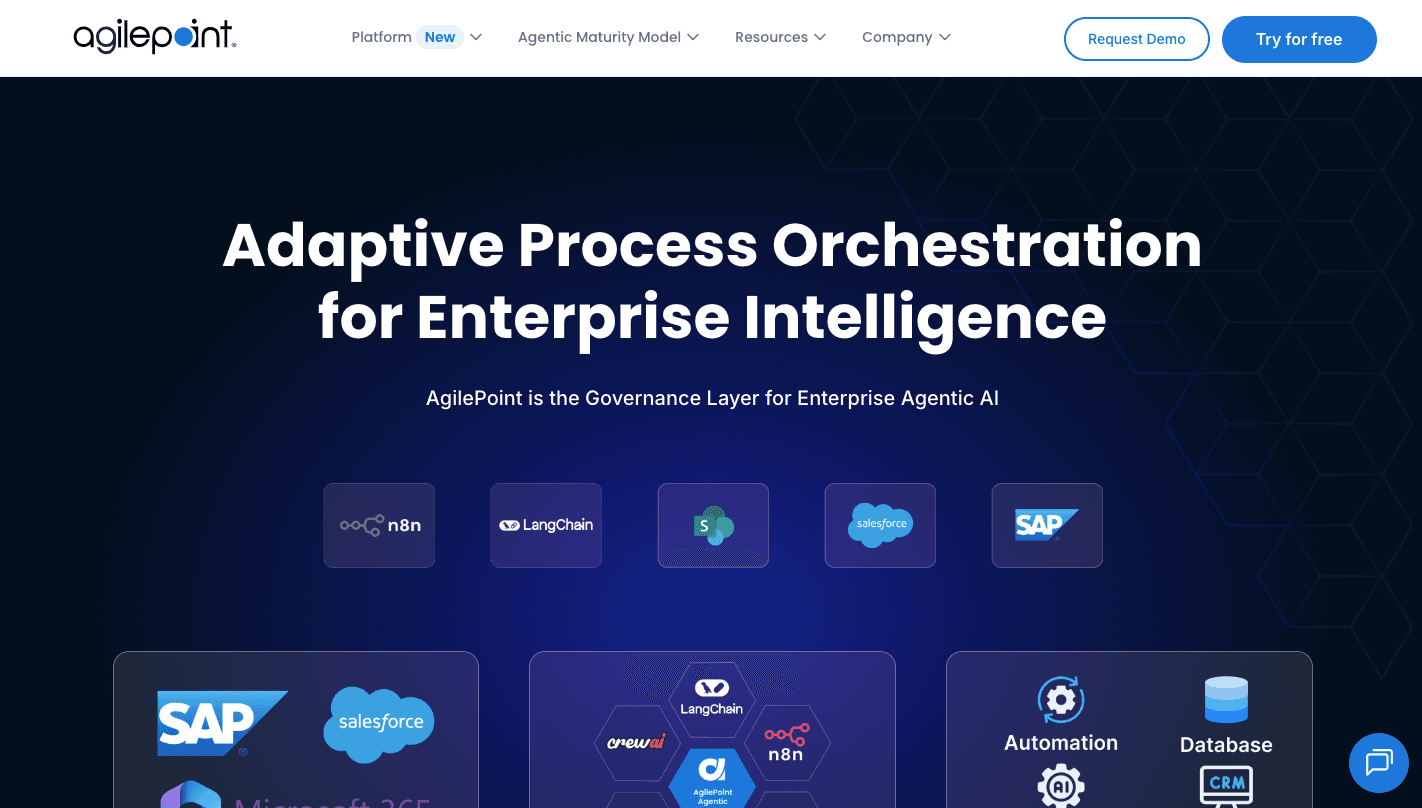
AgilePoint supports companies that run workflows involving several departments, applications, and approval stages. Many teams rely on it when a process should coordinate data, employees, and automated systems within one environment.
Routine steps such as data entry, request routing, or record updates can run automatically once the workflow starts. Removing those steps helps you improve business processes because you spend less time handling repetitive work.
You get an event-driven architecture, which improves the scalability and responsiveness of applications by providing the data and context needed for better business decisions. With that, your workflows can react immediately when events occur, such as a new submission or system update.
AgilePoint offers extensive integration with enterprise systems and cloud services, so all your business processes are connected and streamlined. Those integrations allow data to move between applications while the process runs.
10. Camunda
Camunda focuses on organizations that run complex workflows involving many systems, services, and approvals. Developers often deploy it when automation needs to coordinate tasks between microservices, databases, and internal applications.
Collaboration becomes important when you design those workflows. Real-time collaboration on business process models enables multiple stakeholders to work together to define how a process should run.
Connections between systems are also a part of how Camunda operates. An integration framework allows seamless integration with various systems and services, so your business processes remain connected.
Workflows can trigger actions in internal applications, external services, or cloud platforms while the process moves forward.
You also get tools for monitoring and analyzing processes in real time to detect delays and optimize workflows.
Its open-source community provides extensive resources, plugins, and support.
Easier to see it running than to read about it: set it up free, no card.
Two More BPM Workflow Tools Worth a Look
The ten above cover most enterprise needs. Two more from our earlier round-up deserve a mention:
11. Bizagi
Bizagi is an integrated BPM suite that allows organizations to model, automate processes, and manage them on a single platform. It is split into three core products: Bizagi Modeler, Bizagi Studio, and Bizagi Automation.
Bizagi follows a “Data-First” logic. While other tools focus on the arrows, Bizagi asks you to define the data model first. You identify objects such as “Customer,” “Invoice,” or “Order.”
Once the system understands your data, it automatically knows how to handle it throughout the workflow. The modeling environment makes it easy for anyone to begin diagramming their processes using common business process model standards, even if they are new to BPM.
It also centralizes your company’s policies so you can change a rule once and have it instantly update across every process in the company.
Before you go live, you can run simulations to see how your process performs under pressure and optimize workflows in advance.
Key Features
- Lifecycle-based platform - Move from modeling to deployment within one connected environment.
- Data-first architecture - Define business objects first so the system manages relationships automatically.
- Centralized business rules engine - Change a policy once and apply it instantly across every workflow.
- Process simulation - Test heavy volumes before launch to identify where queues will form.
- Case management support - It can handle cases where a human expert needs to jump between steps or add ad-hoc tasks in real time.
- Integration layer - Connect CRM, ERP, and legacy systems to keep data synchronized.
- Performance dashboards - Monitor active cases and workload to refine execution.
Pricing
Bizagi doesn’t publish pricing publicly.
12. FlowWright
FlowWright is a low-code platform focused on serious business process automation.
Many tools separate “drawing” from “doing.” In FlowWright, the visual model is the logic that the engine executes. When you design a workflow on the screen, that diagram becomes the running system that streamlines processes in your business.
You open the graphical designer and map out tasks, approvals, and decision points. Compared to other platforms that separate the visual map from the technical code, FlowWright’s graphical process designer generates the actual logic that the engine runs.
When you want a faster starting point, you can describe a business process in simple language, and the AI Copilot will automatically draft the workflow, logic, and forms.
It even includes an out-of-the-box enterprise service bus (ESB) for handling event-based processing, which allows it to orchestrate work across multiple systems.
Key Features
- Unified model and execution engine - The workflow you design visually becomes the exact logic the system runs in production.
- AI Copilot drafting - Describe a process in simple language and generate workflows, forms, and routing rules automatically.
- Enterprise service bus - Built-in ESB support for event-driven processing between multiple applications.
- Graphical rules designer - Configure advanced decision logic to support business process automation without heavy coding.
- Integration framework - Connect CRM, ERP, and legacy systems to centralize automation capabilities.
- Governance and versioncontrol - Maintain detailed logs for compliance and accountability.
Pricing
FlowWright doesn’t publish pricing publicly.
Key Features to Look for in Business Process Management Software
These are the core features of a business process management platform:
Process Modeling
Your process design starts with a visual structure. First, you need to document how your work currently flows through departments. Process mapping helps identify delays, unnecessary approvals, or missing steps.
Most BPM platforms allow you to design process diagrams that show how tasks move between people, systems, and decision points. These diagrams act as the blueprint for automation and guide the early stages of the BPM lifecycle.
That structure also allows BPM platforms to simulate different process scenarios and estimate possible outcomes and risks.
Modern modeling tools support editing through simple drag-and-drop controls.
Workflow Automation
Many organizations still rely on email threads and spreadsheets that create repetitive, manual tasks, such as forwarding approvals or updating records.
Workflow automation enables accurate task delegation throughout the organization, so work moves in the correct order and reaches the right people.
Automation starts with a trigger, such as a submitted form or a status change. Rules then determine where work should move next.
Organizations usually begin automation after identifying inefficient processes that slow down approvals or data entry.
Once the BPM workflow runs automatically, you can focus on higher-value work. Structured routing reduces delays and improves consistency, which leads to better business outcomes.
Integration Capabilities
Modern workflows rarely depend on a single business app. Integration capabilities allow BPM software to connect with other enterprise systems, such as enterprise resource planning (ERP), customer relationship management (CRM), and HR software.
Enterprises often run operations through multiple systems, which makes integration necessary for reliable workflows. Some BPM platforms connect those systems through APIs and connectors. Integration tools also support third-party tools and automation scripts.
Some companies still depend on older applications. BPM software can interact with legacy systems so workflows continue without requiring a full infrastructure change.
Analytics and Reporting
Workflow platforms collect large amounts of operational data while processes run. You can use that information to evaluate performance and identify delays.
Dashboards further display key metrics such as completion time, rejection rates, and task volume.
Additionally, analytics tools help you analyze data gathered from workflow activity. Patterns begin to appear when processes run repeatedly. Reports built from that data can provide valuable insights into delays, resource usage, and workload distribution.
Give Your Team the Power to Automate Any Complex Processes With Activepieces

Activepieces helps you automate work without turning automation into a complicated engineering project.
A visual builder with drag-and-drop features lets you design workflows step by step. You can map triggers, actions, and conditions directly in the interface, then adjust the process as your needs change. Developers can still add deeper customization in TypeScript when required.
With the platform’s pieces, you can connect your internal tools or other third-party apps yor teams use. Data can move between CRMs, spreadsheets, support platforms, AI services, and other applications automatically.
Instead of replacing your existing systems, Activepieces connects them and automates how information moves between tools to support your broader digital transformation efforts.
FAQs About BPM Software Tools
What are some BPM tools?
Common BPM tools include Activepieces, Appian, Pega, Camunda, Kissflow, Nintex, Microsoft Power Automate, ProcessMaker, Activiti, and AgilePoint.
Each platform helps companies design workflows, automate processes, and manage how work moves between systems and teams.
What is BPM software?
BPM software refers to tools that help organizations design, automate, monitor, and improve business processes. These platforms allow you to map workflows, route tasks between people and systems, and track performance so you can manage operations more consistently.
Does Microsoft have a BPM tool?
Yes. Microsoft Power Automate is Microsoft’s workflow automation platform and can function as a BPM tool.
Is ServiceNow a BPM tool?
Yes. ServiceNow includes workflow and process automation capabilities that support business process management. Organizations often use it to automate service requests, approvals, and operational workflows within IT, HR, and customer service operations.