
HIPAA-Compliant Zapier Alternative: Top 4 Picks
Looking for a HIPAA-compliant Zapier alternative? Explore these 4 top picks: 1. Activepieces 2. Workato 3. Tray.ai 4. Keragon

Jan 16, 202610 min read
Zapier does general automation well, yet healthcare workflows follow strict HIPAA requirements.
The healthcare industry often begins searching for a HIPAA-compliant Zapier alternative after seeing how patient information flows in a clinic.
Forms, billing tools, and internal apps always pass protected health information between systems.
Healthcare workflows carry more risk than regular business processes, so loose automation can expose patient data. You comply with HIPAA regulations and strict rules around access controls and audit logs.
The guide below focuses on the top four HIPAA-compliant workflow automation tools that replace Zapier.
TL;DR
Here are the four best HIPAA-compliant Zapier alternatives:
- Activepieces
- Workato
- Tray.ai
- Keragon
The fastest way to settle a shortlist is to try one. Activepieces is free to try, no credit card.
Is Zapier HIPAA-Compliant for Healthcare Workflows?
People often ask: Is Zapier HIPAA-compliant?
The answer is NO, since the platform doesn't meet the legal rules for handling protected health information (PHI).
Although Zapier uses basic data security, HIPAA-compliant software offers advanced features like end-to-end encryption and controls.
Zapier, in addition, doesn't sign business associate agreements (BAAs). HIPAA requires a binding BAA between a healthcare entity and its service providers. Without that agreement, clinical data cannot pass through the platform.
For non-clinical work, some teams use Zapier to automate tasks, such as staff reminders or office notices.
In short, the limited Zapier healthcare focus keeps leaving healthcare providers searching for safer alternatives for it.
Top 4 HIPAA-Compliant Zapier Alternative Tools
The following are the top four HIPAA-compliant alternatives for Zapier.
1. Activepieces

After dealing with software that forces you into its cloud, Activepieces is a top HIPAA-compliant alternative to Zapier since it gives you control over where operational processes run.
By self-hosting, you can run Activepieces on your own HIPAA-compliant platform, such as a secured AWS VPC or on-prem setup that already meets compliance standards. Patient data never leaves your environment, which shifts compliance responsibility to the infrastructure you control.
And because you have everything in one AI automation platform, you see how data moves between multiple systems.
With this structure, you can create efficient workflows without rebuilding them every few months.
Key Features
These are the features you get with Activepieces:
Visual Workflow Builder for Healthcare Tasks
The builder shows each step clearly, from the trigger to the final action.
Since it has an intuitive interface, it's easy for medical professionals to design processes through drag-and-drop. No one needs to write code to understand what happens or why it happens.
Branching logic then lets you manage complex workflows for healthcare tasks.
With Activepieces, you can automate healthcare operations such as Electronic Health Recording, appointment scheduling, and more.
Self-Hosting That Puts Compliance in Your Hands
Running Activepieces on your own infrastructure means you choose where your data lives. Many healthcare providers use it on an existing HIPAA-ready cloud or internal servers.
That setup supports custom integrations for internal tools and niche systems. You are not blocked by vendor limits or missing connectors.
Security settings are integrated within the platform, but compliance depends on where and how you host it. When you're compliant with healthcare standards and want to automate, this method is effective.
Comprehensive Security
As workflows expand, permissions limit who can change or view sensitive flows. Audit logs track every run and update.
Aside from that, human approval lets you pause flows when checks are needed.
Together, those controls support comprehensive security without slowing daily work.
Pricing
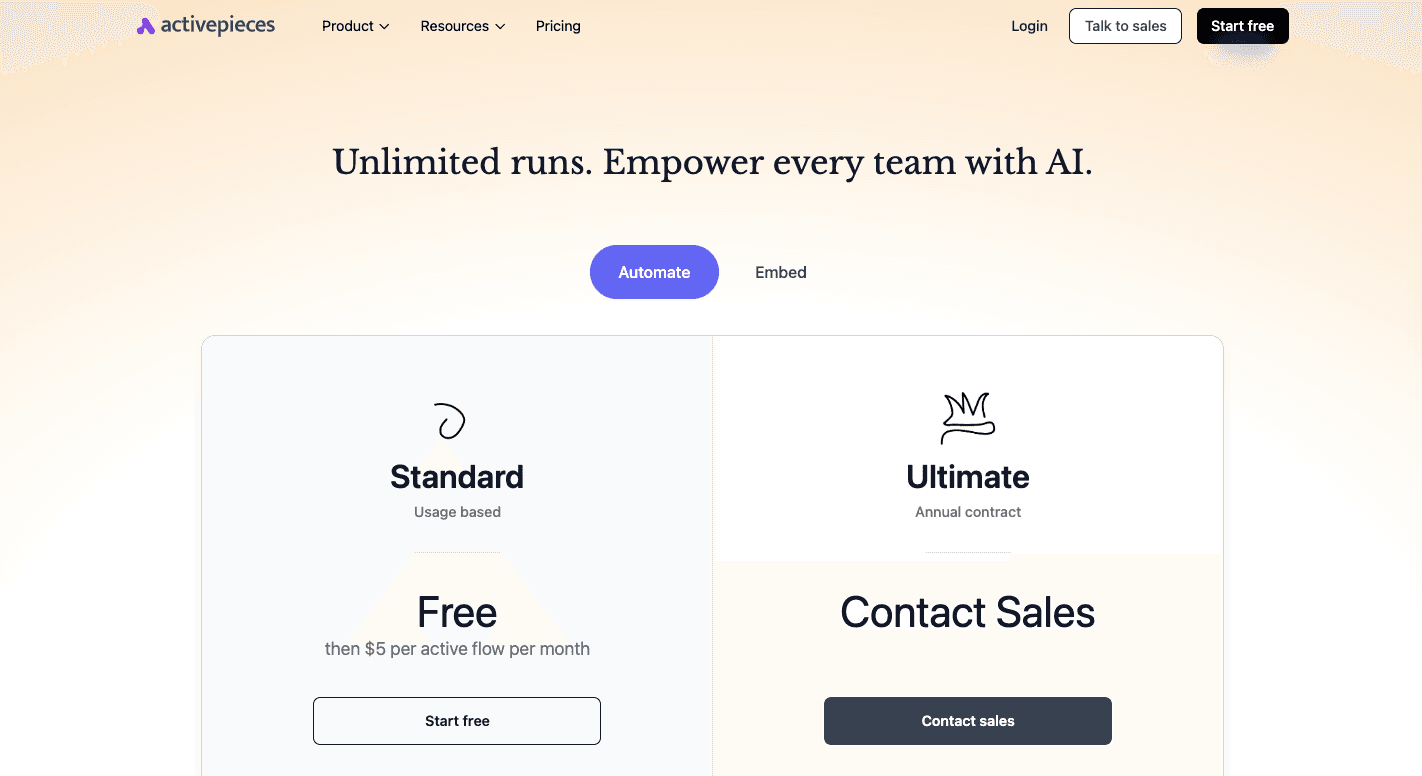
Activepieces' Standard plan gives you 10 free active flows to start. After that, each additional active flow costs $5 per month, with unlimited runs.
The Enterprise plan adds SSO, audit logs, governance, and deployment support through annual contracts.
Meanwhile, the Embedded plan starts at $30,000 per year for teams that want automation inside their own product.
Pay for workflows you actually use, not every run. Get started with Activepieces today!
2. Workato
Workato operates through visual recipes. Each recipe starts with an event, then runs a set of steps based on rules you choose.
Many teams use it to do healthcare-specific workflows that move data and sensitive patient information between systems. Common medical workflow automation you could create includes intake syncing, billing updates, and record routing.
Conditions in those recipes help handle changes, such as different paths for new patients or follow-ups.
Besides that, Workato signs BAAs and applies encryption and masking to limit exposure of sensitive health data. Larger organizations often place the platform in a private cloud space to keep traffic isolated.
Key Features
These are some of the key features:
- Business associate agreement - Workato signs BAAs so healthcare organizations can process PHI under HIPAA rules.
- Healthcare connectors - Built-in support for HL7 and FHIR standards lets you connect EHRs with other systems.
- Data encryption - Information gets encrypted while stored and during transfers between connected tools.
- Data masking - Sensitive fields stay hidden inside logs and screens to limit internal exposure.
- Role-based access controls - Permissions restrict who can view or edit workflows associated with patient records.
- Audit logs - Every workflow run and change gets recorded for tracking and reviews.
- Private cloud deployment - Enterprise customers can run Workato in an isolated cloud environment.
Pricing
Workato's pricing isn't posted online.
3. Tray.ai
Tray.ai typically comes up as growing healthcare organizations outgrow simpler automation software. You can build workflows using a visual editor that combines drag-and-drop steps with logic.
Healthcare teams use Tray.ai to automate common medical workflows, such as moving intake data into EHRs, syncing insurance claims, and routing alerts between systems.
It further maintains SOC 2 Type 2 and HIPAA compliance certifications.
Security settings can be adjusted to fit different needs, since the platform offers features that can be configured to meet HIPAA compliance requirements. You need those controls, especially when data passes through AI steps or many connected tools.
Key Features
Tray.ai offers these features so you can meet HIPAA rules:
- Universal connector - Custom APIs connect systems that don't have pre-built data integrations.
- Data encryption: Patient data remains encrypted during storage and transmission.
- Custom data retention - You can set how long execution logs stay available, down to short windows.
- Role-based access controls - Permissions restrict who can build or view patient-related workflows.
- Audit log streaming - Logs can flow into external systems for long-term storage.
- Regional hosting options - Data can stay within selected regions based on legal needs.
Pricing
Tray.ai doesn't publish pricing publicly.
4. Keragon
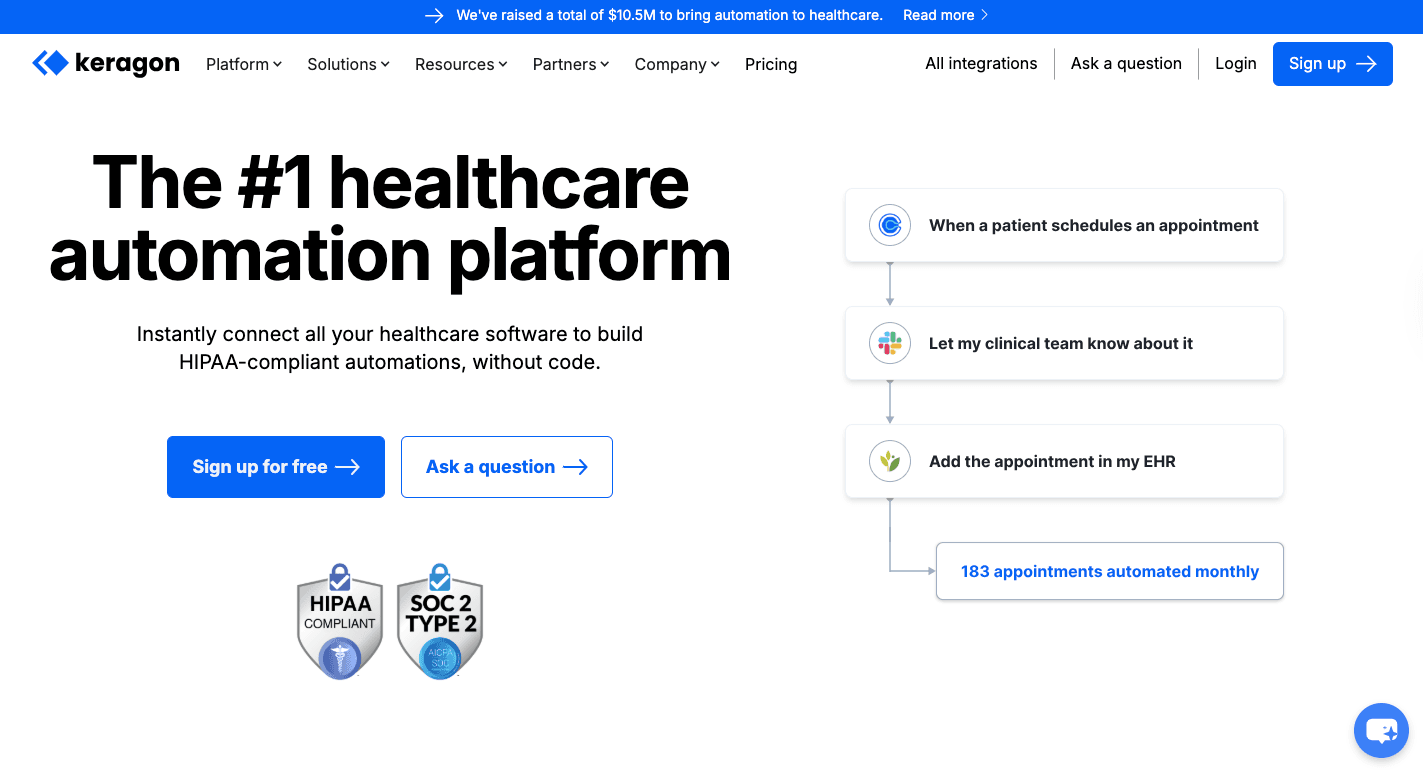
Keragon is a HIPAA-compliant automation platform, so you're not forced to bend a general business product into something it was never meant to be.
You start with an action, like a patient submitting a form. From there, Keragon moves the info where it needs to go, such as an EHR update or a message to staff.
Many people use Keragon for common healthcare tasks, including intake forms, insurance checks, and billing handoffs.
It also includes AI steps that read forms or pull insurance info. All of that stays protected, since the platform keeps sensitive health data encrypted and logged by default.
Key Features
These features focus on keeping your daily work simple and safe:
- Business associate agreement - Every paid plan includes a signed BAA so you can handle patient records legally.
- Healthcare connectors - Direct connections support EHRs like Athenahealth, DrChrono, and Healthie.
- Visual no-code builder - You build workflows by dragging steps on a screen, no coding required.
- AI workflow support - AI steps summarize intake notes and extract form details inside secure flows.
- Data encryption - Patient records stay encrypted during storage and transfer.
- Data masking - Logs hide sensitive fields so staff only see what they need.
- Audit trails - Every action gets recorded for reviews and audits.
- Short data retention - Processing logs clear after seven days to limit exposure.
Pricing
Keragon's Starter plan costs $149 per month and includes 200 workflow runs and three published workflows.
The Professional plan, on the other hand, costs $399 per month with 2,000 runs and 15 workflows.
For multi-specialty groups and large healthcare systems, the Scale Up plan costs $1,499 per month.
Then, the Enterprise plan offers custom pricing.
How to Choose the Right HIPAA-Compliant Software
Decisions should start with legal coverage before anyone looks at features or dashboards.
Healthcare organizations that skip this step often struggle later with audits, vendor limits, and daily conflict tied to regulatory compliance.
Built-In HIPAA Compliance and BAA Availability
That legal base depends on signed business associate agreements that define how vendors handle protected health information. Without a BAA, even well-secured software cannot connect to clinical data.
Those agreements also spell out limits on data use and set reporting windows, often 60 days or fewer, when healthcare data breaches happen.
Platforms with built-in compliance reduce overhead, since you avoid stacking additional compliance tools just to stay within the rules.
Hosting Options
Once contracts are set, infrastructure options follow. Cloud hosting fits many healthcare setups because vendors can oversee hardware, and you can control access and settings.
On-site servers shift responsibility back to the organization and increase recovery planning needs. A dedicated server is between those options and isolates data, which keeps the patient care process operating by itself.
Encryption and Security Controls
Encryption protects clinical data during storage and transmission by converting protected health information into unreadable text for unauthorized users.
Access rules then narrow exposure further. Access controls, such as role-based access control (RBAC), limit staff permissions to the minimum needed for each job, which removes shared entry points and eliminates risks present in open systems.
Audit Logs
Those controls only work when the activity stays visible. Audit logs record every access, change, and export tied to patient records, supporting reviews and protecting sensitive medical records during audits.
HIPAA Compliant Integration
From there, your systems need to connect safely.
HIPAA-compliant integration can:
- Connect EHRs, CRMs, and patient communication tools via protected APIs
- Eliminate manual data entry
- Ensure smooth data flow between health systems without exposing patient records
Host Secure Healthcare Workflows Yourself Using Activepieces

After using platforms that decide where your data goes, creating workflows on your own setup will be such a relief. Activepieces, a no-code platform, gives you that option.
You set it in your own HIPAA-compliant cloud or servers, then decide how data moves.
Since everything is in a single software, automated workflows are easy to follow. Intake forms, alerts, and updates connect without you opening multiple tools. When something needs fixing, you open one screen and see everything you need.
Many healthcare providers use this setup to build custom workflows for patient management.
Lastly, the builder lets you click pre-built pieces together, test changes, and move on.
FAQs About HIPAA-Compliant Zapier Alternative
Can Zapier be HIPAA-compliant?
No, Zapier doesn't meet HIPAA requirements and doesn't sign BAAs, which means it cannot legally support clinical workflows in the healthcare sector. Zapier can't handle protected health information, even if the setup looks secure.
What is the best HIPAA-compliant AI tool?
It depends on how you host and control data. Software that supports self-hosting and strict controls delivers robust security when AI interacts with patient records, especially in regulated environments.
Is there a better alternative to Zapier?
Yes, such as Activepieces. Such HIPAA-compliant alternatives ensure healthcare teams can automate work and won't violate compliance rules.
What are the features of a HIPAA-compliant tool?
They sign BAAs, limit user access, log every action, and encrypt data end-to-end. These features are essential for medium-sized medical practices that need automation.
Still comparing
The fastest way to settle it is to build something.
Open source under MIT, so you can self-host the same thing later.
Start free Talk to sales