
MailerLite Automation: How to Get Started
Learn how MailerLite automation works and explore common use cases. Discover how Activepieces can help you automate MailerLite workflows.

March 24, 20268 min read @ashrafsam
Ever forgotten to reply to a new subscriber or missed the perfect moment to promote your offer? MailerLite automation fixes that by running email sequences.
You can set rules like “When someone clicks this link, send that email” and let the system do the work. It saves time and removes the stress of constant monitoring.
In this guide, you will learn how MailerLite automation works and how to get started step-by-step.
TL;DR
- MailerLite automation handles sending emails, updating contacts, and other repetitive workflows based on user actions.
- You can automate emails, subscriber updates, and list movement using triggers and rules.
- Teams use it to send timely messages, segment users, and manage communication without manual work.
- Common use cases include welcome sequences, lead magnets, and abandoned cart emails for your store.
- Activepieces extends MailerLite by turning triggers into workflows that connect tools and handle more advanced actions.
Everything below works on Activepieces' free plan. Start without code or a credit card.
What Is MailerLite?
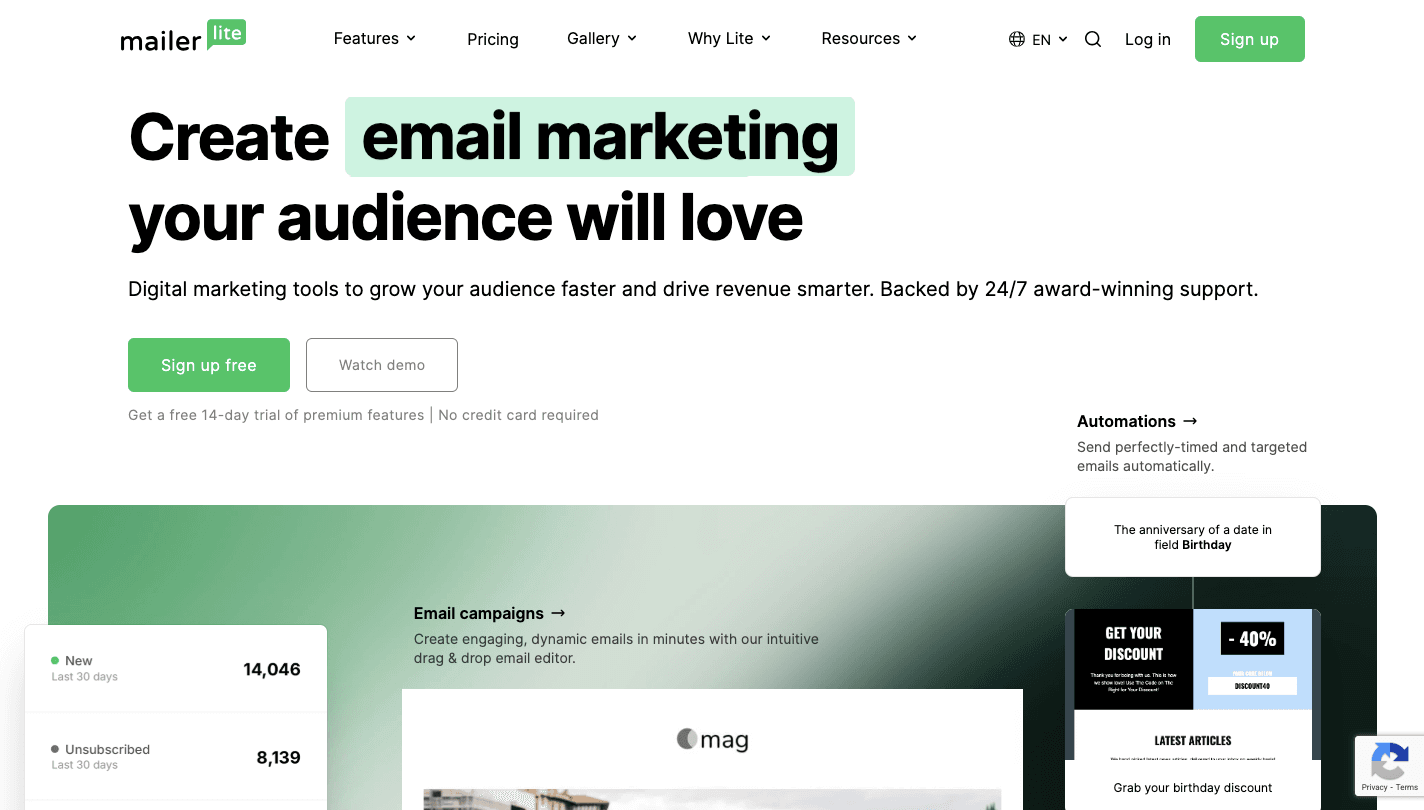
MailerLite is an email marketing app designed specifically for small business owners, creators, and entrepreneurs who want to manage communication without complex tools.
It lets you create landing pages, full websites, and pop-up forms to capture leads, then connect each form to your email list. When someone signs up, the app can send emails or update a custom field based on a rule you set.
Key features include:
- A simple drag-and-drop editor to build emails for your campaigns.
- Tools that generate subject lines and preview text based on your campaign’s content.
- Segmentation tools designed to help you grow your audience and group users by behavior.
- An automation builder that runs when a user joins a group or clicks a specific link.
- Native bookings system for scheduling appointments directly within your account.
- A simplified e-commerce storefront for creators.
You can start with a free plan that supports up to 500 subscribers, then move to paid plans as your needs grow.
What Can You Automate in MailerLite?
MailerLite lets you bring automation to:
Emails
An automation sequence can start the moment new subscribers sign up through a form. A common example is a welcome series that introduces your brand, delivers promised value, and builds trust over several emails.
Pre-built templates help you plug in your content and activate campaigns faster. When you run a store, you can connect Shopify to trigger buying-intent emails, such as abandoned-cart reminders, to recover lost sales.
You can also create a drip campaign for an educational course. This involves setting rules to send specific emails based on actions, and then stopping a subscriber from receiving emails once they reach a goal.
Subscriber Updates
Changes to a custom field can happen automatically when a subscriber takes action, which keeps your targeting precise.
Each update follows a rule, and a log of subscriber profile changes can trigger an email or another update.
There’s also an option to update a field to mark when a subscriber has completed a step. You can set rules to automatically unsubscribe people based on activity, like clicking a link or staying inactive.
Group and List Changes
Subscriber movement depends on actions such as joining a group, clicking a specific link, or completing a purchase.
Once that step happens, you can move that person into a customer group and update their status. You can even add a customer to a new group while keeping them in their current one.
Workflows can trigger when someone joins a segment based on criteria you define. Actions happen as soon as a subscriber reaches a specific point, which helps them continue into the correct group based on behavior.
Why Should You Use MailerLite Automation?
The main reasons teams use MailerLite automation to manage email and customer communication are as follows:
- A single automation can start from multiple workflow triggers to eliminate the need to build separate flows for each action.
- Smart sending helps optimize your results by delivering emails at the specific time each person is most likely to open.
- Behavior-based rules help differentiate your messaging by sending the right email at the peak moment.
- Built-in options let subscribers opt out or change preferences automatically, which keeps your list relevant.
- The platform keeps its focus on being an all-in-one home for your business, including tools that connect email, content, and store activity.
- You can view a visual heatmap of clicks and understand your audience through detailed reporting and surveys that answer your questions.
- It supports blogs with search features, which helps bring traffic into your store and email funnel.
Easier to see it running than to read about it: set it up free, no card.
Common MailerLite Automation Use Cases
Here are the most common MailerLite automations:
Welcome Sequences
A welcome sequence starts when someone signs up via a form and gets added to your list. You connect that form to a workflow trigger, then build the flow step by step.
- Set a workflow trigger when a subscriber joins a group linked to your signup form.
- Create the first email and send it right away to introduce your brand.
- Add a delay, then create a second email that asks the user to click a link based on interest.
- Use a condition to check which link they clicked and split the flow.
- Add them to a group based on that action so you can target future emails.
- Send follow-up emails with content or special offers that match their interest.
- Add a final reminder email for users who did not click, with a limited-time offer.
Lead Magnet Email Sequence
A lead magnet email sequence starts when someone signs up through a form, usually to get something, such as a free resource. Each step guides the user toward the next action.
- Set a workflow trigger, such as joining a group connected to your signup form.
- Create the first email that delivers the resource through a link or download page.
- Add a delay to give enough time for the user to open and download the file.
- Use a condition to check if the link was clicked.
- If yes, send the next email that builds interest or shares more value.
- If no, resend the resource with a different subject line.
- Add another delay, then move the user back into the main flow.
- Continue the sequence with emails that guide the user toward a call or purchase.
How Activepieces Automates MailerLite

Activepieces is an automation tool that connects platforms and automates workflows. It’s like a control layer where you define what should happen after an event, then the platform handles each step from start to finish.
MailerLite already lets you send emails based on actions. Activepieces takes that further by turning those actions into workflows that can update data, trigger tools, and manage processes beyond email.
Connect MailerLite With Other Tools
MailerLite can send emails when something happens, but it doesn’t handle what should happen in other tools. Activepieces fills that gap by connecting MailerLite with the rest of your setup.
Each step connects through pre-built integrations (called pieces), so you configure actions visually. Right now, there are 655+ pieces you can connect with, and that number keeps increasing through community contributions.
For instance, you can connect MailerLite to:
- WooCommerce
- Stripe
- Airtable
- Notion
- Google Calendar
- Tally
- Typeform
- WordPress
- Webflow
- Salesforce
Use MailerLite Triggers to Start Workflows
Every process starts with an event in MailerLite. Activepieces listens for that event and builds a structured flow from it.
Some of the MailerLite triggers you can use in Activepieces are:
- Subscriber created
- Subscriber unsubscribed
- Subscriber fields updated
- Subscriber added to a group
You can also describe what you want to automate, then let AI agents help build the flow. When more control is needed, the visual builder lets you define each step, add logic, and track results through detailed logs.
Activepieces further gives you control over access, connections, and activity. You can track every run, see what data moved, and adjust flows.
Put your MailerLite triggers to work with Activepieces. Set up your first automation now!
Connect MailerLite to Real Automation Workflows With Activepieces
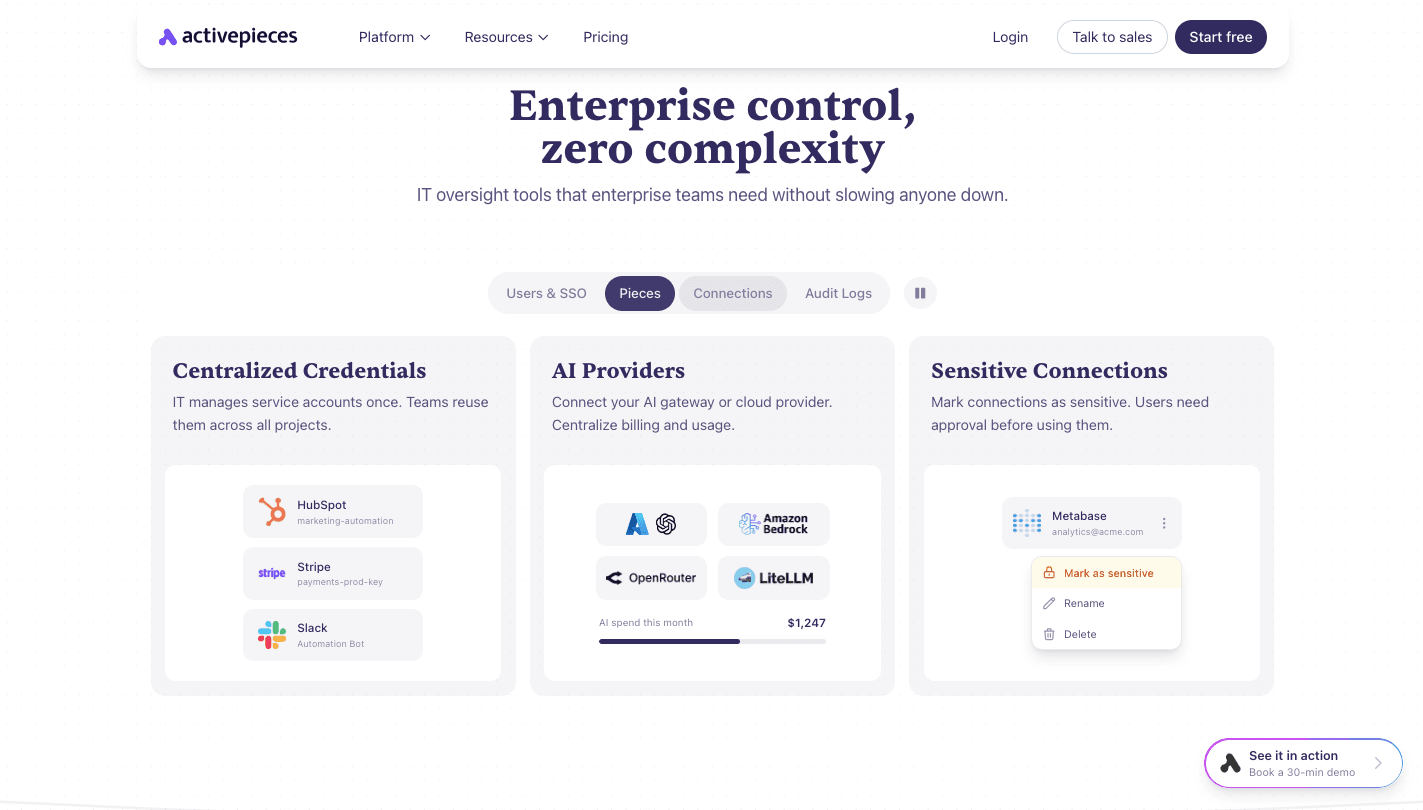
MailerLite manages email steps, but limits show up when workflows need to connect with other tools. Activepieces turns each event into a full process that runs beyond email.
You can begin with a template, then adjust steps to match your process. AI helps turn instructions into working flows. You describe the task, then the system builds steps, connects tools, and sets logic.
Each workflow includes detailed tracking. Logs show every step, including inputs and outputs, so you can check what happened if something fails.
Teams can control access with role settings and shared credentials. You can run everything in the cloud or self-host for full control over data.
FAQs About MailerLite Automation
Is MailerLite an email marketing platform?
Yes, MailerLite is an email marketing app. It lets you send campaigns, manage your audience, and automate messages based on user actions such as signups, clicks, or purchases.
What are the limitations of MailerLite automation?
Limits show up when workflows need to go beyond email. MailerLite automation mainly handles email steps, basic logic, and list changes. Complex workflows, deeper integrations, or multi-step processes that connect other tools require extra setup or external support.
Does MailerLite offer unlimited monthly emails on its free plan?
The free plan does not include unlimited monthly emails. It allows 12,000 emails per month for up to 500 subscribers, while unlimited sending is only available on paid plans.
How can you extend MailerLite automation?
You can extend MailerLite automation by connecting it with tools like Activepieces. That setup lets you trigger workflows, move data between systems, and control actions outside email.