
Top 9 Email Automation Tools for Automated Customer Journeys
Top 9 Email Automation Tools: 1. Activepieces 2. Brevo 3.Lemlist 4. GetResponse 5. HubSpot 6. Moosend 7. Omnisend 8. Mailchimp, 9. ActiveCampaign.

December 3, 202525 min read @ashrafsam
Sending the same email to everyone works for a while, then results drop, and your list gets tired. Real growth comes from emails that react to what people do, right when they do it.
Email automation tools will let you do just that. You set the rules once, then your emails follow each person’s path through sign-up, first buy, repeat buys, and win-back.
In this article, you’ll see which tools handle that job best, what features matter, and how to pick one that fits your email marketing plan.
TL;DR
- These are the best email automation tools:
1. Activepieces
2. Brevo
3. Lemlist
4. GetResponse
5. HubSpot
6. Moosend
7. Omnisend
8. Mailchimp
9. ActiveCampaign
This takes minutes, not a project: automate it in Activepieces free.
Difference Between Email Automation Tools vs Standard Email Marketing Platforms
You can sort these tools into two groups, and it helps to know how each one handles your emails before you choose the setup you want.
Standard Email Marketing Platforms
Basic email marketing software focuses on campaigns you send to a list at a chosen time. You write a newsletter, update, or promo, then schedule it and push it out.
Common examples under email marketing platforms are Mailchimp and Constant Contact, especially early on. You’ll usually get a drag-and-drop editor, a set of pre-made templates, and simple reporting like opens, clicks, and bounces.
Segmentation exists, but you drive it by hand. You sort people into lists, pick the right list for each email campaign, and decide the timing yourself. That setup works fine when your main goal is steady broadcasting, and you don’t need emails to react to behavior.
Email Automation Tools
Email automation tools focus from single sends to paths that react to actions.
You set rules like “if someone downloads a guide, send a follow-up after three days,” or “if a shopper leaves a cart, send a reminder within an hour.” The tool watches for the trigger, then runs the automation workflow without you touching it again.
A visual workflow editor helps you build those paths using drag-and-drop blocks, waits, and split steps. More advanced options pull customer data from a customer relationship management (CRM) or store, so each email fits what the person just did.
Why Email Automation Tools Matter for Customer Journeys
People take different steps before they buy. Some need a welcome, others need proof, and customers need help after a purchase. Email automation tools let you:
- Send the right message for the stage someone is in, so targeted campaigns feel natural and not random.
- Engage at the right time, so each email campaign lands when interest is high, not hours or days later.
- Keep your list healthy by spotting quiet contacts and sending win-back emails before people drop off.
- Scale personal follow-ups across thousands of contacts, so your team does not get stuck doing repeat tasks.
- Support e-commerce automation, so carts, product views, and repeat buys trigger the next email on their own.
- Help with event marketing by letting you manage registrations, reminders, and post-event follow-ups in one flow.
- Work even better with email and SMS automation, since some people react faster to texts than inbox messages.
Key Features to Look for in Advanced Email Automation Tools
Picking among more advanced automation tools gets easier when you know all the features to check, such as:
Automation Builder and Workflow Flexibility
Every strong platform starts with a builder where you map your automation workflow. You open a canvas, pick a trigger, then stack steps that tell the tool what to do next.
Typically, these systems use a user-friendly interface with drag-and-drop blocks, so you don’t need code to build logic. You might start with “form sign-up,” add a wait, then send an email.
After that, you can branch the path with an if or else step for more advanced automation workflows.
Your tool should also let you add delays, goals, and A/B splits inside one flow because people don’t behave in a clean line. Someone may buy after email two, so the tool should stop the rest of the sales track right there.
Another person may not open anything, so the flow should pause, then try a softer follow-up later.
Trigger Options
Triggers represent a flow start. More triggers give you more control.
Basic tools only start when you hit send or when someone joins a list. Advanced automation tools, on the other hand, listen for real actions across your stack.
That range changes your email marketing automation. Rich triggers make email automation feel fast and personal, since the message comes right after the action.
Segmentation and Targeting
Segmentation tells you who should get what. You split your list into groups based on contact data, behavior, or traits people shared with you.
Inside the flow, audience segmentation becomes a decision step. A high-value buyer can get a VIP offer. Everyone else can get a standard follow-up.
That way, your emails match the person, not the average list. It keeps your email marketing strategy tight, and it stops you from sending the wrong offer to the wrong group.
Personalization Depth
Basic personalization drops in a first name. Advanced email automation goes further by changing blocks of a message based on what you know. A tool with dynamic content lets one email template show different products, offers, or copy depending on the person reading it.
Timing data further helps. A message that says “You last logged in 30 days ago” feels more real than a generic “We miss you.”
Integrations and Ecosystem
Automation tools get smarter when they connect to the rest of your stack.
For instance, e-commerce integrations bring in-store events like new orders, cart leaves, and product views. CRM links bring in lead scores, deal stages, and sales notes.
These links stop data from living in silos. When your email automation software can “see” what’s happening in other apps, your flows can react to real life. That’s how you build paths that feel joined-up across marketing and sales tools.
Analytics and Journey Reporting
You need to see how the whole flow performs, not just one email. Journey reporting shows where people drop, where they speed through, and what leads to sales.
A dashboard gives you detailed analytics like open rates per step, click paths, goal hits, and revenue tied to each automation workflow.
Those numbers let you fix weak steps fast. When email two kills half the flow, you know where to edit. If one branch earns more sales, you can push more people there.
9 Best Email Automation Tools for Customer Journeys That Convert
These are the best email marketing tools in the market:
1. Activepieces

Activepieces acts like the connector layer that powers email automation across your whole setup. You build a flow that starts from almost any trigger in your stack, then sends emails through the provider you already trust, like Gmail, Outlook, or SES.
The drag-and-drop editor lets you map triggers, filters, and actions in a clear path. You can start with simple flows, then add branches, waits, approvals, and AI steps as the journey gets more complex.
Teams also like that Activepieces stays friendly for non-devs, yet gives devs full control when needed. For growing businesses, that mix means you can run one clean system for email tasks, AI tasks, and app-to-app handoffs without juggling three tools.
Key Features
Below are the features that matter most when using Activepieces for email automation and cross-app workflows.
Visual Workflow Editor
You see every branch, delay, and rule at once, which makes it easy to adjust timing, add conditions, route high-intent users, or expand a flow after it’s already running.
Pre-Built Automation Templates
Activepieces gives you templates for welcome flows, lead follow-ups, and other email-related tasks. You can open a template, adjust fields, and publish a working flow in minutes.
Advanced Features
The tool supports code steps (JavaScript or TypeScript), loops, filters, approvals, waits, retries, data shaping, and human-input interfaces. You can also delay a task, require approval, or build logic that splits paths based on custom fields.
These blocks help you design flows that match real business rules instead of simple drip sequences.
Unlimited Automation
If you self-host the open-source edition, you get unlimited automation without usage caps. On cloud, the plan charges per active flow, which helps you run high-volume automations without surprise bills.
Large Integration Library
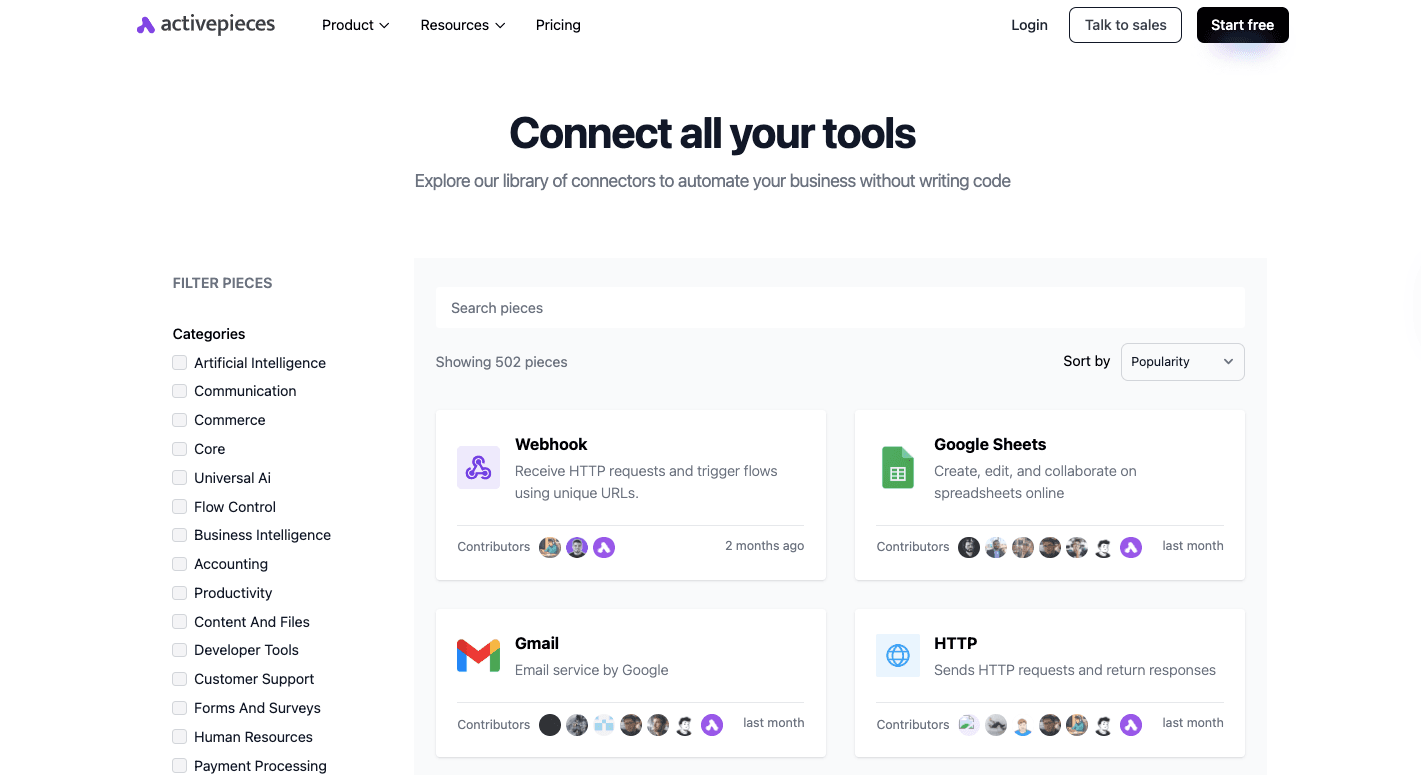
As of now, Activepieces includes 502 pre-built integrations, called pieces, across email providers, CRM platforms, AI tools, ecommerce systems, spreadsheets, support desks, and data apps.
The ecosystem grows quickly because many of these data pieces come from community developers.
AI and MCP Support
Native AI pieces let you summarize emails, classify tickets, write replies, route leads, or analyze text.
Model context protocols (MCP) support gives AI agents direct access to any of the connected tools, so agents can run steps inside your flows.
Pricing
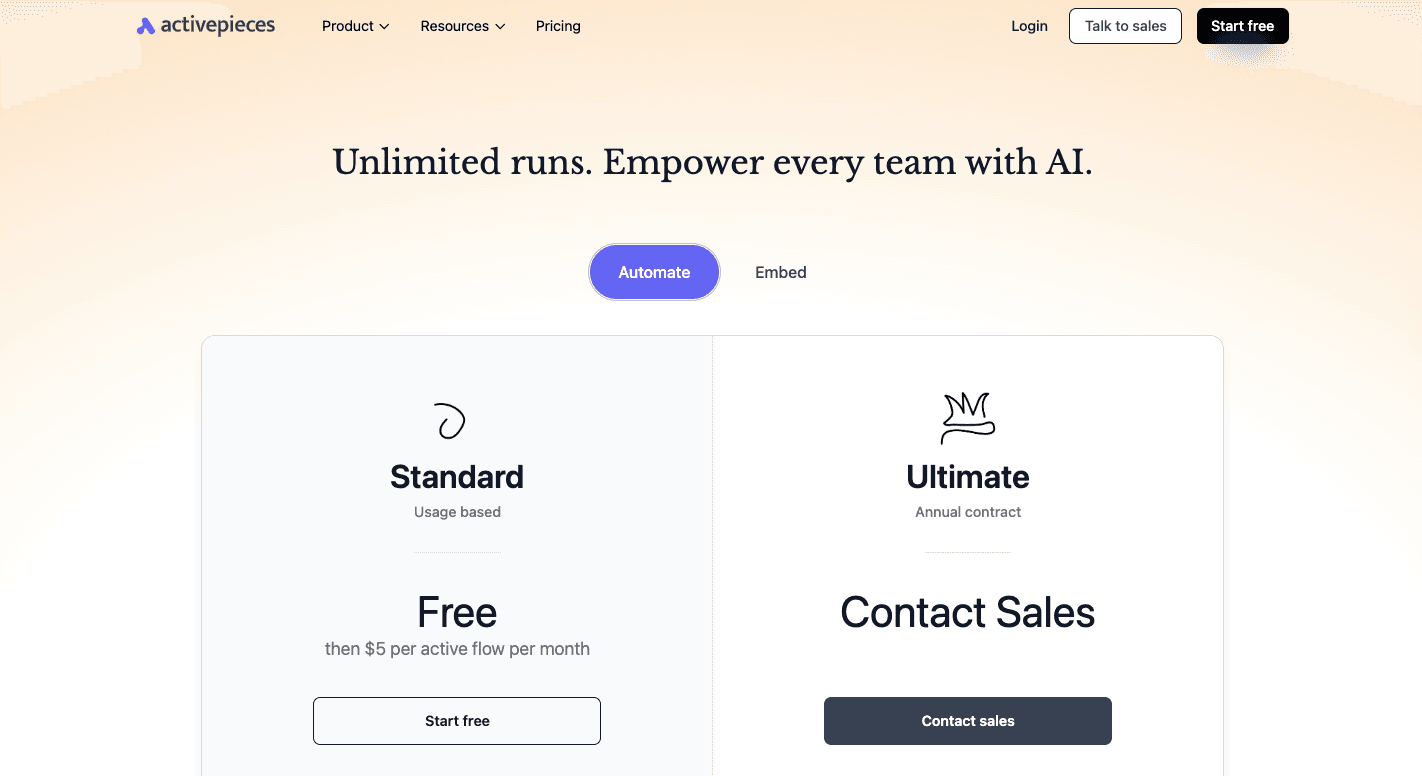
Activepieces offers a transparent pricing model and a great free plan.
- Standard: Free, then $5 per active flow per month. Includes all core features: AI agents, full integration library, unlimited runs, and access to both cloud and self-hosted deployment options.
- Ultimate: Pricing varies and requires contacting sales. Adds advanced governance, single sign-on, role-based access controls, audit logs, global connection handling, private piece repositories, and priority support.
- Embed (for SaaS or large internal platforms): Annual contract starting around $30,000 per year. Includes embedded automation builder, private SDK, white-label options, enterprise-grade support, and customization support.
Self-hosting remains free under the open-source license. There are no recurring hosting fees beyond your infrastructure costs.
2. Brevo
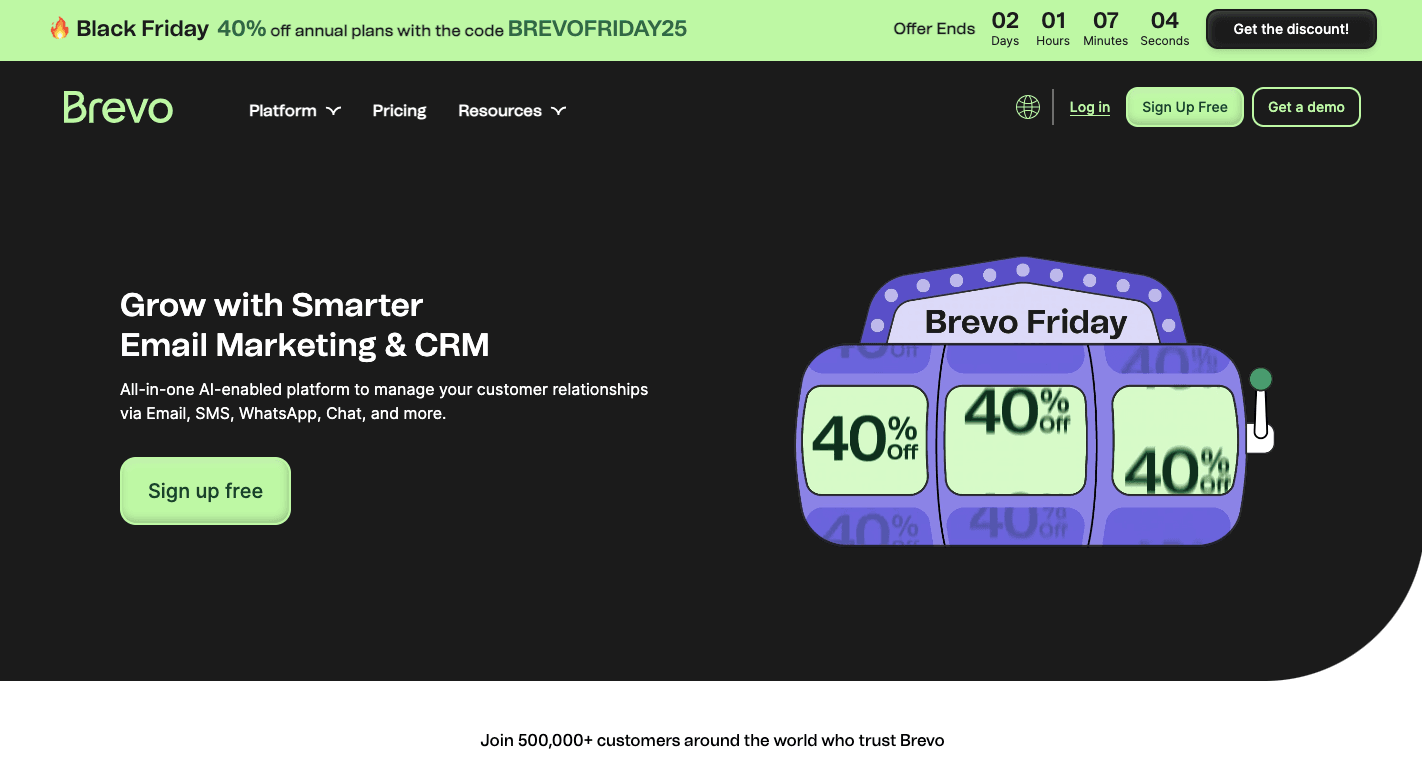
Brevo is made for small businesses that want email marketing, simple CRM tools, and automation in one place. It focuses on clear layouts, steady inbox delivery, and simple steps for building journeys that react to contact actions.
The system stores contact data in one hub, then uses it in workflows, broadcasts, and customer updates.
Brevo supports email and SMS marketing, so you can mix channels without switching platforms.
There’s also an audience segmentation, which helps you send messages that match what people just did on your site or inside a past email. You can create custom plugins for any use case, like transactional emails when you need more control, too.
Key Features
- Email builder - Lets you design newsletters and campaigns with a drag-and-drop layout and save them as templates.
- Automation builder - Lets you build rules based on triggers, waits, and actions for welcome flows, cart reminders, or nurture paths.
- Audience segmentation - Sorts contacts into dynamic groups based on clicks, visits, and past buys.
- CRM tools - Tracks lead stages, past messages, and tasks in a simple pipeline.
- Landing pages and forms - Allows you to create pages and sign-up forms for new contacts.
- E-commerce links - Connects to stores for browse and cart triggers.
- API access - Sends data between Brevo and other apps for steady sync.
Trade-Offs
Brevo keeps things easy to learn, but the deeper automation tools can still take time to set up. The platform has fewer native links than larger competitors, so you may rely on connector apps for certain workflows.
Pricing
Brevo uses a tiered structure that grows with your volume.
- Free - 300 emails a day
- Starter - $9 per month for roughly 5,000 emails, basic reports, templates, forms, and email support.
- Standard - $18 per month with automation, A/B tests, advanced email reporting, web tracking, and one landing page.
- Professional - $499 per month with added channels, scoring, AI tools, more seats, and deeper store features.
- Enterprise - Custom pricing with extra data options, supported setup, dedicated IPs, and advanced controls.
3. Lemlist
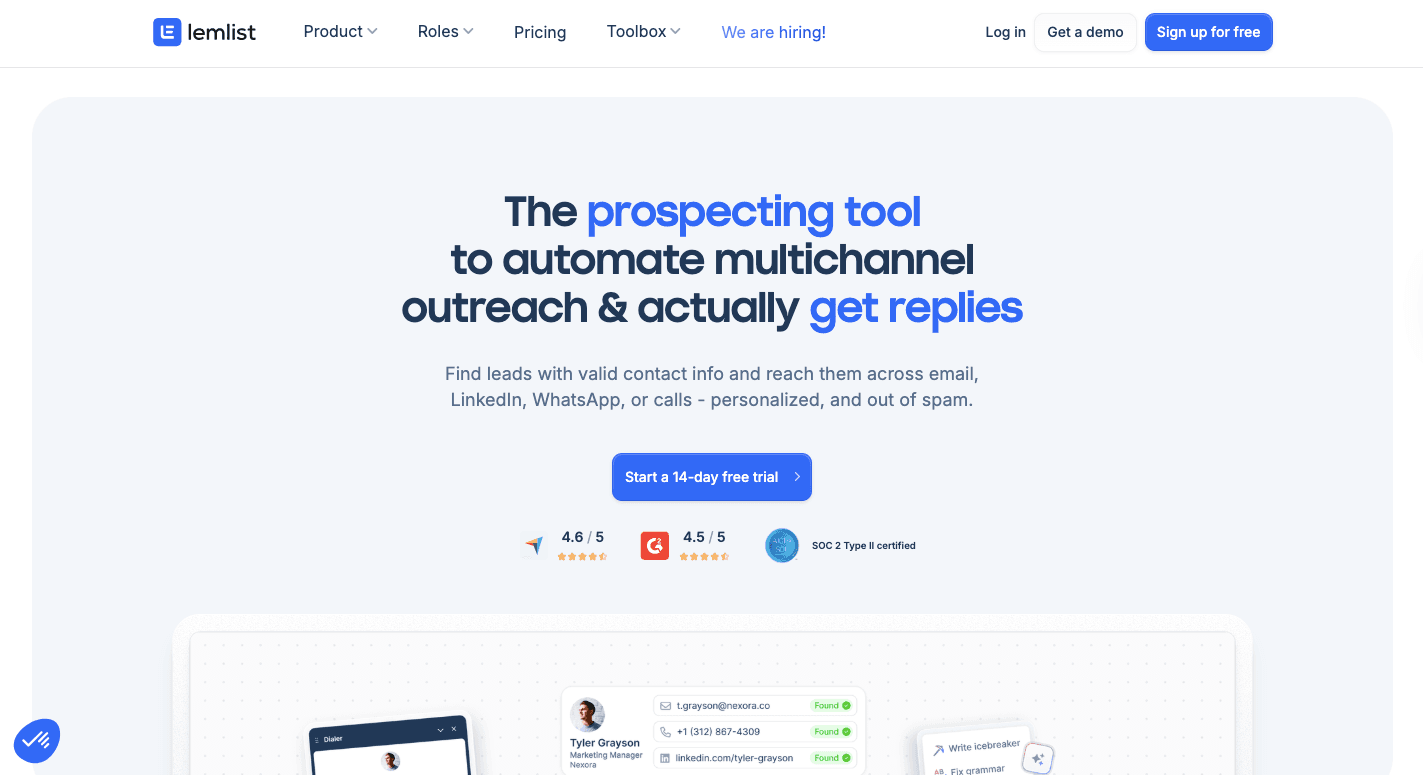
Lemlist focuses on getting replies from people who don’t know you yet. It helps you reach cold leads through email, LinkedIn steps, and simple call tasks, all in one flow.
Most users pick it for cold email outreach or early lead generation, since the tool handles follow-ups without you tracking each prospect by hand.
You can add custom text fields, but you can also drop in images, screenshots, or short clips that change based on the person reading your message.
Aside from this, Lemwarm helps warm up your domain by sending low-risk messages through a private network. It also helps with simple sales tasks and connects to most major CRMs.
Key Features
- Outreach sequences - Helps you build multi-step paths with emails, LinkedIn actions, and call tasks.
- Personalized content - Adds custom text fields, images, and short clips that adjust for each reader.
- Conditional text rules - Uses if-then-else logic to change parts of an email based on prospect data.
- Automatic follow-ups - Send new steps when someone doesn’t reply, then stops as soon as they respond.
- Deliverability tools - Uses Lemwarm to build trust with inbox providers before large sends.
- Lead database - Offers access to a pool of contacts on higher paid plans for easier prospect search.
- Meeting links - Connects to your calendar, so meetings book without back and forth.
Trade-Offs
Lemlist focuses on outreach, so it won’t replace a full email marketing setup if you want newsletters or broad campaigns. Some users report mixed deliverability results even with Lemwarm.
LinkedIn steps also rely on your browser being open, which can slow things down for teams that want true hands-off flows.
Pricing
Lemlist uses per-user pricing. For example:
- Email Pro - Costs $69 per user per month and includes automated outreach, warm-up tools, AI help, three sending addresses, lead scoring, and CRM links.
- Multichannel Expert - At $99 per user per month, it adds LinkedIn steps, call tools, WhatsApp options, five sending addresses, extra enrichment credits, deeper intent filters, and more integrations.
- Enterprise - Custom pricing for larger teams that need more control and support.
4. GetResponse
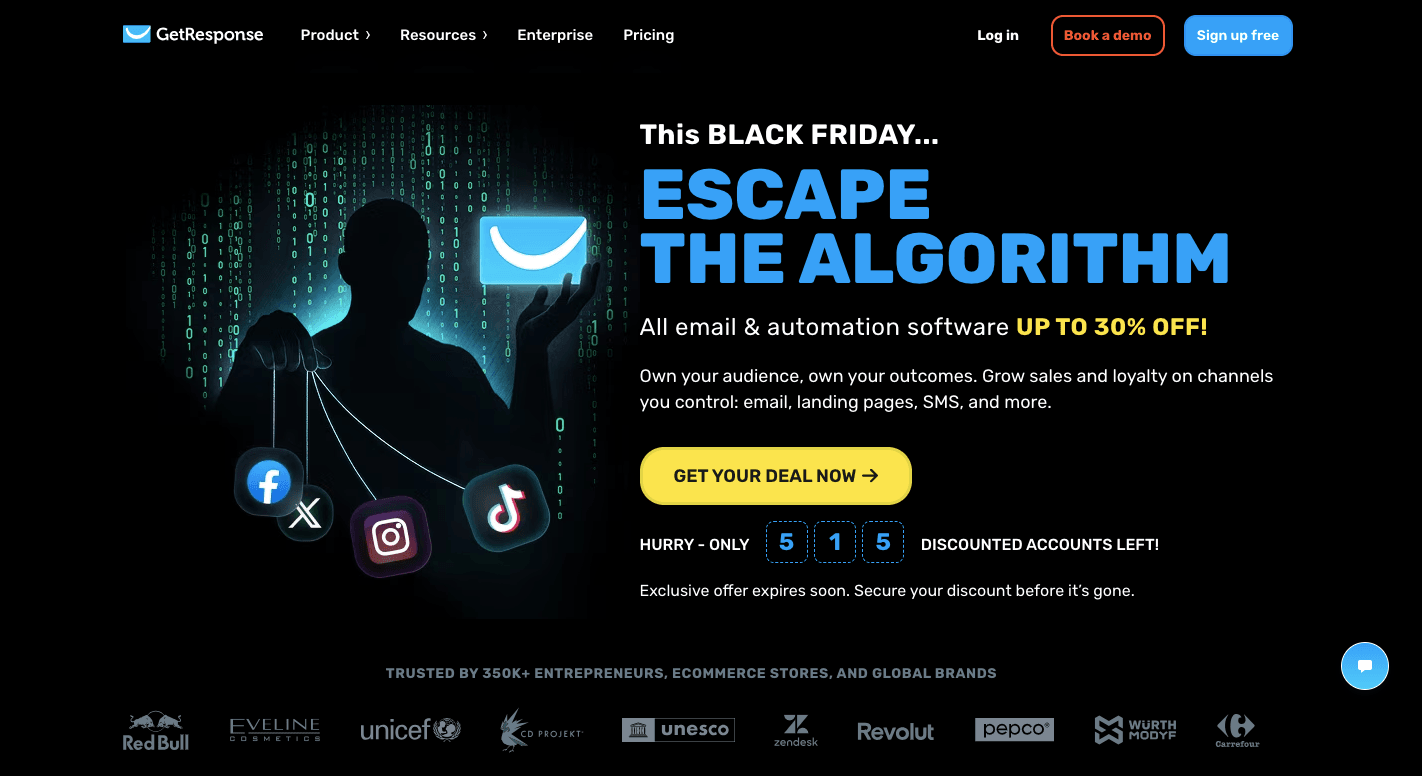
GetResponse works well if you want email automation software that does more than newsletters. It fits small teams, online creators, and shops that want email, funnels, and simple sales tools in a single platform.
Many people use it as a marketing automation tool because the workflow editor lets you shape each step based on clicks, sign-ups, and page visits. The platform also supports website tracking, which helps you follow what people do after they leave your emails.
If you sell products or courses, the built-in funnel tool helps you collect leads, send follow-ups, and push them toward a sale. It includes basic CRM features so you can track stages and see who is close to buying.
Key Features
- Automation builder - Lets you create paths with triggers, waits, filters, and actions that adjust based on behavior.
- Autoresponders - Send timed sequences like welcome paths or short courses.
- Conversion funnels - Blends emails, forms, sales tools, and landing pages into ready funnels.
- AI helpers - Generates email copy and send-time suggestions.
- Webinars - Let you run live or recorded sessions with chats and Q&A.
- Website builder - Creates simple sites with AI tools and templates.
- Store links - Connects to Shopify and WooCommerce for abandoned carts and product updates.
- Analytics - Shows performance across funnels, emails, and revenue.
Trade-Offs
GetResponse gives you many tools, but that can feel heavy if you only want simple sends. Some users mention that deeper automations take time to learn. A few features sit behind higher tiers, so growing teams may need to pay more to get full access.
Pricing
GetResponse plans rise as your list and feature needs grow.
- Starter - Costs $19 per month and includes unlimited emails, AI content tools, one automation path, a landing page builder, and sign-up forms.
- Marketer - Priced at $59 per month and adds unlimited workflows, advanced audience segmentation, abandoned cart recovery, promo codes, revenue reports, and unlimited push notifications.
- Creator - $69 per month, and adds webinars, the website builder, and room for about 500 students.
- Enterprise - Offers custom pricing with advanced controls and added support.
5. HubSpot
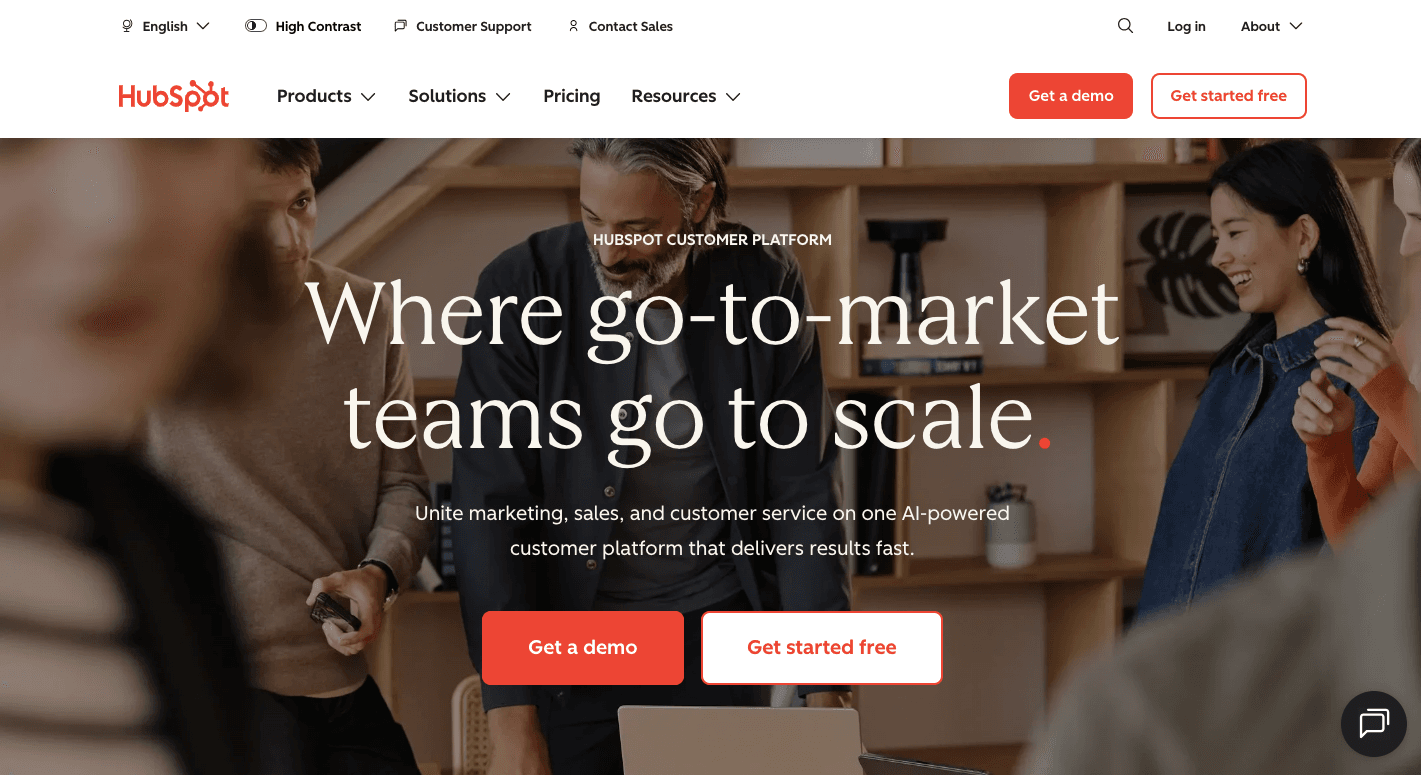
HubSpot fits teams that want one system for email, CRM, forms, and follow-ups.
Every click, page view, form fill, and deal update enters the same CRM, which makes the workflows inside the “Marketing hub” far more accurate. That setup helps sales and marketing teams see the same contact data for targeting, so both sides stay aligned.
The system watches for actions across your site, forms, and past messages, then reacts with timed emails, tasks, or alerts. It supports website tracking, so you can follow what a contact looked at before they convert.
You can also pull in dynamic content, which helps you shape emails based on who the reader is and what they did. The platform includes a drag-and-drop landing page builder, so you can collect leads and push them into workflows fast.
Key Features
- Workflow builder - Lets you build automated paths with triggers, filters, and actions.
- Sequences - Sends one-to-one email steps for sales follow-ups.
- CRM sync - Stores every interaction and updates workflows in real time.
- Lead scoring - Raises or lowers scores as people open, click, or visit key pages.
- Internal notifications - Send alerts when a contact shows high intent.
- Reporting tools - Tracks paths, revenue, and open behaviors.
- Integration options - Connects to major CRMs, ad tools, meeting apps, and stores.
- Calendar posts - Schedule posts and ads inside the same dashboard.
Trade-Offs
HubSpot gives you a wide set of tools, but the full feature set costs more once you upgrade. The number of options can overwhelm smaller teams, especially when setting up larger workflows.
Some editors may feel stiff for users who want full control over layouts and deeper reporting require higher plans. Support on lower tiers moves more slowly as well, which can delay fixes when you need quick help.
Pricing
HubSpot pricing changes by contact volume and tier.
- Free - Covers CRM, simple email sends, basic forms, and small automations.
- Starter - Starts at $20 per seat per month and includes about a thousand contacts, simple automations, ad tools, and basic chat options.
- Professional - Costs $890 per month and includes social tools, deeper personalization, custom reports, teams, and omnichannel automation.
- Enterprise - Starts at $3,600 per month and adds advanced data tools, more seats, higher limits, and deeper controls for larger groups.
6. Moosend
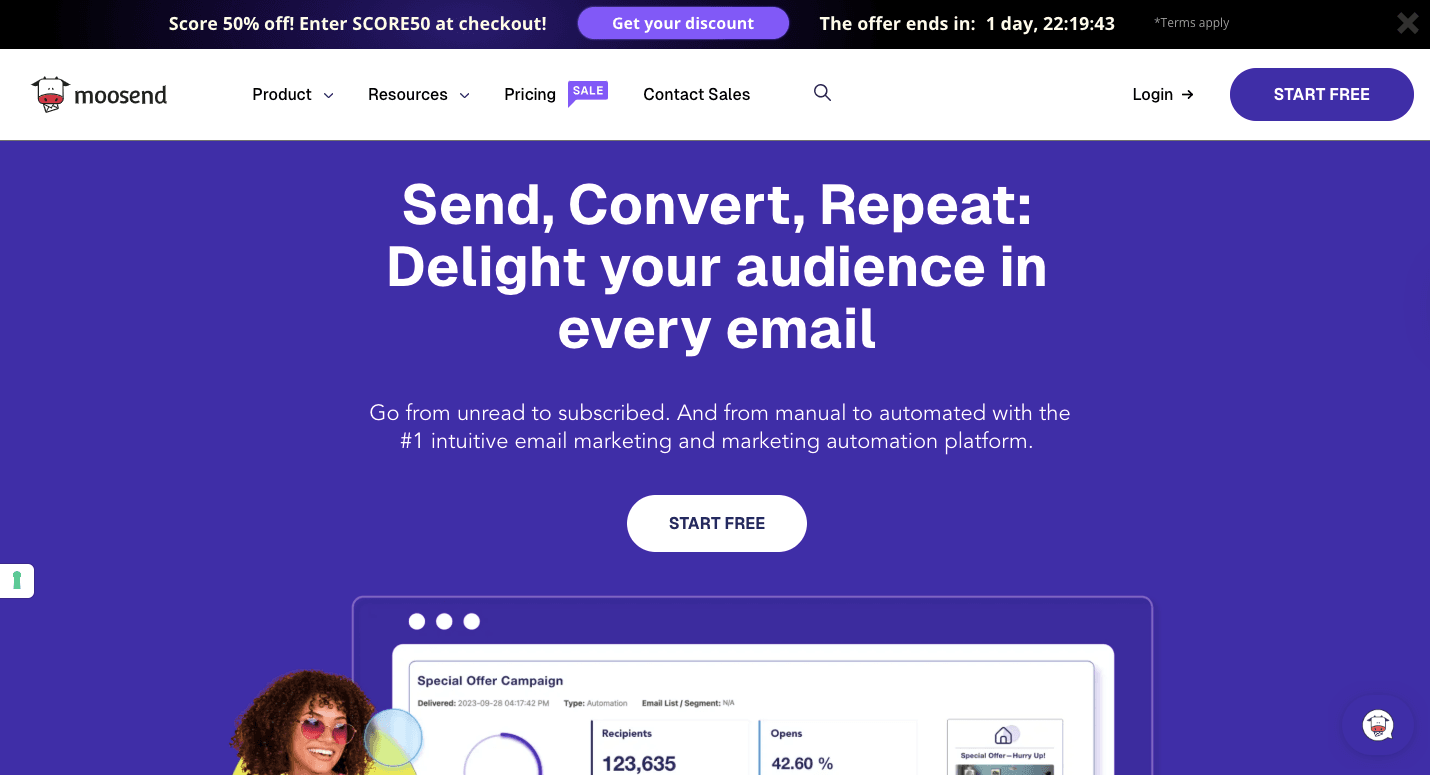
Moosend is an email automation tool that runs on triggers and rules, so each contact moves through a path that matches what they do.
A lot of people pick Moosend because the learning curve feels light, yet the tool still handles deeper paths once you want them. It suits shops, creators, and agencies that send often and need room to grow.
Store events also plug in well, so cart reminders, product views, and repeat buys can fire on their own.
Paid plans include unlimited emails and more advanced automation tool options, so volume doesn’t force a sudden upgrade. Moosend also gives you a clean way to scale with unlimited contacts while keeping reports simple to read.
Key Features
- Behavioral triggers - Start flows when someone clicks, views a product, or leaves a cart.
- Email editor - Uses drag and drop layouts, plus a template set and AI subject help.
- Automation recipes - Gives ready flows for welcomes, carts, and reactivation.
- Advanced segmentation - Groups contacts by activity, history, location, or custom fields.
- AI product picks - Suggests items from browsing and buying patterns.
- Landing pages - Offers a drag-and-drop landing page builder with forms.
- Store links - Connects with Shopify, WooCommerce, and Magento.
- Analytics - Tracks opens, clicks, bounces, and revenue in real time.
Trade-Offs
Moosend packs a lot in for the price, but the integration list isn’t huge. A few users even mention small UI hiccups in the builder. Transactional emails also sit behind higher or custom tiers, which can nudge some teams to upgrade sooner.
Pricing
Moosend starts cheap and scales through custom tiers.
- Pro - $9 per month and includes the drag and drop editor, templates, AI writing tools, real-time reports, unlimited sends, A/B testing, the automation builder, landing pages, and forms.
- Moosend+ and Enterprise - Both use custom pricing for higher limits, extra features, and support built for larger teams.
7. Omnisend

Omnisend focuses on email marketing for e-commerce businesses that want automation without building everything from scratch. It combines email, SMS, and push notifications, which helps a lot when you want to reach shoppers on the channel they respond to the fastest.
Many small businesses use it because the setup feels simple, yet the flows still react to products viewed, carts started, or repeat buys.
Omnisend uses store behavior to shape messages. Someone who buys a product, for instance, can enter a short follow-up series that shows tips or matching items.
The platform also links directly to stores through e-commerce integrations with platforms like Shopify, WooCommerce, and BigCommerce. That steady flow of store data makes the paths more accurate.
Key Features
- E-commerce workflows - Offers ready paths for carts, browsing, welcomes, and follow-ups.
- Automation editor - Lets you build flows with triggers, waits, and actions across channels.
- Forms and pop-ups - Creates sign-up pop-ups, teasers, and simple pages for growth.
- Push notifications - Send quick reminders to shoppers outside the inbox.
- SMS support - Adds text steps inside flows for stronger follow-ups.
- Product blocks - Pulls items from your store into email layouts.
- Customer lifecycle map - Groups shoppers by stage to help you target them better.
- Store links - Connects with major e-commerce platforms in a few clicks.
Trade-Offs
Omnisend puts most of its attention on online stores, so teams outside retail may find gaps in lead scoring, CRM depth, or B2B features. The A/B tests stay basic, and design limits can feel tight if you want full control.
Pricing
Omnisend plans shift based on list size and features.
- Free - Covers basic sends, simple automation, and core forms.
- Standard - Starts at $16 per month for about 500 contacts. It adds more sends, unlimited web push, and 24/7 chat and email support.
- Pro - Runs at $59 per month for 2,500 contacts. It includes unlimited email sends, full access to email, SMS, and push notifications, advanced reports, and a personalized product recommender.
8. Mailchimp
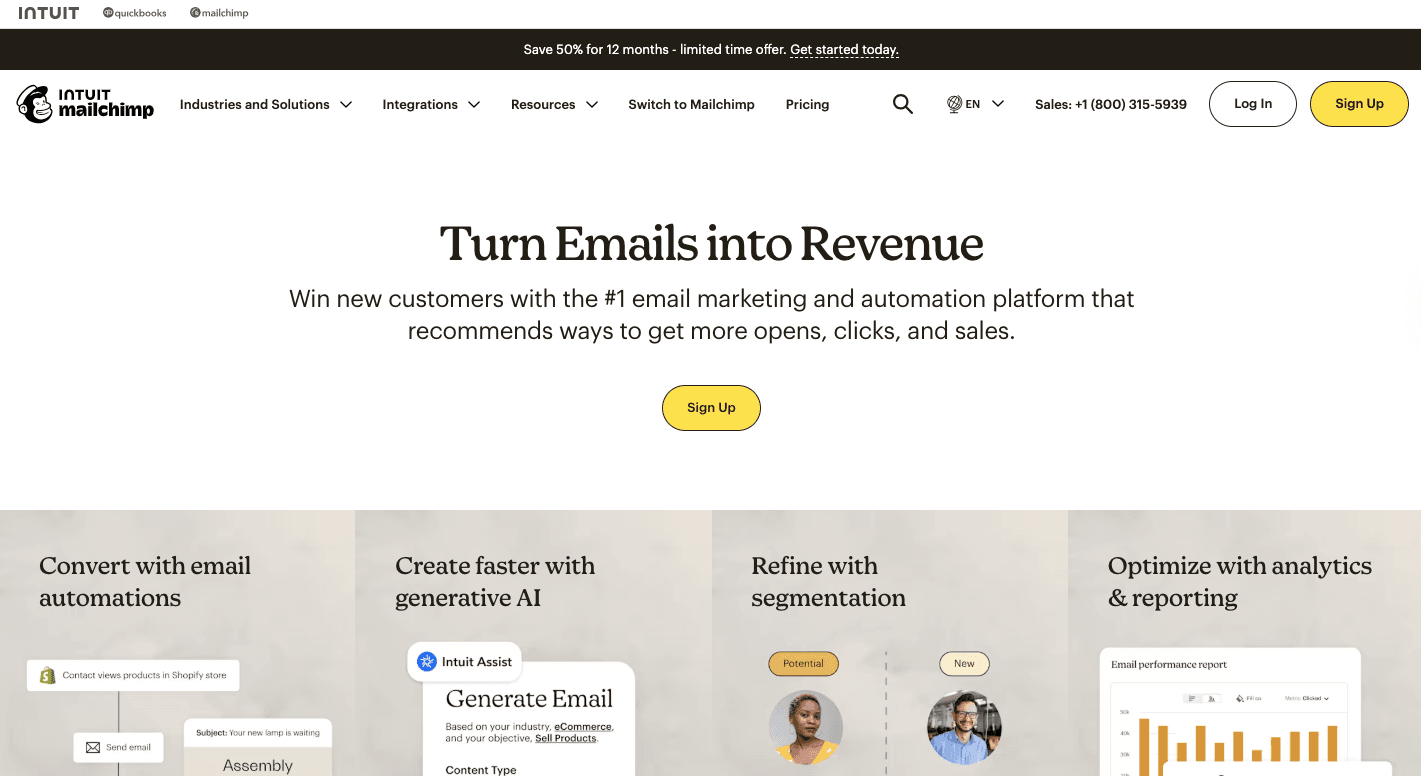
Mailchimp began as a simple newsletter tool, but it now supports customer journeys, basic automation, and a wider set of email marketing services.
The platform supports website builder features, so you can create simple pages and forms without extra tools. It also comes with a marketing CRM that stores contact data for targeting and helps shape each path.
You can open the “Customer Journeys” builder and map steps using its visual canvas. Once a contact enters the path, Mailchimp checks conditions and moves the person through each message or delay.
Stores that sync Shopify or WooCommerce data often use it for basic reminders, such as welcomes or simple cart alerts. Its email templates, categorized by purpose, help you build messages fast, and beginners usually like that the editing tools feel clean.
Key Features
- Customer Journeys - Builds paths with steps, delays, and rules.
- Behavior triggers - Start flows based on visits, clicks, or buys.
- Segmentation tools - Filters contacts by traits or actions.
- Dynamic content - Adjusts parts of an email based on data.
- Email builder - Lets you drag blocks and pick templates fast.
- AI tools - Helps you write, design, and refine messages.
- Landing pages - Supports simple page building for sign-ups.
- E-commerce reports - Shows sales linked to each message.
- Integrations - Connects to over 300 apps and platforms.
Trade-Offs
Mailchimp becomes costly once your list grows or your needs shift toward deeper automations. The Customer Journeys builder only unlocks on higher tiers, which pushes many users toward a premium plan earlier than expected.
Besides that, the interface holds many features, so you may spend time learning where things live. Strict rules around list quality can also lead to suspensions if your contacts came from older sources.
Pricing
Mailchimp offers plans based on features and contact counts.
- Free - Covers up to 1,000 sends a month, basic email tools, pop-up forms, and core integrations. There’s a limit of 250 contacts.
- Essentials - $13 per month and includes more flow steps, more seats, more audiences, pre-built templates, email scheduling, and removal of branding.
- Standard - $20 per month and raises the flow steps to two hundred, adds custom reports, and gives more seats and audiences.
- Premium - $297.50 per month for a year, then starts at $350 per month. The plan adds priority support, phone help, onboarding sessions, more roles, and unlimited audiences.
9. ActiveCampaign
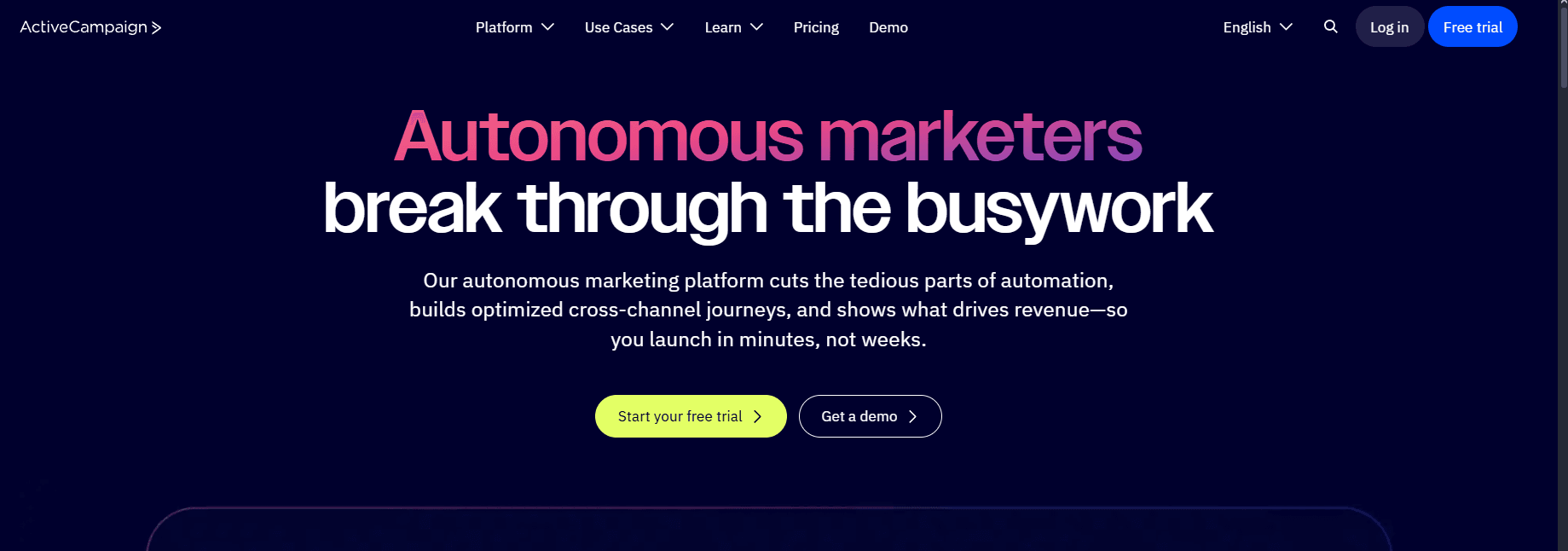
ActiveCampaign lets you set up workflows triggered by almost anything, including sign-up forms and website visits, which gives you room to shape paths for each person.
Businesses often use it to link sales and marketing processes together because the built-in CRM records every action and feeds it back into the automations.
You can also check how many subscribers you have inside your lists and use that data to build segments or score leads. It offers pre-made templates for faster setup, and teams that want advanced tools for personalization tend to prefer it.
When someone visits a key page, opens an email, or reaches a certain stage in your CRM, the platform reacts instantly. The system runs each path through the visual builder, where you drag steps, add delays, and build decisions.
Businesses that want advanced marketing automation often move to ActiveCampaign once they outgrow simpler tools, since it gives them more control over how each message fits their email marketing strategy.
Key Features
- Behavior triggers - Start flows after actions like clicks or page views.
- Segmentation tools - Groups contacts by traits or activities.
- CRM tools - Comes with a marketing CRM for tracking interactions.
- Lead scoring - Scores contacts based on interest levels.
- Form and page builders - Let you design forms and simple pages.
- Split tests - Test messages or steps inside a flow.
- Revenue reports - Shows which paths drive sales.
- Large app library - Connects to over 1,000 outside tools.
Trade-Offs
The ActiveCampaign interface holds many settings, and beginners may need practice before building longer paths. Costs go up as your list grows, which may push some teams toward lower tiers when they need more features.
Pricing
ActiveCampaign offers several plans based on features and contact volume.
- Starter - Costs $15 per month and includes multi-step automation, email campaigns, limited segmentation, the automation builder, recipes, the marketing CRM, and site tracking.
- Plus - At $49 per month, it adds landing pages, templates, more goals, ads, better segmentation, and full automation steps.
- Pro - $79 per month and includes advanced segmentation, more goals, and wider tools for larger teams.
- Enterprise - Priced at $145 per month and adds premium segmentation, more support, more goals, and extras suited for bigger teams needing deeper control.
All plans are billed annually.
Create AI Personalized Email Marketing Sequences With Activepieces

Activepieces lets you build AI-personalized sequences without boxing you into a single email app. You connect the tools you already use, then set flows that react to real behavior, like a new sign-up.
Add an AI step in the middle to write or tweak the message, pull in product info, or score a lead, then send through your own inbox or SMTP. You get personal emails at scale, but you stay in control of data and deliverability.
A lot of teams like it since it feels simple, yet it can handle heavy setups later. The builder stays clean, and you can mix no-code steps with TypeScript when you want deeper logic.
Since pieces are open source, new integrations roll in fast, so your stack never feels stuck. Pre-built workflows also help you move quickly. Budget-wise, a generous free plan covers real use.
For businesses that want all-in-one marketing that reaches past email into sales ops, support, and even SEO tasks, Activepieces fits right in.
FAQs About Email Automation Tools
Is there a way to automate emails?
Yes. Use any email automation tool or a marketing automation platform to set a trigger, write the emails, and map the workflow so messages go out based on actions like sign-ups, clicks, or purchases.
What is the 60-40 rule in email?
The 60-40 rule means 60% of your email results should come from who you send to and how well you target them, while 40% comes from the message itself, like subject line, copy, and offer.
How much is a 10,000 email list worth?
A 10,000-person list has no fixed price. Value depends on niche, engagement, and buyer intent. A cold, inactive list might be worth almost nothing. A focused, high-engagement list can drive steady sales and be worth many times more than the cost to build it.
How to send automated emails for free?
You can send automated emails for free by using a free plan from a provider that includes basic automation. Set up a simple welcome or follow-up series, stay under their send and contact limits, and you won’t pay anything.
Build it
Set this up in minutes.
No code required. Connect your accounts, and Activepieces runs it from there.
Start free