
Agent Analytics: 7 Best AI Agents for Data Analysis in 2026
Agent analytics uses AI agents to monitor, explain, and act on data in real time. See the 7 best AI agents for analytics and data analysis in 2026.

Feb 26, 202619 min read
Agent analytics is the use of AI agents that monitor your data continuously, explain why key metrics changed in plain language, and then take the next action automatically instead of waiting for someone to open a dashboard. Rather than a scheduled report, AI agents watch live data all day, catch the moment something shifts, and either alert you or fix it themselves.
This guide compares the seven best AI agents for analytics and data analysis so you can tell which ones are legit and which are just hype. We cover what each tool is best at, its key capabilities, and how it fits into the wider best AI agents by use cases landscape.
What it costs to run this in Activepieces: the free plan is $0 with no card needed, with unlimited flows and 1,000 credits a month for up to 5 users. Paid plans start at $20 a month (Plus) and $200 a month (Team). Compare the plans before you pick a tool.
TL;DR
"Agent analytics" splits into two categories: AI agents that perform analytics on your business data (the seven tools ranked below), and agent-analytics platforms that measure the AI agents themselves, such as Pendo Agent Analytics (#7). This guide focuses mainly on the first type while including Pendo for teams that need the second.
Here are the seven leading AI agents for analytics:
- Activepieces - Best for automating AI agents for analytics
- Tellius - Best for conversational AI analytics and self-service data exploration
- Matillion - Best for AI-enhanced data pipeline automation
- Google Cloud AI Analytics - Best for enterprise-scale AI data infrastructure
- ThoughtSpot - Best for search-driven analytics and AI insights
- DataRobot - Best for predictive modeling and enterprise AI deployment
- Pendo Agent Analytics - Best for product usage intelligence and user behavior insights
Everything below works on Activepieces' free plan. Start without code or a credit card.
Agent Analytics vs. AI Agents for Data Analysis: What They Mean
The phrase agent analytics actually covers two related but different ideas, and knowing which one you need saves time.
AI agents for data analysis (the focus of this guide) are agents that do the analytical work for you: they query databases, explain trends, forecast outcomes, and sometimes take action on your business data. Activepieces, Tellius, Matillion, Google Cloud AI Analytics, ThoughtSpot, and DataRobot all fall into this category.
Agent analytics platforms, on the other hand, analyze the AI agents themselves. Rather than helping you analyze business data, they track how an agent performs: whether it answers correctly, where it fails, and how agent usage affects retention and revenue. Pendo Agent Analytics (#7 in our list) and tools like Amplitude's Agent Analytics and Profound's Agent Analytics for AI web-crawler traffic are built for this second use case.
If you're building or buying an AI agent and need to know whether it's actually working, look at the second category, especially when comparing AI agent platforms. If you need an agent that analyzes your business data for you, the six other tools in this guide are the better fit.
| Type | What It Analyzes | Example |
|---|---|---|
| AI agents for data analysis | Your business data (sales, customers, operations) | Activepieces, Tellius, ThoughtSpot |
| Agent analytics platforms | The performance of your AI agents themselves | Pendo Agent Analytics, Amplitude Agent Analytics |
Most teams need the first type to start. Once agents are live, an agent analytics platform from the second row helps you decide whether to scale them.
Why AI Agents for Data Analytics Are Replacing Static BI Platforms
Static dashboards made business intelligence (BI) easier to use, but they mostly focus on historical data. You still have to check reports, interpret charts, and decide what to do next.
AI agents for data analytics monitor live data, explain changes in natural language, and often trigger actions, which affect every data analysis lifecycle stage, from raw data to decision.
Here’s why more teams move away from traditional analytics tools and toward agents:
- Static dashboards wait for users to log in and check reports.
- AI agents monitor key metrics all day and alert you when something shifts.
- Traditional tools show what happened but rarely explain why it happened.
- Modern agents review multiple data sources and provide contextual explanations in plain language.
- Dashboards stop at visualization, but AI agents add execution to your business operations.
- Conversational analytics lets you ask business questions directly.
- Strong systems improve results by incorporating business context and domain knowledge into every answer.
7 Best AI Analytics Agents in 2026
These are the seven best AI agents for analytics:
1. Activepieces - Best for Automating AI Agents for Analytics

Activepieces is an AI automation platform that lets you create agents for data analytics that think, decide, and act between your systems.
Most analytics tools stop at dashboards. Some try to bundle everything into one closed system. Activepieces, on the other hand, gives you a visual builder where you design your own agents for analytics and plug them into the exact data sources your company already uses.
You start with a trigger. That can be a new row in a SQL table, an update in Google Sheets, or a scheduled pull from a BI export.
Then you add a data integration, which connects to AI tools like OpenAI, Anthropic, or Gemini. These models can analyze the data, explain changes, score leads, classify feedback, or summarize performance.
After that, the flow takes action through communication tools like Slack, email, or Microsoft Teams.
Activepieces connects over 638+ integrations, and you're not limited to one analytics stack. You can combine customer relationship management (CRM) data, marketing metrics, finance reports, and support logs in a single automated analytics workflow.
For companies that care about control, Activepieces supports self-hosting and enterprise-grade security.
Key Capabilities
- Build your own analytics workflow - Design custom flows that combine triggers, AI reasoning, and business actions.
- AI pieces - Swap between different AI providers and test outputs within the same workflow.
- Deep integration library - Connect hundreds of data sources, including CRMs, databases, ad platforms, and support systems.
- Multi-step logic - Add branching rules so agents respond differently based on performance thresholds or risk levels.
- Human approval steps - Require review before executing financial updates, CRM changes, or customer-facing messages.
- Custom code pieces - Write TypeScript or JavaScript directly in the flow when you need advanced transformations or validations.
2. Tellius - Best for Conversational AI Analytics and Self-Service Data Exploration
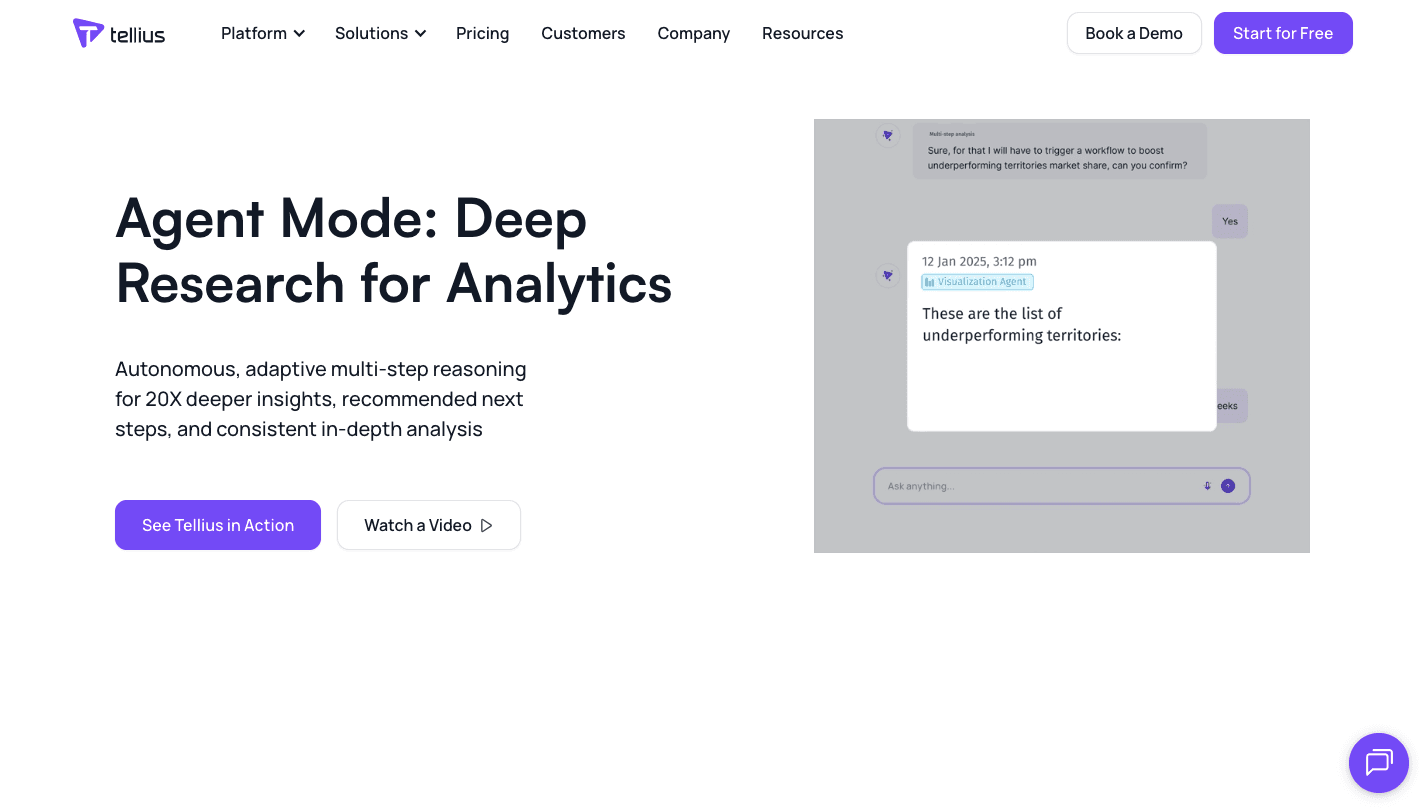
Tellius acts as a translation layer between your business questions and your raw data, then returns a chart built from connected data sources.
It maps disorganized data columns into business concepts such as Gross Margin or Churn Risk. Behind the scenes, it uses a Spark-based engine to process massive datasets and generate SQL automatically.
Most business users aren't data scientists, yet they still need advanced data exploration. Tellius manages common data analysis tasks while supporting deeper modeling without forcing you to write code.
The platform launched Kaiya, a ChatGPT-like interface to all your enterprise data and analytics, which allows users to assign tasks to AI rather than just ask questions.
Kaiya works within multi-agent systems. It breaks your request, such as “Help me improve Q4 profitability,” into steps, runs queries, and returns automated reports with summaries in natural language.
Key Capabilities
- Natural language querying - You can ask business questions in everyday language, and the system interprets intent, connects tables, and generates SQL.
- Semantic mapping layer - The platform converts raw fields into structured business definitions so you receive consistent answers.
- Multi-agent orchestration - Planner, analyst, and visualization agents coordinate multi-step analytical processes and manage complex logic in the background.
- Automated key driver analysis - When you click “Why did sales drop?” the system scans thousands of data points to identify root causes.
- Forecasting with agentic analytics - It supports predictive views that help teams evaluate possible outcomes before making decisions.
- Automated reports and narratives - The system delivers automated reports that summarize findings in natural language for quick review.
3. Matillion - Best for AI-Enhanced Data Pipeline Automation
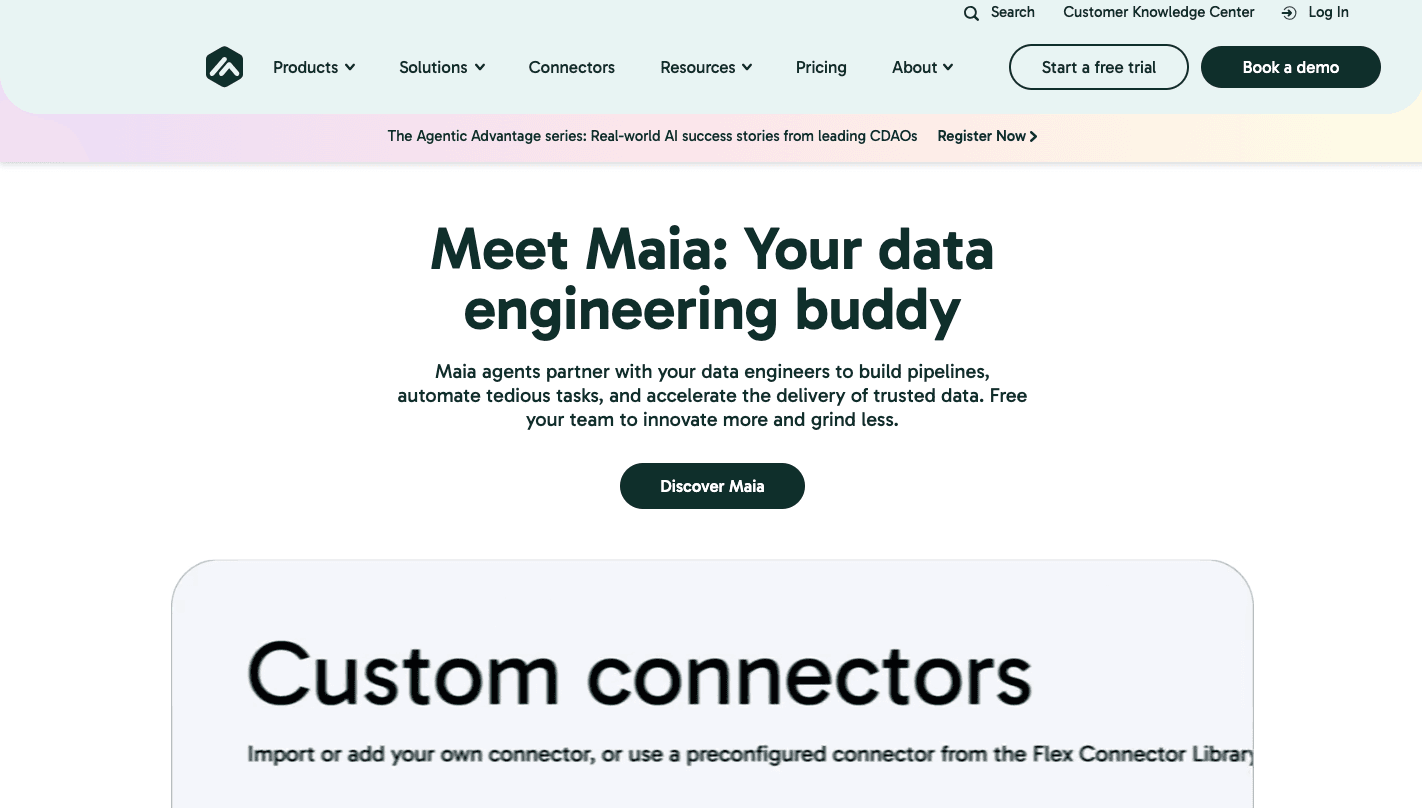
Matillion focuses on building and maintaining data infrastructure with less manual coding.
You open the designer, type a request such as “Ingest Zendesk tickets, summarize sentiment with an LLM, and save results to a reporting table,” and the system drafts the pipeline. It selects components, maps columns, and configures logic without forcing you to write scripts.
The core analytics agent, called Maia, is like a data engineer embedded in the interface. When a specific schema data drifts, or a source changes format, Maia detects the issue, identifies the root cause, and proposes a fix.
In many cases, it can apply the correction automatically so data keeps flowing.
Key Capabilities
- AI-generated pipeline logic - You describe the workflow in simple language, and the system builds the visual pipeline with mapped fields and defined transformations.
- Self-healing pipelines - When a schema drifts or an application programming interface (API) changes format, the agent identifies the problem and restores the job before reports break.
- No-code data preparation for LLMs - Built-in blocks handle text splitting, embedding generation, and structured formatting, so AI models receive properly prepared inputs.
- RAG-ready components - Pre-built connectors help you link private datasets to large language models (LLMs) without writing custom Python code.
- Auto documentation - The agent writes human-readable summaries of each pipeline so future engineers understand the logic and data flow.
4. Google Cloud AI Analytics - Best for Enterprise-Scale AI Data Infrastructure
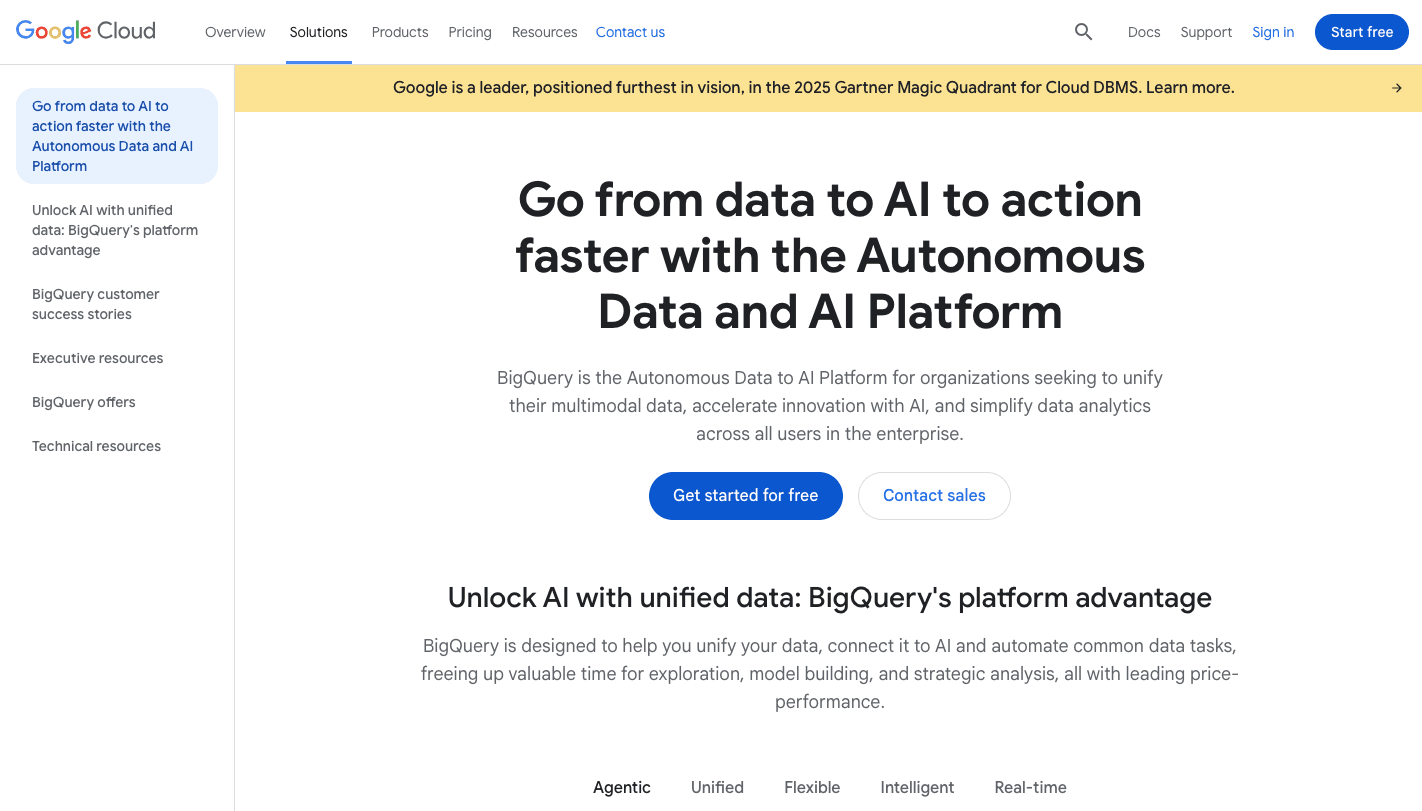
Google Cloud AI Analytics combines BigQuery for storage and processing with Vertex AI for model development.
You can use Gemini models from SQL within BigQuery to analyze structured tables, text, images, or logs. For data teams that manage complex environments, this reduces risk and keeps governance rules intact.
Google also provides specialized agents for different roles. For example, a data engineering agent (in BigQuery) can build and fix pipelines. Then, the data science agent (within Colab Enterprise) can write code, train models, and test outputs.
These specialized agents support enterprise-scale projects without forcing you to use multiple platforms.
Key Capabilities
- Gemini integrated in BigQuery - Run advanced models directly within SQL queries to analyze structured and unstructured content without moving data.
- Data canvas interface - Type a question in natural language, and the system maps joins, tables, and logic into a visual workflow.
- Vertex AI agent builder - Create and deploy custom agents tied to internal documents and databases for role-specific use cases.
- Dataplex governance controls - Apply unified policies, classify data, and manage access rules for large organizations.
- BigLake unified storage - Query data stored in multiple cloud systems without copying files into a new location.
- Model armor security layer - Filter prompts and responses to protect sensitive data and block unsafe outputs before users see them.
5. ThoughtSpot - Best for Search-Driven Analytics and AI Insights
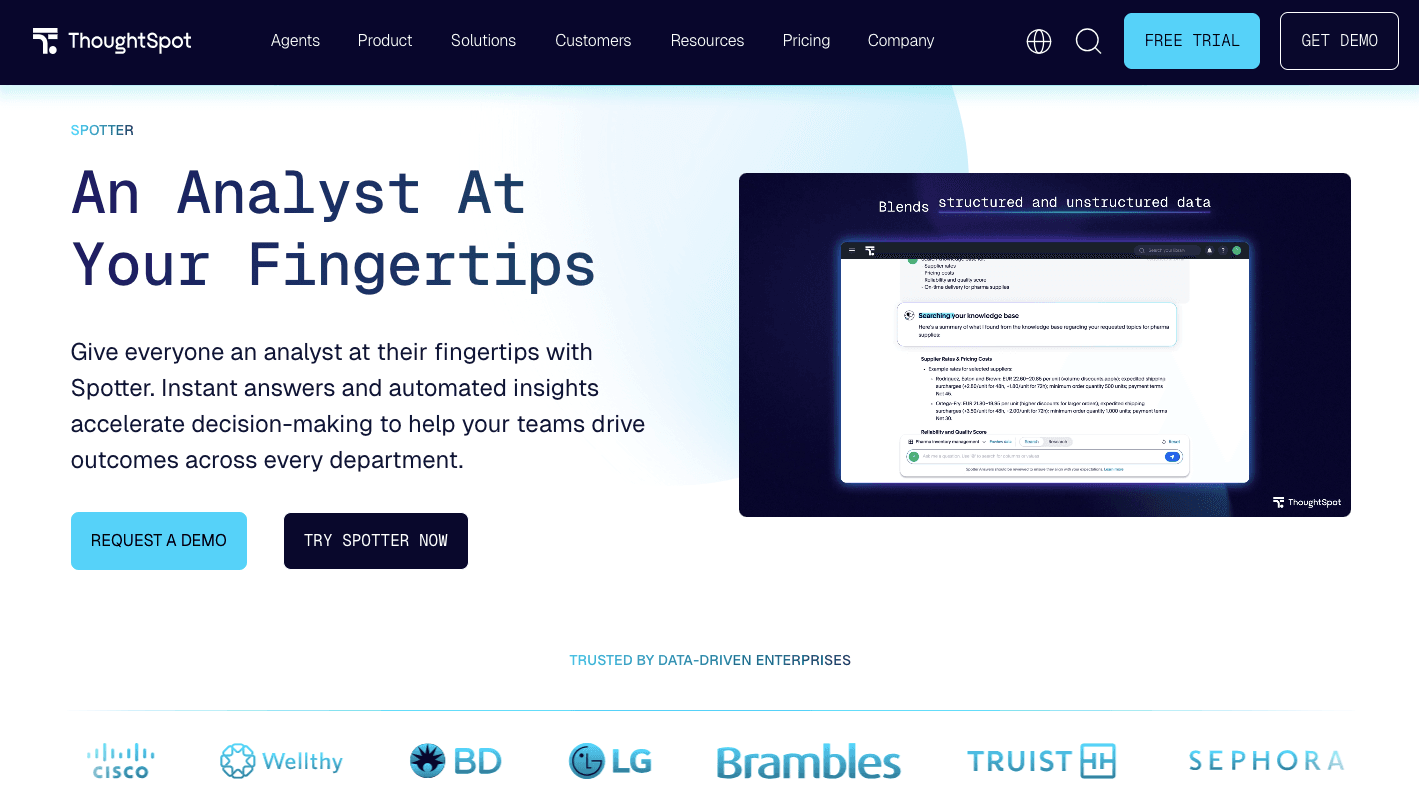
ThoughtSpot focuses on AI-assisted analytics through a simple search bar. You type a question, and the system handles the heavy lifting behind the scenes.
When you ask, “What were my top-selling categories last week?” the platform interprets the request, writes the query, and returns a chart in seconds. It understands relationships between tables, so even complex queries feel simple to run.
Other ThoughtSpot agents' capabilities include connecting data, applying logic, and responding with both visuals and explanations.
Spotter, the platform’s analytics agent, goes further than search. Ask, “Why is our customer acquisition cost rising?” and it builds a plan, checks marketing spend, compares signups, and summarizes findings using natural language generation.
It blends AI reasoning with human intelligence so you can review logic before acting. In short, it delivers insights quickly and makes search feel like a conversation.
Key Capabilities
- Natural language search - Type business questions in everyday language, and the system translates them into accurate database queries.
- SpotIQ automated insights - Runs machine learning models to surface hidden trends and patterns users didn't think to ask about.
- Spotter analytics agent - Handles multi-step research, explains findings in writing, and supports deeper investigation when problems appear.
- Interactive liveboards - Click any number on a board to drill deeper without rebuilding reports from scratch.
- Context-aware query engine - Understands table relationships and supports complex queries.
- Guided search assist - Coaches new users on how to phrase questions so they get reliable results on the first try.
6. DataRobot - Best for Predictive Modeling and Enterprise AI Deployment
DataRobot focuses on one thing: predicting what will happen next and turning that into action.
While many analytics tools focus on past performance, this platform focuses on predictive modeling tied directly to business objectives such as churn reduction, fraud detection, or demand forecasting.
You upload a dataset, choose a target like “Will this customer cancel?”, and the system runs hundreds of machine learning models at the same time. It ranks them on a leaderboard so you can see which approach performs best.
Beyond modeling, DataRobot now supports AI agents that connect to enterprise data.
From building to testing to deployment, the platform covers the full lifecycle. Once you approve a model, you publish it as an API and connect it to your business workflows.
Key Capabilities
- Explainable predictions - View feature impact scores that show why a model made a specific prediction so you can align actions with business objectives.
- Generative AI playground - Compare multiple large language models against the same dataset to evaluate accuracy, cost, and speed before deployment.
- Enterprise guardrails - Monitor prompts and responses for bias, sensitive data exposure, and unsafe outputs with full audit tracking.
- Unified model monitoring - Track live performance and receive alerts when model accuracy drops so you can retrain before results drift.
- No-code to pro-code workflow - Business users can work in a visual interface while data scientists can fine-tune models in hosted notebooks within the same platform.
7. Pendo Agent Analytics - Best for Product Usage Intelligence and User Behavior Insights
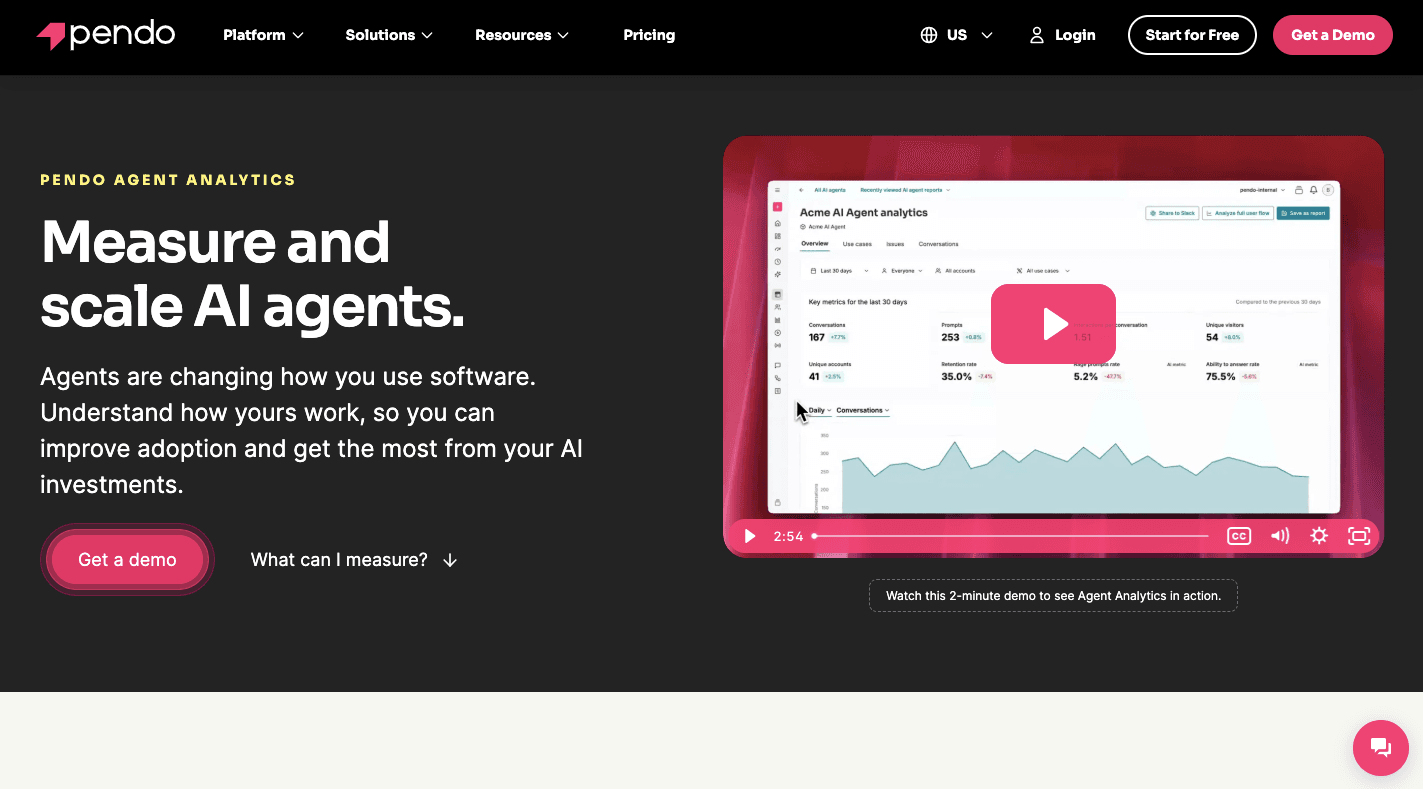
Pendo Agent Analytics tracks how people interact with both traditional screens and AI agents. It captures prompts, responses, and session paths so you can see where users get stuck.
You can group conversations into use cases, flag repeated failed prompts, and measure how long it takes someone to finish a task.
For security, no customer data is shared or fed into Pendo-specific models. The platform applies redaction rules to protect sensitive inputs.
From there, you can tie agent usage to retention, feature adoption, and revenue impact, so you can improve your business value.
Key Capabilities
- Hybrid user journey mapping - Tracks how users move between clicking buttons and chatting with agents to see which path leads to faster task completion.
- AI-generated session summaries - Reviews large volumes of session data and writes short explanations that emphasize conflict points.
- Automated feedback categorization - Groups open text comments into themes and sentiment categories so you see patterns quickly.
- In-app guide triggers - Launches contextual walkthroughs when analytics show a user struggling at a specific step.
- PII redaction and governance - Removes sensitive details from captured prompts so customer data is protected.
AI Analytics Agents at a Glance: Comparison Table
| Tool | Best For | Standout Capability |
|---|---|---|
| Activepieces | Automating AI agents for analytics | Visual builder connecting hundreds of apps and AI models |
| Tellius | Conversational AI analytics and self-service exploration | Kaiya multi-agent orchestration |
| Matillion | AI-enhanced data pipeline automation | Self-healing pipelines via Maia |
| Google Cloud AI Analytics | Enterprise-scale AI data infrastructure | Gemini integrated directly in BigQuery |
| ThoughtSpot | Search-driven analytics and AI insights | Spotter analytics agent |
| DataRobot | Predictive modeling and enterprise AI deployment | Explainable predictions with feature impact scores |
| Pendo Agent Analytics | Product usage intelligence and user behavior insights | Hybrid user journey mapping |
Use this table as a fast filter: if you need to build custom automated analytics workflows, start with Activepieces. If you need to query data conversationally, Tellius or ThoughtSpot fit best. For predictive modeling at enterprise scale, DataRobot and Google Cloud AI Analytics lead, and for measuring your own agents rather than your business data, Pendo Agent Analytics is the outlier in this list built for that purpose.
Benefits of Using AI Agents for Analytics
Common benefits of using AI agents for data analytics include:
Faster Insights
In many companies, when a business user requests a report, they need to wait for an analyst to write SQL and then review a static dashboard. That delay slows insight generation and limits how fast you react.
Through conversational analytics, you can ask complex business questions in natural language, such as “Why did revenue drop in the Northeast last quarter?” and receive an immediate, interactive answer.
The system can proactively generate analysis hypotheses based on patterns in the data and test them, which analysts typically do.
Agentic analytics further forecasts future trends and delivers actionable insights using historical data and machine learning.
Continuous Monitoring
Dashboards require someone to log in and check them. Agents for data analytics monitor for changes in key metrics all day.
When revenue shifts or churn rises, the system flags the change instantly. It can scan customer data and other critical data sources with minimal human intervention.
With the constant scanning, you can upgrade enterprise data analysis from periodic reviews to ongoing evaluation.
In regulated industries, some agents can connect to global regulatory databases to interpret new rules, such as the updated General Data Protection Regulation (GDPR) or Health Insurance Portability and Accountability Act (HIPAA) requirements, and apply them to internal systems within hours.
Every decision, data access, and action taken by an agent is recorded in a tamper-proof audit log so you stay audit-ready.
Automated Execution
Traditional reporting ends when a chart appears. Agents move from “What happened?” to “What should I do?” and then actually do it.
In some cases, agents can take direct action. For example, a data engineering agent can automatically generate a pull request to fix a broken pipeline and restart it on its own.
Many tools automate complex tasks like data cleaning, basic analysis, and report creation while still supporting multi-step analytical processes that would normally require several handoffs.
Although these systems don't replace data analysts, they reduce repetitive data analysis tasks so experts can focus on higher-impact work that improves your business outcomes.
Improved Data-Driven Decisions
To make better decisions, you require strong data quality and reasoning.
Agents combine statistical analysis tools with pattern detection capabilities. They explore data and generate hypotheses before presenting conclusions.
For instance, you can ask “What if?” such as “What happens to our margin if shipping costs rise by 10%?” The system simulates outcomes instantly and explains the results in a business context.
Modern platforms also provide a thought trace with the SQL they wrote, the filters they applied, and the reasoning used. That transparency strengthens strategic decision-making and gives you confidence in your final recommendation.
Move Beyond Dashboards to AI Agents With Activepieces

Many BI systems stop at charts. You still need to open other apps, copy data, send messages, or update records. Activepieces connects those steps into a single automated flow.
You can build AI systems that monitor reports, flag anomalies, summarize weekly performance, and post results into Slack or email. If revenue drops below a threshold, the agent can notify the right manager, open a task, or update a CRM field.
With self-hosting and network isolation, you control where sensitive data lives. Enterprises that require well-governed data can deploy Activepieces in their own environment, manage access through RBAC, and review audit logs for every action taken by an agent.
FAQs About AI Agents for Analytics
How do AI agents work in data analysis?
AI agents connect to your databases, apps, and reports, then interpret questions in natural language. They query data, apply models, and return answers with context.
Some agents go further and run predictive and prescriptive analytics, which means they forecast outcomes and recommend next steps.
What are the common use cases of the analytics agent?
Teams use them for churn prediction, marketing performance tracking, fraud detection, revenue forecasting, and supply chain optimization. Companies also build domain-specific agents for finance, product, sales, or law firms, so each department gets focused analysis aligned with its goals.
What tools do AI agents use for data analytics?
They use data warehouses like BigQuery or Snowflake, machine learning libraries, large language models, and workflow automation platforms. Many agents also connect to BI tools, CRM systems, and internal APIs to gather and act on data.
Can AI agents automate business workflows?
Yes. Agents can monitor metrics, update records, send alerts, and trigger tasks automatically. Once connected to your systems, they move from analysis to execution without manual steps.
Which AI agents are best for automated business intelligence and trend analysis?
Tellius and ThoughtSpot are built specifically for conversational BI and trend detection, surfacing root causes and forecasts without manual queries. Google Cloud AI Analytics and DataRobot suit teams that need trend analysis tied to large-scale data infrastructure or predictive models, while Activepieces lets you wire any of these outputs into alerts, reports, or CRM updates automatically.
Which AI agent offers the best analytics and reporting inside work management software?
Most work management tools ship their own built-in AI reporting, but you can extend that by connecting your work management app to a dedicated analytics agent. Activepieces integrates with hundreds of apps, including work management tools, so it can pull task and project data into the same automated reporting flow as the other analytics agents in this list.