
Top 6 Finance and Insurance Compliance Automation Tools
Top 6 Finance and Insurance Compliance Automation Tools: 1. Activepieces 2. Vanta 3. Drata 4. Secureframe 5. Hyperproof 6. AuditBoard

January 21, 202612 min read @ashrafsam
Anyone who has worked in the finance, insurance, or banking industry knows how audits usually start: An email lands asking for proof, access logs, approvals, and reports that go back months.
People open shared drives, search Slack, and dig through old spreadsheets, hoping nothing important went missing. Manual processes slow everything down and make small mistakes easy to miss, especially when deadlines stack up.
Compliance automation refers to using automation tools to handle checks, records, and approvals consistently.
This article shows which top six compliance automation tools let you stay ready when auditors ask questions.
Stop searching for proof when audits start. Build the process once with Activepieces!
TL;DR
Here are the six leading finance and insurance compliance automation tools you can use:
- Activepieces
- Vanta
- Drata
- Secureframe
- Hyperproof
- AuditBoard
Everything below works on Activepieces' free plan. Start without code or a credit card.
What Are Compliance Automation Tools
Finance teams often start with spreadsheets, shared folders, and reminders. Yet, what happens when audits show up, and someone asks for proof from six months ago?
Compliance automation tools take over that work by connecting to cloud services, identity providers, and finance systems. Access changes, approvals, and system updates get recorded right when they happen.
You don't need to pause work to save screenshots or chase people for files. Automated compliance management keeps all records in one place.
Most compliance automation tools can get data straight from the systems you use. Security controls get checked daily, not once a year. Continuous controls monitoring keeps watch and sends alerts when something breaks a rule.
That helps you catch compliance violations early, before audits start.
All records link back to regulatory standards, which makes reviews faster and less stressful.
Why Finance and Insurance Teams Need Compliance Tools
Automation becomes necessary once audits speed up, systems multiply, and small mistakes start causing big delays. The other benefits of compliance tools come down to the following:
- Automated checks support audit readiness and shorten audit preparation by catching issues earlier.
- Decreasing dependence on manual work lowers the risk of missed steps and helps safeguard sensitive data against breaches.
- Lessens human error since automation gets data directly from source systems.
- Ongoing compliance management provides a consistent operational backbone as rules and systems change over time.
- Automated checks help you identify potential compliance risks before they turn into failed reviews or penalties.
- Continuous tracking makes it easier to ensure continuous compliance monitoring without extra meetings or follow-ups.
- Fewer last-minute fixes often lead to reduced compliance costs while enabling organizations to scale without adding staff.
Top 6 Compliance Automation Tools for Finance and Insurance Teams
Compliance automation tools serve different purposes depending on how financial institutions and insurance companies operate. Some focus on custom approval workflows, others on continuous control monitoring, and some on SOX and financial reporting compliance.
Below, the tools are grouped by the most common insurance and finance compliance automation use cases.
Use Case 1: Custom Approval and Workflow Automation
Workflow-driven compliance automation is necessary in financial services, where approvals for payments, access changes, and policy exceptions should be documented.
Best for: banks, lenders, fintechs, and insurers with internal control processes
1. Activepieces

Some tools ask you to fit your work into their rules.
Activepieces takes the opposite path. It's an open-source automation platform that lets you build your own workflows based on how your finance team already works.
You decide the steps, checks, and approvals, which lets you maintain continuous compliance even as your processes change over time.
Since everything operates through visual flows, it becomes easier to follow what occurs from start to finish. Each step leaves proof behind. Those records form audit trails that support all compliance activities.
You can run Activepieces on your own servers, keeping sensitive data within your environment and helping you meet strict regulatory requirements like the General Data Protection Regulation (GDPR).
You get these features to remove repetitive tasks and streamline your compliance efforts:
Human Approval Steps
Some rules cannot run on autopilot. A large payment or a change to access rights often needs a real person to say "yes."
Activepieces lets you pause a flow and send that decision to the right person. The system waits until they respond, then continues.
Every approval gets recorded with the time and name. Later, when questions come up, the answer sits in the log.
You don't search inboxes or chat messages, and just point to the record.
Audit Trails and Records
Every action inside a flow leaves a trace: checks, approvals, edits, and alerts.
Over time, those logs turn into audit trails you can rely on. When an auditor asks how something worked, you can show the full story from start to finish.
You can further use these records to answer questions quickly and stay calm during reviews. That consistency helps during audits and internal checks alike.
Self-Hosted Setup and Data Control
As processes grow, data risk grows too. Activepieces can run on your own infrastructure, which keeps sensitive data under your control.
Data doesn't move through outside systems unless you allow it. You still get automation and checks, but without giving up control.
For teams under close review, this setup makes long-term compliance feel manageable.
Pricing
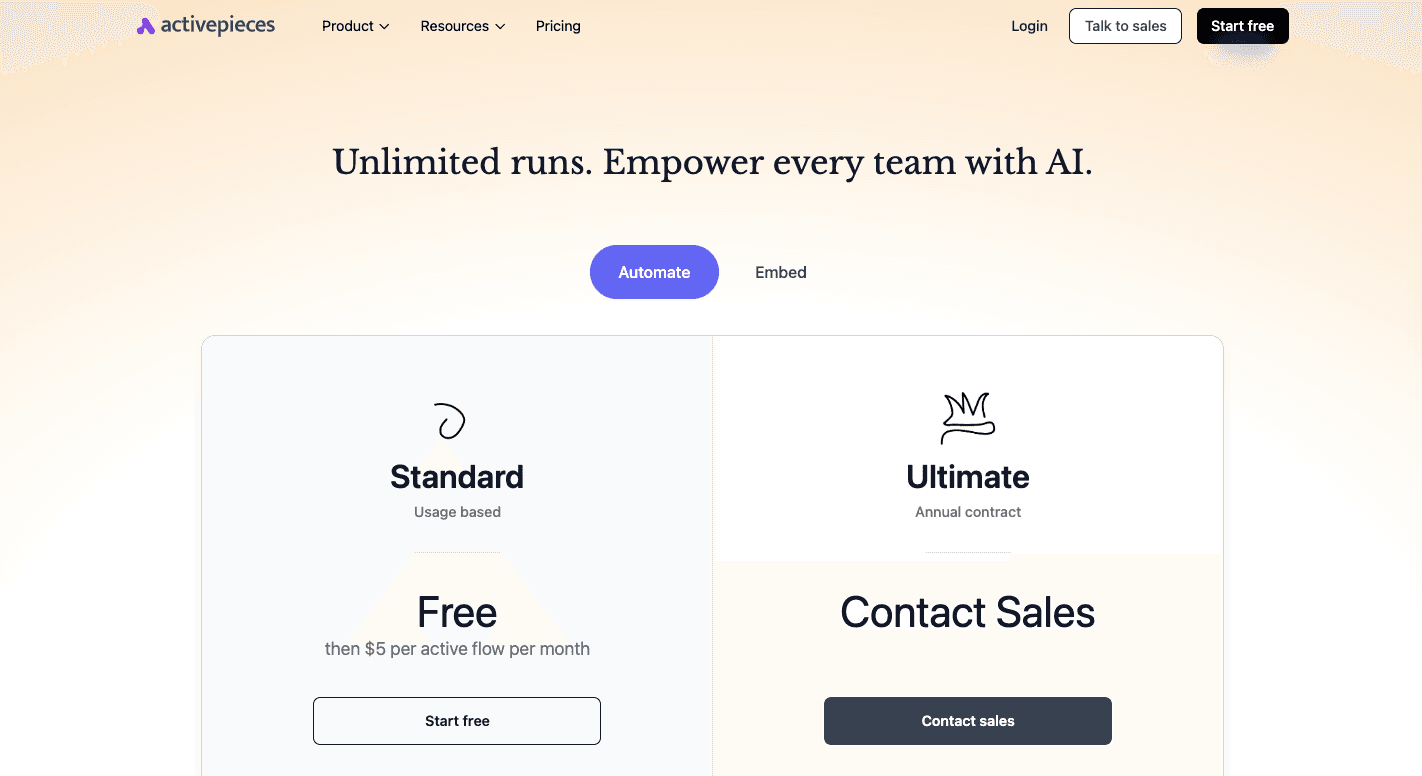
The Standard plan starts free and then costs $5 per active flow each month. It includes 10 free flows, unlimited runs, AI agents, unlimited tables, and email support.
On the other hand, the Ultimate plan runs on an annual contract and adds SSO, audit logs, access controls, and enterprise support.
Activepieces Embed starts at $30,000 per year for teams that want automation inside their own product.
Try real compliance workflows before committing to a contract. Use Activepieces!
Use Case 2: Continuous Control Monitoring and Audit Readiness
Financial institutions and insurers often need continuous visibility into access controls, security settings, and system changes. Tools in this category automate evidence collection and monitor controls daily, which reduces last-minute audit preparation.
Best for: regulated finance teams preparing for recurring audits
2. Vanta
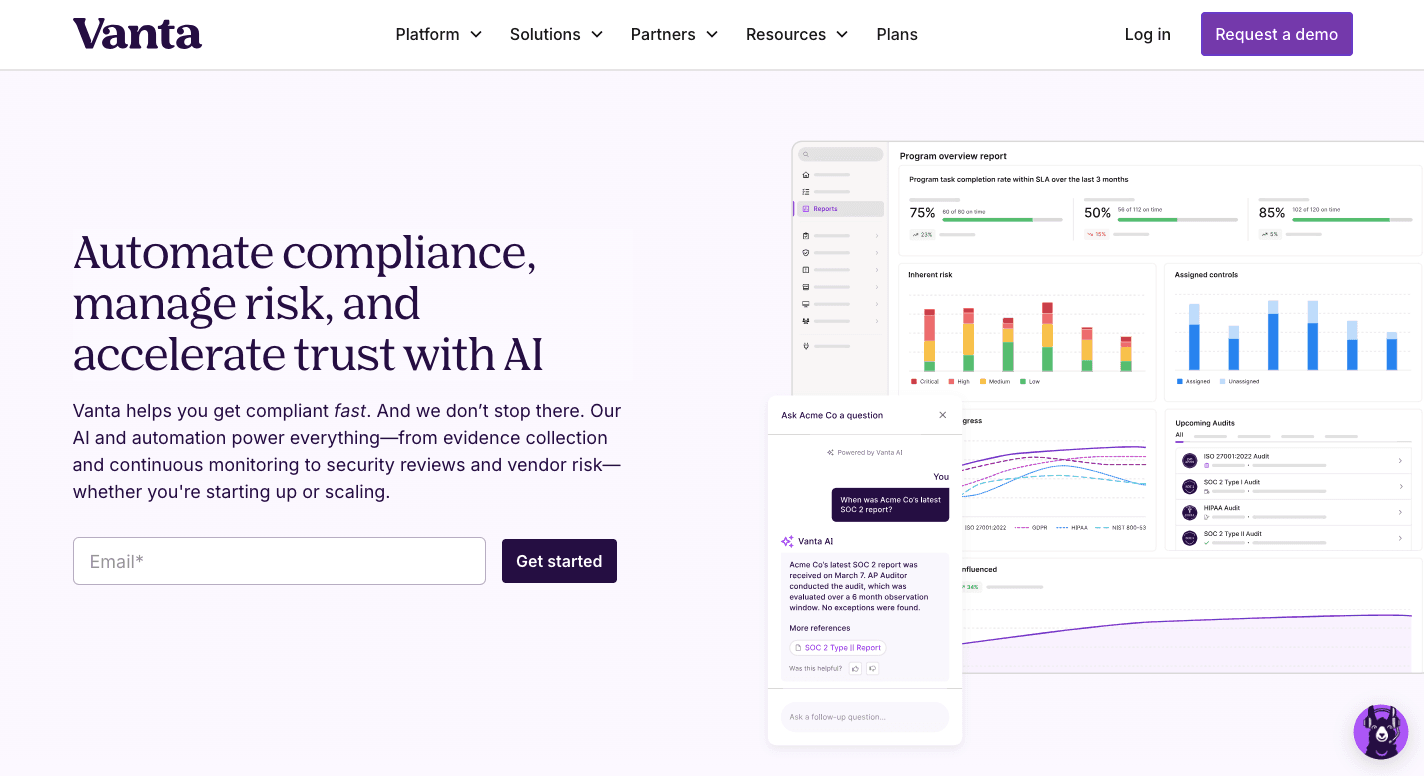
Vanta connects to your systems and gets proof automatically, so you stop collecting screenshots and copying files into folders.
It integrates with cloud services and identity providers to track access, device settings, and user activity. That connection helps you keep security practices aligned with compliance requirements.
Once everything connects, Vanta checks controls on a regular schedule and flags issues early, before they grow into real problems.
You can use Vanta to stay compliant with these frameworks: SOC 2, ISO 27001, GDPR, and HIPAA. Evidence gets reused across those standards.
A shared auditor view also lets you easily communicate with your auditor to stay ultra-efficient through the audit process. On top of that, Vanta offers a Trustpage where you can prove your compliance status to stakeholders and potential investors during reviews or deals.
Features
Vanta covers the most common checks finance teams deal with, and the feature set reflects that.
- Automated user access reviews - Flags accounts that should no longer have access to finance and payroll systems.
- Ongoing control checks - Confirm settings like encryption and MFA stay active without manual reviews.
- Trust center - Shows live compliance data to partners and investors without sending files.
- Evidence reuse - Applies one control to several standards to avoid duplicate work.
- Auditor portal - Gives auditors read-only access to logs and proof.
- Questionnaire support - Helps answer long security forms using existing evidence.
- Employee tracking - Records training and background checks for audit use.
Pricing
Vanta doesn't publish pricing publicly.
3. Drata
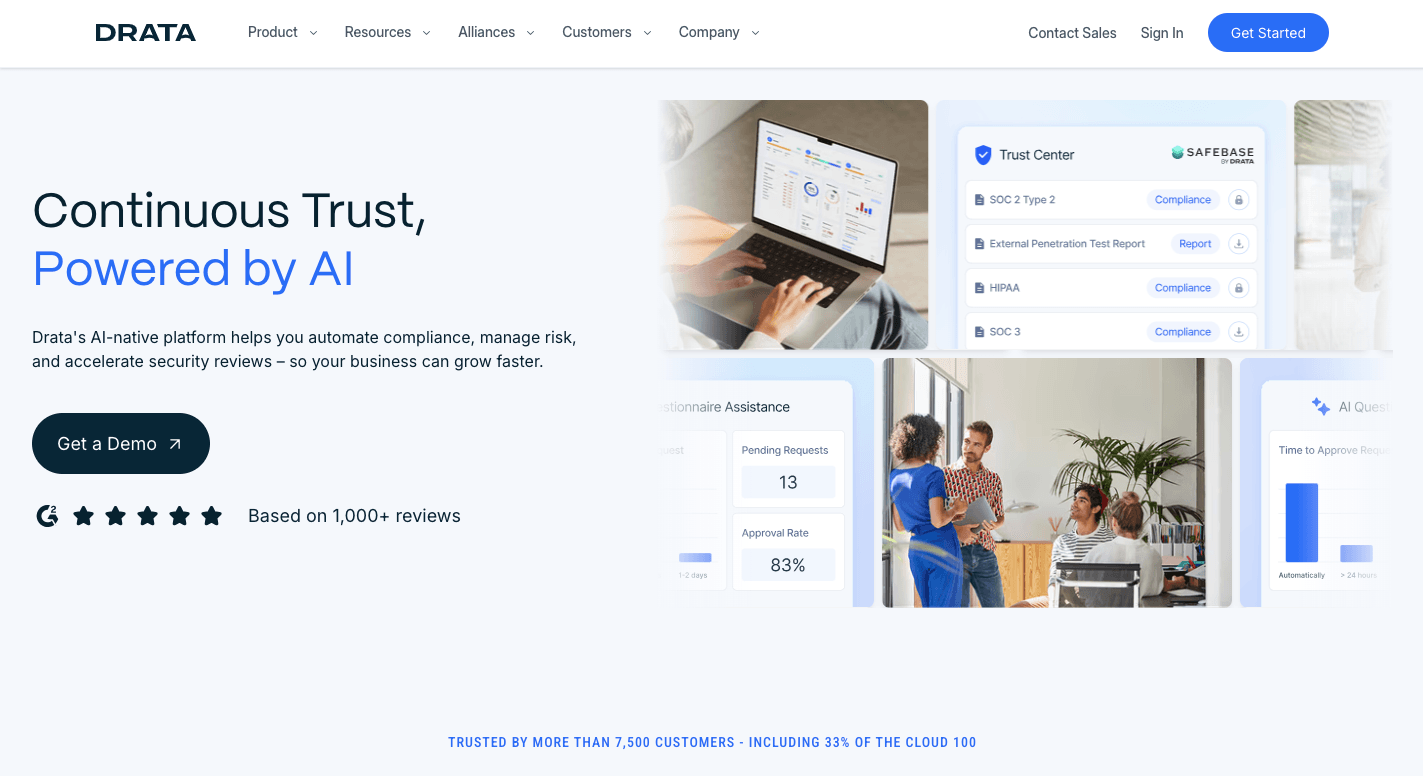
Drata keeps track of what changes in your system, who has access, and which checks still pass. That way, you don't find problems months later.
Logs, access records, and system settings update automatically, which reduces the time spent on audit preparation. You can even see whether the necessary compliance documentation is up to date.
It further supports multiple compliance frameworks, including SOC 2, ISO 27001, HIPAA, GDPR, PCI, and CCPA.
When something changes, alerts show up early. That makes it easier to fix issues while they're still small.
Features
Drata focuses on visibility and early warnings, which help finance teams stay ahead of problems.
- Automated evidence collection - Pulls logs and system data automatically, so proof stays ready without screenshots.
- Daily control checks - Monitors security controls like access limits and encryption settings every day.
- Access reviews - Shows who can reach finance and payroll tools and flags accounts that need cleanup.
- Risk tracking - Links system issues to real risks so teams understand impact, not just alerts.
- Audit workspace - Keeps all auditor requests and responses in one place.
- Framework coverage - Reuses the same evidence across many standards.
- Trust sharing - Lets you share your compliance posture with outside parties when needed.
Pricing
Drata doesn't post pricing online.
4. Secureframe
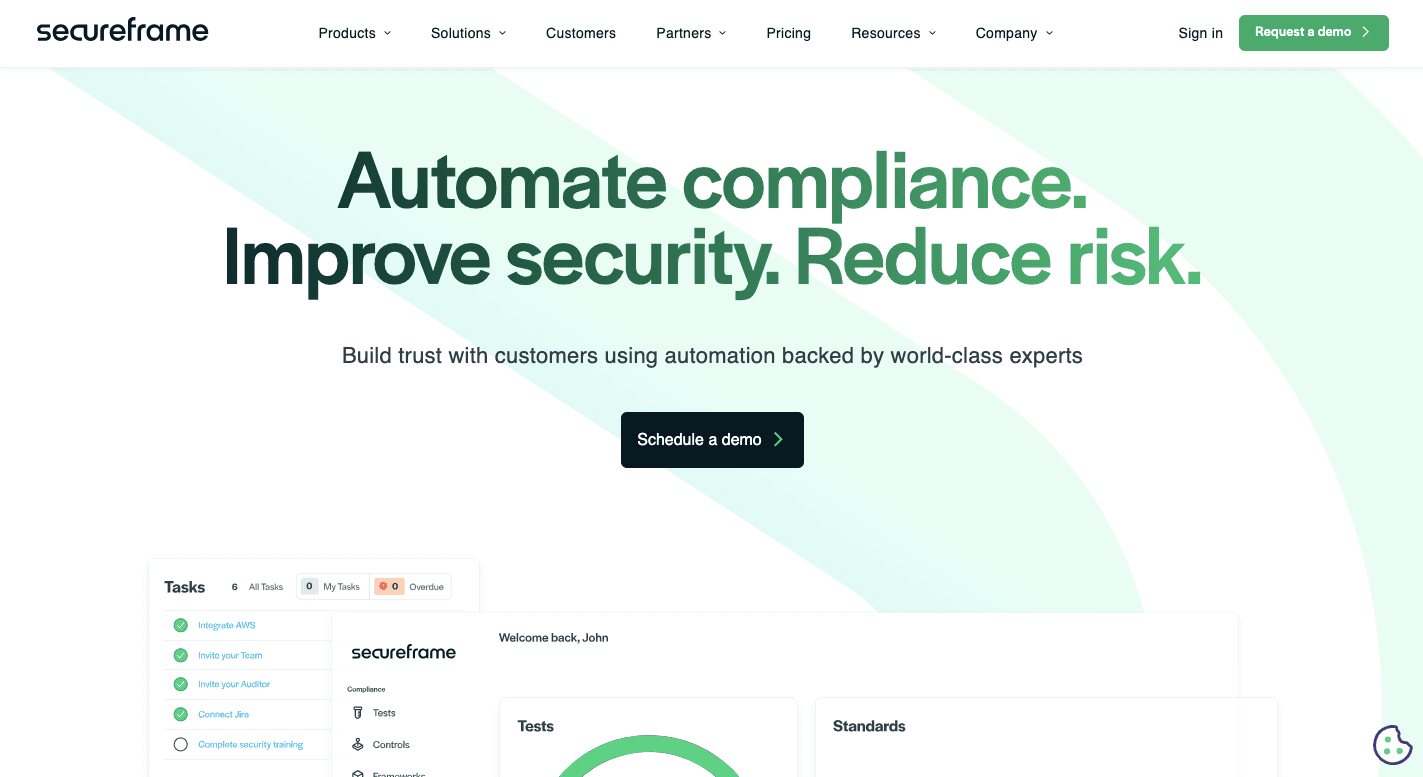
Secureframe keeps a continuous monitoring layer over your entire business by watching systems, people, and settings all the time.
Once connected, it checks cloud accounts, your compliance teams' devices, and HR records without waiting for someone to run reports.
Daily checks support regulatory adherence by keeping records current as systems change. Secureframe pulls proof automatically, which makes compliance assessments easier to finish.
Those signals let you fix problems fast and keep regulatory processes moving.
Finance teams often like Secureframe when systems are spread out. New software, new hires, and new data sources get tracked as they appear.
Features
Secureframe covers day-to-day checks that usually take you the most time.
- System scanning - Checks cloud accounts for encryption, backups, and access limits.
- Device checks - Confirms employee laptops follow required security settings.
- Vendor tracking - Reviews third-party tools to spot risk before payments continue.
- Policy handling - Sends policies for signature and tracks who completed them.
- Audit workspace - Gives auditors one place to review proof and ask questions.
- Change alerts - Flag access or setting changes right when they happen.
Pricing
Secureframe doesn't list pricing on its site.
Use Case 3: SOX, Financial Reporting, and Risk-Based Compliance
Larger financial services and insurance organizations often manage SOX compliance, financial reporting controls, and enterprise risk in parallel. These use cases require tools that connect audit work, risk tracking, and evidence management.
Best for: insurance companies, public companies, large financial institutions
5. Hyperproof
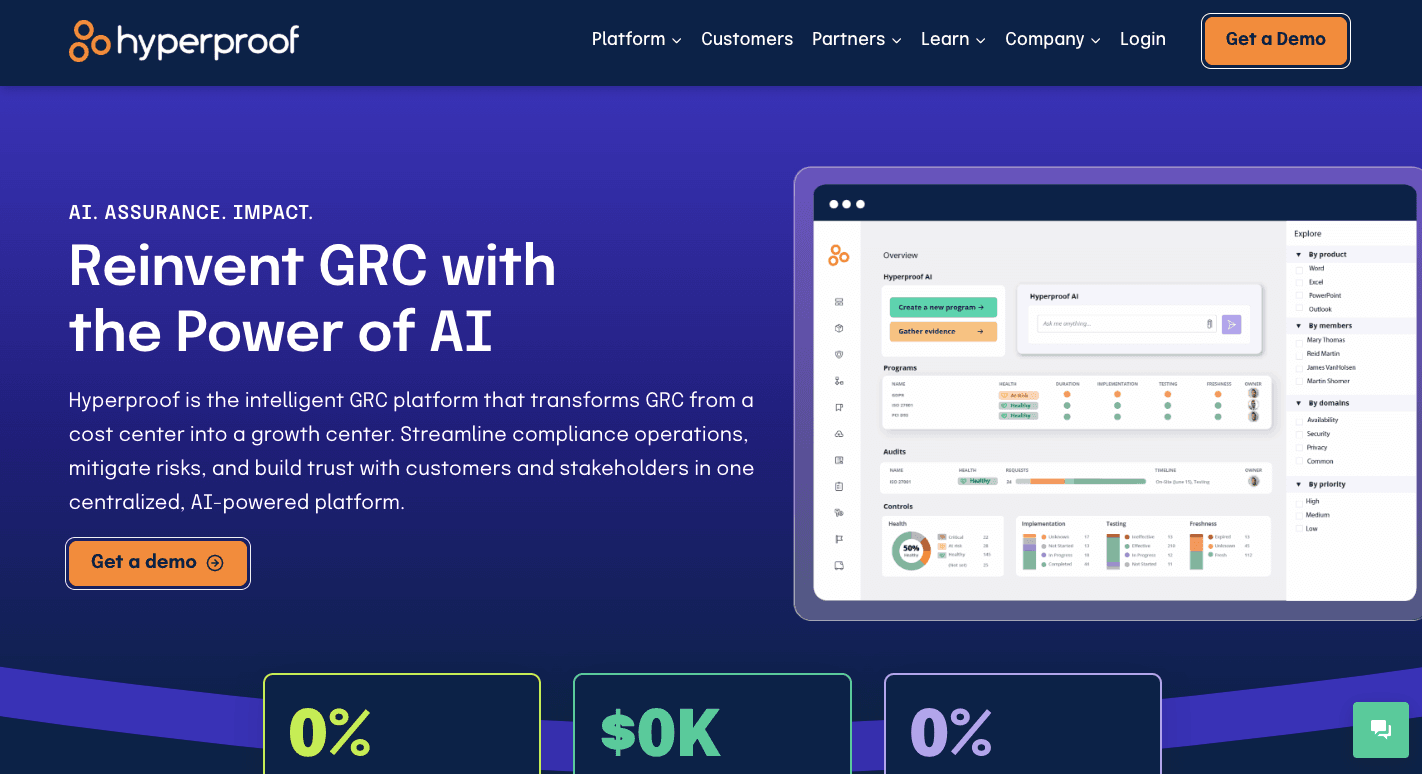
Hyperproof fits finance teams that deal with complex audits and too many rules at once. Large companies often run several compliance audits in parallel, and tracking all of them in spreadsheets turns messy fast.
The system connects to finance tools, ERPs, ticketing systems, and cloud accounts, then pulls proof on a schedule. You define what counts as evidence once, then reuse it everywhere, which reduces manual work related to control mapping.
Aside from that, you can see how your security posture affects your financial audit readiness, so you can plan better during board reviews.
It also allows you to upload and manage custom compliance frameworks when standard templates fall short. Evidence stays fresh, tasks get assigned when proof expires, and reviews move faster.
Features
Hyperproof gives you these features to maintain compliance:
- SOX workflows - Tracks financial reporting controls and approvals in a single system.
- Evidence syncing - Pulls proof from ERPs, HR tools, and cloud systems on a schedule.
- Risk tracking - Links financial risks to controls so the impact stays clear.
- Evidence freshness checks - Flags outdated proof and assigns follow-up tasks.
- Audit workspaces - Organizes requests from different auditors without overlap.
- Custom frameworks - Supports internal rules and regional requirements beyond defaults.
Pricing
Hyperproof pricing isn't available.
6. AuditBoard
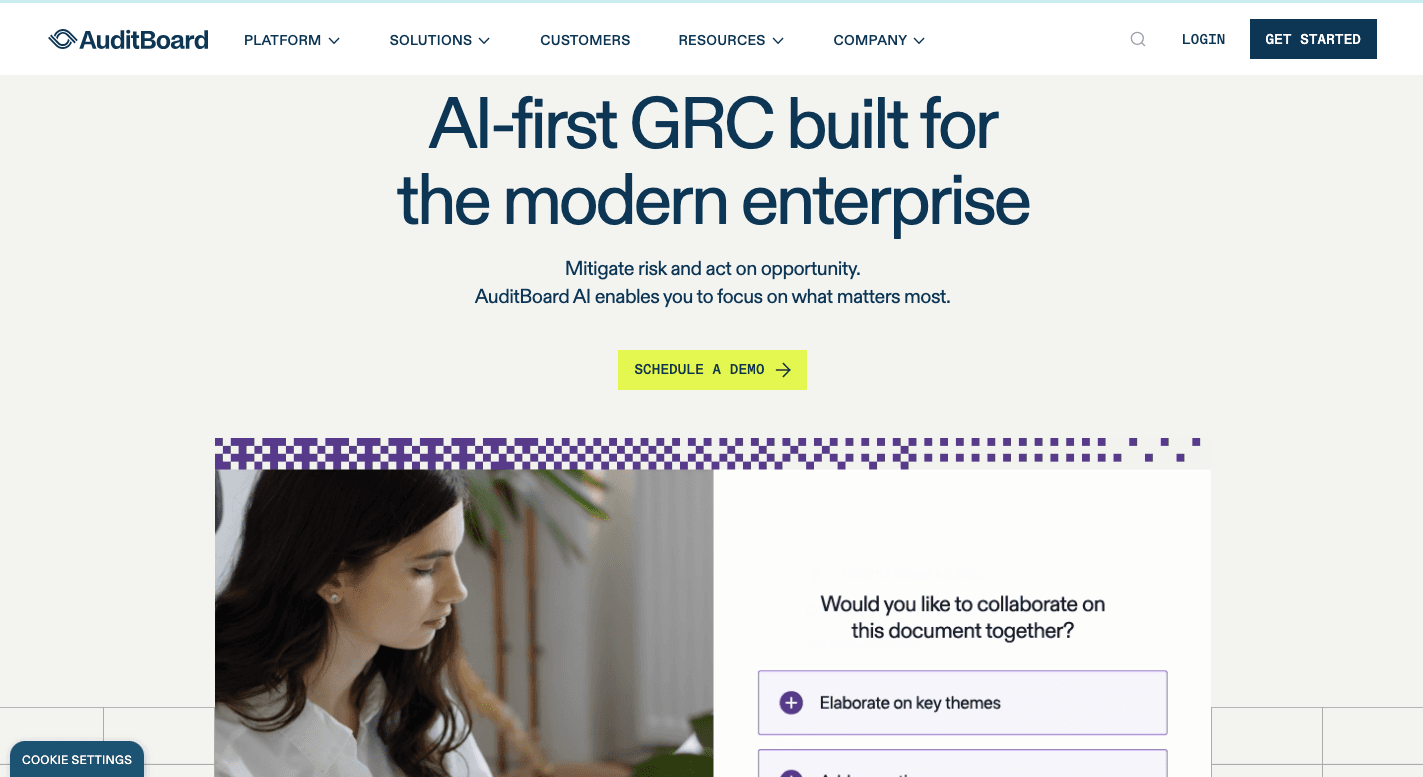
AuditBoard is what companies often use once spreadsheets and basic tools stop working. It connects finance data, audit work, and risk tracking.
When something breaks in an area, you can see how it affects reports and regulatory compliance right away. Internal audits and external reviews follow the same flow, which keeps work predictable.
Besides that, evidence stays organized, approvals are tracked, and updates appear without long email chains. You can check progress quickly and share reports with the board when needed, too.
Features
AuditBoard lets you easily manage compliance with these features:
- SOX control tracking - Keeps financial controls tied to risks, owners, and sign-offs.
- Risk linking - Shows how issues in IT or operations affect finance reports.
- Approval tracking - Sends reminders and records sign-offs without chasing people.
- Internal audit tools - Helps plan tests, review samples, and track fixes.
- Auditor access - Lets auditors review proof directly without constant requests.
Pricing
AuditBoard doesn't share pricing publicly.
Build Workflows With Activepieces That Adapt as Regulations Change

Rules change more often than you expect. A process that worked last quarter can break the moment new compliance requirements show up.
With Activepieces, you build the workflows yourself and don't need to wait for a vendor to release a feature.
You open the flow, adjust a step, and move on. And that makes it easier to stay in compliance readiness even when rules shift fast.
As an automated tool, Activepieces does the manual tasks you usually do. You add a step once, and the system follows it every time.
Flows further create records as they run, so proof builds up over time. When auditors ask questions, answers already exist in logs and folders.
Activepieces doesn't lock you into one way of working. You adjust flows as rules change and keep moving, rather than rebuilding everything from scratch.
Audits get easier when your workflows match how you work. Build them with Activepieces!
FAQs About Compliance Automation Tools
What is compliance automation software?
Compliance automation software automates routine compliance tasks. It logs activity, saves proof, and follows rules automatically.
As your team grows, manual compliance management becomes increasingly unsustainable, which is why automated compliance software becomes necessary.
How to automate compliance processes?
Automation starts by mapping the steps teams repeat. You review compliance procedures, then use an automated tool to run checks, approvals, and records on its own. This helps mitigate risks and cuts mistakes.
How to select the right compliance automation tool?
First, focus on identifying the specific regulatory frameworks that apply to your industry. Next, define your compliance scope so the tool covers the right systems and processes.
What are some examples of automation tools?
Examples include Activepieces, Vanta, Drata, Secureframe, and Hyperproof.