
6 Best Outbound Sales Software Tools for Email Automation (2026)
The 6 best outbound sales software tools for 2026: Activepieces, Instantly, Saleshandy, Woodpecker, HeyReach, and Lindy, compared by price and features.

Mar 3, 202619 min read
Outbound sales software automates the prospecting, sending, and follow-up work of cold outreach — finding contacts, protecting your sender reputation, and tracking replies so a rep doesn't have to do it all by hand. The best outbound sales software also pairs that automation with AI agents that research leads and draft messages, turning outbound email automation from a manual grind into a repeatable process. Most teams still need a way to keep everything organized as volume grows, which is where dedicated tooling pays off.
This guide breaks down the six best outbound email automation tools for 2026, comparing pricing, deliverability features, and AI capabilities so you can match the right platform to your outbound sales process.
Make email outreach feel organized again. Automate it with Activepieces!
TL;DR
Listed below are the six leading outbound email automation platforms:
- Activepieces - Best for AI-powered automation and advanced integrations
- Instantly - Best for high-volume cold email marketing
- Saleshandy - Best for small teams needing simple outbound email automation
- Woodpecker - Best for traditional B2B outbound email campaigns
- HeyReach - Best for LinkedIn-focused outbound automation
- Lindy - Best for AI-assisted outbound workflows
Everything below works on Activepieces' free plan. Start without code or a credit card.
What Is Outbound Sales Software?
Outbound sales software is any platform that helps a sales or growth team find prospects, reach out to them across channels, and manage follow-up without manual, one-by-one effort. It typically falls into three overlapping categories:
- Prospecting and data tools - find verified contact and company information so reps don't manually search for emails or phone numbers.
- Sales engagement and sequencing platforms - coordinate outreach across email, LinkedIn, and phone in structured, automated sequences with built-in follow-up logic.
- Workflow and AI agent layers - connect your CRM, inbox, and outreach tools together, then add AI steps that research leads, draft messages, or qualify replies before a human ever sees them.
Most outbound sales teams end up needing pieces from all three categories rather than a single tool that does everything. A cold email platform like Instantly or Saleshandy handles sending and deliverability; a LinkedIn-focused tool like HeyReach handles social outreach; and a workflow automation tool like Activepieces sits underneath, connecting the CRM, the outreach tool, and any AI research step into one process.
The six tools below cover each of these categories, so you can match the software to the part of your outbound sales process that actually needs fixing, rather than replacing your entire stack at once.
Why Outbound Email Automation Is Needed in 2026
Outbound sales software exists because cold outreach breaks down at scale. Inbox providers now filter messages based on engagement and sender reputation before a person ever reads them, and a single rep can't personalize hundreds of follow-ups by hand.
Here's why outbound automation is important now:
- Inbox filters block low-engagement senders, which hurts email deliverability if you send cold emails in bulk.
- Manual follow-ups slow sales outreach and cause missed replies that negatively impact lead generation.
- Sending a high volume of emails from one account damages the sender's reputation and limits future outbound sales.
- Prospects expect relevant messaging based on website visits and behavioral data.
- Revenue leaders demand data, so predictive analytics helps teams focus on growth adjustments faster.
Outbound sales software has also grown beyond email. Because most B2B deals involve more than one decision-maker, the strongest outbound sales tools now coordinate email, LinkedIn, and phone touchpoints inside a single sequence instead of treating each channel separately.
Outbound sales teams that rely on automation tools protect their sender reputation, manage follow-ups at scale, and improve the entire outbound sales process.
6 Best Outbound Automation Tools in 2026
These are the top six outbound automation tools:
1. Activepieces: Best for AI-Powered Automation and Advanced Integrations

Activepieces is an open-source automation tool that connects your entire tech stack through pre-built integrations called pieces. As of now, it offers 640+ pieces, including customer relationship management (CRM) system integrations, email marketing platforms, finance tools, and AI software.
For example, you can integrate ActiveCampaign, which gives you predictive sending. When you need unlimited contacts, you can integrate Brevo.
You can start a workflow from a new CRM record, a form submission, or a Slack message. Then you insert AI agents directly into the flow. Those agents can research a lead, score intent, and draft a response before your email outreach tool even sends the message.
Activepieces also helps automate repetitive tasks such as updating CRM stages, syncing data between tools, and triggering follow-ups.
The user interface is simple yet supports advanced automation, human-approval steps, and deep data integration.
Key Features
- AI agent steps - Insert AI agents into any workflow to research prospects, draft replies, or qualify leads before automating outreach.
- Open-source pieces - Over 640 integrations connect your CRM, marketing apps, finance tools, and AI tools into one automation layer.
- Advanced automation builder - Use branching logic, approval steps, and conditional paths to build advanced workflows beyond basic if-then rules.
- Human-in-the-loop controls - Pause a sequence for approval before sending high-value emails.
- Enterprise-ready deployment - Self-host for complete data control or use the cloud version with governance features for larger teams.
Pricing
Activepieces offers the Standard plan that offers ten free active flows. After that, you pay $5 per active flow per month, which keeps costs predictable as you scale.
For enterprises, the Unlimited plan is available with custom pricing. It includes governance controls, single sign-on (SSO), audit logs, centralized AI billing, Git sync, private Pieces, and deployment options in the cloud or on premises.
There’s also an Embed plan with custom pricing starting at $30,000 per year. It allows companies to embed the automation builder and AI agents directly into their own product with branding control and dedicated support.
If you prefer full control, the community edition is free and self-hosted, with no task limits but requiring your own infrastructure.
Stop overpaying for tasks. Start free and grow flow by flow with Activepieces!
2. Instantly: Best for High-Volume Cold Email Marketing
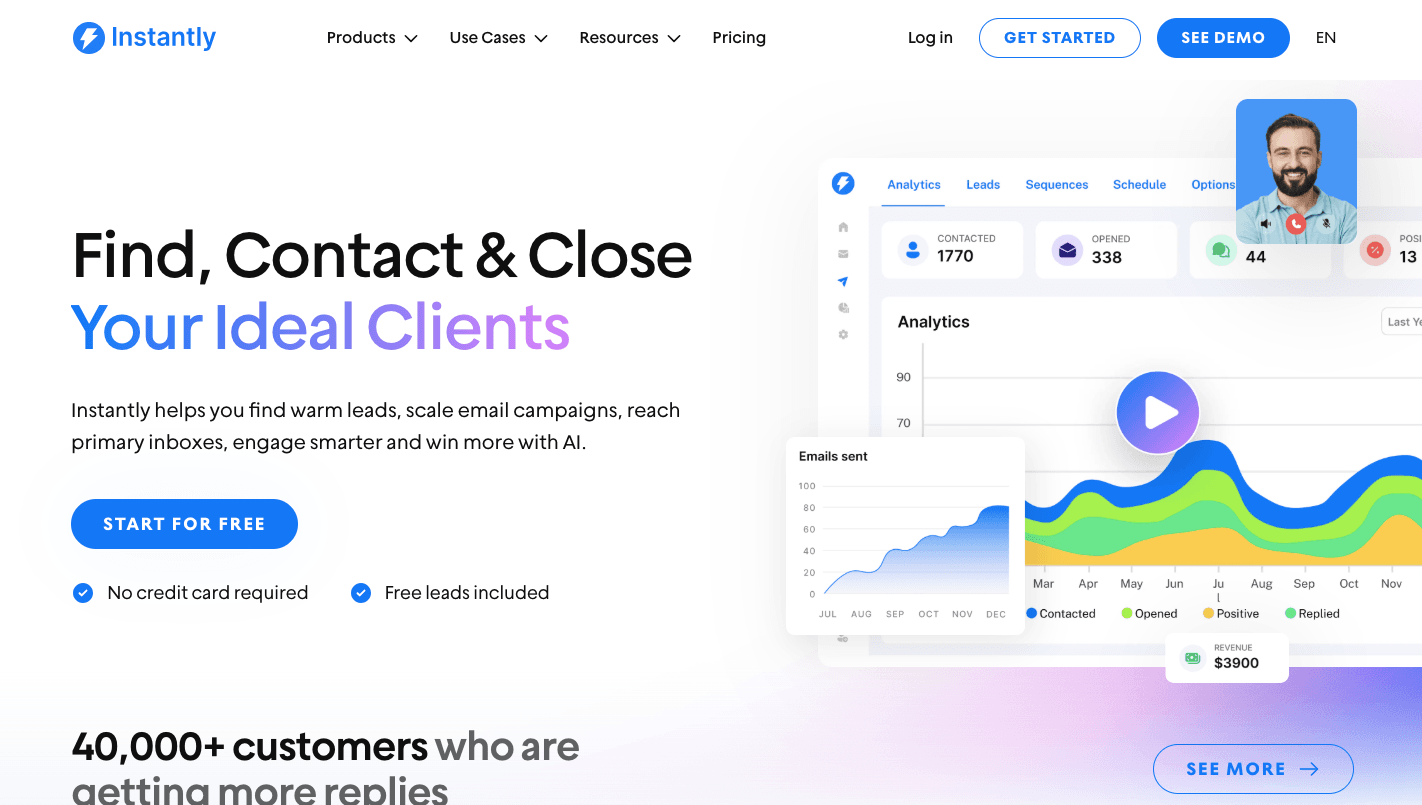
Instantly is a sales engagement platform and a cold email tool for running high-volume cold email outreach.
Rather than sending 500 emails from one account (which triggers spam filters), you can connect multiple inboxes and send 30–50 emails from each. Instantly automatically rotates these inboxes within a single campaign to maintain safe limits.
You can connect unlimited email accounts, which means there’s no need to pay per inbox or user. It further allows your team to manage cold email outreach without being restricted by a steep learning curve or technical hurdles.
When you enable “Warm-up,” your accounts exchange natural, AI-generated emails with others in Instantly’s network.
Set up lookalike domains like “getcompany.com,” and Instantly’s Done-for-You setup will handle authentication automatically.
Key Features
- Automated inbox rotation - Instantly rotates your multiple email accounts, sending a few emails from Account A, then Account B, and so on.
- Warm-up network - When you enable “Warm-up,” your email accounts automatically exchange natural, AI-generated emails with others in the network.
- Centralized unified inbox - All replies from different inboxes are consolidated into one centralized unified inbox, so it’s easy to manage and respond to leads from multiple accounts.
- AI reply agent - Instantly’s AI reads replies, categorizes them (e.g., “Interested,” “Out of Office”), and can draft or send responses in under five minutes.
- Lead finder - Instantly includes a lead finder tool that filters through millions of verified B2B contacts, which allows you to easily find and target the right prospects.
- Advanced analytics - Access advanced analytics to track your outreach performance, engagement rates, and optimize your campaigns for better results.
Pricing
Instantly offers the Growth plan at $47 per month. The Hypergrowth plan costs $97 per month, along with premium live support.
For even higher volume, the Light Speed plan costs $358 per month and includes an advanced server & IP sharding and rotation (SISR) system. Instantly also offers the Enterprise plan with tailored pricing.
3. Saleshandy: Best for Small Teams Needing Simple Outbound Email Automation

Saleshandy is for small businesses that want a simple outbound sales tool. It includes a built-in B2B database of over 700 million verified contacts.
You don’t need a separate subscription to find people to email, which simplifies lead sourcing and consolidates lead generation in one place. It even provides a step-by-step setup guide to help you authenticate your domain name system (DNS) records so your emails actually arrive.
To keep your small team out of spam, it uses sender rotation to spread volume on inboxes and TrulyInbox for automated follow-ups during the warm-up phase.
You can use the Lead Finder or the Saleshandy Connect Chrome extension to find prospects directly on LinkedIn. It reveals verified emails and phone numbers, then pushes them into your sequence with one click.
As you provide a goal such as “Book a demo for my SaaS” and a target audience, the AI generates a multi-step, personalized sequence designed to reach high-intent leads.
Key Features
- AI sequence copilot - Enter your objective and audience, and the system writes a structured sequence for cold email outreach. It creates Spintax automatically, so each message feels unique.
- Sender rotation - Distribute daily sending limits on inboxes to protect domain health and reduce spam risk.
- TrulyInbox warm-up - Build domain trust before scaling campaigns through automated warm-up activity.
- LinkedIn prospecting extension - Find contacts directly from LinkedIn and push them into your workflow in one click.
- Pipeline tracking - It tracks every reply and categorizes them into stages such as “Replied,” “Interested,” or “Meeting Booked,” which helps small outbound sales teams manage conversations.
Pricing
Saleshandy starts with the Outreach Starter plan at $36 per month. It supports small businesses that want to launch outbound without a heavy setup.
As needs grow, the Outreach Pro plan at $99 per month increases limits and adds deeper integrations and workflow control.
For larger outbound sales teams, the Outreach Scale plan at $199 per month offers white-label options and single sign-on. The Outreach Scale Plus plan at $299 per month increases capacity, along with a dedicated success manager to support scaling efforts.
4. Woodpecker: Best for Traditional B2B Outbound Email Campaigns
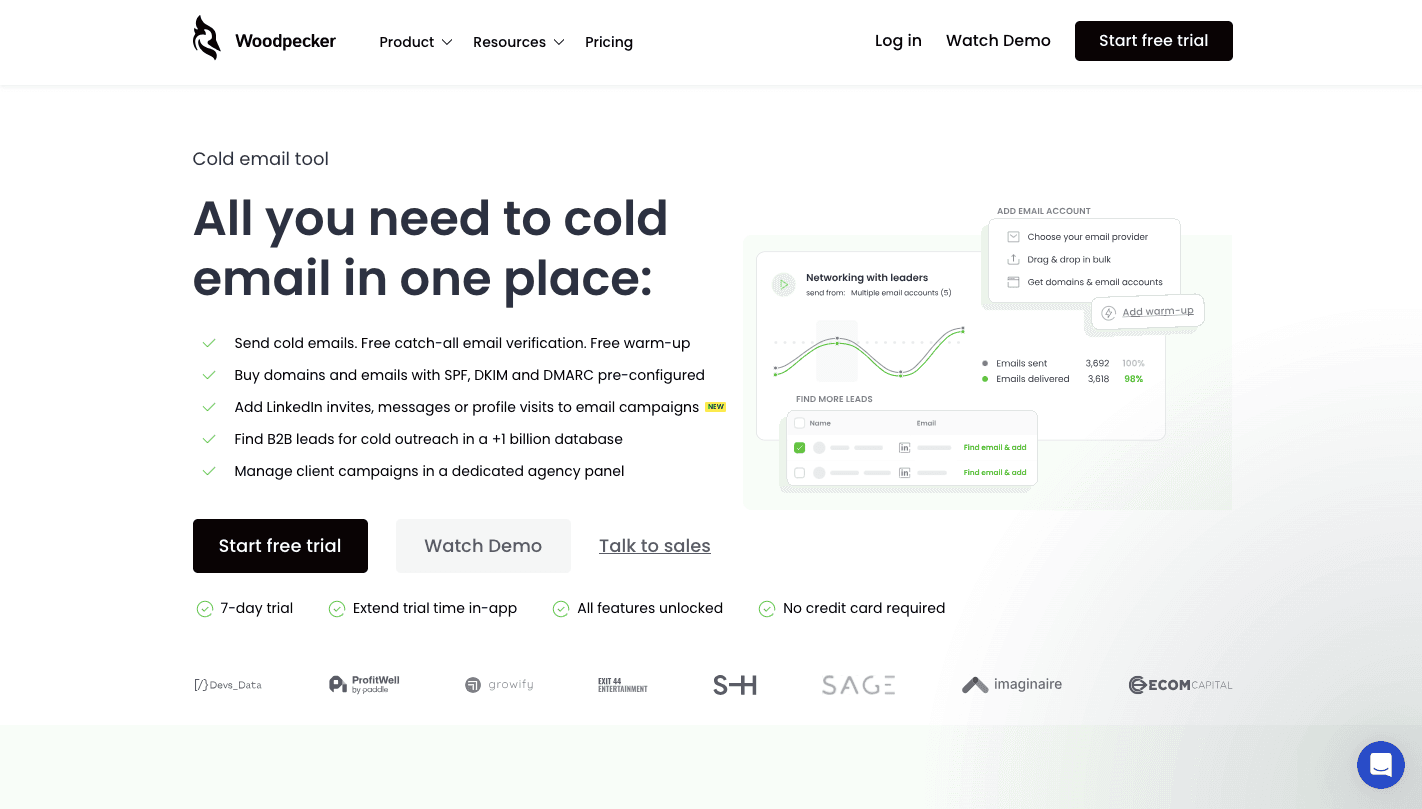
Woodpecker is a specialized B2B outreach platform designed to automate personalized cold email sequences.
Compared to generic marketing tools that send bulk blasts from their own servers, Woodpecker sends emails directly through your own Gmail, Outlook, or SMTP account. That setup makes each cold email campaign look like it was typed and sent manually.
Woodpecker can also perform a technical audit to confirm your SPF and DKIM records are correctly configured. Before sending cold emails, you can use the built-in warm-up feature for two to three weeks to build a positive sender credit score.
You can create “if-then” workflows, too. For example, if a prospect opens an email but doesn’t click a link, you can automatically send a different follow-up than you would to someone who never opened it.
Choose specific days and time windows, such as Tuesday to Thursday, 9 AM to 11 AM, that match your prospect’s time zone. Hit “Run” and use the dashboard to track open, click, and reply rates.
Key Features
- Human-like sending - Sends emails at natural intervals instead of large bursts, which helps each cold email feel personal and protects domain health.
- Sending windows by time zone - It allows you to set specific sending windows based on the prospect’s time zone (not yours), which improves reply rates.
- Reply detection - Stops automated follow-ups as soon as someone responds, so your outbound sales team can take over the conversation manually.
- CRM sync - Supports syncing data with major CRMs, so managing email campaigns stays aligned with your pipeline.
- Performance dashboard - Provides detailed reporting on opens, clicks, and replies so you can measure campaign health without exporting files.
Pricing
Woodpecker offers a seven-day free trial so you can test the system before committing. The Starter plan costs $35 per month and supports smaller outbound sales teams running structured cold email outreach.
The Growth plan at $188 per month increases sending capacity and adds more reporting options. Larger outbound sales teams that handle multiple outbound campaigns may consider the Scale plan at $1,354 per month for higher limits and broader oversight.
For enterprise needs, the Max plan at $9,999 per month supports large-scale B2B operations that require more control, priority support, and expanded account capacity.
5. HeyReach: Best for LinkedIn-Focused Outbound Automation
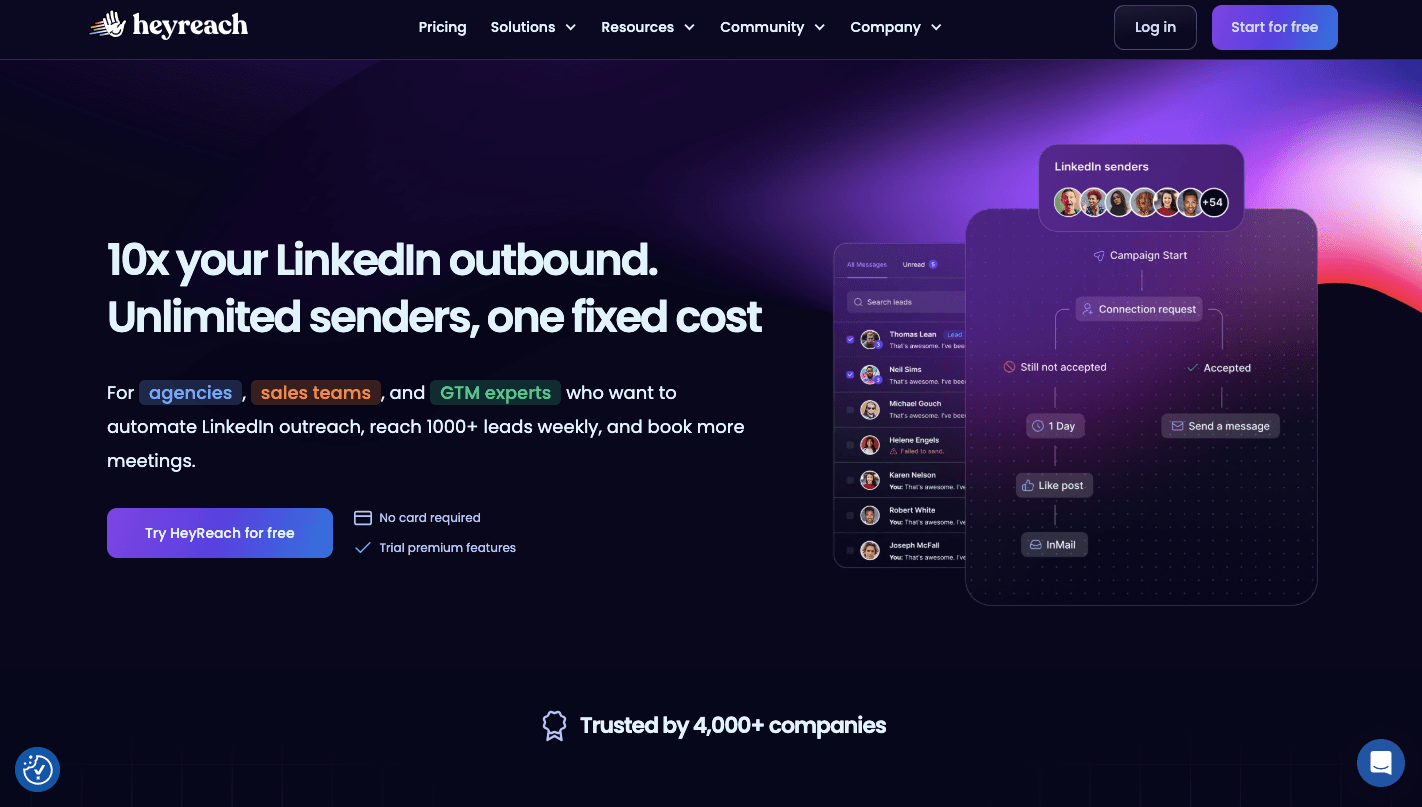
HeyReach runs entirely in the cloud and lets you manage many LinkedIn profiles from a single dashboard.
It uses a unique multi-sender account system. When you send 100 connection requests in a day, it distributes that activity between several LinkedIn profiles, so each sender account stays within safe limits.
You can build visual sequences that include profile views, post likes, connection requests, and follow-up messages. That lets you warm up prospects before initiating contact directly.
Conversations from all connected accounts appear in one view, which makes managing replies simple, even when you manage outreach through multiple channels.
Key Features
- Multi-sender account rotation - Uses a unique multi-sender account structure to distribute connection requests and messages on several LinkedIn profiles.
- Cloud-based infrastructure - Operates in the cloud with stable IP addresses, so activity continues even when your device is offline.
- Unified inbox view - Gets conversations from every connected LinkedIn profile into one dashboard so sales reps can reply without switching logins.
- If-then workflows - Build sequences that react to actions such as accepted invites or no response, which keep outreach structured.
- Clay integration - Connect with enrichment tools to personalize messages before sending, which supports stronger outbound automation.
- Agency reporting - Track acceptance rates, reply rates, and booked meetings for each account or client.
Pricing
HeyReach offers three paid plans. The Growth plan costs $79 per month per sender and suits smaller teams that manage a limited number of LinkedIn accounts.
For agencies that do client outreach, the Agency plan costs $999 per month and offers up to 50 senders. Larger businesses can choose the Unlimited plan at $1,999 per month with unlimited senders.
6. Lindy: Best for AI-Assisted Outbound Workflows
Lindy acts like an AI employee that can create outreach workflows and manage conversations.
You can build custom AI agents that connect to your email, CRM, LinkedIn, and spreadsheets. Once connected, Lindy researches each prospect before initiating contact. It reads recent posts, checks company updates, and drafts a message based on what it finds.
It does more than send messages. For instance, it can make phone calls, schedule meetings, and update records in your CRM after each interaction.
In draft mode, it prepares the message and waits for approval. Meanwhile, in autopilot, it runs cold outreach on its own and adapts replies based on context.
Key Features
- Autonomous prospect research - Lindy reviews LinkedIn activity, company news, and public content before sending a message, so every email reflects real context.
- Knowledge base replies - Upload case studies and FAQs, and Lindy uses that data to answer questions accurately without manual input.
- Natural language builder - Describe what you want in English, and Lindy builds the workflow for you. You don’t need to configure complex logic.
- Objection handling - If a prospect says they don’t have a budget until Q4, Lindy can respond, set a reminder, and continue the sequence later.
- Mult-channel execution - Beyond email, Lindy can make phone calls and coordinate steps with different systems.
Pricing
Lindy offers the Pro plan at $19.99 for the first month, then moves to $49.99 per month. It includes 24/7 AI assistant access, inbox management, reply drafting, meeting scheduling, and note-taking.
For larger organizations, Lindy provides the Enterprise plan with custom pricing. You get expanded usage limits, team controls, SSO, audit logs, and dedicated support.
Outbound Sales Software Comparison Table
Here's a quick side-by-side view of the six outbound sales software tools covered in this guide, using the pricing and features detailed above.
| Platform | Best For | Starting Price | Key Strength |
|---|---|---|---|
| Activepieces | AI-powered automation and integrations | 10 free active flows, then $5/active flow/month | 640+ integrations and AI agent steps |
| Instantly | High-volume cold email | $47/month (Growth) | Automated inbox rotation and warm-up network |
| Saleshandy | Small teams needing simple automation | $36/month (Outreach Starter) | Built-in 700M+ contact database |
| Woodpecker | Traditional B2B outbound campaigns | $35/month (Starter) | Human-like sending through your own inbox |
| HeyReach | LinkedIn-focused outbound | $79/month per sender (Growth) | Multi-sender LinkedIn account rotation |
| Lindy | AI-assisted outbound workflows | $19.99 first month, then $49.99/month (Pro) | Autonomous prospect research |
Use this table as a starting point, then check the full breakdown below for the feature and pricing details behind each pick.
How to Improve Deliverability in Outbound Email Automation
If your cold email never reaches the inbox, nothing else in your outbound automation will save you. Each part below supports the others, and skipping one usually leads to blocked domains or low reply rates.
Domain Warm-Up
Domain warm-up builds trust with inbox providers before you scale cold email outreach.
Start with authentication. Set up:
- Sender Policy Framework (SPF) to define authorized servers
- DomainKeys Identified Mail (DKIM) to attach a digital signature
- Domain-Based Message Authentication Reporting and Conformance (DMARC) to control how providers handle failed checks
Without these, your email accounts lack credibility.
Never use your primary domain for outreach. If your site runs on “company.com,” purchase lookalike domains such as “getcompany.com” or “trycompany.com.” This shields your main communications from blacklisting.
Sending Limits
Google Workspace may allow 2,000 emails daily. However, to keep your cold email marketing efforts safe, you should stick to 30–50 per inbox. Microsoft 365 permits higher totals, though safe outreach rarely exceeds 100 per account.
Control hourly pacing as well. Limit output to about six to ten emails per hour per inbox so behavior appears natural.
When you need 500 daily sends, don’t overload one account. Instead, distribute the load across multiple inboxes, set up several outreach domains, and assign one or two email accounts to each.
Monitor performance closely. Try to keep hard bounces below 2% and maintain spam complaints under 0.1%.
Pause accounts that show sudden performance drops. If results decline, move affected inboxes back to warm-up mode for one to two weeks before scaling again.
Cleaning Lists
Clean data protects email automation performance. Invalid addresses create hard bounces, and high bounce rates damage sender reputation quickly.
To maintain good list hygiene, you should verify email addresses before importing leads, avoid purchased lists that include spam traps, and remove contacts who never engage.
Once someone hasn’t opened or replied within three to six months, send a final win-back sequence. A simple message like “Do you still want to hear from us?” often clarifies interest. Remove contacts who ignore that message.
Avoiding Spam Trigger Words
Overly promotional language pushes cold email into spam.
Avoid pressure tactics and exaggerated claims. Replace urgency with calm language such as “When you have a moment” or “Does this align with your priorities?”
Subject lines require discipline. Avoid all-caps messaging, excessive punctuation, and clickbait. Do not write “OPEN NOW FOR YOUR FREE GIFT!!!”
Other formatting considerations:
- Limit emojis and excessive symbols
- Reduce link volume in early outreach
- Avoid using the word “free” in subject lines
Thoughtful email writing and personalized outreach support stable inbox placement over time.
Launch AI-Powered Outbound Email Automation With Activepieces

You need control over how your data moves, how messages get created, and how your systems talk to each other. Activepieces gives you an automation builder that connects your entire tech stack without forcing you to depend on multiple tools stitched together with fragile logic.
The platform offers 640+ pre-built integrations and continues to grow through its open ecosystem. That means you can connect your CRM, enrichment tools, support desk, analytics platforms, and email systems.
You can create workflows that send emails based on actions such as website visits, CRM updates, or form submissions. AI agents can research prospects, draft responses, or qualify leads before anything gets sent.
The platform supports advanced workflows with branching logic, approval steps, and enterprise controls. It also uses an intuitive interface that requires no technical knowledge.
FAQs About Outbound Email Automation
What is the difference between email marketing software and cold email automation tools?
Email marketing software is for sending campaigns to people who already opted in, such as newsletters or product updates.
Cold email automation tools are designed for reaching new prospects who haven't interacted with you before. They focus more on inbox placement, sender reputation, and structured follow-ups.
Many email marketing platforms offer detailed analytics and polished templates, while cold outreach systems prioritize deliverability controls and scaling outreach safely.
What is the best cold email deliverability tool?
The best cold email deliverability tool depends on your setup. Some tools focus only on warm-up and inbox rotation, while others combine those features with campaign management.
When deliverability is your main concern, choose a platform that actively monitors domain health and sending limits rather than just offering advanced features on the pricing page.
How many emails should you send per day?
For daily volume, most teams send 30–50 cold emails per inbox per day. Higher volume requires multiple inboxes and a proper warm-up.
Can AI improve outbound email automation?
Yes, AI can improve outbound email automation. It can personalize messages, adjust follow-ups based on replies, and optimize send times for better response rates.
Can outbound email automation send emails outside business hours based on workflows?
Yes. A workflow automation tool like Activepieces can trigger a send from an event such as a new CRM record or form submission, so a message can go out whenever the workflow fires — it isn't limited to a fixed sending calendar. This is different from cold email tools such as Woodpecker, which restrict sending to windows that match the prospect's time zone rather than letting you build a fully custom, event-driven schedule.
Which outbound automation tools support inbox rotation and multiple domains?
Instantly and Saleshandy both build inbox rotation into their core outreach features, spreading volume across several accounts so no single inbox gets flagged. Instantly rotates sending across unlimited connected inboxes within one campaign, while Saleshandy pairs sender rotation with its TrulyInbox warm-up tool to protect domain health as you scale.