
Top 5 Quickbase Alternatives Worth Considering in 2026
Top 5 Quickbase Alternatives Worth Considering in 2026: 1. Activepieces 2. Zoho Creator 3. Microsoft Power Apps 4. Airtable 5. Smartsheet.

Feb 17, 202610 min read
Still using Quickbase but not fully satisfied? Maybe it’s getting pricey, or maybe it just doesn’t fit the way your team works anymore.
Whatever the reason, 2026 has brought a bunch of alternatives that can make your life a whole lot easier.
Some focus on low-code app building. Others lean into automation, deeper customization, or cost-effective pricing that doesn’t punish you per user
In this article, we’ll go over the top five Quickbase alternatives and what makes each one worth a closer look.
TL;DR
These are the five best Quickbase alternatives:
- Activepieces - Best overall Quickbase alternative for AI automation and integrations
- Zoho Creator - Best for custom apps
- Microsoft Power Apps - Best for enterprise and Microsoft users
- Airtable - Best for flexible databases
- Smartsheet - Best for structured workflow management
The fastest way to settle a shortlist is to try one. Activepieces is free to try, no credit card.
Why Are Businesses Looking for Better Alternatives for Quickbase?
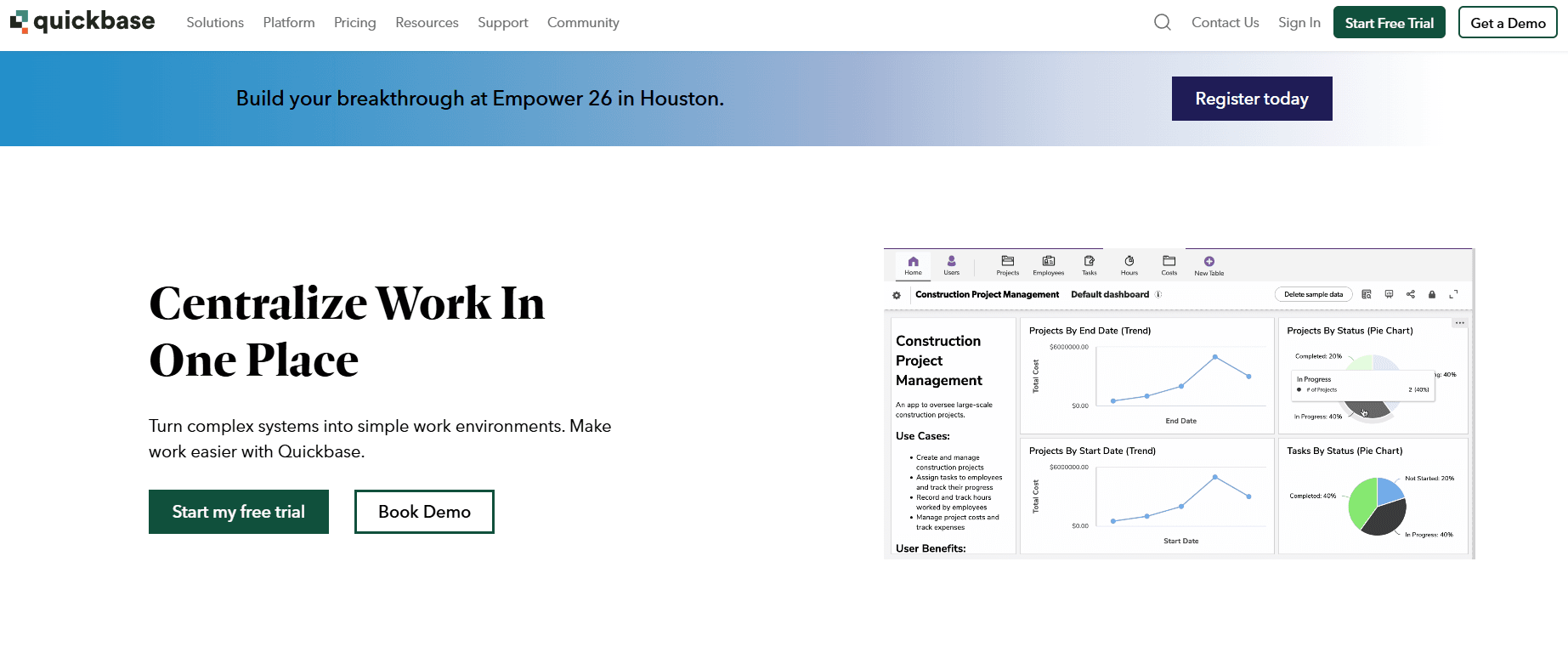
Quickbase is a low-code platform that lets businesses build apps to manage data, track tasks, and create reports.
Many teams use it for project management, internal workflows, and structured data management. It allows users to develop custom applications to manage workflows, control access, and automate processes within a single system.
Quickbase offers forms, permissions, and built-in tools that can support your daily operations.
Still, many businesses begin searching for a better alternative. Here are the main reasons:
- Complex logic may require custom code. Some users complain that non-technical staff need support from IT teams or a professional developer to handle changes.
- Real-time updates can lag when multiple users edit data at once.
- Sharing external data with customers or vendors requires extra work.
- Slow replies from the support team.
5 Best Quickbase Alternatives in 2026
These are the five leading Quickbase alternatives, each of which has unique features for your business needs:
1. Activepieces: Best Overall Quickbase Alternative for AI Automation and Integrations

Quickbase focuses on structured data. Activepieces is a feature-rich alternative that focuses on automation first.
You build flows in a visual drag-and-drop interface. Each flow starts with a trigger. That could be a new form submission, a new row in Google Sheets, or a message in Slack.
Then you add actions step by step. You can summarize an email with AI, check a customer relationship management (CRM) record, update a database, and notify a sales rep.
As of now, Activepieces offers 635 pre-built integrations called pieces. It connects different platforms, such as Google Workspace, Salesforce, AI services, and a lot more. If a connector doesn’t exist, you can use its “HTTP Piece” to call any external REST APIs directly.
You can self-host it for full control over sensitive data or use the managed cloud.
Key Features
- Flow builder - Create customizable workflows using a visual editor that links triggers and actions clearly.
- Native AI pieces - Drop AI steps directly into flows to categorize tickets, generate replies, or make routing decisions.
- Human-in-the-loop feature - Add approval steps or manual review before the flow continues.
- Data integrations - Connect tools on marketing, CRM, finance, and collaboration.
- Enterprise controls - Advanced plans include audit logs, single sign-on (SSO), role permissions, and governance tools.
- Open-source core - Developers can extend the platform or write new pieces in TypeScript.
- Security options - Self-host or use cloud deployment based on your needs.
Add approvals where risk exists, automate everything else. Explore Activepieces today!
2. Zoho Creator: Best for Custom Apps
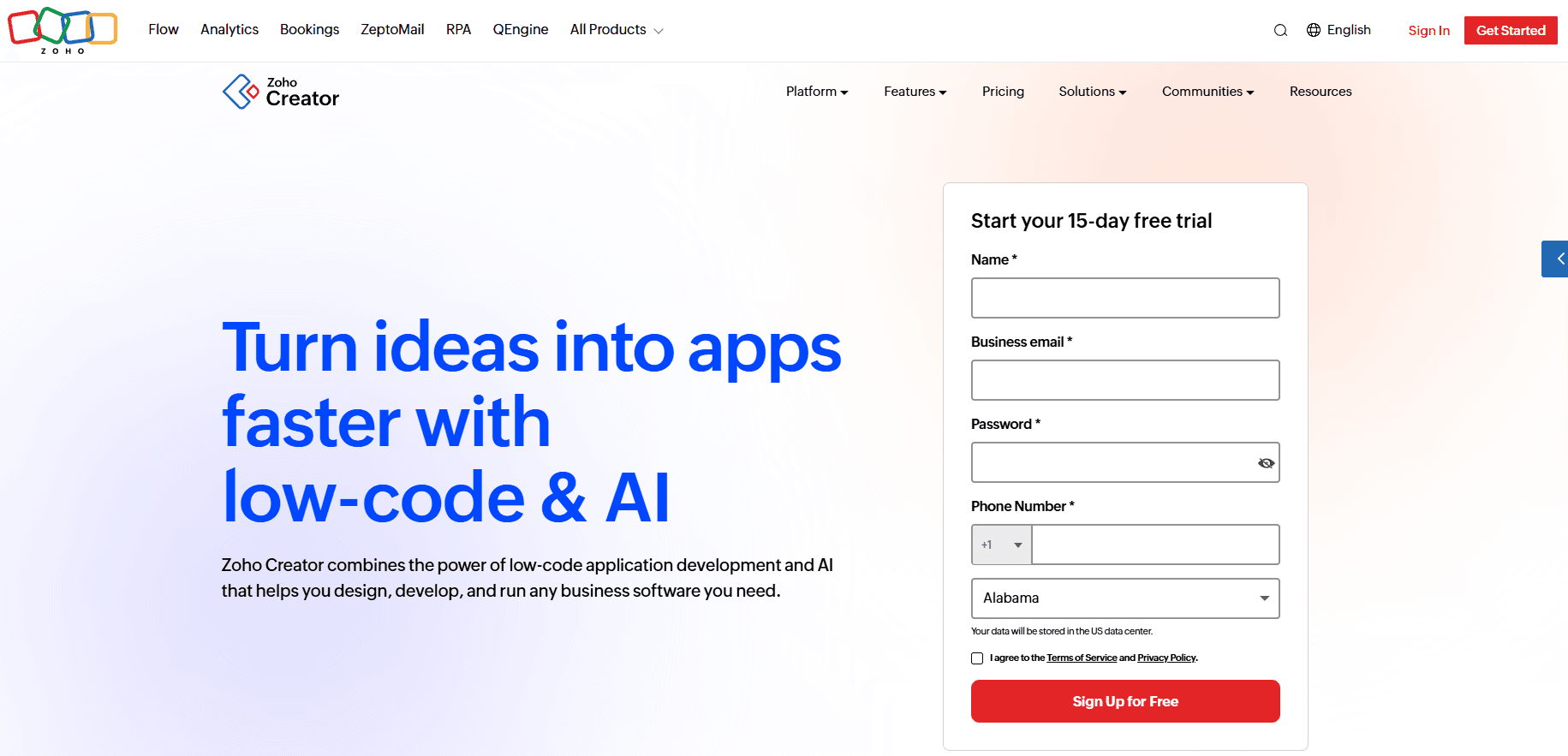
Zoho Creator is a low-code platform that lets you build apps for sales tracking, HR workflows, inventory systems, or internal project management.
You build the skeleton of your app using forms, reports, and dashboards in a visual editor. When logic gets more advanced, you move into Deluge, Zoho’s scripting language.
Every app you build is instantly mobile-ready. Unlike Quickbase’s mobile experience, Zoho Creator allows you to build native iOS and Android apps with unique handheld features, including gesture customization and offline data capture.
It also connects with SQL databases, Google Workspace, and other external services.
Key Features
- Visual app builder - You build the structure of your app through a drag-and-drop interface.
- Deluge scripting - For complex logic, Zoho Creator uses Deluge. It allows “write once, execute anywhere” serverless functions, meaning you can run complex calculations or integrations without managing backend servers.
- Mobile app generation - Every app becomes a native mobile app. You can customize gestures, enable offline data capture, and publish to app stores.
- AI fields - Includes out-of-the-box fields for sentiment analysis, object detection, and optical character recognition (OCR) that you can use in your workflows.
- External portals - You can create secure logins for customers or vendors.
- Integration support - Connect with SQL databases, REST APIs, and other external services.
Things to Consider as a Quickbase Alternative
To build the custom apps, you must learn Deluge. You can’t rely solely on drag-and-drop for advanced logic.
Large data sets may load more slowly than platforms built for heavy in-memory processing. Deep integrations outside the Zoho ecosystem sometimes require manual API setup.
3. Microsoft Power Apps: Best for Enterprise and Microsoft Users
Microsoft Power Apps is especially practical for companies already using other Microsoft 365 tools.
Apps start in different ways depending on your goal. With canvas apps, you begin with a blank screen and drag-and-drop elements, such as buttons and galleries, exactly where you want them.
Model-driven apps generate structure automatically from Dataverse. Power Pages lets you build external-facing websites that allow customers or partners to interact securely with internal data.
You can literally describe the app you want in simple language, and AI will create the first version for you. It uses a standardized schema, so if you build an app for invoices, that data connects smoothly with Dynamics 365 or Power BI.
Key Features
- Canvas app builder - Start from a blank screen and place elements exactly where you want them using a visual editor.
- Model-driven apps - Generate apps directly from structured data in Dataverse.
- Power Pages - Build secure external websites for customers and partners.
- Copilot AI - Type a request like “Build me an app to track company laptops and notify IT when one is overdue,” and the system creates tables, forms, and logic.
- Power Automate integration - Automate processes and handle repetitive tasks with built-in tools that connect to Microsoft and third-party systems.
- Security controls - Protect sensitive data through Azure Active Directory and an “enterprise-hardened” admin panel.
- Custom branding capabilities - Support custom branding (white-labeling) capabilities for companies that want a consistent design.
Things to Consider as a Quickbase Alternative
Premium connections and additional features quickly increase per-user pricing. Microsoft also has strict rules on how users access data. If you try to funnel activity through one service account for hundreds of users, you could face compliance penalties.
Advanced logic requires learning Power Fx. To move beyond basic forms, you need to understand the language.
4. Airtable: Best for Flexible Databases
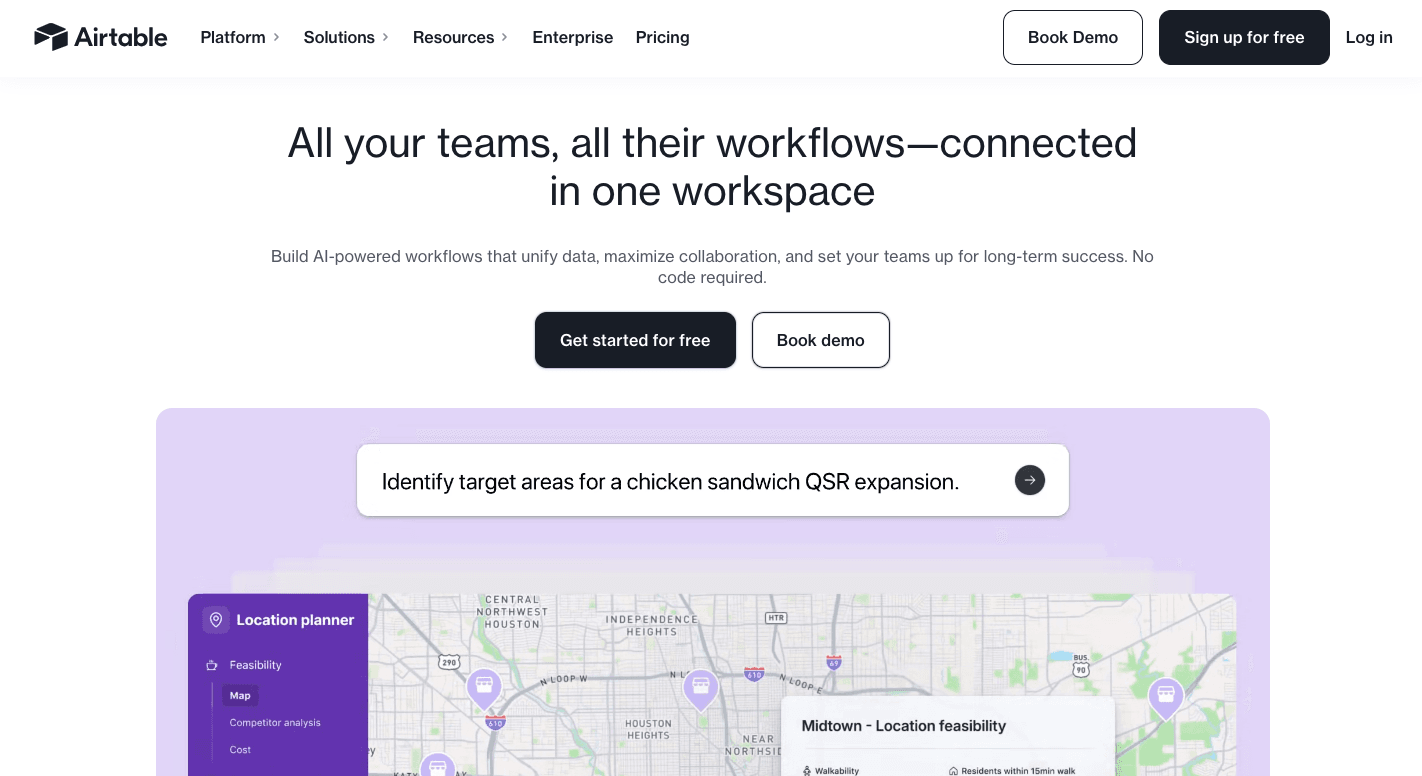
Airtable offers a main workspace called “Base.” On each base, you can create tables that hold related records. Those tables link together so your data stays connected.
When you can use Google Sheets or Excel, you can use Airtable. Quickbase often requires a specialized developer to build out complex forms, whereas Airtable is for citizen developers to become productive in minutes.
It can further connect to external databases when you need data from other systems.
Most teams often use it to build custom apps and dashboards for basic to detailed projects.
Key Features
- Simple automations - Airtable’s automations use a trigger and action setup. For example, “When a status changes to ‘Approved,’ send a Slack message and create a calendar event.”
- Interface designer - Create dashboards that show only the data each team member needs.
- Rich field types - Store attachments, formulas, barcodes, and linked records in one place.
- AI table builder - Describe your workflow and let the system generate tables and relationships automatically.
- Collaboration tools - Tag your team members in records and leave comments directly in rows.
Things to Consider as a Quickbase Alternative
Once you’re tracking a high-volume retail inventory or years of historical logs, you may hit a wall, which is why many teams explore Airtable alternatives. Record caps are around 50,000 and 125,000 rows per base.
Linking multiple bases together creates syncing challenges that are harder to manage than a unified system, too.
Then doing things like “Find every invoice from last month and email them one by one” becomes difficult without third-party tools or custom JavaScript inside the Scripting Extension.
5. Smartsheet: Best for Structured Workflow Management
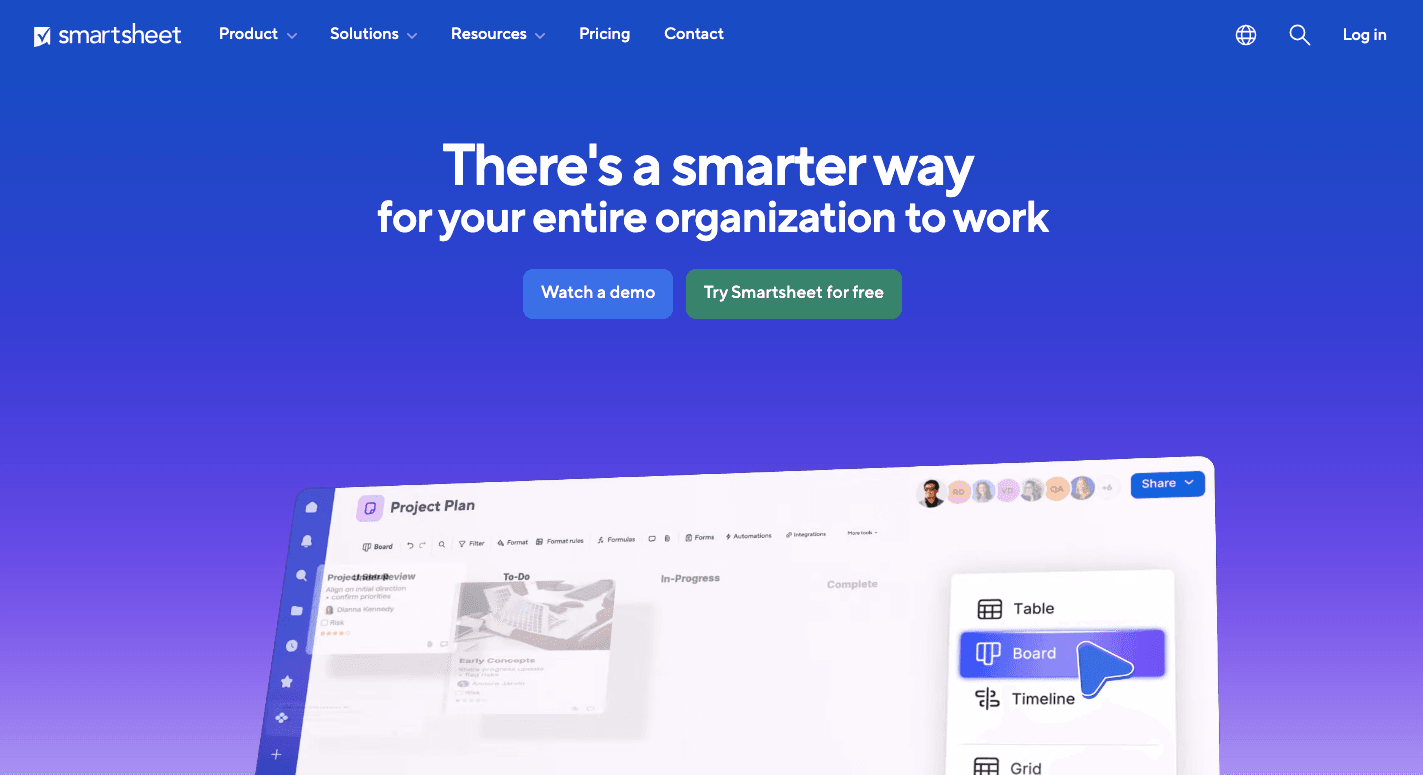
Smartsheet is a project management software platform that focuses on data.
Each sheet holds rows for tasks, budgets, deadlines, and files. Workspaces group related sheets so you can manage an entire initiative in one place.
You can link specific cells from 50 different “Project Sheets” into a “Master Executive Dashboard.” So when a project manager updates a budget or deadline, you can see that change instantly.
It also includes built-in Gantt chart features with timeline and path tracking. You even get a huge library of project templates, which helps you start faster.
Key Features
- Cell linking - Connect cells between sheets to keep reports and dashboards in sync.
- Automated update requests - You can set an automation that says, “If a task is two days overdue, email the owner a form to update the status.”
- Proofing tools - You can upload a PDF, image, or video directly to a row. Your team members can then drop pins on the file to leave specific comments.
- Control center - Once you decide to add a new “Safety Check” column to your process, you can push that change to 500 active projects simultaneously.
- Dynamic view - Share filtered views of sheets without exposing full financial details.
Things to Consider as a Quickbase Alternative
Archiving data or splitting it across sheets creates heavy administrative work that Quickbase avoids.
Quickbase allows you to hide a single field, like a “Profit Margin” box, from a specific user. Smartsheet’s security, on the other hand, is more all-or-nothing.
It also struggles with complex “if, and, or” multi-step logic. For example, doing a calculation in Table A, checking a status in Table B, and then updating a date in Table C often requires workarounds.
Break Free From Quickbase Limitations With Activepieces

Activepieces focuses on managing your workflows automatically.
It gives you a user-friendly interface that makes flow building simple. Developers can set up logic once, and then the rest of your team can manage automations without writing code.
You can self-host to protect sensitive data or use the managed cloud. It also allows easy integration with 635 pieces.
FAQs About Quickbase Alternatives
What is similar to Quickbase?
Tools like Activepieces, Zoho Creator, Microsoft Power Apps, Airtable, and Smartsheet are similar to Quickbase. They all let you build apps, manage data, and automate workflows, but each focuses on different business needs.
What is the Microsoft equivalent of Quickbase?
Microsoft Power Apps is the closest equivalent. It allows you to build internal apps, connect to Microsoft 365, and manage structured data using Dataverse.
What are the cons of Quickbase?
High per-user pricing, limited external portals, a dated interface, and complex setup for advanced logic are common drawbacks.
Is Asana better than Quickbase?
It depends on your goal. Asana focuses on task and project tracking. It also offers a free plan, which makes it attractive for small teams.
Quickbase, on the contrary, is better for structured data systems and custom app building.
Still comparing
The fastest way to settle it is to build something.
Open source under MIT, so you can self-host the same thing later.
Start free Talk to sales