
5 Best HIPAA-Compliant Marketing Automation Tools in 2026
5 Best HIPAA-Compliant Marketing Automation Software Tools in 2026: 1. Activepieces 2. ActiveCampaign 3. Keap 4. Act-On 5. Demandforce.

Jan 19, 202611 min read
Conducting healthcare marketing often concerns email campaigns, appointment reminders, and follow-ups with existing patients.
Things break down when those tasks pull from patient data stored in a customer relationship management (CRM) or electronic health record (EHR) system. A CSV export sent to the wrong email address, or a form linked to the wrong marketing tool, can expose protected health information (PHI).
HIPAA-compliant marketing automation exists to stop those mistakes. It helps healthcare organizations send marketing messages, manage patient communication, and track results, as you keep patient privacy and compliance intact.
In this article, you’ll see the five leading HIPAA-compliant workflow automation software for marketing and healthcare needs.
TL;DR
Below are the top five HIPAA-compliant marketing automation platforms:
- Activepieces
- ActiveCampaign
- Keap
- Act-On
- Demandforce
Everything below works on Activepieces' free plan. Start without code or a credit card.
What Is HIPAA-Compliant Marketing Automation?
HIPAA-compliant marketing automation keeps your patient data protected throughout its lifecycle in your system.
Once email campaigns or appointment reminders receive details from a CRM or EHR, they fall under HIPAA regulations. At that point, every automated step has to respect patient privacy and protect PHI.
That requirement starts with who manages the data. Any vendor involved should sign a business associate agreement (BAA) that defines how data gets stored, accessed, and secured.
Even with that agreement, compliance still depends on the setup choices your team makes. Deciding which data fields enter marketing workflows, how long records stay stored, and when messages trigger all affect risk.
Features such as data encryption protect patient information during storage and transmission. Audit trails, on the other hand, record every interaction, which helps reviews and supports operational efficiency.
5 Best HIPAA-Compliant Marketing Automation Platforms
Check out the five best HIPAA-compliant marketing solutions:
1. Activepieces

Activepieces is workflow automation software that connects different platforms, such as communication tools and marketing systems, to automate tasks. It doesn’t store patient data itself.
The platform is open source, and you can install it on your own servers, which allows you to control the environment and run it on a HIPAA-compliant platform.
By doing this, you maintain control over patient data and maintain compliance.
Such a setup is especially useful for healthcare providers who need a customizable solution without relying on third-party tools that may expose sensitive data, making it a solid HIPAA-compliant Zapier alternative.
Key Features
Activepieces gives you:
Visual Flow Builder
You can build automation workflows visually. Using a drag-and-drop builder, set up actions that happen based on specific triggers, like sending a reminder when an appointment is missed.
The workflow design is easy to follow, so you can set up patient follow-ups even with no coding knowledge.
Self-Hosting Option
Activepieces gives you the option to self-host, meaning you can run the platform on your own HIPAA-compliant servers. With this setup, patient information stays in your environment, and you ensure it’s never exposed to third parties.
Audit Trails
Activepieces keeps a detailed log of every action taken within the system. That feature is essential for compliance and helps make sure that any access to sensitive data is tracked.
You can always check who viewed, edited, or exported data, which supports transparency and regulatory compliance.
Human Approvals
For some workflows, you may want a human to review and approve actions before they proceed. Activepieces lets you set up “pause” points in your flows, where someone can review the task and approve or deny it.
Access Control
Access control limits who can build, edit, or run workflows. Admins decide which users can touch sensitive steps and which users can only view results. This reduces mistakes and blocks access by unauthorized individuals.
AI Support
Activepieces integrates AI tools to help automate and personalize marketing workflows. For example, you can use AI to segment patients based on behavior or preferences.
However, you have control over how AI is used, so patient data is never exposed to unsecured systems.
Pricing
Activepieces offers the Standard Plan that comes with 10 free active flows, then charges $5 per active flow per month afterwards.
For more advanced features, there’s the Ultimate Plan, which includes additional features like custom role-based access control, single sign-on (SSO), and audit logs.
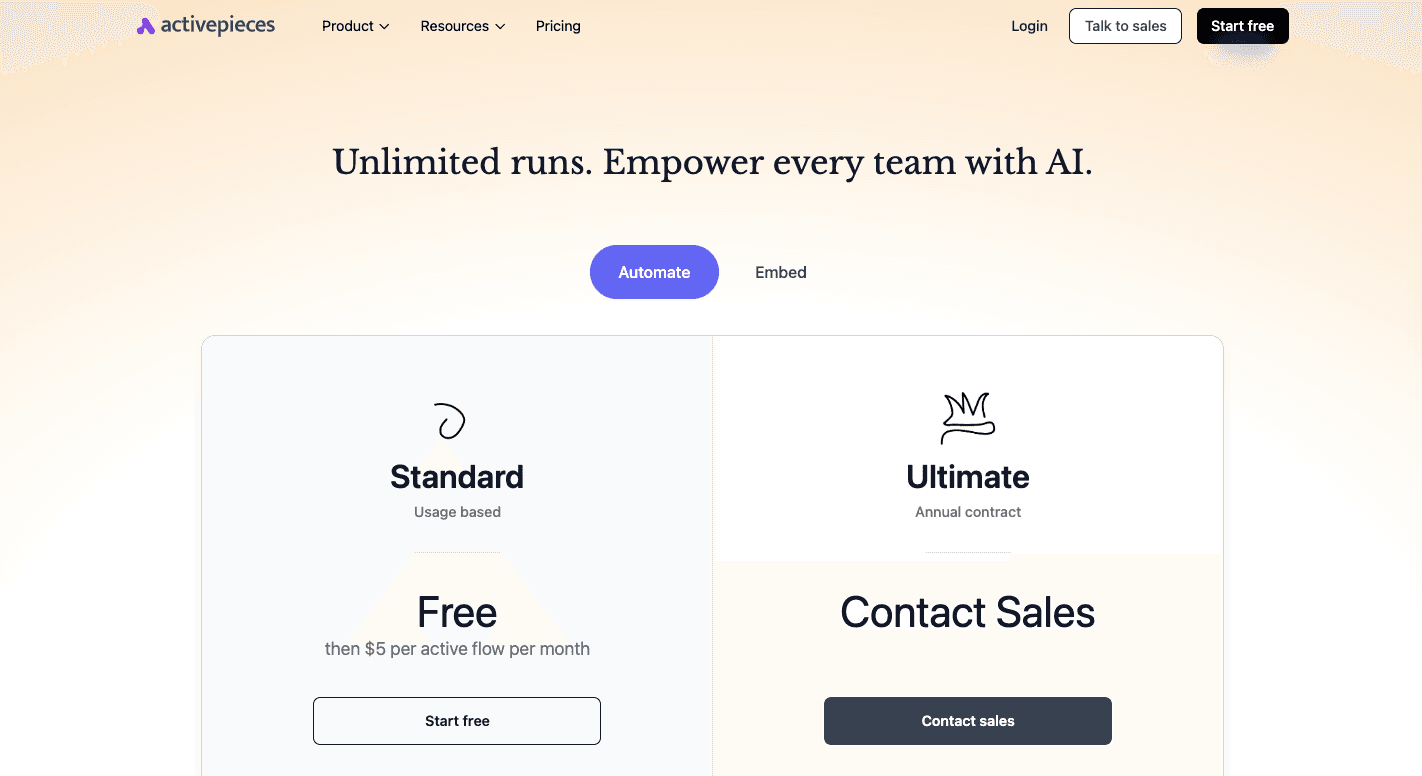
There’s also an open-source edition, which is completely free, but you’ll need to host it yourself.
And when you need more advanced options and enterprise-level deployment, the Activepieces Embed Plan starts at $30,000 per year.
Move from free flows to enterprise controls when your team needs them. Talk to Activepieces sales!
2. ActiveCampaign
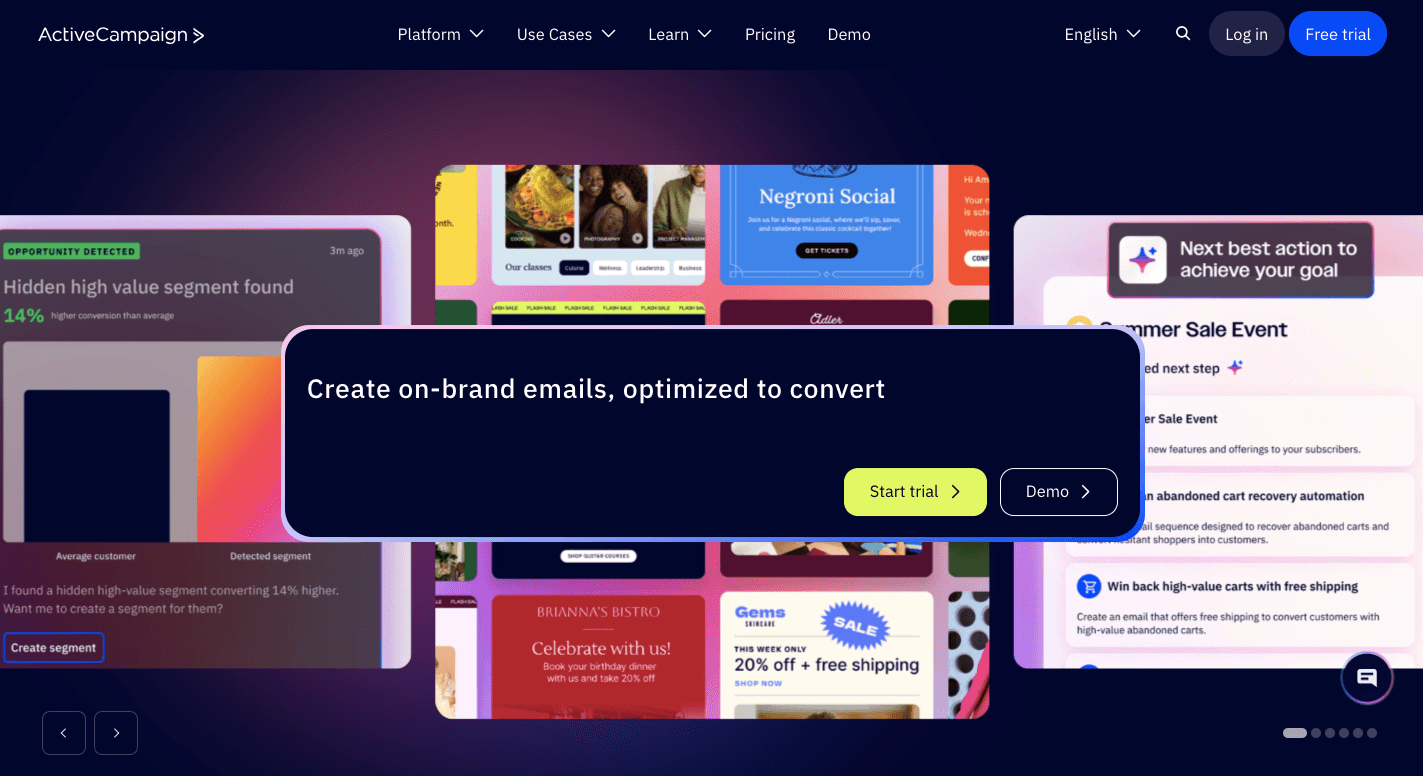
ActiveCampaign is a HIPAA-compliant automation platform that bundles email campaigns, SMS, and a CRM into one system. You can use it to send follow-ups after someone books an appointment.
Healthcare use applies only to the Enterprise plan. At that level, ActiveCampaign will sign a standard business associate agreement, which means the company agrees to protect your patient data according to federal law.
It also lets you send marketing messages and extract valuable insights to improve your campaign performance without compromising patient privacy.
Key Features
- CRM database – Stores patient information, tags, and history to keep messages relevant.
- Consent tracking – Records which patients agreed to receive marketing messages and blocks sends when consent is missing.
- Audit logs – Show who accessed records and what they changed, which helps during compliance reviews.
- Access controls – Limit visibility so only approved staff handle sensitive data.
- Segmentation tools – Groups patients by interest or history to avoid broad blasts.
- Reporting tools – Tracks opens, clicks, and responses so you can adjust future campaigns.
- Content delivery – You can use it to share valuable updates and educational content that keep patients engaged over time.
Pricing
ActiveCampaign requires the Enterprise plan for healthcare use, which starts at $284 per month for email and WhatsApp and includes advanced automation, premium segmentation, SSO, and eight users.
The Pro plan starts at $142 per month with fewer controls and five users. For $112 per month, the Plus plan includes basic automation and limited users.
3. Keap
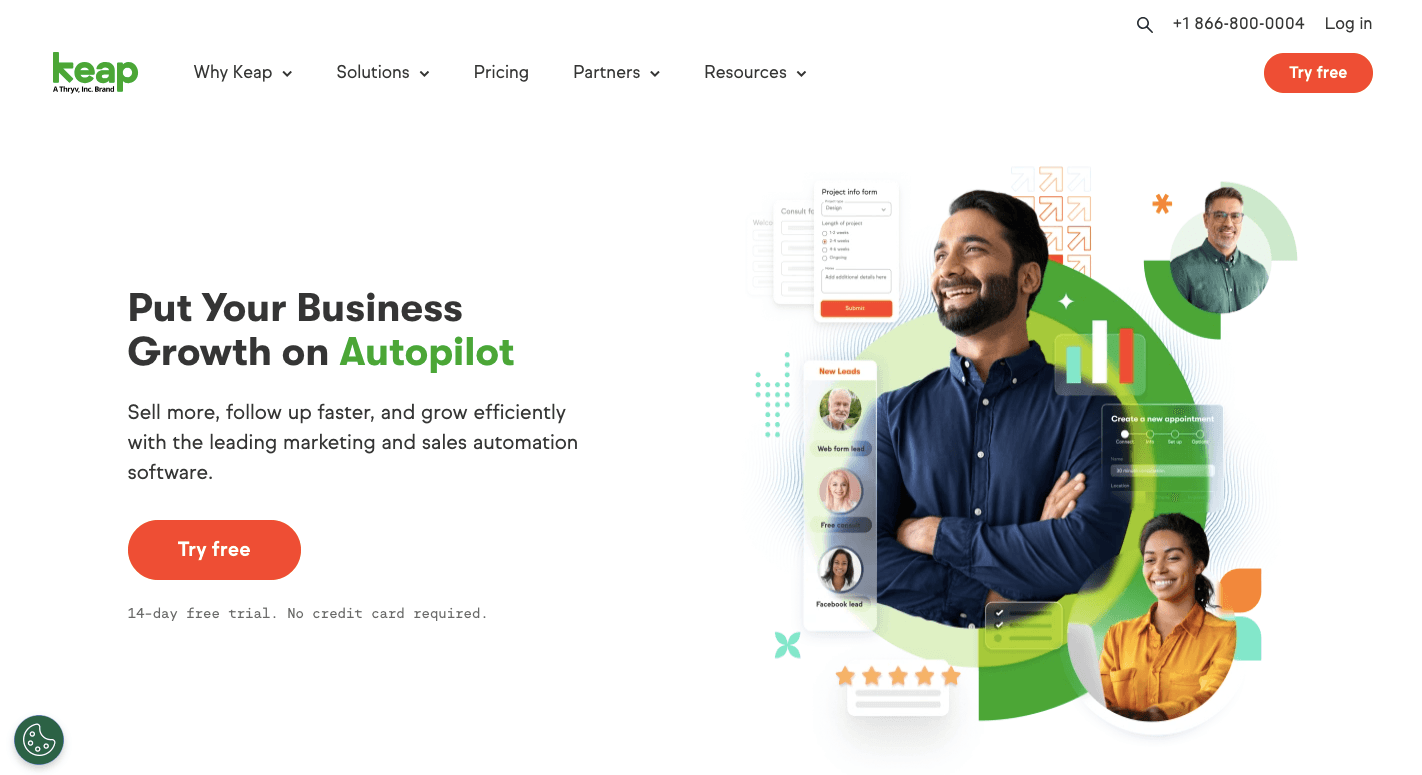
Keap is a HIPAA-compliant tool for small clinics and growing practices that want a system for contacts, messages, and follow-ups.
Many marketing teams use it to replace manual processes, such as sending welcome emails, tagging contacts by hand, or tracking consent in spreadsheets.
Compliance depends on the setup. Keap will sign a BAA once you activate the required security settings. From there, data processing is compliant only if your team uses the built-in controls correctly.
Besides that, it supports regulatory compliance by limiting access to patient records and logging every change.
Key Features
- HIPAA security controls – A dedicated setting locks the account into a healthcare mode with added protections.
- Strict access control – Limits who can view, edit, or export patient records based on job role.
- CRM contact records – Stores patient details, appointments, and notes in one record.
- Campaign builder – Creates automated email and text sequences based on tags and actions.
- Tag-based segmentation – Groups contacts by interest, visit type, or service.
- Form builder – Lets you use a HIPAA-compliant form (like a Keap form with a mandatory authorization checkbox) to collect consent.
- Backup and recovery – Protects records during outages or system issues.
Pricing
Keap pricing starts at $299 per month, including two users and 1,500 contacts. The price increases as you add more users and contacts.
4. Act-On
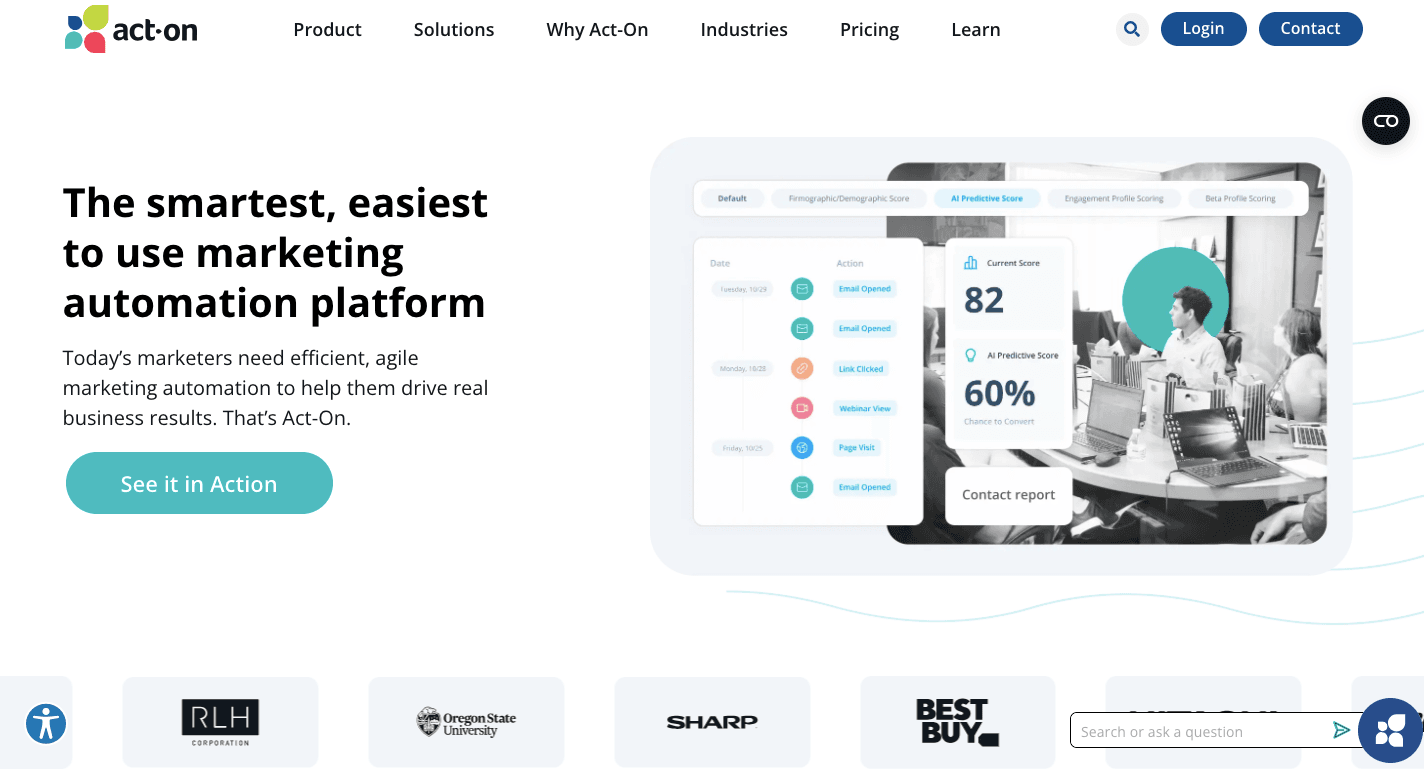
Act-On is a marketing tool for healthcare organizations, especially those handling more patient data.
It connects to your systems, including your EHR or CRM, and helps send messages based on what’s happening with a patient. For example, if a patient hasn’t had a check-up, Act-On can automatically send them a reminder.
For HIPAA compliance, Act-On makes sure your patient data is protected by signing a BAA. It also has other important features like encryption, strict access control, and audit logs to ensure data is only seen by the right people.
Key Features
- Data encryption – Keeps patient data secure when it’s stored or sent.
- Role-based access control (RBAC) – Limits who can see sensitive patient data.
- Audit trails – Tracks who accessed patient data and what was done with it.
- Multi-factor authentication (MFA) – Adds an extra security step to keep unauthorized people out.
- Secure forms – Collects patient data safely with HIPAA-compliant forms.
- Segmentation – Lets you send targeted messages to specific patient groups based on their needs.
Pricing
Act-On starts at $900 per month for the Professional plan, which includes all the core features like unlimited marketing automation and multi-channel messaging. It also gives you integrations with other marketing tools and standard email support.
The price rises as you add more monthly contacts.
5. Demandforce
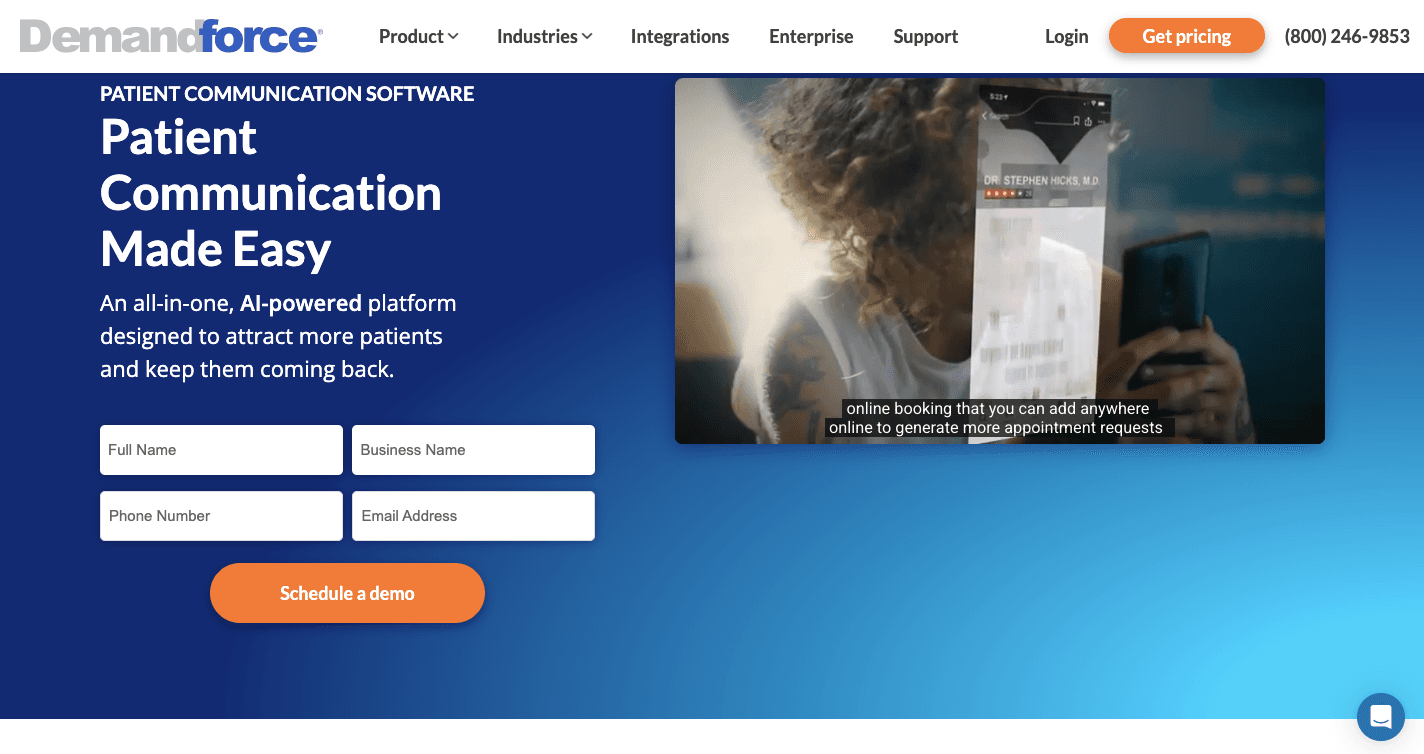
Demandforce is specifically designed for local healthcare providers like dentists, optometrists, and independent medical practices, so it connects directly to the software those offices already use.
Once it syncs with a practice management system, it can send reminders, follow-ups, and review requests based on appointment data. That direct connection helps clinics stay in touch with patients and build better patient relationships.
Aside from that, it follows HIPAA standards by default and includes the required legal agreements as part of the service. Messages move through secure channels, and sensitive details stay behind login-protected pages.
These choices help protect the patient experience while keeping staff from handling data they don’t need.
Key Features
- Practice management sync – Pulls schedules and patient lists directly from office software so data stays current.
- Automated reminders – Send visit reminders and recalls based on appointment history.
- Access control – Uses granular role-based access control so staff only see what fits their job.
- Secure messaging – Uses protected links for sensitive information.
- Data protection – Stores and sends data through encrypted systems.
Pricing
Demandforce doesn’t disclose its pricing publicly.
Common Healthcare Marketing Use Cases That Require HIPAA Compliance
These use cases show where HIPAA compliance becomes required and how automation fits into healthcare work:
Patient Outreach and Follow-Up Workflows
Patient outreach often starts with reminders and follow-ups tied to visits. In most setups, your CRM or marketing tool syncs with your schedule and sends messages before and after appointments.
However, problems appear when you mix care messages and promotions.
Appointment reminders and post-visit check-ins are often under care-related communication. Promotions or service announcements don’t.
To automate your marketing efforts safely, systems need to track consent and log every message. That setup supports patient engagement without risking compliance or patient trust.
Lead Capture and Intake Forms
Risk increases when someone submits a website form requesting healthcare services. At that moment, potential patients share details that count as “patient information.”
Forms should securely collect patient information and send it directly into approved systems, not inboxes or shared spreadsheets.
A clear authorization checkbox separates intake from marketing. Without it, follow-up messages can cross legal boundaries fast.
Email and SMS Campaigns Involving PHI
Email and SMS carry a higher risk because messages leave your systems.
An email marketing platform should track consent, encrypt delivery, and log activity. And patients should clearly agree to receive marketing messages, and records must show proof.
During audits, you may need to show that “Patient X” gave permission on “Date Y” to send “Marketing Campaign Z.”
SMS should be used mainly for short-code alerts like appointment reminders. Longer messages increase exposure and risk.
Deploy Marketing Automation in a HIPAA-Compliant Environment With Activepieces

Marketing automation in the healthcare industry becomes risky when data moves between forms, CRMs, and SMS systems. Activepieces solves this by acting as the connection layer rather than another place where data lives.
When you run it on your own HIPAA-compliant infrastructure, you control security, access, and storage. Patient data stays inside your systems, and Activepieces only passes signals like “form submitted” or “consent approved.” That setup makes automated workflows safer and easier to manage.
You can use it to handle lead generation, follow-ups, and reminders without manual steps. A flow can check consent, send messages, or pause for review before anything goes out.
Lastly, you can currently connect with 596+ pre-built pieces, add approval steps, and adapt flows as needs change without rebuilding your entire setup.
FAQs About HIPAA-Compliant Marketing Automation
What is HIPAA-compliant marketing?
HIPAA-compliant marketing means communicating with patients in a way that protects their data and follows federal rules. It covers emails, texts, forms, and follow-ups that involve healthcare communications and patient interactions.
Any message tied to patient care must respect consent, limit access, and keep sensitive details out of the wrong hands.
What are the benefits of using HIPAA-compliant automation?
Automation removes manual steps that cause mistakes and delays. Healthcare marketers can send consistent messages, track results, and improve marketing performance without risking privacy issues.
What are examples of healthcare marketing automation?
Common examples include appointment reminders, post-visit follow-ups, and automated campaigns for education. A welcome series automation for new patients can introduce healthcare services while keeping data protected.
These workflows help streamline marketing while staying safe.
What is the best HIPAA-compliant marketing automation software?
The best and right tool depends on your needs, but software like Activepieces is top-notch when paired with a HIPAA-compliant hosting setup.