
Top 5 HIPAA-Compliant Tools for 2026
Top 5 HIPAA Compliant Tools for 2026: 1. Activepieces 2. Workato 3. Keragon 4. Piwik PRO 5. Freshpaint. Learn what makes Activepieces stand out.

Jan 16, 202612 min read
Working with patient data comes with pressure. One wrong setting can expose protected health information (PHI) and trigger audits or the Health Insurance Portability and Accountability Act (HIPAA) violations. That risk grows as you include more software for your healthcare data every day.
HIPAA-compliant tools exist for those reasons, to help you reduce that risk and stay compliant.
In this article, you’ll learn how these platforms work, what features actually protect patient data, and which software can do HIPAA-compliant workflow automation.
Automate healthcare processes without creating new audit risks. Use Activepieces!
TL;DR
These are the top five HIPAA-compliant tools you can use to automate your healthcare workflows:
- Activepieces
- Workato
- Keragon
- Piwik PRO
- Freshpaint
Everything below works on Activepieces' free plan. Start without code or a credit card.
What HIPAA Compliance Means for Software Tools
The HIPAA defines how software should handle PHI during normal work.
It relies on three safeguard types working together:
- Technical safeguards – Include data encryption, access controls, and activity logs that record who viewed or modified patient data. These protections stay in place when tools run automation or support direct integrations with a customer data platform (CDP).
- Administrative safeguards – Focus on people and habits. You assign ownership, train staff, and reduce blind spots by performing regular risk assessment.
- Physical safeguards – Protect servers, devices, and workstations, whether systems run on-site or in the cloud.
Vendors should sign a business associate agreement (BAA) before software stores data or transmits PHI.
Some HIPAA-compliant software also provides patients with copies of their medical records upon request, so healthcare services can improve care without compromising privacy.
5 Best HIPAA-Compliant Tools in 2026
Below are the five best HIPAA-compliant platforms you can use to build patient trust, split into two categories.
HIPAA-Compliant Workflow and Automation Tools
Workflow and automation software focus on moving data safely between systems.
Think about copying data from an intake form into an electronic health record (EHR). Doing that by hand takes time and creates risk.
Automation tools handle the transfer for you and log every step. These platforms support ongoing compliance by limiting what data moves and who can see it.
Common uses include patient intake, referral routing, billing steps, and access updates when staff join or leave.
1. Activepieces

Activepieces is an AI automation platform that lets you connect apps using blocks called pieces and arrange them into flows using a visual builder.
People on the operations side can build and adjust workflows, while developers step in only when something needs custom logic.
You can self-host Activepieces on your own HIPAA-compliant platform, inside your own cloud or servers. That setup keeps patient data within systems that address regulatory compliance, strict HIPAA requirements, and the increasing automation needs of large enterprises.
Key Features
Here are the features that set Activepieces apart in healthcare settings.
Self-Hosting and Data Ownership
Self-hosting Activepieces means patient data never leaves your environment unless you decide it should. When you use HIPAA-compliant cloud providers, adding Activepieces feels like extending what you already trust.
Besides that, this setup gives you full control over databases, logs, and encryption keys. Security teams, for example, know exactly where data lives and who can access it.
Open-Source Pieces and Customization
Every data piece in Activepieces is open source.
You can view how data flows, review logic, and adjust behavior as needed. That transparency helps when compliance teams ask questions or when workflows need adjustments.
Developers can also build custom pieces for internal tools that don’t have pre-built data integrations. Those pieces operate the same way as built-in ones, so they fit naturally into flows.
Over time, you build automation that reflects your processes rather than forcing work into rigid tools.
Access Control and Activity Tracking
Activepieces includes role-based access, so you can decide who can build, edit, or run workflows. This prevents errors and keeps responsibilities straightforward.
Activity logs record every workflow run and change. When something looks off, you can trace it step by step.
These records support reviews and audits without extra tools.
Pricing
Activepieces uses usage-based pricing. The Standard plan starts free and offers ten active flows, then costs $5 per active flow per month with unlimited runs.
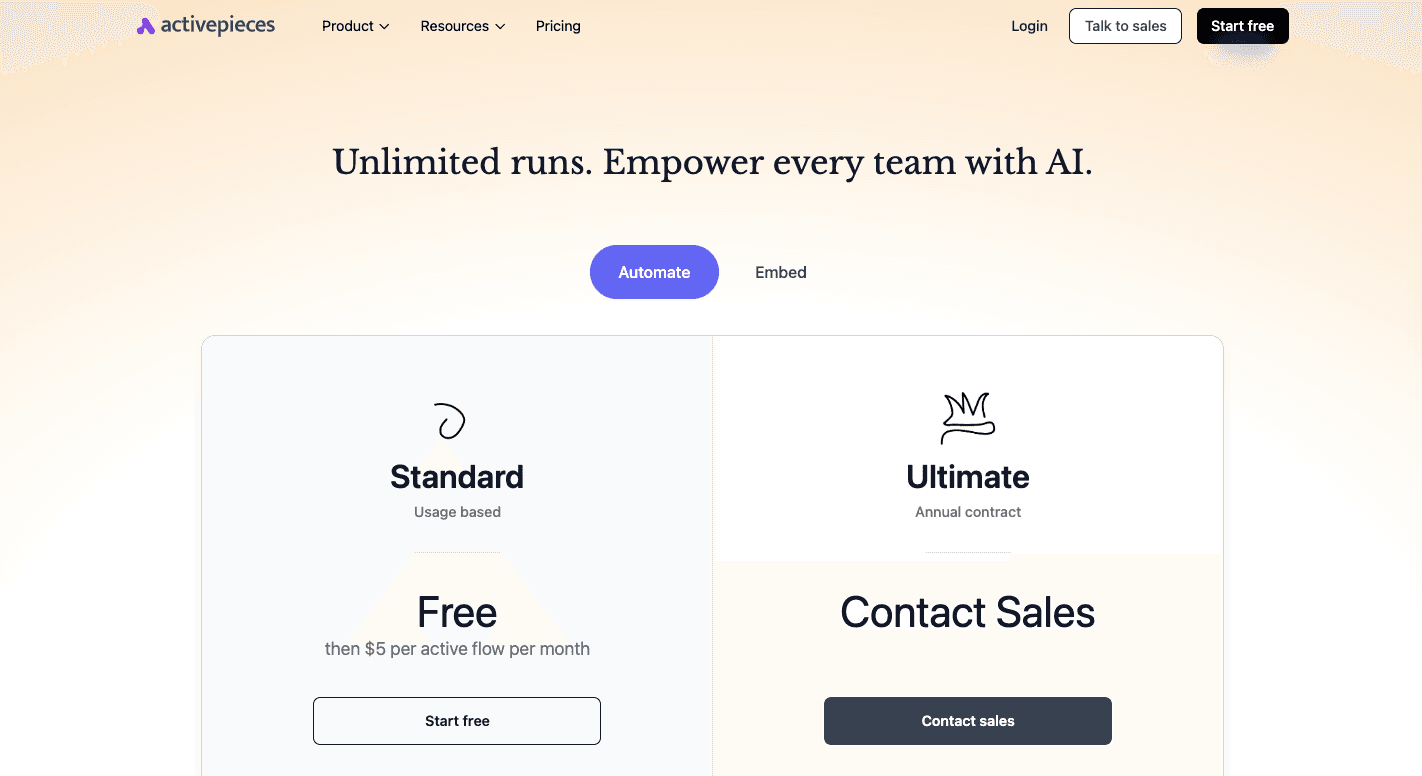
For the Enterprise plan, contact sales and get advanced access controls, audit logs, and cloud or on-prem deployment options.
Create a free account and move to enterprise controls when you’re ready. Talk to Activepieces sales!
2. Workato
Workato is an automation platform that helps healthcare organizations connect disparate systems.
You can use it to connect EHRs, customer relationship management (CRM) systems, and internal apps so information flows between systems without copy-and-paste work.
Automations follow a recipe model. A trigger starts the flow, then actions run in other tools based on rules you define.
It focuses on control and visibility, which helps you keep track of how data moves. You can configure recipes to mask sensitive patient data so names or identifiers never appear in logs.
Key Features
- Business associate agreement – Workato signs BAAs so healthcare organizations can legally automate workflows.
- Data masking – Recipes can hide sensitive patient data on logs and reports to limit exposure during reviews.
- Encryption at rest and in transit – Data stays protected when stored and while moving between systems.
- Access controls – Authorizations limit who can build, edit, or run recipes that touch patient data.
- Audit logs – Every change and run gets recorded for later review.
- Private cloud deployment – Larger teams can isolate workloads inside a dedicated environment.
- Monitoring and alerts – You receive alerts when workflows fail or behave unexpectedly.
- Documentation support – Built-in logs and records help maintain compliance and ensure clear documentation of privacy and security practices.
Pricing
Workato pricing isn’t publicly disclosed.
3. Keragon
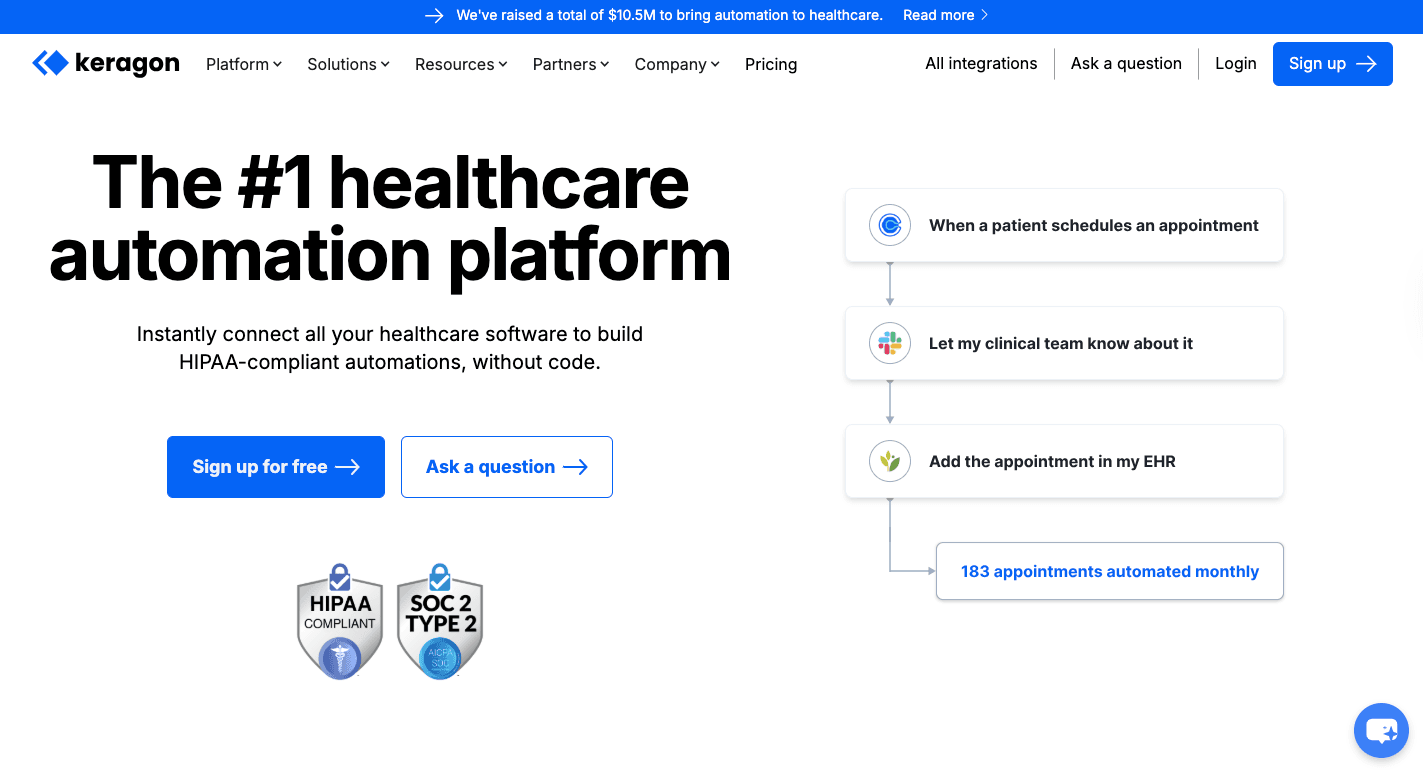
Keragon connects medical systems and business software. Everything occurs through a visual builder, so your healthcare team can set up workflows without writing code.
To begin, you select a trigger, such as a form submission, then define what happens next, like updating an EHR or sending a message.
The platform is well-suited for teams that want automation but don’t want to spend weeks setting it up.
Key Features
- Business associate agreement – Keragon signs a BAA on all paid plans so patient data can move legally.
- Healthcare-focused connectors – Built-in integrations support common EHRs and healthcare tools out of the box.
- Audit logs – Every workflow run and change gets recorded for later review.
- Access controls – Permissions limit who can build or edit workflows.
- Data masking – Logs hide patient details so only the needed information shows up.
- Retention policy – The platform maintains a seven-day data retention policy for its processing logs to minimize the time-sensitive data that exists outside your primary systems.
Pricing
Keragon offers the Starter plan at $149 per month, with 200 workflow runs and three published workflows. The Professional plan costs $399 per month and includes 2,000 runs.
For the Scale plan, it costs $1,499 per month with higher limits. The Enterprise plan is custom and requires contacting sales.
HIPAA-Compliant Analytics Tools
HIPAA-compliant analytics tools analyze user behavior on websites, patient portals, and health apps without exposing PHI.
Regular analytics software often grabs IP addresses, search terms, or device details by default. HIPAA-compliant options avoid that by sending events through a secure server and stripping out identifiers.
You still receive product analytics, trends, and predictive analytics data, but without names or personal details.
4. Piwik PRO
Piwik PRO is an analytics platform healthcare teams use to gaininsight into how patients interact with websites and portals. It tracks clicks, page views, and flows through patient portals, but it keeps patient data under the organization’s control.
You can collect analytics, manage tags, handle consent, and build basic user profiles without sending data to third parties.
Key Features
- Business associate agreement – Piwik PRO signs a BAA so analytics can legally include patient-related activity.
- Analytics module – Tracks actions like page views and clicks in websites and patient portals.
- Tag manager – Let you add or update tracking tags.
- Consent manager – Stops tracking until a patient gives permission, so you stay compliant.
- Customer profiles – Group activities into profiles when you need to follow up or send reminders.
- Access controls – Limit report access to only approved staff.
- Hosting options – Supports US HIPAA-compliant cloud hosting or private environments.
Pricing
Piwik PRO offers the Business plan starting at €35 ($40.65) per month.
The Enterprise plan starts at €366 ($425.06) per month and supports global hosting options, including US HIPAA-compliant Azure, and a customizable BAA for larger healthcare teams.
5. Freshpaint
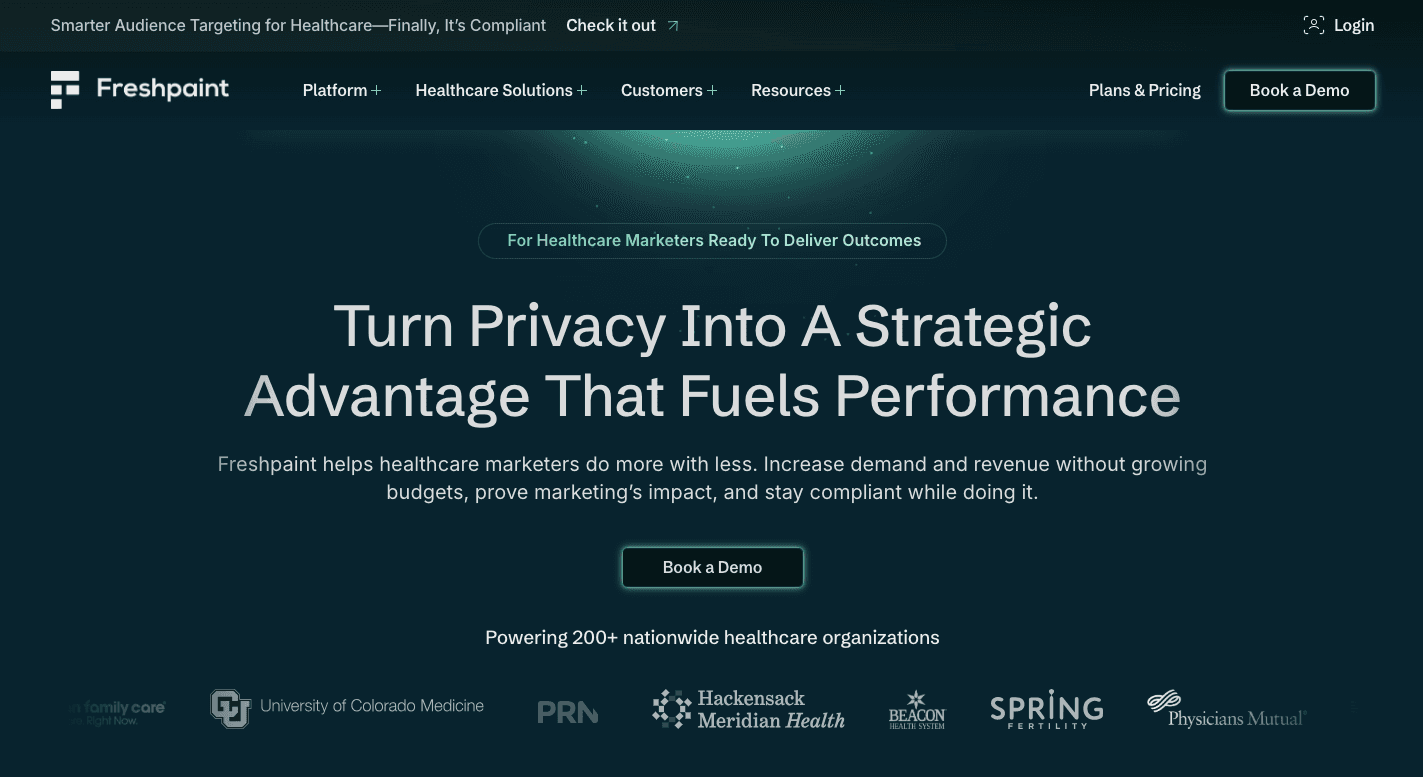
Freshpaint collects activity from pages, forms, and clicks, then cleans that data before anything reaches Google Analytics, ad platforms, or other marketing systems.
First, your website sends activity to Freshpaint first. It then decides what’s safe to pass along and what should never leave your environment.
You still see what content performs, where users drop off, and which campaigns drive traffic, but patient details stay protected the entire time.
Key Features
- Business associate agreement – Freshpaint signs a BAA so your healthcare teams can use the platform without legal gaps.
- Server-side tracking – Data flows through Freshpaint servers, which reduces leakage.
- Automatic PHI filtering – Identifiers like IP addresses or medical terms get removed before data moves anywhere else.
- Allowlists – You can choose which events or fields to share with each tool.
- Per tool rules – One set of rules can apply to analytics while another applies to ads.
- ID masking – User identifiers get converted into anonymous values that cannot be reversed.
- Web tracker scanning – The system finds unknown or forgotten trackers running on your site.
- Embedded replacements – Secure versions of maps and videos avoid leaking identifiers.
Pricing
Freshpaint doesn’t publish its pricing publicly.
Core Requirements Every HIPAA-Compliant Tool Must Support
These are the core requirements your HIPAA-compliant tool should have:
Business Associate Agreements
A business associate agreement is a legally binding contract between a covered entity (a healthcare provider or health plan) and a business associate (a software vendor). The agreement defines responsibility when patient data enters the system.
Many organizations ignore this part and regret it later. A product demo may appear secure, but if the vendor won’t sign BAAs, your software can’t handle patient data.
The agreement also explains how incidents get reported under the “Breach Notification Rule” and how systems align with the “HIPAA Security Rule.”
Agreements also cover subcontractors, data handling upon contract termination, and response timelines.
Data Encryption Standard and Secure Transmission
Patient data moves constantly during:
- Data processing
- Backups
- Exports
- System syncs
Each activity creates exposure if encryption isn’t configured correctly.
Stored data needs protection so databases, files, and logs stay unreadable to outsiders. Transmission protection keeps data safe while it moves between tools or services.
Together, these steps support data security and help protect PHI during everyday work.
Encryption won’t fix sloppy workflows, but without it, HIPAA compliance falls apart quickly.
Access Controls and Audit Logs
Access controls answer one basic question: Who gets to see what?
Your software should let you set user permissions so staff only reach the data needed for their tasks.
Audit logs track access to sensitive patient information, changes made, and timestamps for each action. Audit trails, on the other hand, help you explain behavior during audits and investigate issues.
These two lower the risk of HIPAA violations and give healthcare teams proof during reviews.
Tools without permission controls or usable logs leave you exposed. When something goes wrong, there’s no history to rely on, and that silence raises red flags fast.
Infrastructure and Hosting Environment
HIPAA-compliant software relies on secure hosting designed for patient data. Cloud providers protect physical hardware, but you still configure the environment.
Many data breaches occur because a user misconfigures a perfectly secure infrastructure. Other factors, such as public storage, weak access settings, or missing backups, can quickly cause problems.
Secure hosting includes:
- Restricted access
- Monitoring
- Recovery planning
Every server, storage location, and service that handles patient data should be documented, too. Unknown systems create audit gaps.
Keep Sensitive Healthcare Data and Workflows Secure With Activepieces

The healthcare industry uses Activepieces since it provides automation without handing patient data to another black box.
You can self-host Activepieces on your own HIPAA-compliant setup, either in the cloud or on your servers. That means patient data never leaves the systems you use. For regulatory compliance, that control makes a huge difference.
Even as your needs grow, it stays easy to use.
FAQs About HIPAA-Compliant Tools
Can workflow automation tools handle protected health information?
Yes, but only when they’re set up correctly. Automation tools can process PHI safely when they run in approved environments, use access limits, and log activity. Poor setup often leads to HIPAA violations.
What is HIPAA-compliant software?
HIPAA-compliant software follows rules for storing, accessing, and sharing patient data. It supports HIPAA compliance for healthcare research and patient engagement without exposing sensitive information.
What is the best HIPAA-compliant AI tool?
There isn’t a single best option. The best tools run in private environments and also allow your organization to turn healthcare data into actionable insights without training public models.
What are the risks of using non-compliant tools?
Non-compliant tools increase audit risk, fines, and data leaks in your company. They also cause reputational damage that’s hard to undo.