
Make.com vs ZeroWork.io: Which Is the More Powerful Tool?
Read our Make.com vs ZeroWork.io review and find out how the two platforms compare. Discover what makes Activepieces superior to both.

February 11, 202610 min read @ashrafsam
Your to-do list keeps growing, and half of it is repetitive tasks you know could be automated. You open two tabs, Make.com and ZeroWork.io, wondering which one will actually help.
Both promise to simplify your workflow, yet they feel different once you dig in. So which one actually makes life easier?
In this guide, you’ll learn how they compare and which platform fits your setup.
Still stuck deciding? Skip the comparison spiral and build your first flow with Activepieces today!
TL;DR
- Make works better for API-based app automation, while ZeroWork works for browser automation and scraping without APIs.
- Make connects SaaS software like Google Sheets and Slack using visual workflows and logic filters.
- ZeroWork controls a browser directly, which works well for LinkedIn automation and Google Maps scraping.
- Make charges by credits per operation. ZeroWork uses plan-based pricing with unlimited API calls inside runs.
- For AI-first automation with 629+ integrations and self-hosting control, Activepieces is a strong long-term choice.
The fastest way to settle a shortlist is to try one. Activepieces is free to try, no credit card.
What Is Make?
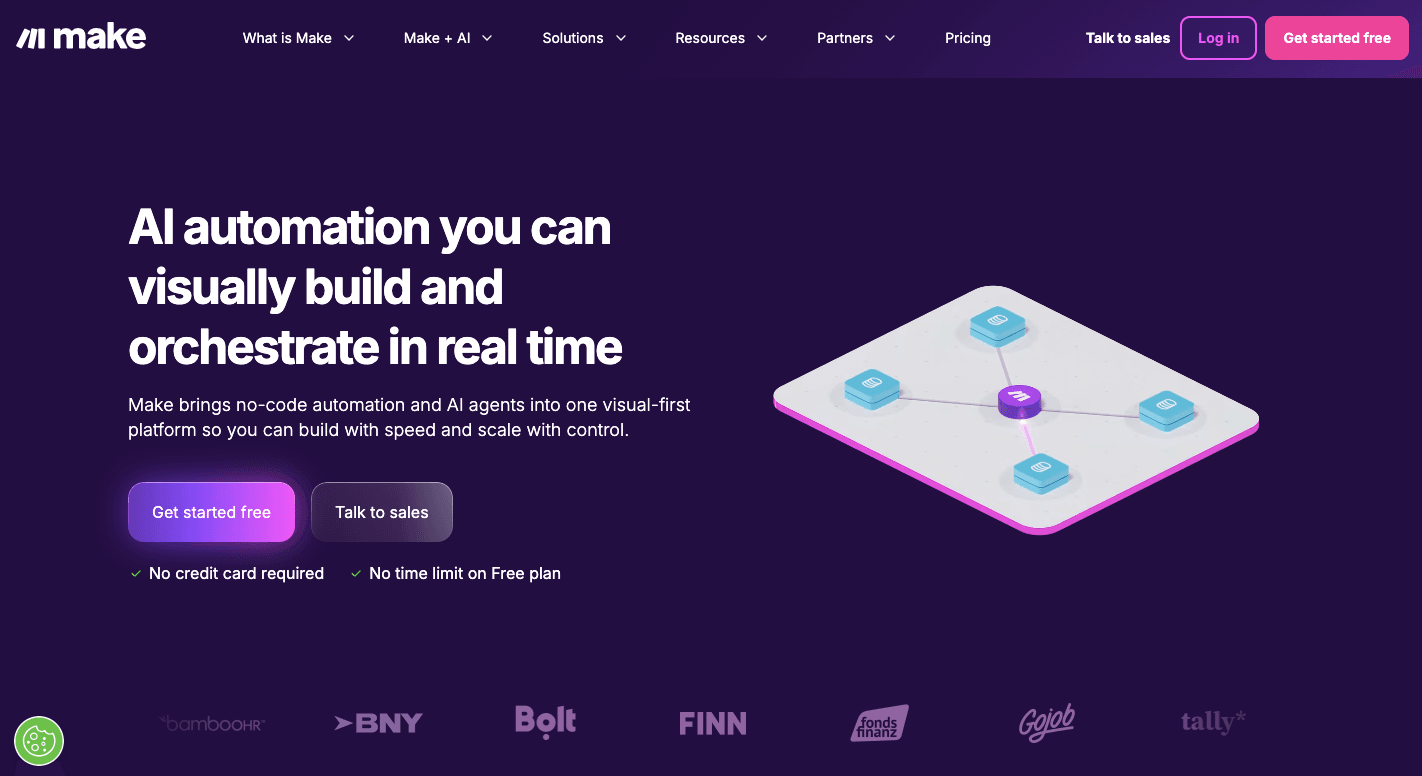
Make is a visual automation tool that helps you connect apps and move data between them without coding.
You build workflows by dragging steps onto a canvas and linking them together. Each workflow is called a “scenario.”
Inside that scenario, you add modules. Some modules trigger the flow, others handle automation tasks, and some search for existing records.
Let’s say someone fills out a form on your website. Make can grab that data, send it to Google Sheets, create a task in your project tool, and notify your team in Slack. You set it up once, then let it run daily, hourly, or in real time.
That setup helps automate repetitive tasks that would normally take countless hours to handle by hand.
Besides that, you can filter information, branch logic, and calculate totals inside the flow. For example, you can create flows that auto-remove duplicates before storing records.
All of this lets your team focus on higher-level work.
What Is ZeroWork?
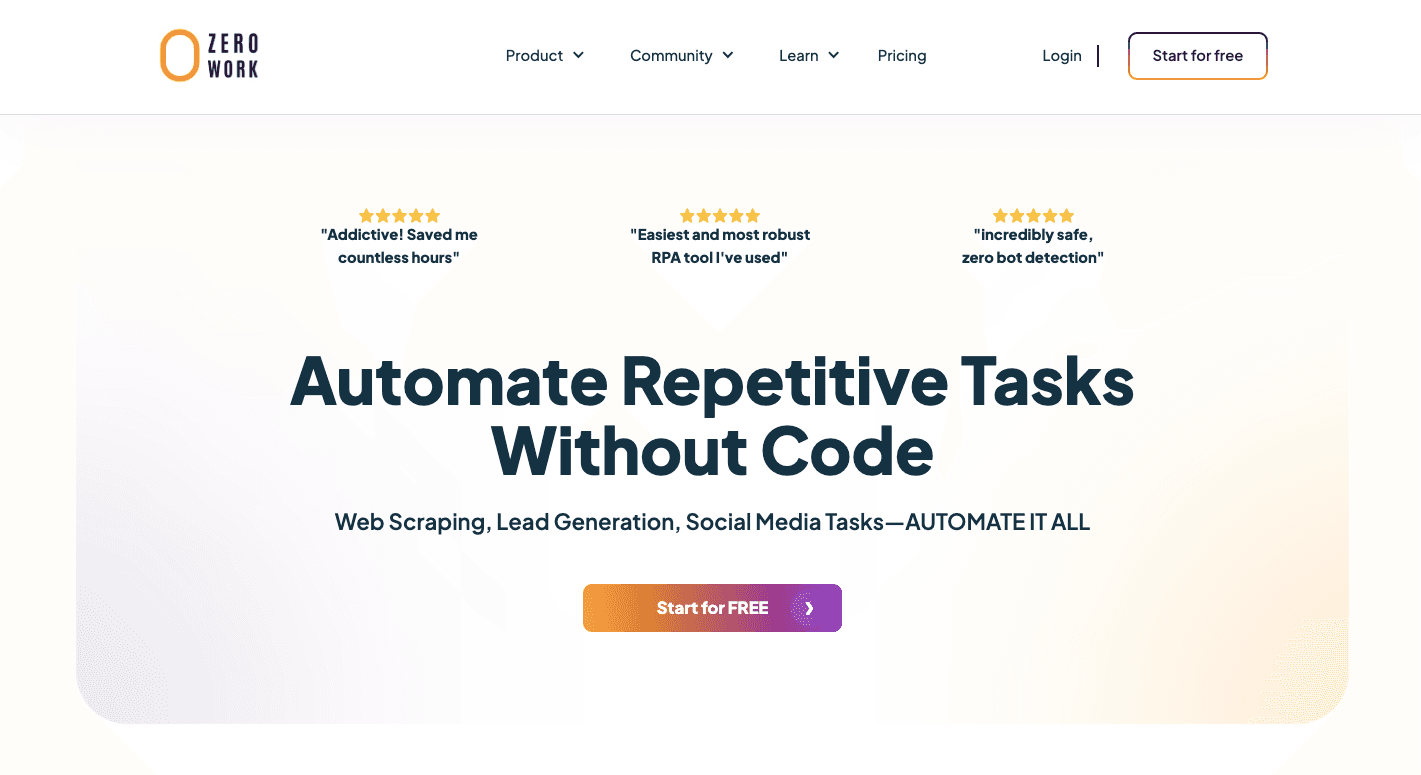
ZeroWork controls a browser the same way you would. If you can click it, type into it, or scroll through it, ZeroWork can automate any website.
You build flows using TaskBots. Each TaskBot follows building blocks that tell the browser what to do step by step.
It can open a page, search for a name, click a button, and extract pieces of data, such as address, email, or profile details. You can further use ZeroWork to extract data from platforms that don’t have easy application programming interfaces (APIs), like Google Maps, Amazon, or LinkedIn.
When automating your lead generation or social media outreach, you can combine ZeroWork’s smart scheduling and random delay features to mimic organic behavior. It includes anti-bot detection tools and human-like pauses so accounts don’t get flagged.
For agencies managing multiple accounts, this setup helps maintain separate sessions without overlap.
You can store data where you want, such as Google Sheets, CSV, or Native Tables inside the platform. There’s also an active community on Discord where users share TaskBots, tips, and support.
Make vs ZeroWork: Key Feature Comparison
Now let’s put Make and ZeroWork side by side and look at how they differ in builder design, AI support, and ecosystem depth.
Workflow Builder and User Interface
Both platforms let you create workflows visually, but the interfaces differ once you start building.
Make
Make uses a wide visual canvas. It works by dragging modules onto the screen and linking them together. Each module represents an app or action.
You can zoom out to see the whole logic or zoom in to review a section.
When something fails, you can inspect each step and see what data went in and what came out, so it’s easier to find where things break in your flow.
You can branch logic with routers and filter data between steps. For instance, you can filter new leads based on tags or move them into different paths depending on keywords in a form.
However, if you have no coding experience and have recently started with automation, expect a learning curve.
ZeroWork
ZeroWork uses a vertical builder centered on taskbots, with drag-and-drop building blocks such as “open link” and “insert text” to get started.
Each block notifies the browser what to do next. Then the logic flows from top to bottom to maintain organization.
You can test each bot live in a browser window. You see it click, type, and scroll live. Logs show each step so you can review actions and fix issues quickly, too.
AI and Automation Capabilities
Both platforms include AI, but they use it in different ways.
Make
Make includes built-in AI agents and modules. You can add steps that summarize text, classify input, or translate content. It also lets you search external data sources and process results inside your flow.
You can even auto-transfer data between sheets. For example, it can move leads from the “All leads” sheet to the “Qualified leads” based on conditions.
Since Make works with APIs, it fits well when your apps expose structured endpoints.
ZeroWork
ZeroWork adds AI directly inside Taskbots. You can automatically scrape the relevant profile details from LinkedIn, including names, job titles, company names, and public contact information.
After scraping, you can filter prospects and qualify contacts before sending a message.
It also includes anti-bot detection and human-like delays. That’s necessary when bots interact with social platforms.
Integrations and App Ecosystem
The ecosystem around each platform shapes how far you can expand your automation.
Make
Make connects to over 3,300 apps and supports custom connections through webhooks and HTTP. If an app has documentation, you can usually connect it.
Apps you can connect with include:
- Airtable
- Monday.com
- Perplexity AI
- Google Gemini AI
- Google Docs
It also provides enterprise hosting options and structured support for larger business setups.
Version control, on the other hand, helps maintain older integrations when APIs update to reduce sudden failures.
So, when your business depends on stable API connections, Make offers reliability.
ZeroWork
ZeroWork treats the entire internet as its integration layer.
When you can log in to a platform in a browser, you can automate actions there. That helps when official APIs limit access. You can automate posting, scraping, and engagement on sites that block other tools.
Some of its native data integrations include:
- ChatGPT
- Google Sheets
- CSV
- Custom API Calls
- Webhooks
It supports webhooks, so you can connect it back to Make or similar platforms when needed. The ecosystem centers around Taskbots and marketplace bots built by users.
Reading a table only gets you so far. Build the same workflow in Activepieces and compare it yourself.
Make vs ZeroWork: Pricing Comparison
Cost affects how far your automation can grow, so it helps to understand how each platform charges before you commit.
Make
Make offers the Free plan with 1,000 credits per month, which you can use to build workflows with routers and filters, access thousands of apps, and get basic customer support.
The Core plan costs $10.59 per month and gives you unlimited active scenarios, minute-level scheduling, higher data limits, and access to the Make API.
For $18.82 per month, the Pro plan adds priority execution, custom variables, and full log search. The Team plan costs $34.12 per month and adds shared templates plus user roles.
The prices above are for 10,000 monthly credits. The cost scales as you increase the number of credits.
ZeroWork
ZeroWork uses a plan-based system.
The Starter plan costs $20 per month and includes up to 20 TaskBots. You can schedule them daily, run unlimited parallel executions, and get unlimited API calls within TaskBot runs.
The Pro plan costs $50 per month and raises the limit to 75 TaskBots. For $100 per month, the Business plan removes TaskBot limits.
Lastly, the Enterprise plan includes custom agreements, direct training, and a dedicated manager.
Why Activepieces Is the Better Choice for Automating Repetitive Tasks

Activepieces is an open-source automation platform you can run on your own server or use in the cloud. You can use it to build workflows the same way you build with other automation tools, but it treats AI as a first-class feature.
It also connects apps, processes data, and manages actions based on logic you set up.
Workflow Builder and User Interface
Activepieces uses a vertical builder by stacking steps one under another and grouping related logic together. Branches appear nested, so you can see exactly where a path splits or ends.
When you need finer control, you can insert a code piece and write a small block of JavaScript or TypeScript directly in the builder.
You don’t need deep coding experience to start, but having some background helps if you need custom tools.
Expressions and filters work the same way. You can define conditions, and data moves through them in order. The interface is easy for both beginners and advanced users.
AI and Automation Capabilities
Activepieces comes with built-in support for popular AI services like OpenAI, Gemini, and other large language models (LLMs). You can use these to read text, summarize documents, or make decisions inside a flow.
Some of your automations can focus on rules and structure. Others can include human checks or manual review steps. You can build a flow that waits for a manager to approve before it continues.
Integrations and App Ecosystem
As of today, Activepieces has 629 pre-built integrations called pieces. Those cover many common business, customer relationship management (CRM) systems, and finance apps. Users and developers contribute to the library, so pieces grow over time.
These are the common pieces you can connect with:
- Google Sheets
- Discord
- WordPress
- Zuora
- Zoo
- Zendesk
If an app you need is missing, developers can build and publish it. That keeps the ecosystem growing without waiting for an official release.
Since you can self-host Activepieces, data remains under your control and doesn’t leave your systems unless you choose to connect it.
Pricing
Activepieces lets you start free and use ten active flows. After that, the Standard plan charges $5 per active flow per month.
For larger teams, the Ultimate plan adds security tools like audit logs, role controls, and single sign-on. You also get enterprise features such as global connections, real-time support, and release management.
The Embed plan starts at around $30,000 per year and lets businesses embed automation and AI agents directly into their products, with branded templates and custom SDK support.
Finally, the open-source edition is free and self-hosted. You install it yourself and have complete control over your data and usage without task limits.
Prefer full ownership and zero limits? Contact sales and learn how to get started with Activepieces!
Create Deeply Integrated AI Automation With Activepieces

Activepieces gives you complete control since you can run it in the cloud or host it on your own server.
It offers 629+ prebuilt integrations with software such as Google Sheets, Slack, Discord, WordPress, and more. You can build agents that read documents, trigger actions, or pause for human approval.
If you ever need support, you can also check Activepieces’ forum, Discord community, and blogs.
Overall, if you want more than half the features of other tools and need real growth, Activepieces delivers better value.
Stop paying for half the features you never use. Grow faster with Activepieces!
FAQs About Make.com vs ZeroWork.io
Is Make.com hard to use?
Make.com can feel complex at first, but most users get comfortable after building a few flows. Once you understand modules and logic, you save time on repetitive tasks.
Does Make.com have a free version?
Yes. Make.com offers a free version with limited credits and basic features that let you test workflows before you commit to paid plans.
Does ZeroWork have a lifetime deal?
ZeroWork has offered a lifetime deal through AppSumo, but it’s not always available. Freelancers and small teams can check current offers before subscribing.
Still comparing
The fastest way to settle it is to build something.
Open source under MIT, so you can self-host the same thing later.
Start free Talk to sales