
Workato vs MuleSoft: Which Tool Should You Pick?
Explore our Workato vs MuleSoft guide to see how these two tools compare and find out what makes Activepieces different.

March 30, 202612 min read @ashrafsam
"Workato or MuleSoft?"
Sounds like a simple question, but the answer depends on what you really need.
Both tools help you move data and automate tasks, yet they differ in how easy they are to use and how much flexibility they offer. Some teams want something quick and simple, others need something more advanced (even if it's harder to manage).
In this Workato vs MuleSoft comparison, you will learn the main differences and how these tools compare to Activepieces.
TL;DR
Here's a quick breakdown of Workato vs MuleSoft from integration to deployment:
- Integration: Both Workato and Mulesoft use connectors and APIs, as well as Activepieces.
- Automation: Workato is visual, MuleSoft is API-based, and Activepieces balances both.
- AI: Workato embeds AI, MuleSoft connects AI via APIs, and Activepieces runs AI in workflows.
- Pricing: Workato is usage-based, MuleSoft is custom, and Activepieces bills per flow.
- Deployment: Workato is cloud-only, MuleSoft is flexible, and Activepieces supports cloud and self-hosted.
The fastest way to settle a shortlist is to try one. Activepieces is free to try, no credit card.
What Is Workato?
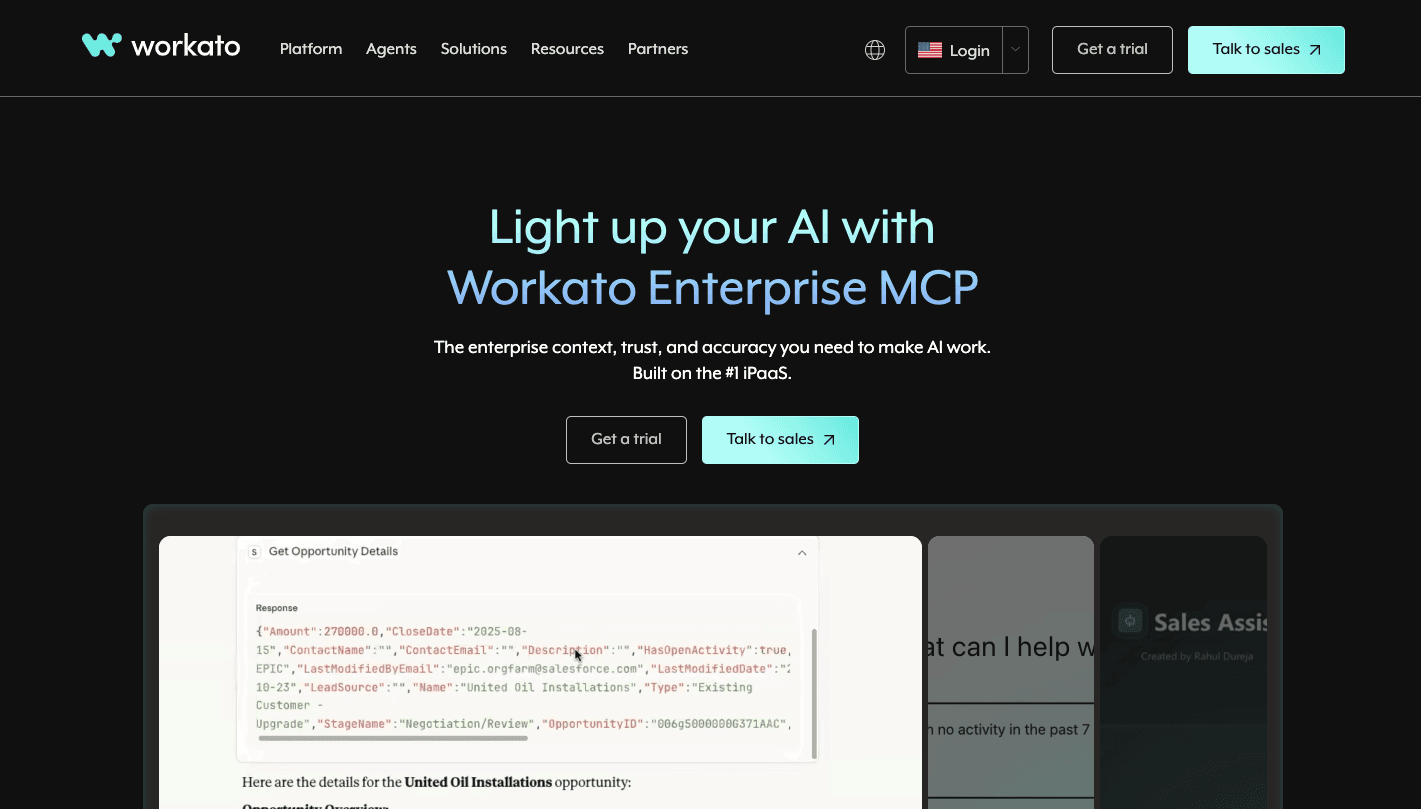
Workato is an integration platform that lets you connect apps and run tasks without building everything from scratch. You can use it to automate business processes, for example, sending new leads from a form to a CRM.
Since it's a cloud-native automation platform, you don't manage servers or worry about scaling. You build workflows using "Recipes," where a trigger starts the process and actions follow step by step.
Pre-built connectors handle most integrations, and application programming interfaces (APIs) cover the rest. Data transformation happens during each step, so systems receive data in the format they expect.
As it requires minimal coding to connect disparate business applications, Workato empowers non-technical users and business technologists to create and manage their own workflows.
What Is MuleSoft?
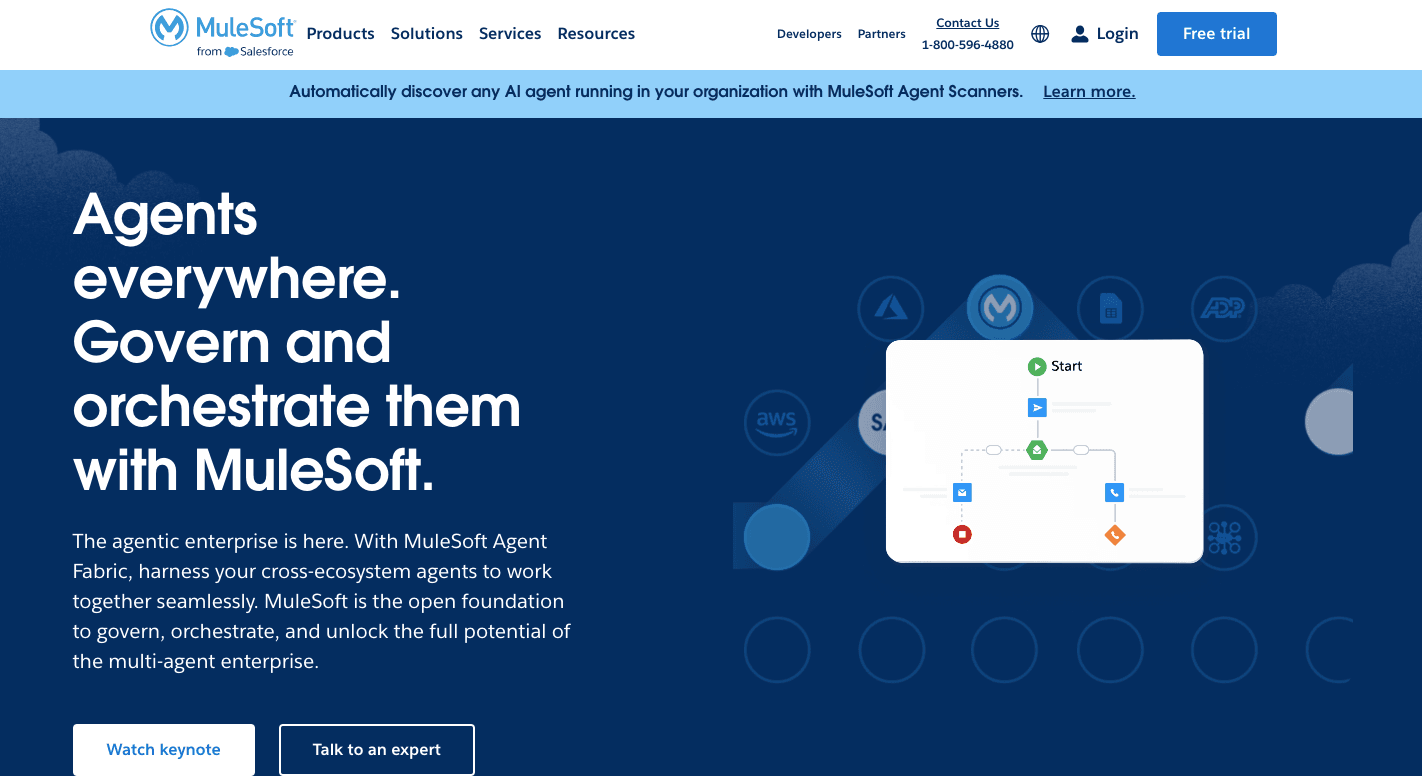
MuleSoft, an API-led integration platform, is for those who require deeper control over how systems connect, especially when working with many tools and large data flows.
It offers the Anypoint Platform, an enterprise service bus (ESB) that lets you design, deploy, and manage APIs and integrations. Anypoint further supports batch processing and various data formats, from XML to CSV.
Besides that, MuleSoft offers enterprise-grade API management for high-security environments, which helps global enterprises control access, monitor activity, and manage complex transformations.
Integration Capabilities Compared
Both platforms connect systems in very different ways, and those key differences shape platform selection based on whether you prioritize speed or governance.
Workato: SaaS Integrations
Workato's integrations are built as "Recipes," which are automated, low-code workflows. Every recipe starts with a trigger (e.g., "New Lead in Salesforce") and executes actions (e.g., "Create Folder in Box" and "Notify Slack").
You can build multi-step processes with conditional "if-then" logic, loops to process data lists, and built-in error handling to prevent workflow breaks.
Currently, Workato offers extensive pre-built connectors for over 1,200 SaaS apps to quickly link various data sources. Through that, it simplifies application integration and provides IPaaS capabilities to sync data across cloud ecosystems.
Each vendor has its own strengths in either SaaS-to-SaaS or legacy-to-cloud, and Workato focuses on seamless connectivity.
MuleSoft: API Integrations
MuleSoft builds integrations through APIs. It uses API-led connectivity to create a reusable network of services that you can call when needed.
You can combine data from multiple system APIs to reflect a specific business process (e.g., "Check Order Status"). That way, you unlock data trapped in legacy systems and make it usable on other applications.
In the Anypoint Platform, you get full API lifecycle management tools for professional developers. These tools control how APIs are designed, deployed, and monitored.
MuleSoft also includes native electronic data interchange (EDI) support for B2B supply chain transactions, which helps companies exchange structured data between partners.
Automation and Workflow Building
Both provide workflow automation solutions to streamline operations. These iPaaS solutions, however, differ in how flows are created and managed.
Workato: Recipe-Based Workflow Automation
A "recipe" is a set of instructions that automates simple workflows and repetitive business tasks. It consists of three core components: triggers, steps, and logic.
Workflows rely on low-code integrations, which makes them accessible for non-technical teams in HR, sales, and marketing. You can automate common business processes, such as employee onboarding, in which systems update records, send emails, and assign tasks by themselves.
Now, you can even embed "Genies" (specialized AI agents) directly into your recipe steps for faster deployment. For example, a recipe can send a contract to an AI Genie to summarize key risks before the recipe proceeds to the legal approval step.
MuleSoft: API Orchestration and Custom Flows
For complex integrations that require detailed control, MuleSoft builds automation through APIs. Developers define how systems interact, how data moves, and how logic runs through each step.
You can use natural language prompts to generate the scaffolding for a custom flow. For example, "Build a flow that listens for new SAP orders, transforms the data to JSON, and updates Salesforce."
The platform supports complex workflows that require high-performance data processing. For high-volume data, MuleSoft allows you to split a single flow into parallel paths to maximize throughput and reduce latency.
Organizations with complex integration needs rely on this structure since it handles large data volumes and advanced logic without losing control.
AI and Intelligent Automation
AI works differently in each platform, and those differences affect how automation behaves once workflows start running.
Workato: AI Features Within Automation Workflows
Workato uses AI to drive business process automation through autonomous Genies.
Agent Studio is where you can create Genies (AI agents directly tied to workflows). You ground your Genies by giving them access to your specific Knowledge Bases (PDFs, Wikis, and structured data) so they don't hallucinate.
Workato GO is your front-end where employees interact with these AI features, approve actions, and track results. Describe a workflow in English, and the Copilot generates the initial sketch of the recipe, including triggers and actions.
It also includes advanced features for embedding AI agents into logic, which allows deeper automation control.
Aside from that, you get access to a large library of AI-ready recipe templates and native support for enterprise MCP, and agentic AI controls data access.
MuleSoft: Limited AI Capabilities and API Focus
MuleSoft provides an integration layer that feeds real-time business context (such as current inventory or customer history) into large language models (LLMs) to help prevent hallucinations.
You still define how AI interacts with systems, which keeps everything structured but adds more setup work. Let's say you type "Create a listener for New Invoices in NetSuite," and the AI generates the DataWeave code and flow XML.
To manage risk and maintain governance over automation, MuleSoft ensures AI usage complies with strict industry standards.
Reading a table only gets you so far. Build the same workflow in Activepieces and compare it yourself.
Pricing
Cost becomes a deciding factor once you start evaluating integration platforms, especially when automation grows beyond small use cases.
Workato: Subscription-Based Pricing Model
Workato uses a subscription model where pricing depends on usage, workflows, and features. Pricing increases as workflows grow, especially when you add more complex business logic and workspaces that handle multiple processes.
Enterprise plans include governance, security, and scaling features, but pricing typically comes through custom contracts.
Typically, businesses choose Workato for its faster time-to-value, despite recipe costs, because it lets you build workflows without long development cycles.
MuleSoft: Enterprise Licensing and Implementation Costs
MuleSoft follows a custom pricing model based on company size, API usage, and deployment setup. Costs depend on how many APIs you build, how much data you process, and where systems run.
Implementation adds a large portion of total spend since you need developers to design APIs and manage integrations. Additionally, the steep learning curve often necessitates expensive specialized consultants.
Long-term costs even grow based on infrastructure choices, since running hybrid or on-prem setups requires additional resources.
Deployment Options
Deployment defines how each platform connects systems and where data runs, especially when working with cloud systems and hybrid setups.
Workato: Cloud First Deployment
Workato runs on a cloud-native architecture that requires zero server management. There are no servers for you to provision, patch, or manage.
Since it's a SaaS platform, Workato manages all updates, security patches, and version upgrades behind the scenes. You are always on the latest version automatically.
Teams use a single cloud dashboard to monitor workflows and manage connections, while the system logs every action and provides automated audit trails. To meet global compliance like General Data Protection Regulation (GDPR) or Lei Geral de Proteção de Dados (LGPD), Workato allows you to choose where your data lives.
You can deploy your Workato workspace in specific regions, including the US, Europe (Frankfurt), Australia, and Singapore.
MuleSoft: Cloud, On-Premise, and Hybrid Deployment
MuleSoft supports multiple platforms, so you can deploy across 12+ AWS regions globally with a single click when using cloud services.
Hybrid setups allow companies to connect cloud apps to enterprise systems located behind local firewalls. You still manage all your APIs from the MuleSoft Anypoint Cloud UI, but the actual data processing occurs in your firewall.
It also offers data transformation capabilities for both structured and unstructured data, which helps you manage complex data flows between systems.
Why Teams Are Moving From Workato and MuleSoft to Activepieces

Activepieces is an open-source automation platform that lets you connect tools, build workflows, and run AI agents, while still keeping the option to self-host or customize everything.
Most teams switch from Workato and MuleSoft to Activepieces when they want more control over pricing, faster setup, and fewer limits around how integrations work.
Integration Capabilities
Activepieces connects apps through "pieces," which act as reusable data integrations that plug directly into workflows. Each pre-built piece handles authentication, actions, and triggers, so teams don't need to build connectors from scratch.
Currently, there are 660 pre-built pieces available, with new pieces being added weekly. Developers can write custom pieces in TypeScript when needed. Business teams can also connect tools on their own, which removes delays caused by waiting for technical support.
The platform keeps growing through community contributions, so the library expands faster than closed systems. Key features include open integrations, custom connectors, and shared templates that help teams build faster.
Automation and Workflow Building
Activepieces uses a visual builder where each workflow follows a structure from trigger to action. You can start from a template or build from scratch, then add conditions, loops, and custom logic to control how steps run.
New users can get started quickly since the interface shows what happens at each step.
Every workflow supports human input, so tasks can pause for approval before continuing. You can use that for processes, such as financial approvals or contract reviews, where decisions cannot be automated.
AI and Intelligent Automation
Activepieces builds AI into the workflow itself, not as a separate feature. You describe what you want to automate, connect your tools, and let the agent execute steps based on context.
Agents can access multiple tools and data sources that allow them to complete multi-step tasks. Every action logs inputs and outputs, so you can review what happened during each run.
AI also connects to different providers, which lets you adjust how automation behaves without rebuilding workflows.
Pricing
Activepieces offers predictable pricing. The Standard plan starts free, then costs $5 per active flow per month.
Then the Unlimited plan comes through a custom contract and includes governance, security, and advanced controls. Activepieces Embed starts at $30,000 per year for companies that want to offer automation to their own users.
A primary factor when evaluating integration platforms is total cost of ownership, and Activepieces keeps costs easier to manage.
Deployment Options
Activepieces supports both cloud and self-hosted setups:
- Cloud deployment handles infrastructure while meeting compliance standards like SOC 2 and GDPR.
- Self-hosted deployment keeps data within your own environment.
A single system supports deployment to multiple platforms, so you don't need separate tools as they grow or change infrastructure.
Take Your Enterprise Integration to the Next Level With Activepieces
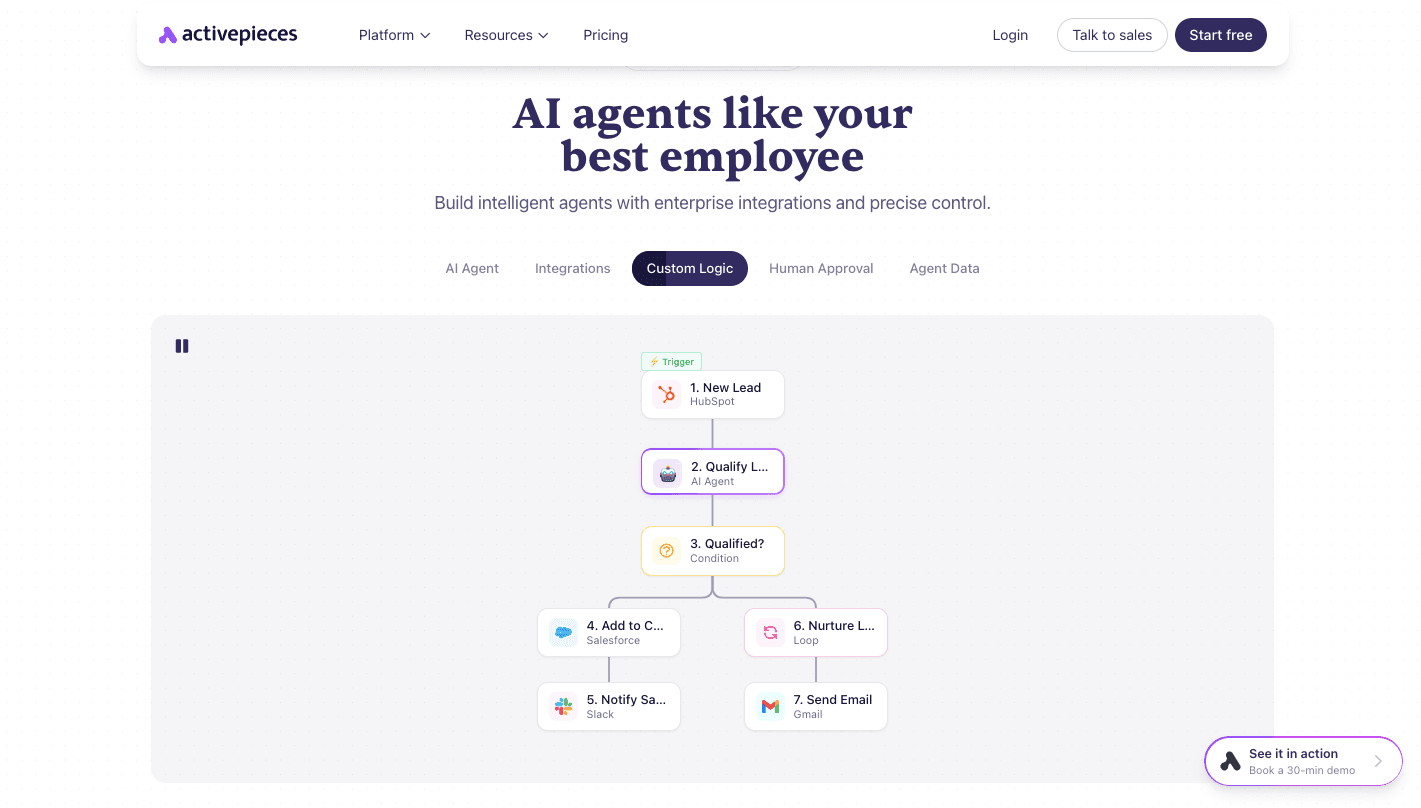
Activepieces gives you a single platform where you automate processes from start to finish, whether that means syncing data, handling approvals, or running AI-driven tasks.
Branding helps adoption since you can white-label the platform with your own logo and colors, which makes it feel internal. Inviting users takes one click, and each person gets a workspace plus shared environments for collaboration.
Templates guide new users through real use cases, while onboarding adapts based on how each person builds workflows. You can also book a demo with AI specialists directly when you need help.
In addition, AI agents run within workflows, execute tasks based on context, and log every step with full input and output. Approval steps pause actions when human input is required.
For those reasons, many users see Activepieces as a better option than Workato and MuleSoft to achieve their desired business outcomes.
FAQs About Workato vs MuleSoft
What is the difference between Workato and MuleSoft?
Workato focuses on fast, visual workflows, while MuleSoft focuses on API-driven integrations with deeper control.
What to consider when comparing MuleSoft and Workato?
Look at your use case, technical skills, cost, and how much control you need over integrations.
Which is the better option for both IT and business users?
Workato works better for mixed teams, while MuleSoft fits IT-led environments.
What is the best alternative to Workato and MuleSoft?
Activepieces is often considered the better alternative as it offers a single platform to connect tools, build workflows, and run AI agents with more control and flexible pricing.
Still comparing
The fastest way to settle it is to build something.
Open source under MIT, so you can self-host the same thing later.
Start free Talk to sales