
7 Marketing Automation Workflow Examples You Can Build
Explore seven marketing automation workflow examples that you can build with ease. Discover how Activepieces can help you automate your workflow.

Oct 21, 202516 min read
For your marketing to work, you need to send your message at the perfect moment. But keeping that rhythm manually? Nearly impossible.
It will only happen through marketing automation workflows that connect your tools, messages, and timing together into one system. These workflows keep your brand moving even when you’re not at your desk.
In this article, you’ll see seven marketing automation workflow examples you can build today so that no sale goes cold.
Launch your first AI-powered workflow free with Activepieces and see instant results!
What Is a Marketing Automation Workflow?
A marketing automation workflow is a simple system that connects your software and actions. These workflows trigger an automated sequence that keeps your marketing moving.
Each one has three basic parts:
- A trigger that starts the action
- Conditions that decide the next step
- The final action itself
Businesses usually use marketing workflows to automate repetitive tasks across the lifecycle stage: lead generation to post-purchase nurturing. You can re-engage cold leads, collect feedback, and build trust through timely, relevant content.
Marketing automation software like Activepieces helps you automate repetitive marketing processes across multiple channels and save time.
Everything below works on Activepieces' free plan. Start without code or a credit card.
7 Marketing Automation Workflow Examples
These workflow examples show how automation connects every step of your marketing:
1. Lead Management Workflow
A lead management workflow lets your team move potential customers from the first interaction to a possible sale. It collects and tracks new leads from form fills, ads, or website visits, then assigns scores based on activity.
You can give each lead a score using lead scoring rules, such as:
- Pages visited
- Emails opened
- Links clicked
Once a contact reaches a set threshold, they’re tagged as a “marketing-qualified lead” and passed to your sales team.
Automated steps keep every lead moving through the sales funnel. They send targeted messages, share useful content, and trigger lead nurturing emails that build relationships.
When a prospect slows down, the workflow re-engages them before a lead slip happens. Each action aims to nurture leads with information that fits their interest and lifecycle stage.
Activepieces Lead Nurturing Workflow Template
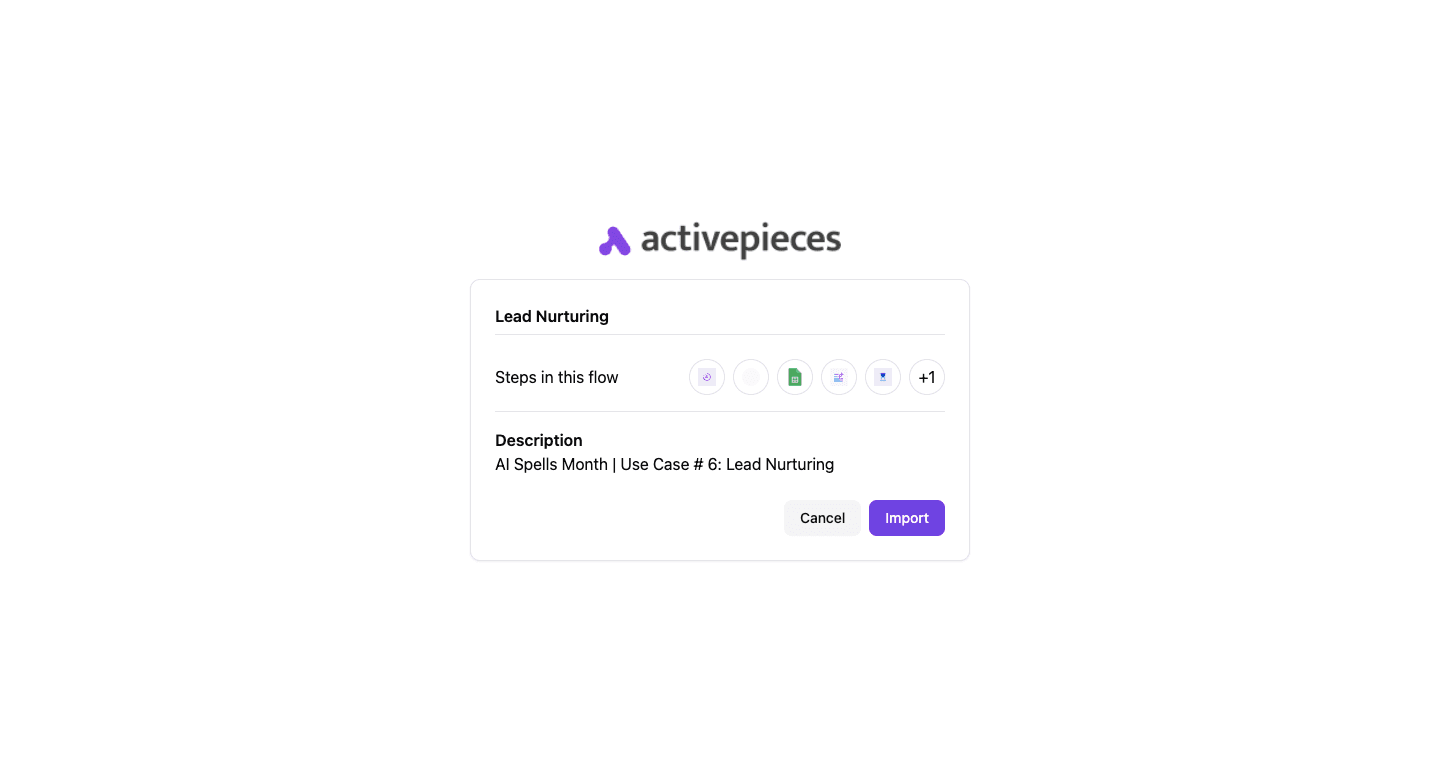
Activepieces offers a lead-nurturing automation that goes beyond basic follow-up messages. It sends thoughtful, personalized emails with curated articles or resources to help leads feel connected.
The core components of this workflow include:
- Scheduled trigger
- AI random number generator
- Google Sheets
- Text AI
- Randomized delay
- Email action
Some of the workflow’s use cases include:
- Sales teams can guide prospects through the sales funnel with more personalized communication.
- Marketing professionals can share useful content that keeps potential customers informed.
- Customer success managers can maintain ongoing contact with clients by sending them fresh insights.
- Anyone who wants to move beyond cold outreach can use this workflow to nurture leads with meaningful messages.
Get the template here: Lead Nurturing
2. Cart Abandonment Recovery Workflow
A cart abandonment recovery workflow turns lost carts into completed orders. When a customer adds items to their online shopping cart but leaves before buying, automation tracks the customer data tied to that session.
Using purchase history, it personalizes reminders that bring shoppers back to finish their order.
The process starts with a gentle reminder email showing the products left behind. Follow-ups may include customer reviews or short messages that rebuild interest and reduce hesitation.
Each step adds context so shoppers remember what they wanted and why it’s worth completing the checkout.
Retailers rely on this automation to close gaps that manual outreach can’t. Every recovered sale adds up, especially when the average abandonment rate is high.
3. AI-Powered Email Campaign Workflow
AI in email marketing studies patterns and uses data to decide what each person should see next. Your marketing team can set up an email workflow that reacts to what people do:
- Reading an email
- Clicking a link
- Ignoring a message
The system builds small decisions into every step, so each person gets an email that feels personal.
A campaign like this often begins with welcome emails for new subscribers, then shifts to more tailored updates as behavior changes. AI tracks engagement and creates content that matches interests.
It adjusts send times, rewrites subject lines, and tests layouts automatically. Each email ends with a call to action that points to the next step, such as watching a demo or completing a purchase.
The process links with your other campaigns, too. A contact who finishes one series can move into another that fits their stage in the customer journey. Every message adds to a loop of learning, where data refines future sends.
4. Content Distribution Workflow
Content only works when people see it. A distribution workflow spreads material across multiple channels so it reaches audiences wherever they spend time.
You can plan one piece, like a blog post or case study, and let automation send it to social feeds, newsletters, and community groups. Sharing across multiple channels keeps your reach steady.
Aside from that, content automation software handles the timing and makes sure updates go live even when you’re busy. They can repost older pieces when engagement dips.
A well-set distribution system frees time for planning while keeping your visibility high.
5. Webinar Registration and Follow-Up Workflow
Webinars give your brand a voice and help you connect with target customers in real time. A workflow handles the full process:
- Sign-up
- Reminder
- Post-event contact
The sequence starts when someone registers through a landing page. Sign-ups trigger an instant confirmation email and a calendar invite so they don’t forget the event.
Before the session, the system sends two or three reminders spaced a few days apart. Each one builds excitement with quick value points or speaker highlights.
After the webinar ends, automation splits your list into attendees and no-shows. Both groups receive different follow-up email sequences.
Attendees can get a thank-you note, replay link, and more material related to the topic. No-shows often receive the recording with a chance to join another session.
Each new user gets tagged in your CRM and added to future campaigns. You can track engagement and identify who’s ready for a deeper conversation with your sales team, often with the help of sales automation tools.
6. Customer Feedback Collection Workflow
Feedbacks shape better products and sharper campaigns. A feedback workflow gathers opinions automatically so your team can learn from every form submission or post-purchase interaction.
Positive replies trigger a review request with links to trusted platforms. Negative ones, on the other hand, alert the right internal group for personal outreach.
Over time, this steady cycle strengthens your marketing efforts by showing what’s working and what needs fixing. It also lets your business measure trends like satisfaction and loyalty without sorting through spreadsheets.
7. Re-Engagement Workflow
Inactive contacts still carry value if you know when and how to reach them. A re-engagement setup identifies people who haven’t opened an email or made a purchase for a while.
The system sends a friendly message that reminds them of your brand and the products that caught their initial interest. If there’s no response, a second note includes a small incentive to encourage another first purchase or repeat order.
Reconnecting with past buyers strengthens your customer retention without the cost of finding new ones. The workflow saves time and recovers potential sales by reaching out before people drift too far.
A gentle, data-driven rhythm keeps your audience active and reminds them why they trusted your brand in the first place.
Key Components of Marketing Automation Workflow
Every workflow follows a structured sequence:
Triggers
Triggers are specific, data-driven events that signal your system to start a workflow immediately, which allows your marketing teams to respond at the exact moment someone takes action.
Different types of triggers manage different situations:
- Behavioral triggers are initiated by direct user behavior, such as website paths or form submissions.
- Time-based triggers run based on schedules like renewals, follow-ups, or anniversaries.
- Data-based triggers activate when values change in your CRM, like lead scores or deal stages.
- AI-driven triggers use AI to forecast customer behavior and trigger a new automated workflow before an event happens, which helps act before users disengage.
Each trigger starts a chain of actions, so timing and accuracy at this stage directly affect how the rest of your workflow performs.
Conditions
Conditions determine what happens after a trigger starts the process, using logic to guide each contact into the right path.
Key condition types include:
- Engagement conditions check actions like email opens, clicks, or repeated visits to high-intent pages.
- Profile conditions filter users based on stored data such as location, job role, or customer type.
- Lead score conditions decide whether someone should move to sales teams or stay in nurturing flows.
- Timing conditions delay actions until a specific event or schedule is met.
In short, these conditions are the brain of your custom workflows to determine exactly which path a contact takes. Logic can also route tasks based on human judgment or lead score thresholds, so the right team responds at the right time.
Actions
Actions carry out the actual work after conditions are met, and each action performs a specific task that moves the workflow forward.
These steps define automated actions, which replace manual work and keep processes consistent.
Common action types include:
- Communication actions send email, SMS, or WhatsApp messages based on user activity and timing.
- System actions update records, move contacts between lists, or adjust lead status.
- Task actions include assigning tasks to sales teams so follow-ups happen immediately.
- Automated notification actions send alerts to your team members via Slack or Teams when a lead is qualified.
Timing
Timing handles when each action runs, and it determines whether a message arrives at the right moment or gets ignored. It even helps systems reach users on mobile devices, where engagement patterns shift throughout the day.
Every delay, wait condition, or schedule manages how steps progress within a single workflow.
Key timings include:
- Fixed delays pause actions for a set duration, such as waiting two days before sending a follow-up.
- Event-based waits hold the workflow until a user completes an action like clicking a link or making a purchase.
- Schedule-based timing limits actions to specific days or hours to match business operations.
- AI-driven timing adjusts send times based on when each user is most likely to engage.
Easier to see it running than to read about it: set it up free, no card.
How to Build a Marketing Automation Workflow
To build a marketing automation workflow, you need to:
1. Audit and Map the Current Process
Start by looking at how work moves today from idea to results. Focus on one process that causes delays or confusion, such as launching a campaign or publishing content.
Map every step in order, including small actions like sending files, reviewing drafts, or updating data. Many manual processes hide in these steps, especially in email threads or scattered tools.
Delays often happen when someone waits for approval, misses details, or has unclear ownership.
2. Define Roles and Ownership
Each step needs an owner, so tasks do not stall. Assign one person who is responsible for the outcome, even if several people contribute.
Break roles into simple categories:
- One person completes the task
- One person approves it
- Other team members stay informed
Ownership helps project managers track progress and reduces confusion when multiple workflows run at the same time.
3. Standardize Inputs
Every workflow starts with input. Although poor input leads to poor results.
Create structured briefs that include goals, audience, message, and deadlines. A standard format prevents gaps and avoids repeated questions.
Consistent inputs also reduce human error, since the system receives complete information before starting the next step.
4. Set Up Approval Flow
Approval steps often slow down work. Break them into stages so feedback happens in order instead of all at once.
Use tools to route tasks to the next person after approval. Notifications remove the need to follow up manually.
Set time limits for each review stage so work does not sit idle waiting for responses.
5. Automate Repetitive Work
Focus on tasks that do not require judgment. These include:
- Data entry
- Email follow-ups
- Status updates
Automation reduces manual effort and keeps workflows moving on time. Systems can handle lead scoring, message scheduling, and reporting.
Connecting your tools even removes data silos, which stops information from getting stuck in one system.
6. Monitor and Improve
Workflows need regular checks to stay effective.
Track metrics like completion time, delays, and errors. These indicators show where improvements are needed.
As your teams grow, workflows should adjust to handle more complex tasks and higher volume. Regular updates keep processes aligned with your business needs.
Review each workflow, test changes, and adjust steps so the system continues to support your team.
Tips to Optimize Your Marketing Automation Workflows
The following tips can make your marketing automation workflows run smoothly and perform better.
Segment Your Audience
Breaking your audience into smaller groups makes every message count. Some people respond to product updates, while others prefer stories or helpful tips.
To speak directly to what each group cares about, organize your contacts by:
- Interests
- Behavior
- Demographics
For new subscribers, short introductions work well because they’re still learning about your brand. Long-term customers, though, expect content that respects their experience and offers something fresh.
Adding personalized content based on engagement makes these groups even more accurate. Someone who clicks on video tutorials might get more visual material next time, while frequent buyers can receive loyalty perks.
Link Automations Across Channels
People move between platforms constantly, and your automation should follow them. Linking systems across different channels keeps every touchpoint connected.
For instance, when a person clicks a product link, a social ad can appear later to remind them of that item. These connections make engagement feel natural rather than repetitive.
The setup also opens space for cross-sells. If someone buys a camera, they might later see offers for accessories on another channel. Coordinated messaging like this improves consistency, keeps timing tight, and reduces extra manual work.
How Activepieces Makes Powerful Marketing Automation Workflow

Activepieces simplifies automation for everyone. It’s an open-source, no-code platform that lets you create workflows for marketing, sales, or operations without hiring developers.
Every automation starts with pieces, which are reusable data integrations connecting apps and actions. You can combine these to build complete workflows in minutes.
For marketing, it helps you capture leads, follow up automatically, and move data between systems without writing code. Developers can even extend it using TypeScript, while non-technical users can design flows using a drag-and-drop builder.
It also includes built-in AI tools that write messages, summarize data, and manage sequences automatically. Since it’s open source, you can host it yourself or use the cloud version for convenience.
Key Features
- AI-powered automation – Automate writing, personalization, and workflow decisions using native AI pieces.
- Open source design – Access and modify all pieces freely.
- TypeScript support – Developers can write or edit pieces in TypeScript with full control.
- Drag-and-drop builder – Build workflows visually with no coding required.
- Enterprise security – Choose between cloud hosting or a private, self-hosted setup to protect data.
- Human-in-the-loop – Add manual approval steps when needed to combine automation with real oversight.
- AI Copilot – A built-in assistant that suggests and builds automation flows based on your goals.
Use Cases
Activepieces fits into nearly every part of a company’s workflow. For example, it can:
- Set up drip campaigns, lead nurturing, and abandoned cart recovery sequences
- Sync leads across CRM systems and notify sales reps instantly
- Send surveys or escalate tickets automatically after a case closes
- Schedule and repurpose posts for blogs, social platforms, and newsletters
You can also use it to manage onboarding workflows, internal alerts, and repetitive admin tasks.
Integrations
As of now, Activepieces offers 446 pre-built integrations or “pieces” across marketing, sales, AI, and productivity apps.
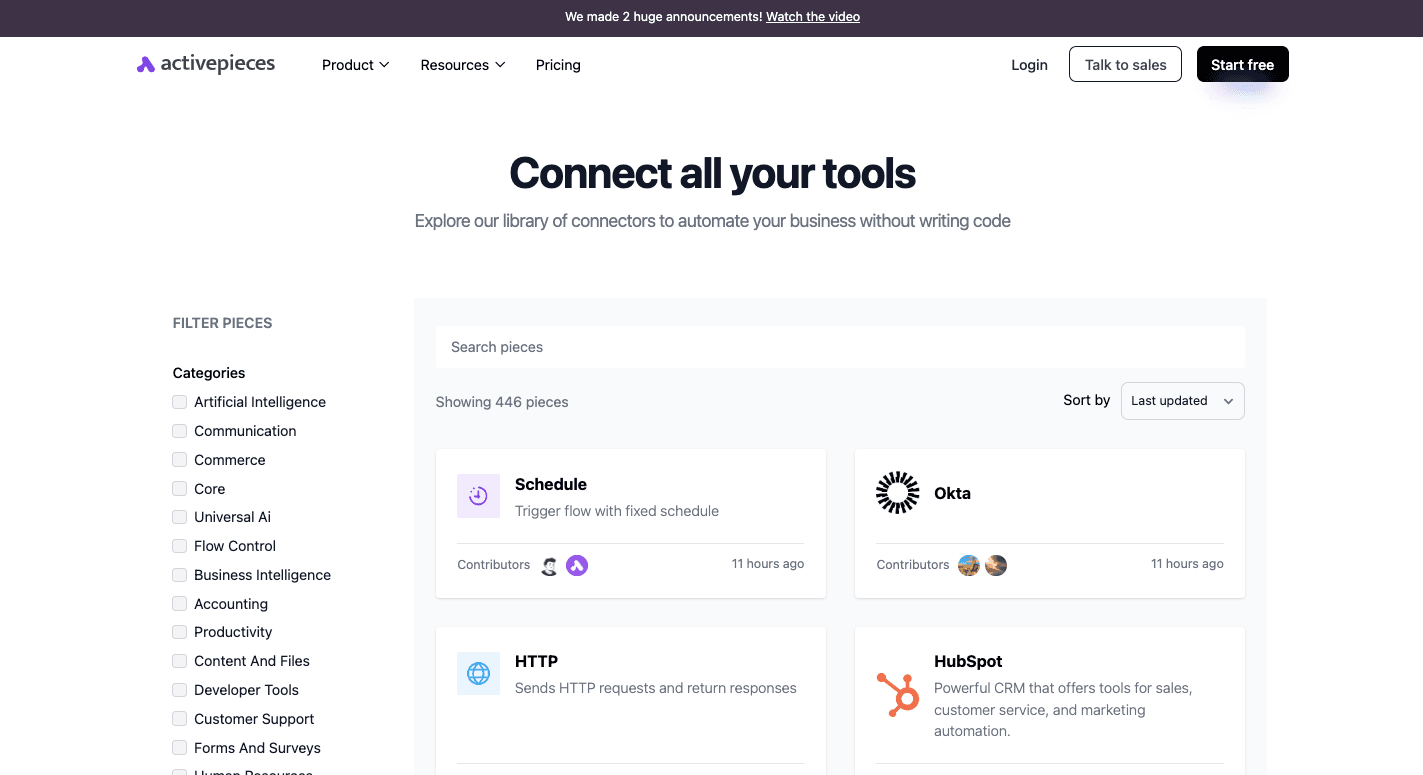
These pieces connect seamlessly to tools such as:
- OpenAI
- ElevenLabs
- Slack
- Google Sheets
- ClickUp
- Microsoft Excel 365
- Zoho CRM
- HubSpot
- Microsoft Dynamics
- Zoho Invoice
- WordPress
- ActiveCampaign
The integration library expands constantly due to community contributions. Each new piece lets you combine automation and AI across more tools.
Build your first marketing automation workflow free with Activepieces today!
Use AI for Personalization
Artificial intelligence can make every interaction feel specific. It studies:
- Browsing habits
- Purchase data
- Engagement history
It also chooses when to send messages, test subject lines, or adjust product suggestions for each individual. AI learns from every response, too, which improves accuracy with each campaign.
Create Limitless Automation Possibilities for Marketers With Activepieces
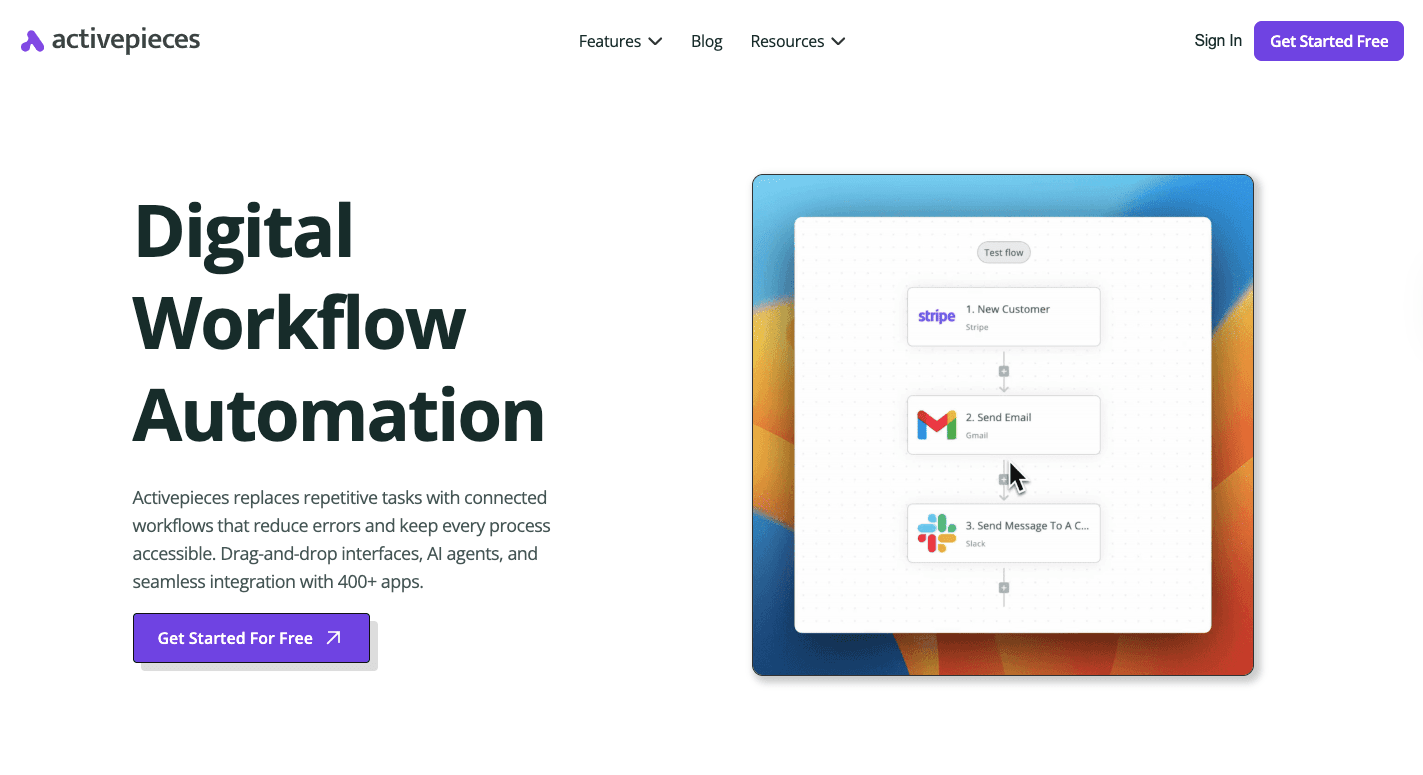
Activepieces gives digital marketers a way to connect writing, scheduling, and delivery into one workflow automation platform. You can create one flow that drafts an article, sends it for quick approval, and publishes it to a blog and social media on schedule.
The platform’s open-source ecosystem means every automation can be customized. You can tweak pieces or build new ones to fit specific content processes.
Besides that, it’s flexible for small marketing teams yet powerful enough for enterprise campaigns. By combining automation with AI, you get to focus more on strategy while repetitive steps like formatting, posting, or tracking happen on their own.
In short, Activepieces lets you save time, boost engagement, and keep your content consistent across channels.
Talk to our team and learn how to automate your entire marketing funnel!
FAQs About Marketing Automation Workflow Examples
What are marketing automation workflows?
Marketing automation workflows are structured systems of automated actions that respond to customer behavior and move people through different stages of the buying cycle.
Each workflow starts with a trigger and continues with tasks such as sending emails, updating records, or notifying a sales team.
These workflows help a company maintain consistent communication, build trust, and engage customers without relying on manual follow-ups.
For example, a welcome sequence automatically greets new subscribers, shares helpful content, and encourages the next step toward conversion.
What are examples of workflow automation?
Examples include lead-nurturing sequences, onboarding flows, and re-engagement campaigns. A workflow might send a thank-you email after a purchase, request feedback when a form is submitted, or alert sales when a lead’s activity score rises.
What is the marketing automation process?
The marketing automation process connects data, triggers, and communication channels to move leads through the funnel. It begins with data collection, such as email sign-ups or downloads, followed by segmentation and content delivery through automated messages.
Each interaction adjusts based on engagement or purchase behavior, which helps you build trust and drive conversions through relevant, timely touchpoints.
What are the three automated workflows?
The three most common automated workflows are lead nurturing, post-purchase follow-ups, and re-engagement sequences.
Lead nurturing keeps potential buyers interested, post-purchase messages maintain relationships and social proof, and re-engagement campaigns bring back inactive contacts.
Together, they cover the key areas of attracting, converting, and retaining customers.
What’s the best marketing automation software?
Activepieces is one of the best options for marketing automation software today. It combines AI-powered automation, open-source flexibility, and hundreds of integrations that adapt to any business size.